



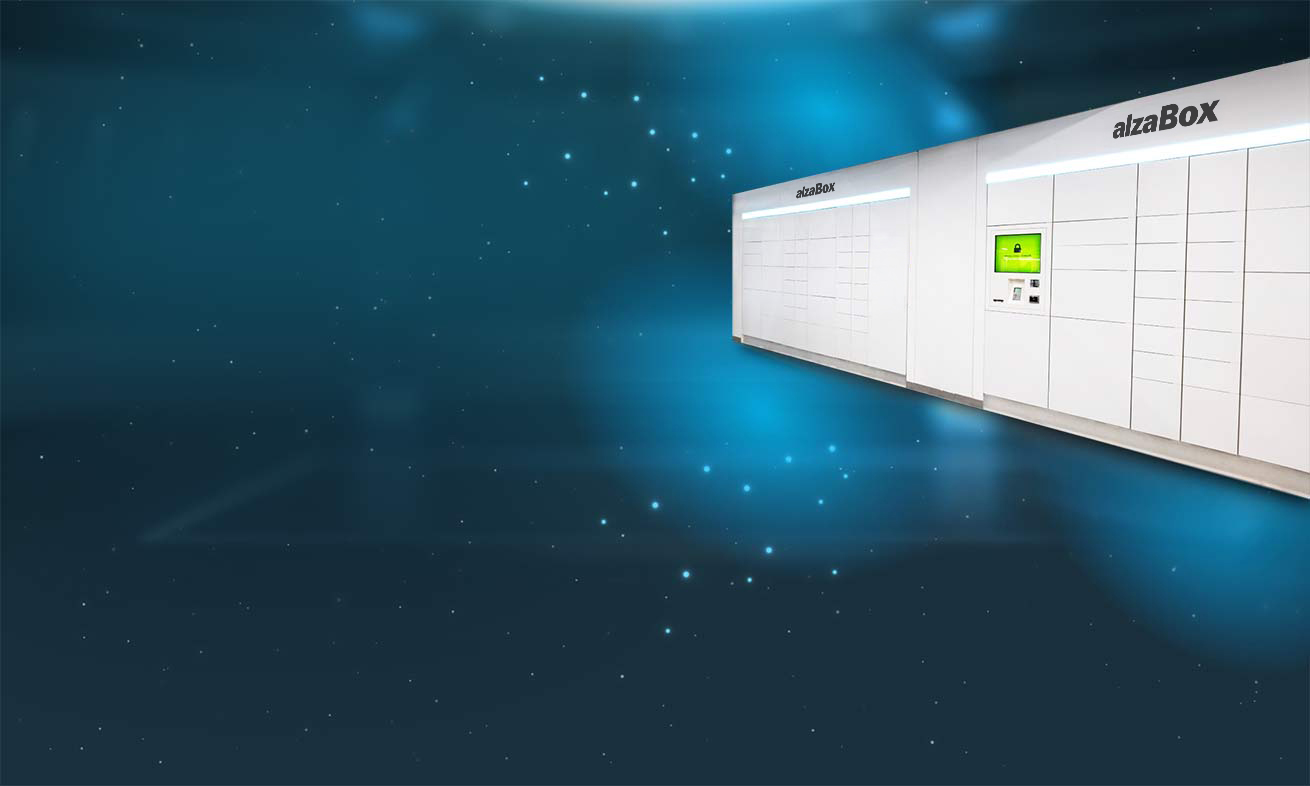
Benefits of AlzaBox
-

Speed
Pickup from AlzaBox is fast, you can pick up your order in seconds, without waiting in line.
-

Availability
AlzaBox is available 24/7, you will also receive an entry code to enter the branch with your AlzaBox pick-up code.
-

Safety
AlzaBox is secure and ideal for customers who prefer contactless collection.

How does the pick up from AlzaBox work?
For orders with pickup at our 24/7 branch, we always try to prepare your order in the AlzaBox, which is available 24 hours a day. If your order contains bulky products, or if the AlzaBox is currently full, your order will be ready for pick up at the branch. These orders can only be picked up in the presence of our specialists. You will receive information about the whereabouts of your order via email and SMS.
-

At night, enter the code to open the door by the entrance to the branch. You will find this code in your email or SMS with your order information.
-

Please enter the authorisation code, that you received in the email or SMS on the AlzaBox touchscreen.
-

If you have not paid for your order in advance, use your credit card directly at AlzaBox.
-

After you pay for your order, a box will open where your order is safely stored.
-

Pick up your order. Pay attention to the information on the display to see if your order has been split into several compartments. Please close the box after picking up your package.
Open AlzaBox via the mobile app
You can now easily collect an order from AlzaBox via the Alza App. Just tap the "Open AlzaBox" button and scan the QR code on the AlzaBox screen.


-

Once you are at the AlzaBox, open the mobile app and click on the Open AlzaBox button.
-

Scan the QR code on the display using the Alza App.
-

That's all! The locker opens and you pick up your order. Then simply close the locker door again.

Frequently asked questions
AlzaBox is available 24/7. To enter the branch without the presence of our specialists, simply enter the code you received in the email or SMS with your order details at the entrance to the branch.
You can claim products without the presence of our specialists, you need to prepare a claim ahead from the web or mobile app. More information can be found here.
Unfortunately no, cash payment is not possible without our specialists. However, in order to be able to collect your order at any time, we ask you to pay in advance or by credit card at the AlzaBox terminal. This way your shopping remains flexible and uncomplicated!
