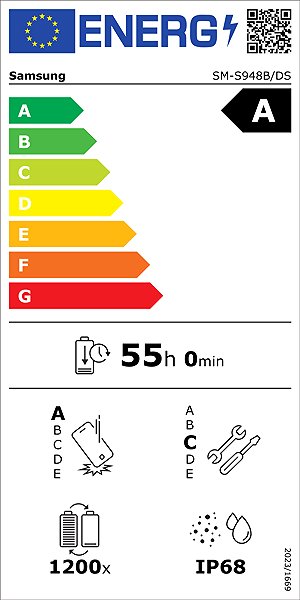
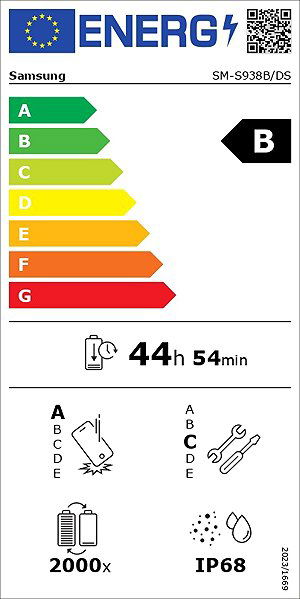
3D models save you time, effort, and worry
Have you ever fallen in love with a great device or accessory, only to realise later that it doesn’t fit your space the way you hoped? You’re not alone. Thanks to 3D models and augmented reality (AR), you can now preview products on Alza before buying, avoiding much hassle and disappointment. In this article, we’ll explain how AR works, what benefits it offers, and what you need to get started.
- With augmented reality, you can verify whether your selected product has the dimensions you need.
- Preview product functions like opening, closing, and turning it on/off.
- 3D models and AR let you get a clear sense of both the product's design and how it will look in your space.
- Detailed 3D models even let you check things like the position of ports and connectors. Common annoyances like a too-short TV power cable become a thing of the past.
Browse top product categories with AR models
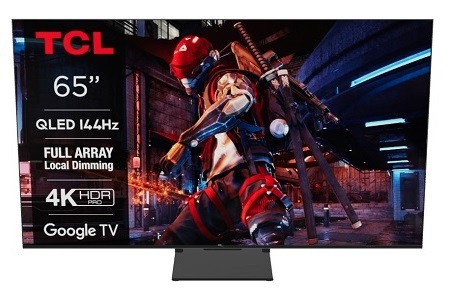
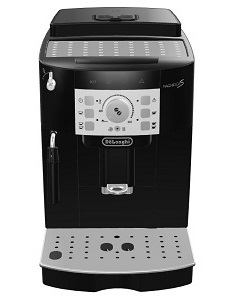
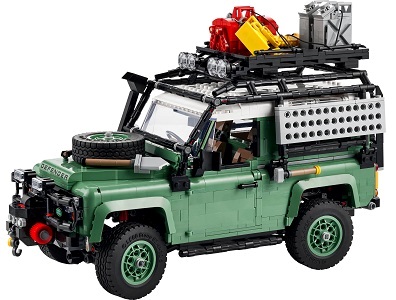
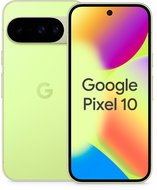
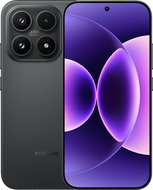
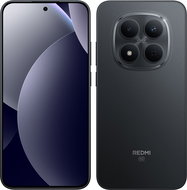
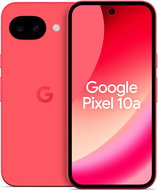
Discover the most popular product categories you can now explore using augmented reality. These include smartphones, TVs, home appliances, and even LEGO® sets. With AR models, you can conveniently examine every product detail from your couch and make purchasing decisions more easily. Try out how the new mobile phone looks in your hand, which TV fits best in your living room, or what new possibilities home appliances offer.
i
What is augmented reality (AR) and how does it work?
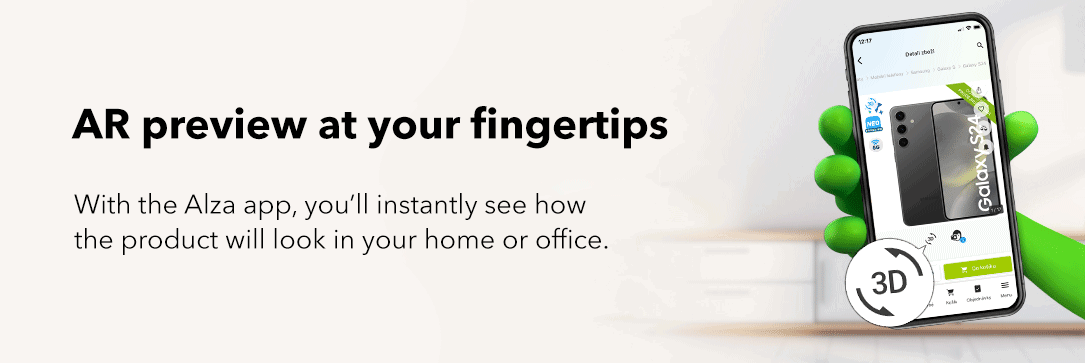
AR allows you to place a virtual object (product) in your real-world environment using 3D scanning. You don’t need special glasses or extra equipment, just a smartphone or tablet with the Alza app, where you can view the results.
- The accuracy of the object and the quality of the display depend on the camera quality of the device you're using for AR.
- For high-quality augmented reality, it's also necessary to properly illuminate the scene. In darkness or dim lighting, you'll get significantly worse results.
- The texture detail of the environment where you want to render the object is equally important. The more detailed the surroundings, the better the outcome.
Augmented reality only in the smart Alza app
While you can view 3D models on a PC, you can only enjoy augmented reality (AR) with the smart Alza app for smartphones and tablets. So if you have an iPhone, iPad, or Android phone or tablet, visit us on the App Store or Google Play and download the Alza app. The installation is very simple, and besides getting access to AR, you'll gain a whole range of additional features that make shopping and order management more enjoyable.
3D models vs. AR – what's the difference?
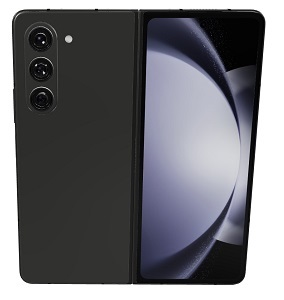
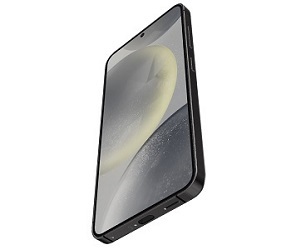
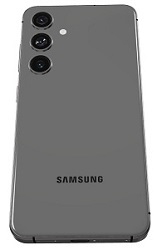
You can view a 3D model of a phone, coffee machine, toaster, or other devices on a computer, mobile website, or in the smart Alza application. These are detailed models where you can examine every feature - from the overall design to the size of bezels and camera openings, down to rounded corners or the type of buttons and triggers. Augmented reality support further enhances the 3D model experience by allowing you to view it in the real world.
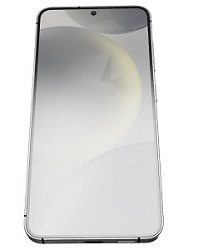
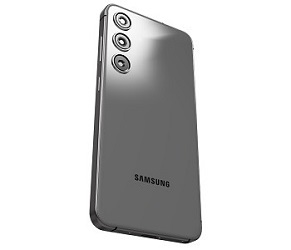
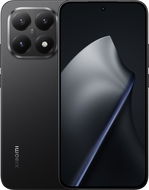
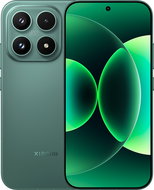
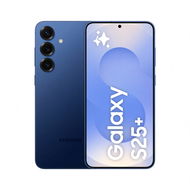
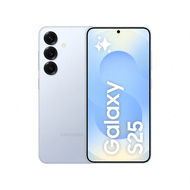
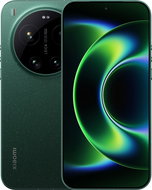
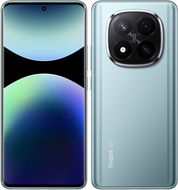
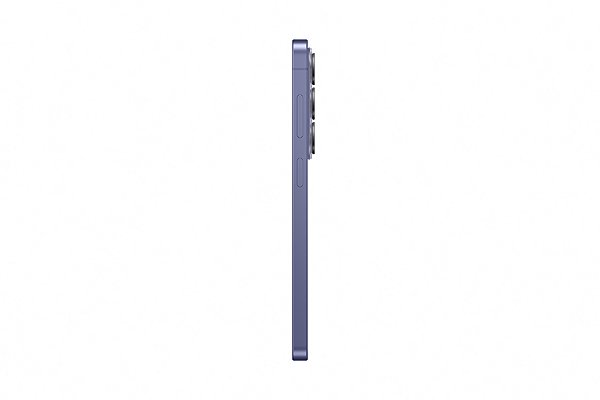
The 3D model of the smartphone above offers a unique way to examine the phone in detail. Did you like the elegant edges? What do you think of the glossy back and the phone's three rear camera openings?
Alza and 3D/AR – modern, convenient shopping
Alza proudly ranks among the few online shops that support 3D models and augmented reality. Try this modern, risk-free way of shopping and verify before purchasing whether your chosen product fits and suits your space. If you'd like to learn more about 3D/AR and the Alza app, read our detailed article on 3D products and augmented reality in the Alza app.
Hide description