



..dobrý den..zaznamenal jsem zde..dvě rozlišné a matoucí odpovědi..lze tedy tisknout a skenovat ve formátu A4..??..
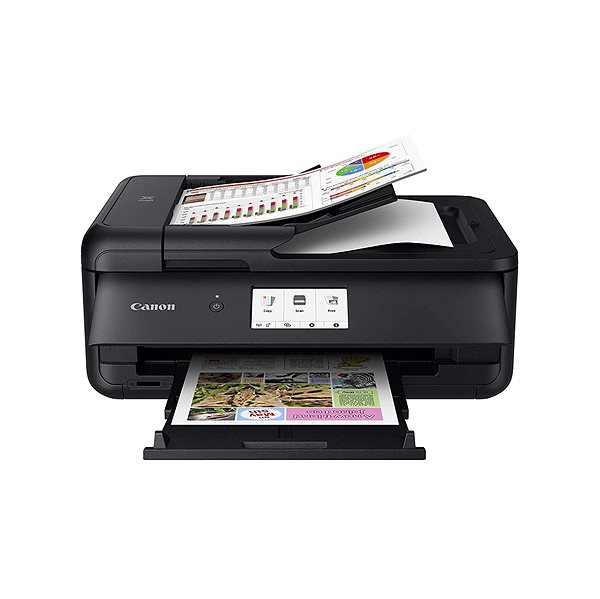
Canon PIXMA TS9550 Black
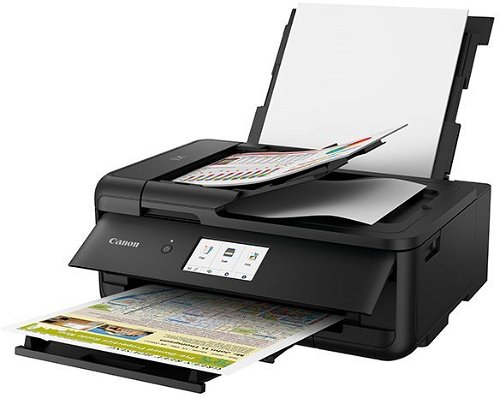
Inkjet Printer - multifunctional, colour, A3 printer, A4 scanner and copier, black-and-white print speed of 15 images/min., colour print speed of 10 images/min., print resolution: 4800 x 1200 DPI, duplex, memory card reader, ADF scanner, touchscreen, AirPrint, Wi-Fi, LAN, USB and Bluetooth
Show full description
Code:
PC299s5a
Producer's Website:
Don't like the alternatives? Choose from the full product list
- Reviews 22
- Help and manuals 29
- Specifications
- Photos & Videos 12
- Alternatives 8
- Accessories and suggested products

Canon PIXMA TS9550 Black
Discontinued
Canon PIXMA TS9550 Black
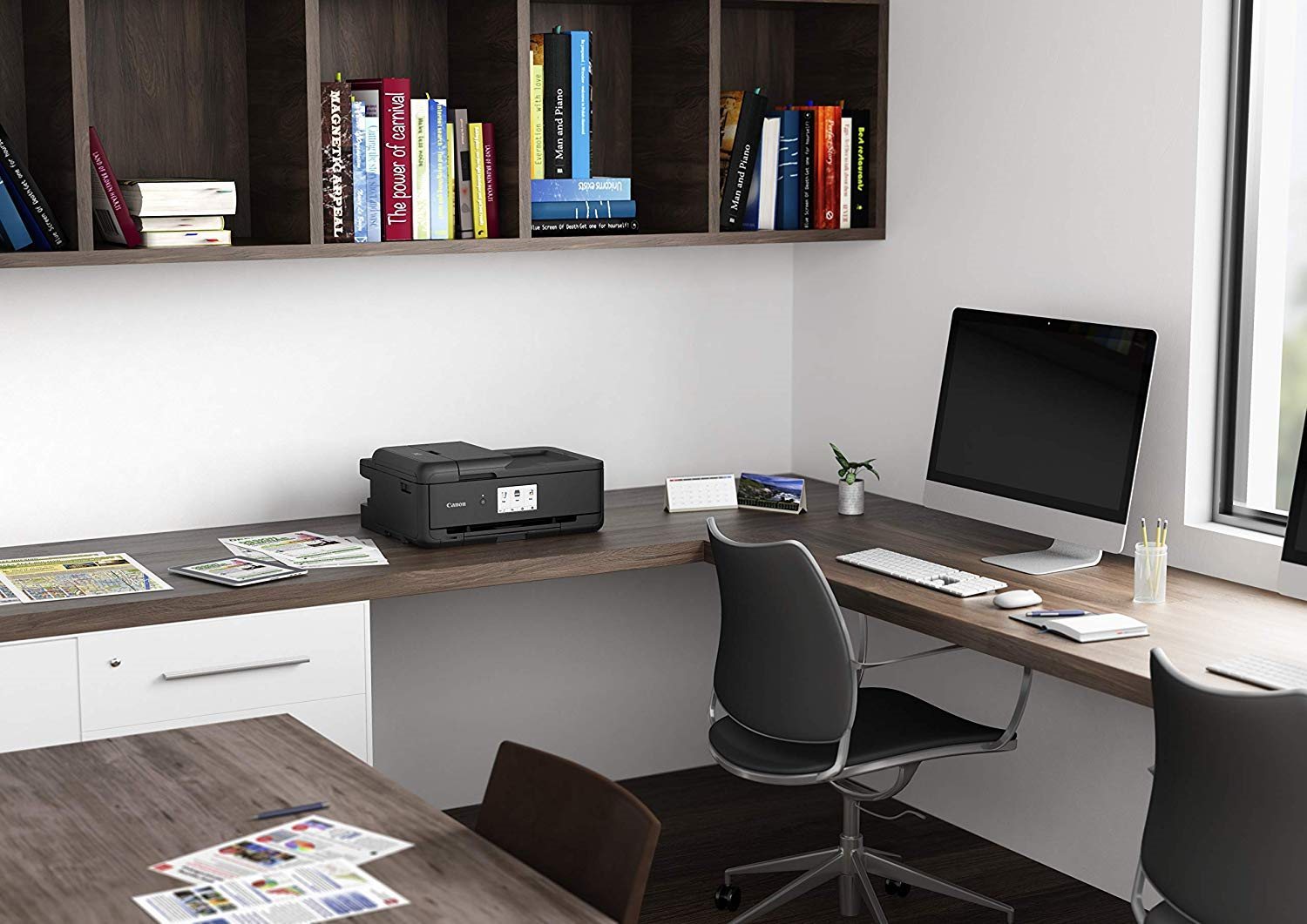
The Canon inkjet printer is the perfect tool to have at home or at the office. This printer is a multifunctional 3-in-1 model that can also scan, print and copy, so it'll help you with all your document needs. This model is able to print in colour. When printing black-and-white documents, the Canon PIXMA TS9550 Black Inkjet Printer can print at 15 images/min. pages per minutes. When printing coloured papers, the Canon PIXMA TS9550 Black Inkjet Printer can print at 10 images/min. pages per minutes. The maximum print resolution of this inkjet printer is 4800 x 1200 DPI, which is above the standard, so the printer will be able to print highly detailed images. This model can print on both sides of one paper, which saves you plenty of time. You can quickly connect to your computer through the USB, LAN, Wi-Fi and Bluetooth interface. For Apple users, it's compatible with the AirPrint feature, allowing you to easily print from any Apple device. The Canon Inkjet Printer has a touch display, which makes it very easy to use. Another useful function is that it can print on B5 and letter envelopes.
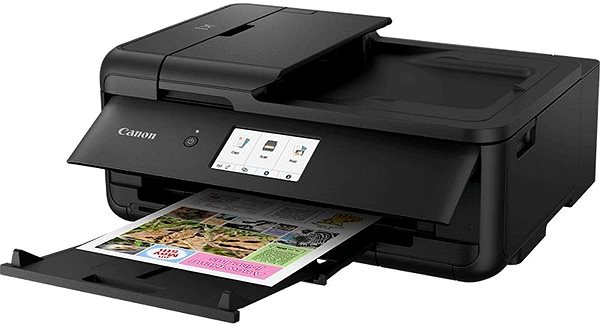
Canon PIXMA TS9550 Black Key Features Inkjet Printer
- Canon Inkjet Printer features duplex printing
- Wirelessly print documents via Bluetooth and Wi-Fi
- Built-in touchscreen display makes it easy to change the features
- Canon PIXMA TS9550 Black prints on A3 and A4 paper
- Input tray holds up to 100 papers
- You can insert a memory card to print documents
- Canon inkjet printer can also scan and copy
- Compatible with Apple devices thanks to AirPrint feature
- Coloured inkjet printer suitable for home or office use
- You can print on envelopes in the format B5 and letter
Canon Inkjet Printer Resolution
Print out beautiful photos thanks to this inkjet printer. A big advantage among inkjet printers is natural colour rendering, and that's what makes it great for printing photographs. This Canon inkjet printer features an excellent printing resolution of 4800 x 1200 DPI. Resulting prints and photographs will have highly-detailed quality, even when printed on large formats.
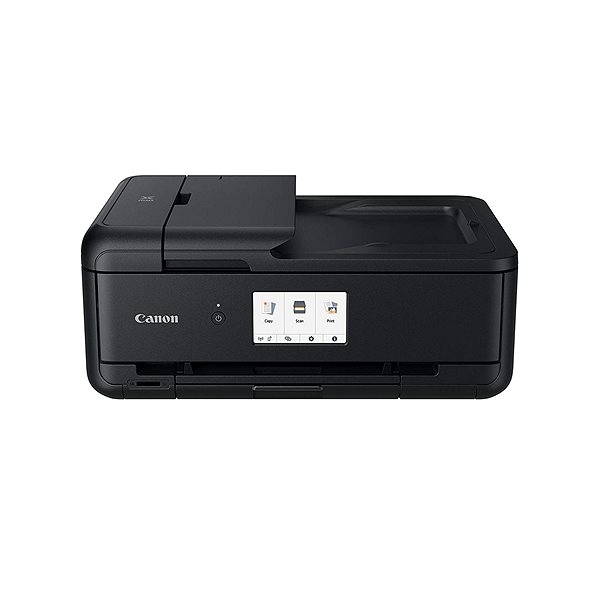
Canon PIXMA TS9550 Black Scanning and Copy Features
The Canon PIXMA TS9550 Black inkjet printer has multifunctional features, and it is able to print, copy and scan and take care of everything you need to do with documents. The Canon PIXMA TS9550 Black inkjet printer is compatible with A3 and A4 paper formats. Blank sheets can be stored in the input tray, which fits up to 100 pieces of paper.
Specifications
Print colour
Usage
Features
Connection
Power outlet type
Country
Type
Function
Features
Connection
Connection
Supported Paper Sizes
Standard Paper Sizes
Photo paper formats
B5, Letter
Scanning
Scanner features
1200 x 2400 DPI
Printing parameters
4800 x 1200 DPI
15 images/minute
10 images/minute
Input trays
Dimensions
Height
Depth
Width
Equipment
Touch
Colour
Colour
More Specifications

Canon was founded in 1933. Its original title translated to "portable laboratory optics". The Japanese company has been headquartered in Tokyo since its inception. Canon is particularly associated with the production of digital cameras and accessories, where they remain the leading innovator and producer of imaging solutions. Aside from digital cameras, the company also operates in the production of office equipment, particularly copiers or printers.
Note:
If there is no "package contains" box in the product parameters and the data or USB cable is not specifically mentioned in there, the package does not contain it and must be purchased separately.
Specifications can be changed without notice. Images are for illustrative purposes only.
