



Dobrý den bude tento produkt ještě k dostání?
Pioneer DJ DDJ-FLX6-GT
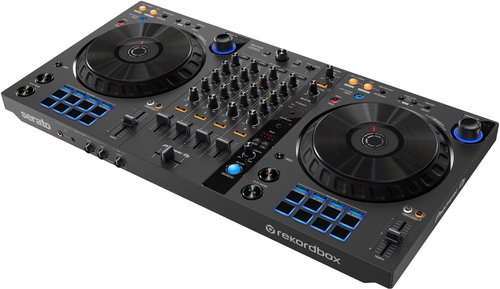
DJ Controller 4 channel DJ controller for Rekordbox and Serato DJ Pro, integrated sound card, backlit controls, supplied Serato Pitch 'n Time DJ software, Serato FX Pack, outputs 2x RCA
Show full description
Code:
PIO960e1gt
Producer's Website:
Don't like the alternatives? Choose from the full product list

Pioneer DJ DDJ-FLX6-GT
Discontinued
Pioneer DJ DDJ-FLX6-GT
Handsome 4-channel controller for rekordbox and Serato DJ Pro
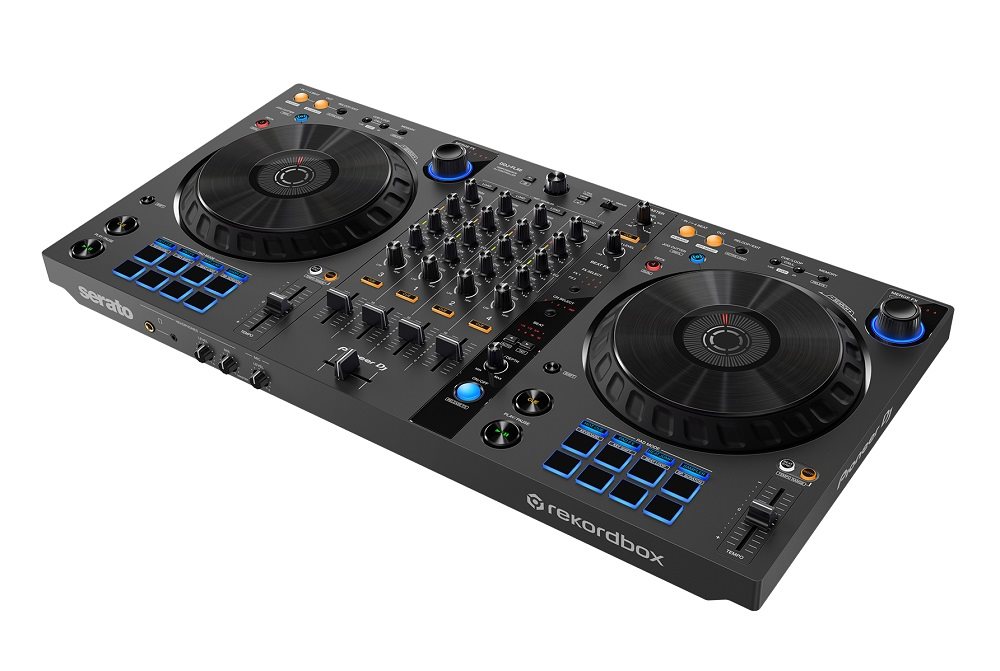
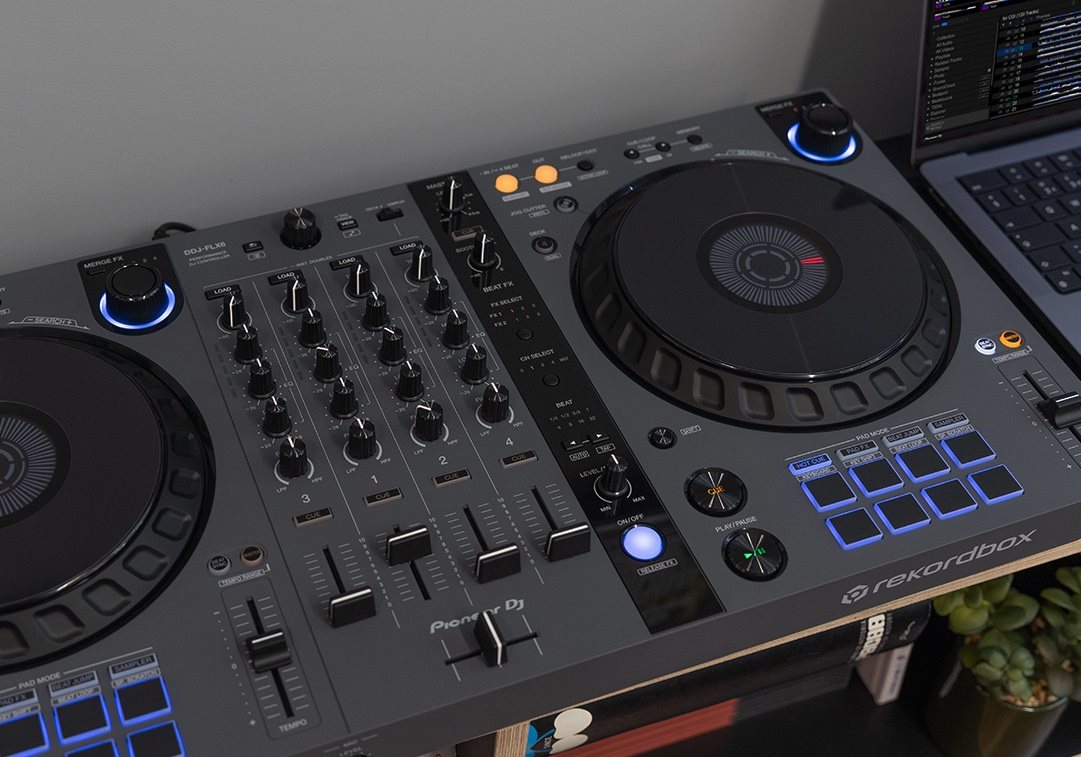
The Pioneer DJ DDJ-FLX6-GT is an improved model of the basic version without the GT end cap. It brings a new look, and easier handling to the JOG wheels, which now have a full size, graphite colour with metallic texture on the top and a rubberised surface around the edges. Virtual DJ software is now supported (license sold separately). However, it still comes with Rekordbox and Serato DJ Pro. TRAKTOR PRO 3 is available for use by downloading its mapping files.
Key Features of the Pioneer DJ DDJ-FLX6-GT DJ Controller
- The Pioneer DJ DDJ-FLX6-GT mixing console has 4 channels, so you can create mashups or scratch freely
- The mix is powered via USB bus, so you just need to connect it to your computer with one cable
- With a built-in sound card, the DDJ-FLX6-GT connects directly to your speakers or amplifier with a single RCA cable
- There are 8 backlit rubber pads with Hot Cues, Pad FX, Beat Jump and Sampler functions
- Plug and Play - no need to install drivers, just connect to your Windows or macOS computer
- Pioneer DJ DDJ-FLX6-GT includes vouchers for Serato Pitch 'n Time DJ Expansion Pack and Serato FX Pack software
Wide range of compatible software
The Pioneer DJ DDJ-FLX6-GT now brings full compatibility with Virtual DJ software, but still offers free use of Rekordbox Core plan and Serato DJ Pro. The controller comes with license keys for the Serato FX Pack, Pitch'n Time DJ Expansion Packs and the yet to be released TRAKTOR PRO 3 TSI file.
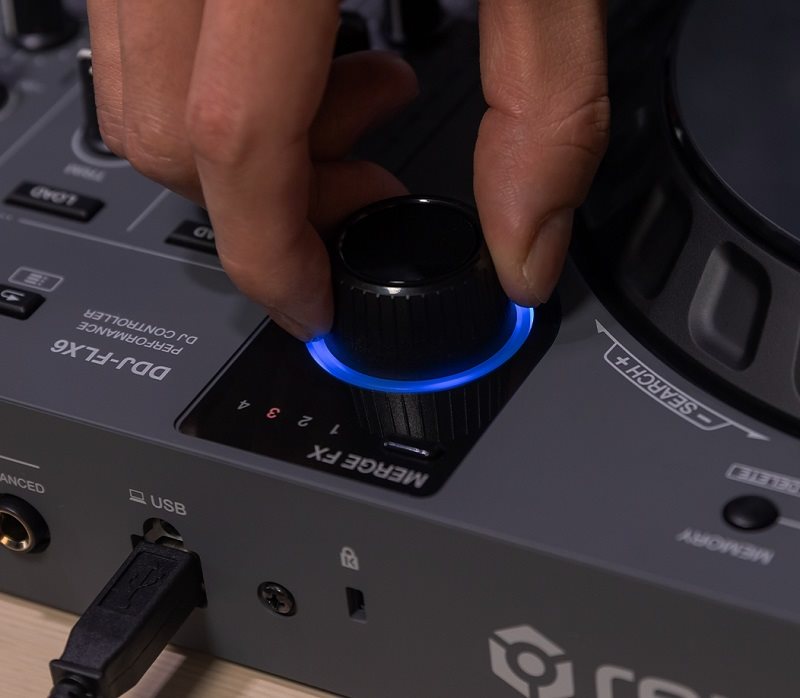
Brand new Merge FX
The new Merge FX makes it easy to add drama to your sets and combine different musical styles. It doesn't matter what the BPM is or the style of the next track. You can create exciting transitions between mixed tracks whenever you want. Simply press the knob and turn it, either quickly or slowly. Just how you want to start building the right vibe for your mixed music.
Create professional sounding scratch effects with one hand
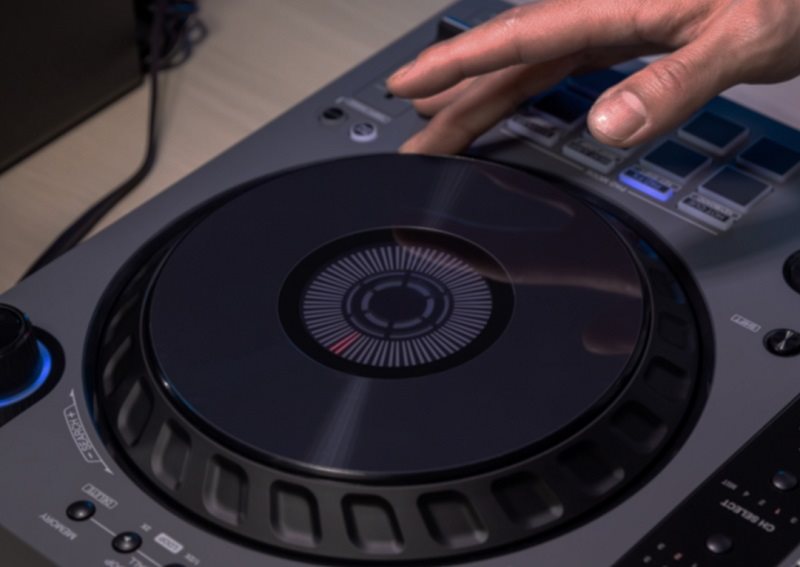
Turn on the Jog Cutter tool and simply move the jog to create the professional sounding scratch effects of the latest Hot Cue point. There are 10 different scratch effects that can be switched by simply moving the playback position.
Pioneer DJ DDJ-FLX6 has full size jogs with playback position display
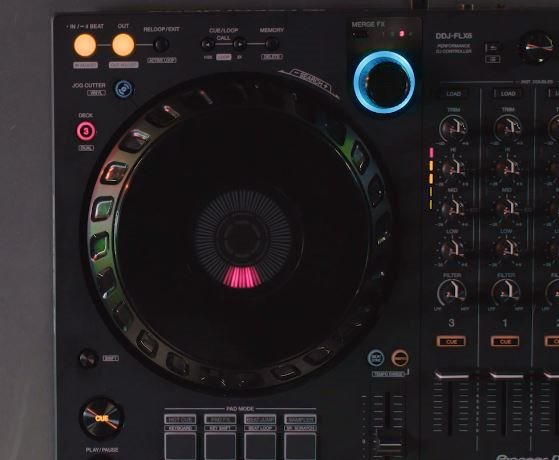
Pitch bending and scratching is a breeze thanks to the large rotating jogs, which are the same size as the CDJ series multiplayers. Each also features a display showing the playback position so you can track your position without looking at the computer.
Get creative with your scratch samples
Sample Scratch is a brand new pad mode in Rekordbox that allows you to select sounds you've assigned to a sampler and load them onto decks. So if you want to create a live remix of a song or simply add texture to your music, you can scratch your favourite sounds.
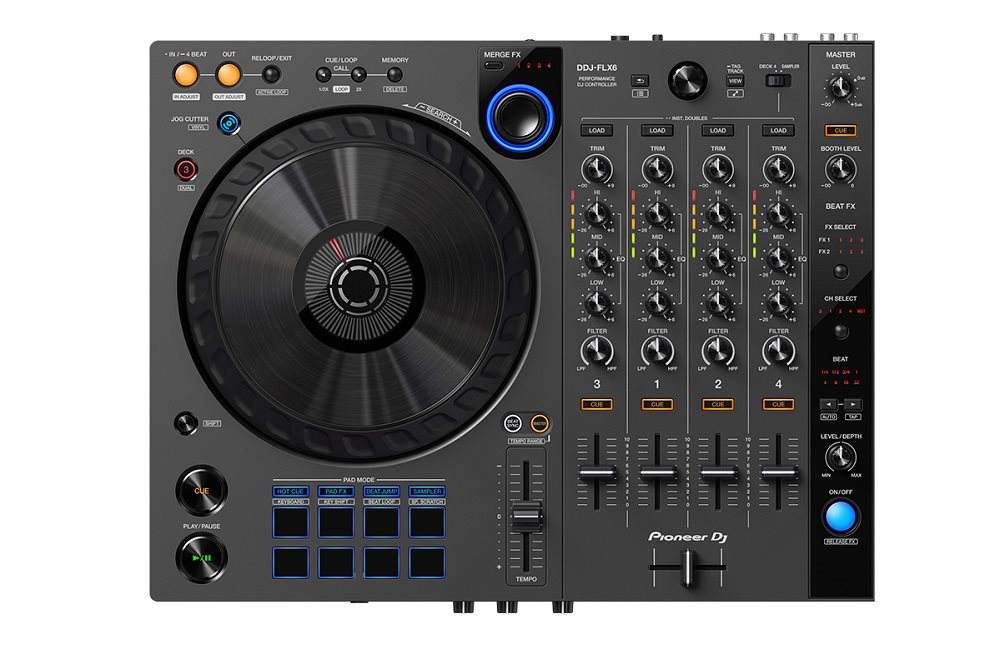
Pioneer controller controls and functions
- The loop section is used to set the loop entry/exit point
- The Call Cue/ Loop section recalls the loops set for the track
- MERGE FX selection button changes the Merge FX type in order from 1 to 4
- Browser section Browses / loads tracks within the tree view into the package
- DECK4/SAMPLER determines whether channel 4 is playing sampler sound or sound from deck 4
- JOG CUTTER button Switches Jog Cutter mode on/off
- Press the knob to turn the selected Merge FX off/on and turn it to change the effect
- DECK SELECT switches the deck in use
- Press and hold down another button to use another function assigned to that button
- BEAT SYNC button automatically synchronizes tempo (BPM)
- MASTER button to set the deck as the main deck
- BEAT FX section changes the effect, channel used, depth and length of the synchronized beat
- Powerful pads with recall and control of Hot Cues, Pad FX, Beat Jump and sampler functions
No alternative text for the photo!
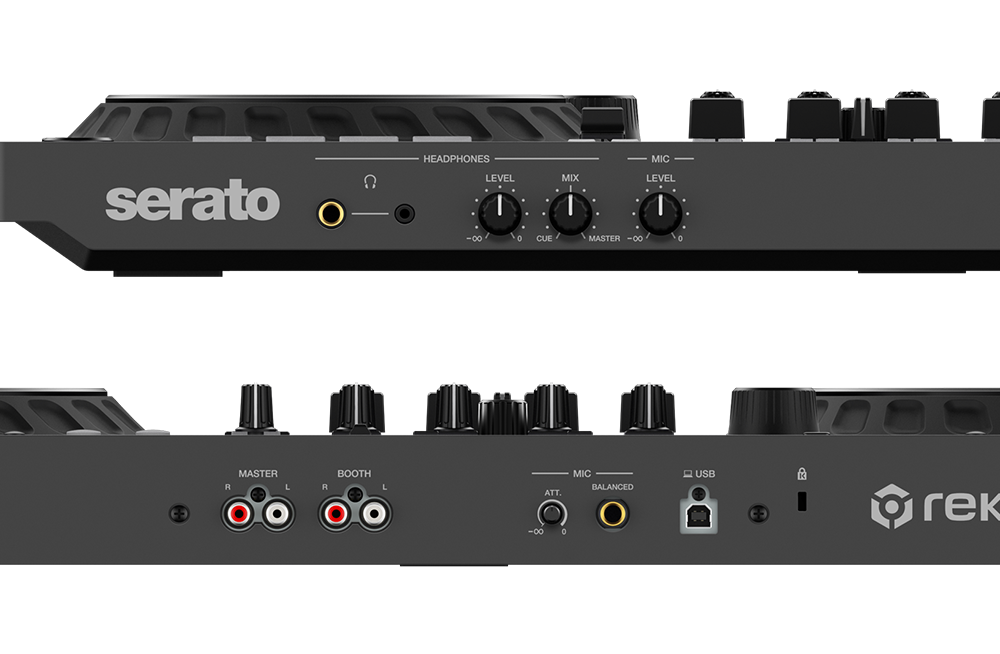
Other controls and inputs
- You can use the telephone connectors (1/4") and (ø 3.5 mm) to connect the headset.
- HEADPHONES LEVEL knob adjusts the sound level of the headphones
- Adjusts the monitor volume balance between the sounds from the main channel and the channels where the headphone button is pressed
- Knob to adjust the level of sound entering the microphone input
- MASTER outputs for connecting a powered speaker or amplifier
- Connection for powered speaker or amplifier
- Easy volume adjustment from the microphone input
- Microphone connection (1/4" TRS Jack)
- USB port for PC/Mac connection (USB hub cannot be used)
- Kensington slot for connecting a cable lock
No alternative text for the photo!
Specifications
Microphone / AUX input
Master out
Headphone output
Connection
Microphone / AUX input
Master out
Headphone output
Note:
Specifications can be changed without notice. Images are for illustrative purposes only.
