





Dobrý den,chtěl bych se zeptat jestli tento monitor je už ver. 2.0 s RGB panelem?
27" GIGABYTE M27Q
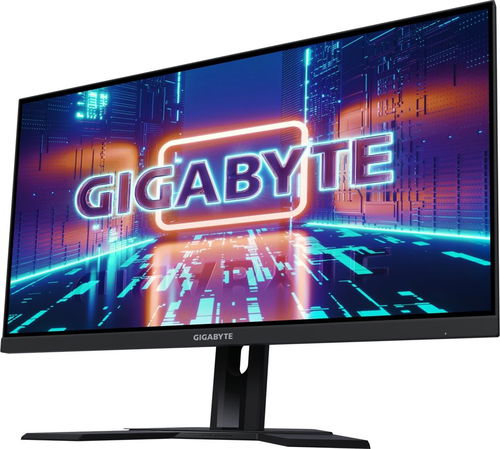

Monitor - IPS, Quad HD 2560 × 1440 (16:9), 170 Hz, Anti-Glare display, 8 bit, 0,5 ms, adjustable height, KVM, HDMI, USB-C and DisplayPort, VESA
Show full description
Code:
CGM27Q
Product Fiche
Producer's Website:
Don't like the alternatives? Choose from the full product list
- Reviews 20
- Help and manuals 22
- Specifications
- Photos & Videos 9
- Alternatives 8
- Accessories and suggested products

27" GIGABYTE M27Q
Discontinued
27" GIGABYTE M27Q
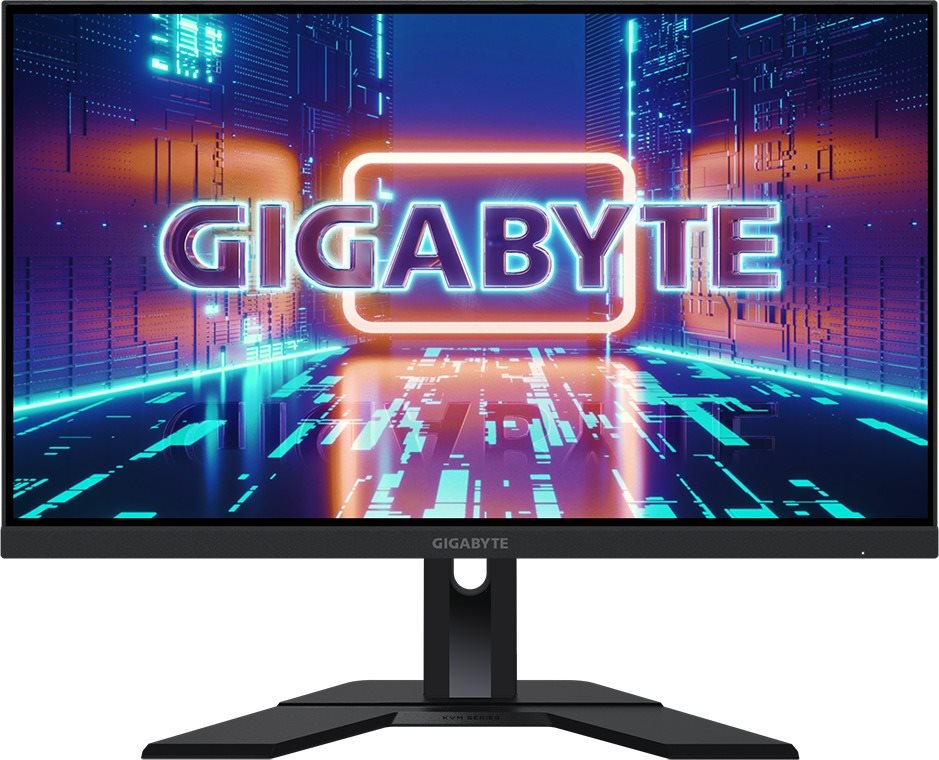
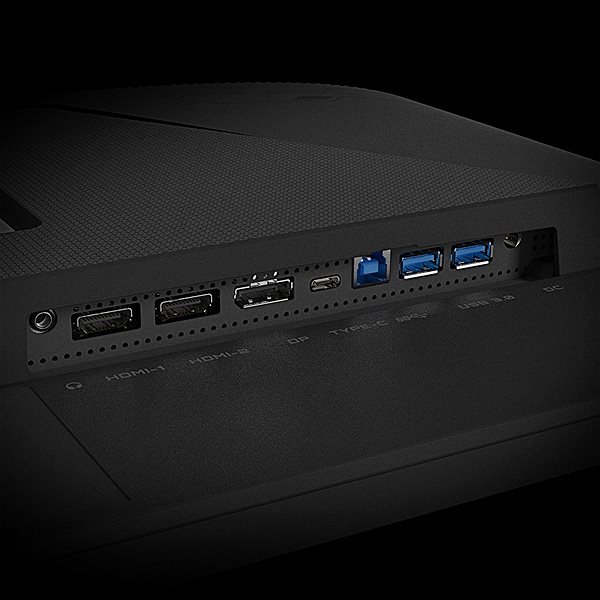
This GIGABYTE LCD monitor will enrich your PC experience with display panel with a screen size of 27". The aspect ratio is 16:9. This LCD monitor works on the basis of IPS technology, popular for its high image quality and very good viewing angles. The image resolution of the monitor is 2560 × 1440. The very fast response of 0,5 ms is ideal for intense games and keeps the images sharp. Its refresh rate of 170 Hz surpasses most monitors on the market, notably reduces eye strain and fatigue, and it is perfect for seamless content rendering. The GIGABYTE monitor presents a brightness of 350 cd/m2. For artists or graphic designers, colour intensity is the most important thing. That's why the colour depth of the computer monitor is 8 bit. The HDMI, USB-C and DisplayPort must be used to connect to a PC.
27" GIGABYTE M27Q LCD Monitor Key Features
- LCD monitor measures: 27"
- Max. resolution supported: 2560 × 1440
- LCD monitor works using IPS technology
- Anti-reflective surface of the LCD monitor means no glare
- 0.5 ms response time, refresh rate of 170 Hz
- Brightness of 350 cd/m2
- LCD monitor compatibility: 100×100 VESA mounts
- Stand with adjustable height
- USB hub for connecting electronic devices
- Blue light filter for healthier eyes
- Picture in picture allows you to watch two image sources
27" GIGABYTE M27Q Monitor Construction and Equipment
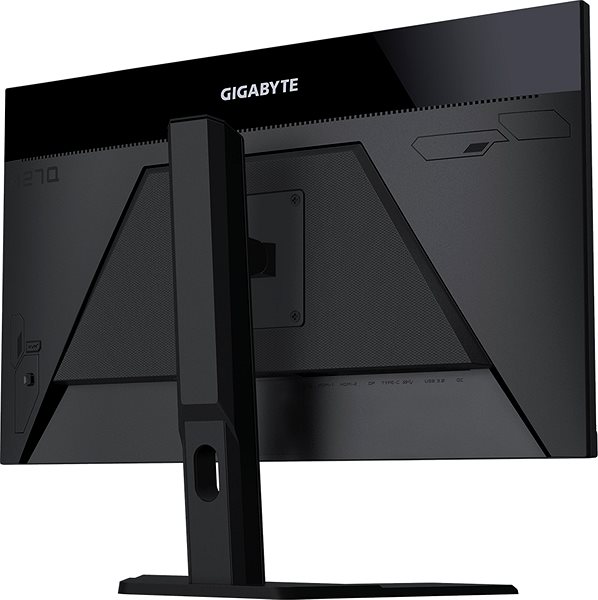
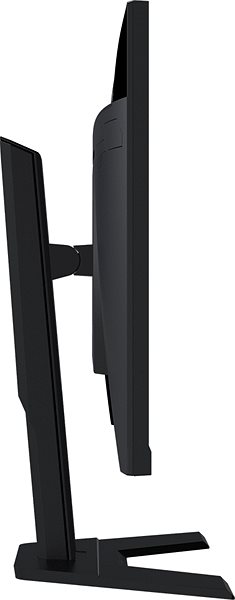
This GIGABYTE monitor measures 61.511 × 53.355 × 20.297 cm, and you can adjust the height according to your needs. Besides a classic mount, the monitor can be mounted onto the wall with a VESA stand. This monitor model has a weight of 5.5 kg. For greater comfort, this model can be used as a USB hub. The interface for the input is essential. The 27" GIGABYTE M27Q uses the HDMI, USB-C and DisplayPort type. You can plug headphones directly into the monitor.
Advanced Functions of the 27" GIGABYTE M27Q Monitor
If you often at night, you will surely appreciate the blue light filter built into this monitor. It makes it easier for you to fall asleep after work. The Flicker-Free function provides an effective protection against eye strain and fatigue by eliminating image flickering. The 27" GIGABYTE M27Q monitor also has support for the practical and novel picture in picture (PIP) function that lets you view two image sources at once.
Specifications
685.8 mm (27 ")
2560 × 1440 Quad HD
Construction
Panel type
Display diagonal and resolution
Construction
Construction
Panel and screen technology
Panel type
Refresh rate
Response time
Maximum brightness
Native contrast
Surface display
Panel technology
Aspect Ratio
Aspect Ratio Type
Aspect Ratio
Backlight and colour
Colour depth
Connection
DisplayPort, HDMI, USB-C
Graphical user interface (GUI) standards
Audio interface
HDMI
DisplayPort
USB-C
USB
Colour gamut
Adobe RGB
140 %
Features and functions
Features
Functions
Dimensions and weight
Width
Height
Depth
Weight
VESA mounting
Packaging
Cables included
Energy specifications
Energy efficiency class in SDR mode
Energy consumption in SDR mode
Colour
Black
More Specifications

SIL Servis Partner a.s., Těšínská 1970/56, 710 00 Slezská Ostrava, Czech Republic, +420 552 301 141, [email protected]
Gigabyte, founded in 1986, is an irreplaceable player in the field of computer components. They put great emphasis on key technologies and the strictest quality standards. The company produces a wide range of basic computer components such as motherboards and graphics cards, but also have many computer peripherals, laptops, tablets, desktops and even network solutions and servers on offer. Recently they also introduced a line of Gigabyte mobile phones.
Note:
Specifications can be changed without notice. Images are for illustrative purposes only.
