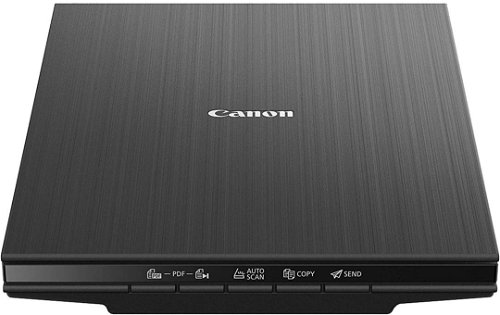
Scanner - A4, table and Flat scanner, resolution: 4800 x 4800 DPI, scanning speed up to: 7,5 PPM, scans photographs, books and text, weight: 1,5kg, USB connection
This elegant Canon flatbed scanner makes digitising documents incredibly easy, whether at home or in a small office. It's a flatbed scanner, meaning you place documents on it in the usual way. The Canon CanoScan LiDE 400 provides an adjustable resolution of up to 4800×4800DPI for flawless scanning results and a colour depth of 48-bit for high-quality colour reproduction.
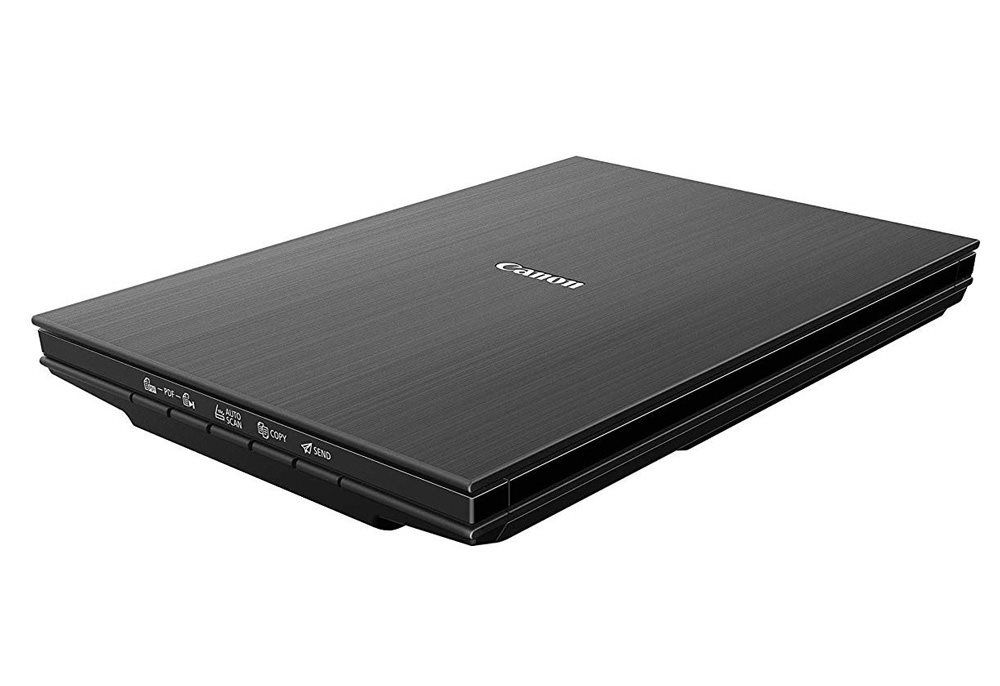
High resolution
The Canon CanoScan LiDE 400 flatbed scanner can scan at a resolution of up to 4800×4800DPI.

Colour depth
With a 48-bit colour depth, you get absolutely superb quality scanned photos.

Cloud storage
The Canon CanoScan LiDE 400 scanner supports saving to folders linked to various cloud services. This means you can access your scanned documents even from your mobile phone.

Auto scan
Get the right scan settings for your documents and photos with a single press of the Auto Scan button. The result will always be perfect.

Power
The Canon CanoScan LiDE 400 scanner connects directly to your PC with a USB cable. This means there's no need for a power adapter, saving you from extra cable clutter on your desk.
Easy operation
Take the hassle out of scanning with 4 EZ operation buttons that give you direct access to auto scan, copy, email and PDF creation.
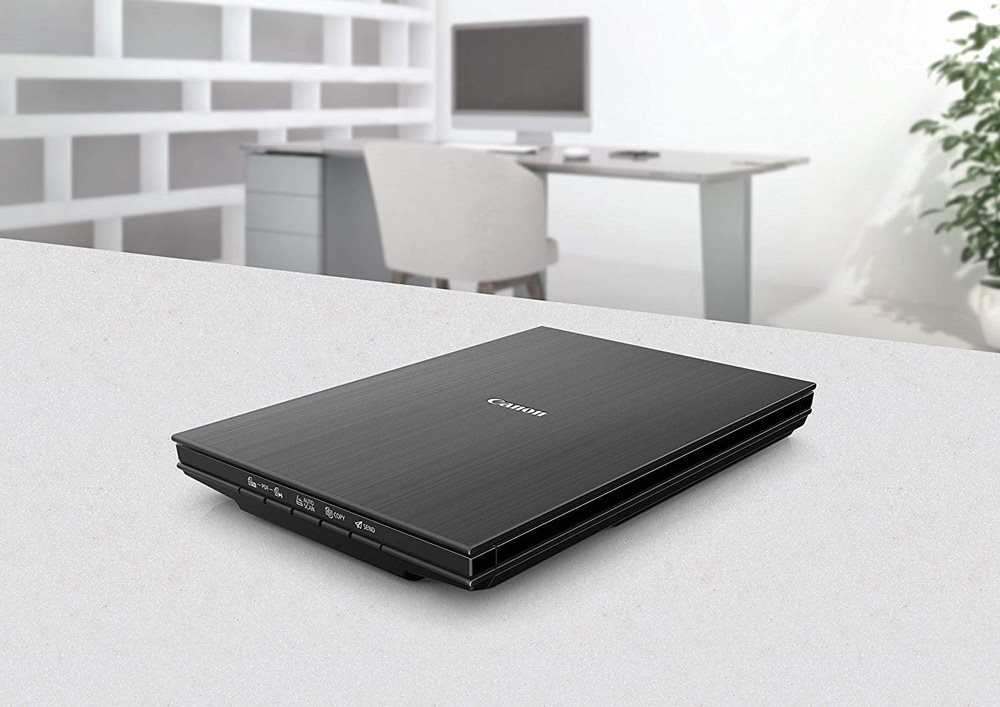
The Canon CanoScan LiDE 400 has a compact design
With its slim design, stylish look, and a weight of just 1.7kg, the CanoScan LiDE 400 is an affordable and space-saving solution. You don't even need a power socket – just use the USB connection to your PC or laptop.
Technical parameters for the Canon CanoScan LiDE 400, black
The number of pixels that the scanner can record from a given area. The most common measurement is DPI (Dots Per Inch), which is an indication of how many image points (pixels) can fit within the length of one inch.
Color depth refers to the number of bits of information that the scanner acquires for each pi×el. The higher the color depth, the greater the amount of detail and color shades that the scanner can capture and reproduce. This results in better quality and colour accuracy of scanned images.
The number of pixels that the scanner can record from a given area. The most common measurement is DPI (Dots Per Inch), which is an indication of how many image points (pixels) can fit within the length of one inch.
Color depth refers to the number of bits of information that the scanner acquires for each pi×el. The higher the color depth, the greater the amount of detail and color shades that the scanner can capture and reproduce. This results in better quality and colour accuracy of scanned images.
Number of A4 pages that can be scanned in one minute.
7.5 PPM
Connection
Connection
USB
Max. document size
Maximum document size
A4
Functions
Duplex (two-sided) scanning
No
Scan options
Scanning options
Books, Photographs, Text
Dimensions
Width
36.7 cm
Depth
25 cm
Height
4.2 cm
Weight
1.5 kg
More Specifications
Canon was founded in 1933. Its original title translated to "portable laboratory optics". The Japanese company has been headquartered in Tokyo since its inception. Canon is particularly associated with the production of digital cameras and accessories, where they remain the leading innovator and producer of imaging solutions. Aside from digital cameras, the company also operates in the production of office equipment, particularly copiers or printers.
Note:
If there is no "package contains" box in the product parameters and the data or USB cable is not specifically mentioned in there, the package does not contain it and must be purchased separately.
Specifications can be changed without notice. Images are for illustrative purposes only.

Podělím se o zkušenost s instalací - pokud vám fáze "nastavení" skeneru zamrzne v nekonečně se točícím kolečku a nemá se k uskutečnění - všechno odinstalujte, restart PC, potom připojte skener kabelem k PC, ve Správci zařízení jej uvidíte jako nové zařízení s vykřičníkem, záložka Aktualizovat ovladače - pak zvolit Vybrat ze složek v počítači - najít příslušnou složku s ovladači a softwarem na CD nebo v PC - najít podsložku drivers (ve které je potřebný soubor inf) a odkliknout instalaci. Po úspěšném nainstalování ovladačů spusťte znovu průvodce instalací a nastavením a pak už vše během okamžiku proběhlo úspěšně.
vše jsem nainstaloval dle video návodu a píše to tohle: uvolněte přepínač zámku ,odpojte kabel usb a opět jej připojte.Ovladač skeneru bude ukončen. code 2,179,0
Asi ho budu vracet!
vše jsem nainstaloval dle video návodu a píše to tohle: uvolněte přepínač zámku ,odpojte kabel usb a opět jej připojte.Ovladač skeneru bude ukončen. code 2,179,0
Asi ho budu vracet!
Dobrý den, je tento Scan LIDE 400 kompatibilní s Windows 11 Home? Na Vašich stránkách to tak nevypadá, ale u výrobce ano
viz External Link Prosím o potvrzení. Děkuji. M.H.
Dobrý den, je tento Scan LIDE 400 kompatibilní s Windows 11 Home? Na Vašich stránkách to tak nevypadá, ale u výrobce ano
viz External Link Prosím o potvrzení. Děkuji. M.H.
Dobrý den, kde mám nastavit rozlišení DPI ? Všude mám nabídku nejvíc jen 600 DPI ale skener má mít rozlišení 4800x4800 DPI. Nevím kde je chyba. Předem děkuji za radu.
Zajímalo by mne, jak jste si poradili s hláškou: "To install this software you must be logged on to an administrator account. Click [OK] and remove the CD-ROM to abort the installation. After Aborting the installation, log on as an administrator account, then insert the CD-ROM again"
Instalace jako admin nepomohla.
Na internetu jsem našel, že mám zeditovat msetup4.ini a v něm najít sekci [CHECKADMIN].
Zajímalo by mne, jak jste si poradili s hláškou: "To install this software you must be logged on to an administrator account. Click [OK] and remove the CD-ROM to abort the installation. After Aborting the installation, log on as an administrator account, then insert the CD-ROM again"
Instalace jako admin nepomohla.
Na internetu jsem našel, že mám zeditovat msetup4.ini a v něm najít sekci [CHECKADMIN].
Magyarországra történő kiszállításért tekintse meg ezt a termékoldalt: Canon CanoScan LiDE 400
Try our cookiesAlza.cz a. s., Company identification number 27082440, use cookies and other data to ensure the proper functioning of the website and, with your consent, also, among other things, to personalize advertising and the content of our websites. By clicking on the “I understand“ button, you agree to the use of cookies and the transfer of data regarding the behavior on the website for displaying targeted advertising on social networks and advertising networks on other websites.
We use 8 categories of cookies on our website:
Technical cookies
These are strictly necessary for the functioning of the website and the features you choose to use. Without them, our website would not work; you wouldn't be able to log in to your user account, for example.
Functionality cookies
These cookies allow us to remember your basic choices and improve the user experience. These include remembering your preferred language or allowing you to stay logged in permanently.
Social media cookies
These cookies allow us to easily link you to your social media profile and, for example, allow you to share products and services with your friends and family.
Content personalisation
These cookies allow us to show you content and ads according to the information we have about you to best meet your needs. This includes what content you have viewed, or on what device you are accessing our website.
Non-personalised advertising
These cookies allow us to show you general ads for products and services.
Personalised advertising
Thanks to these cookies, we and our partners can offer you relevant products and services based on your purchases, your shopping behaviour and your preferences.
Audience metrics
These cookies allow us to optimise our site for your convenience based on how you use it. The aim is to remember or anticipate your choices. This includes, for example, the use of features, their location, or the behaviour on the page.
By giving your consent to the processing of cookies, functionality and analytical cookies will be installed on the device you use to browse the website (click on the "I understand" button for both categories, or you can select only one of the categories by clicking on the "Settings" button). We always install technical cookies on your device, even without your explicit consent, because without them our website would simply not work.
You can revoke your consent to the processing of cookies. In connection with our company's cookie processing, you also have the following rights: the right to access cookies, delete, modify, supplement and correct them, restrict processing and the right to lodge a complaint with the Office for Personal Data Protection. Read more about your rights.