


Canon MAXIFY GX1041
 Installment calculator
4,9%
interest
from 138,- monthly
Installment calculator
4,9%
interest
from 138,- monthly
- Help and manuals
- Specifications
- Photos & Videos 27
- Alternatives 8
- Accessories and suggested products

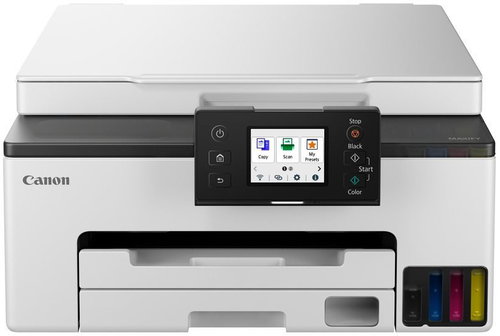
Canon MAXIFY GX1041
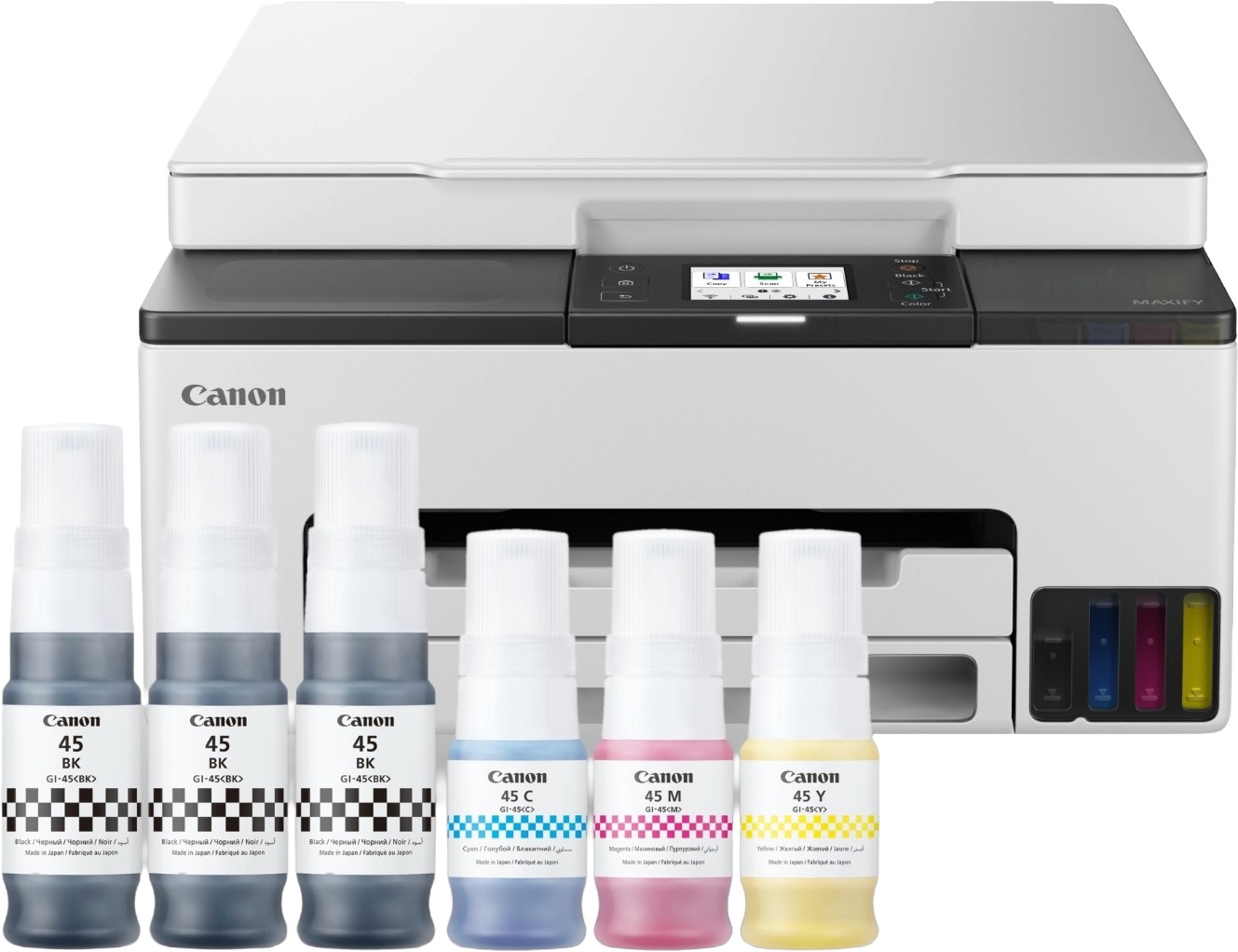
The Canon inkjet printer is a practical partner for your office. Thanks to its compact design, it is ready to copy, print and scan, handling all common document-related tasks. This model is a colour printer. When printing in colour, the Canon MAXIFY GX1041 inkjet printer reaches a speed of 10 pages per minute. The maximum print resolution of this inkjet printer is 600×1200 DPI, which is perfectly sufficient for text and will satisfy less demanding users for images. You will certainly appreciate its automatic double-sided printing. You can connect to your computer via USB, LAN and WiFi. Avoid a mess of cables and enjoy printing remotely. Apple users will love the AirPrint feature, which lets you print from a variety of devices. The Canon inkjet printer has a touchscreen for a better overview and easier operation. The ink tank system, which uses refillable ink reservoirs, helps to reduce printing costs.
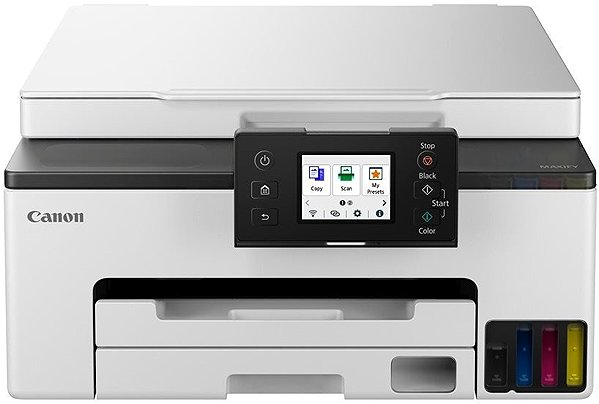
Key features of the Canon MAXIFY GX1041 inkjet printer
- Canon inkjet printer is equipped with double-sided printing
- Wireless connection via WiFi network
- The Canon MAXIFY GX1041 inkjet printer prints on A4, A5 and A6 formats
- Easy operation thanks to the touchscreen
- Input tray for up to 250 sheets
- Compatible with Apple electronics thanks to the AirPrint function
- The Canon inkjet printer can scan and copy
- Save on costs with the refillable ink tank system
- This colour inkjet printer is suitable for business use
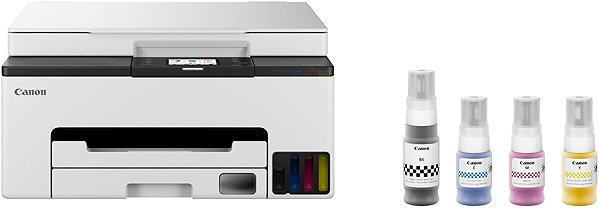
- Package contents: documentation, 4 bottles of ink and a power cable
Copying and scanning with the Canon MAXIFY GX1041
Thanks to its compact multifunction design, the Canon MAXIFY GX1041 is able to scan, copy and print, handling almost all your document work. The Canon MAXIFY GX1041 inkjet printer works with A4, A5 and A6 paper formats. An input tray with a maximum capacity of 250 sheets is available for storing blank pages. The recommended maximum monthly duty cycle for the Canon printer is 27000 pages/month.
Specifications
Type
Function
Connection
Supported Paper Sizes
Scanning
Printing parameters
Dimensions
Equipment
Colour
Package includes
Services

Canon was founded in 1933. Its original title translated to "portable laboratory optics". The Japanese company has been headquartered in Tokyo since its inception. Canon is particularly associated with the production of digital cameras and accessories, where they remain the leading innovator and producer of imaging solutions. Aside from digital cameras, the company also operates in the production of office equipment, particularly copiers or printers.
If there is no "package contains" box in the product parameters and the data or USB cable is not specifically mentioned in there, the package does not contain it and must be purchased separately.
Specifications can be changed without notice. Images are for illustrative purposes only.
