naozaj má hapticku odozvu?

 Installment calculator
4,9%
interest
from 100,- monthly
Installment calculator
4,9%
interest
from 100,- monthly

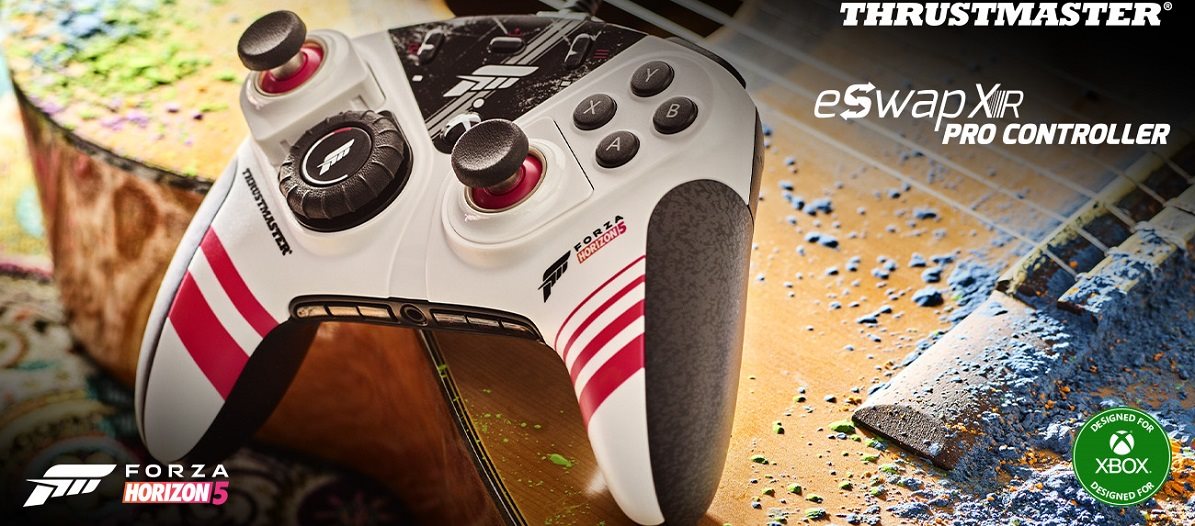
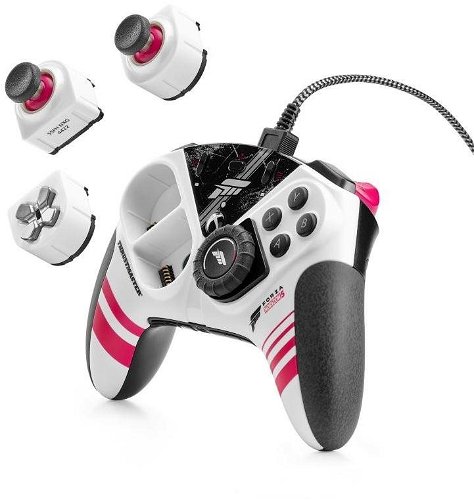
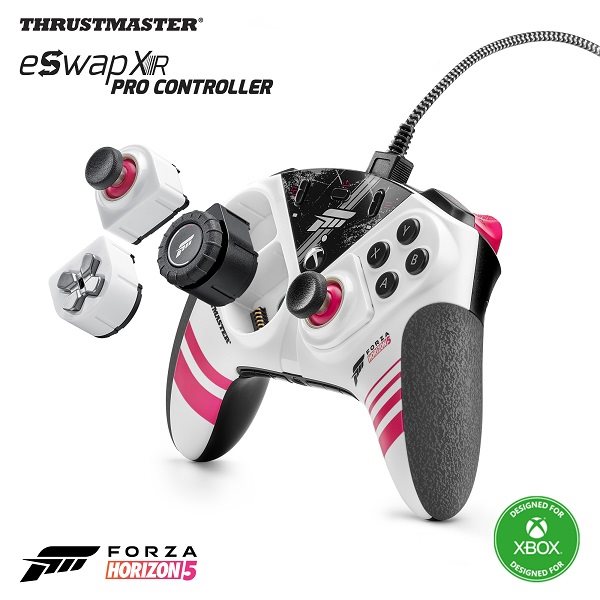
Experience an amazing racing feel with the new Thrustmaster eSwap XR PRO gamepad. It's licensed for both Windows and Xbox, and especially for Forza Horizon 5. Thanks to its modular design, you get complete flexibility to customise the gamepad to your liking. Taking corners and drifting will be an absolutely incredible experience on the Thrustmaster eSwap XR PRO gamepad thanks to the RACING WHEEL MODULE. The controller comes in the colours of Forza Horizon 5.
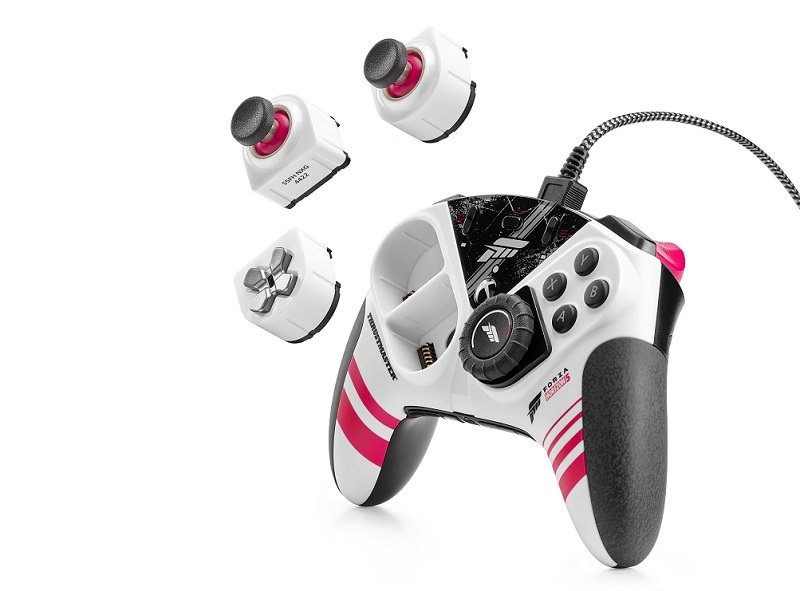
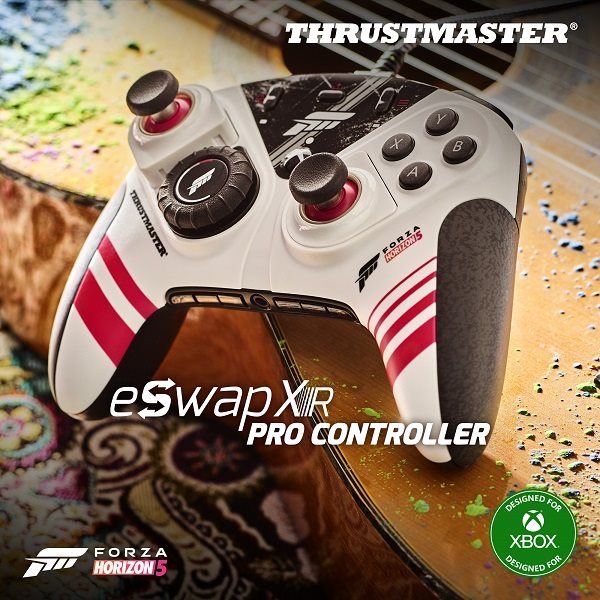
Explore Mexico in Forza Horizon 5 with the brand-new Thrustmaster eSwap XR PRO gamepad, designed in the game's colours. Put the pedal to the metal with the new, officially licensed controller for Xbox and Forza Horizon 5.
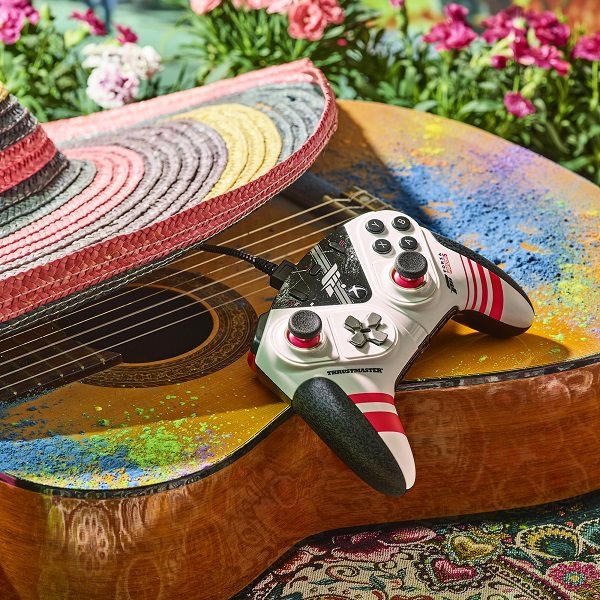
The Thrustmaster eSwap XR PRO gamepad truly gets you into the game with its RACING WHEEL MODULE. With the module's re-centring system and 95° rotation angle, you'll experience a whole new level of immersion. You get real control when taking corners and pulling off spectacular drifts.
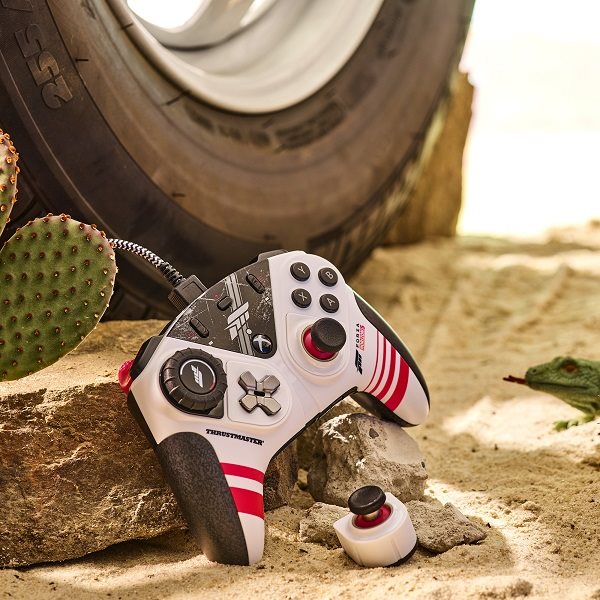
Hot-Swap technology lets you swap out modules at any time and adapt the Thrustmaster eSwap XR PRO gamepad to your needs. The controller has a RACING WHEEL MODULE, two mini-sticks and a D-pad. Swapping modules on the Thrustmaster gamepad is a matter of seconds.
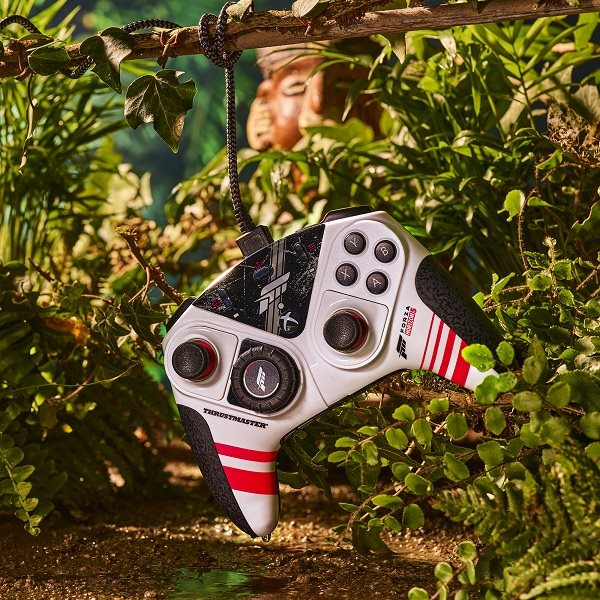
Thrustmaster eSwap XR PRO excels with enhanced precision and an even better lifespan, reaching 2 million activations. The next-generation S5 NXG mini-sticks and the RACING WHEEL MODULE provide a balance between steering precision, trajectory control and total immersion in the game.
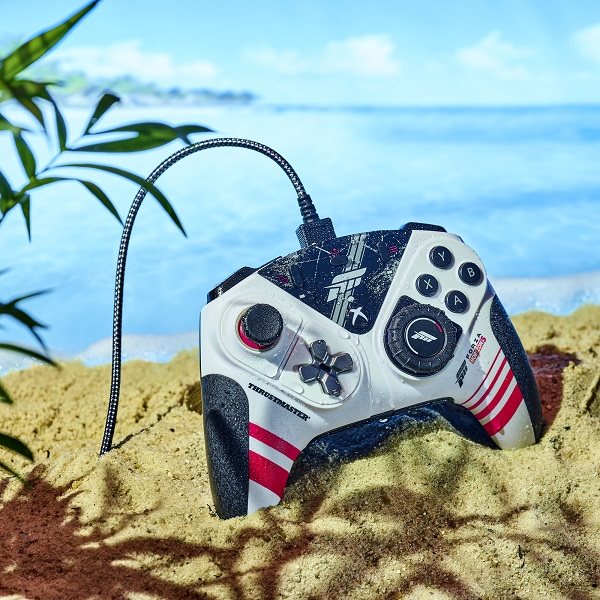
The mechanical buttons are 64% faster than standard membrane buttons. The Thrustmaster eSwap XR PRO gamepad has an activation distance shortened to 0.3mm, which reduces in-game response time and lets you react better to any situation.
Install the ThrustmapperX software and adjust not only the sensitivity but also other settings for the mini-sticks, RACING WHEEL MODULE and triggers. Once you insert the RACING WHEEL MODULE, the D-pad directions are automatically assigned to the rear buttons (1, 2, 3, 4). The ThrustmapperX software is available for Windows, and you can find it directly in the menu on Xbox.

Guillemot Corporation S.A., 2 Rue du Chene Héleuc, 56910 Carentoir, FR, [email protected]
Specifications can be changed without notice. Images are for illustrative purposes only.