


Thrustmaster VIPER TQS
Don't like the alternatives? Choose from the full product list

- Help and manuals
- Specifications
- Photos & Videos 14
- Alternatives 3
- Accessories and suggested products

Thrustmaster VIPER TQS
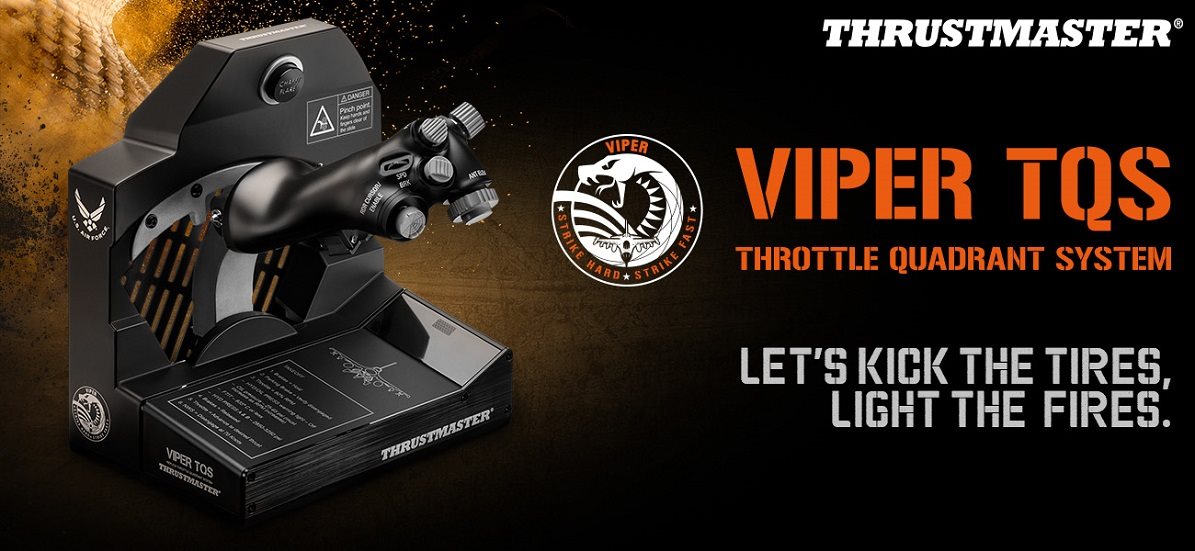
Take full control of your machine with the Thrustmaster Viper TQS controller
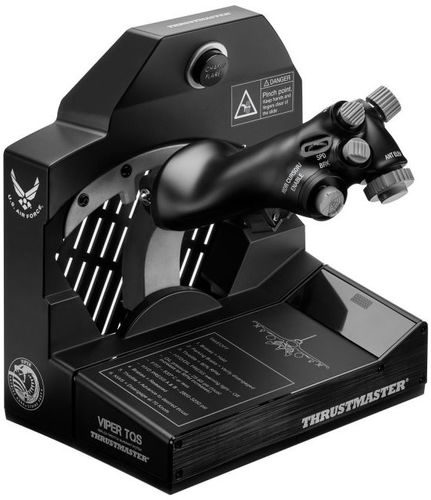
The Thrustmaster Viper TQS is an exact replica of the throttle lever of the F-16 Fighting Falcon, but no one calls it anything other than Viper. The lever is 1:1 to the original and is officially licensed by the United States Air Force. Authenticity is also aided by the metal handle housing and the same buttons as the legendary Viper. Thanks to the metal bearings, the lever's faithful operation is also maintained. The Viper TQS includes a Chaff/Flare switch for deploying countermeasures in aerial combat and blackout switches for better immersion in aerial combat. Adjustable throttle friction then provides constant running levelwhich does not diminish over time. Each of the 21 action buttons is easy to access and instantly available, even with a VR headset on. In addition, you can easily upgrade the Viper TQS with the hilarious backlit Viper Panel module (sold separately) and enjoy flying with even more intensity.
Key features of the Thrustmaster Viper TQS throttle lever
- 1:1 scale replica of the TQS model Viper, based on the world famous Hotas Cougar
- Officially licensed by the U. S. Air Force for maximum realism and perfect ergonomics thanks to metal buttons
- Realistic controls including the iconic CHAFF/FLARE switch for deploying countermeasures in air combat
- The Thrustmaster Viper TQS gas lever guarantees linear, dead-zone-free operation and long-term usability thanks to adjustable friction
- 21 action buttons (including 2 virtual buttons), 5 axes and detachable detents
- Surgical precision (16-bit resolution, 65,635 values) thanks to the magnetic H sensor. E. A. R. T (HallEffect AccuRate Technology)
- Plug and Play in DCS World with no setup required, the device is automatically detected in the game
US Air Force certified replica
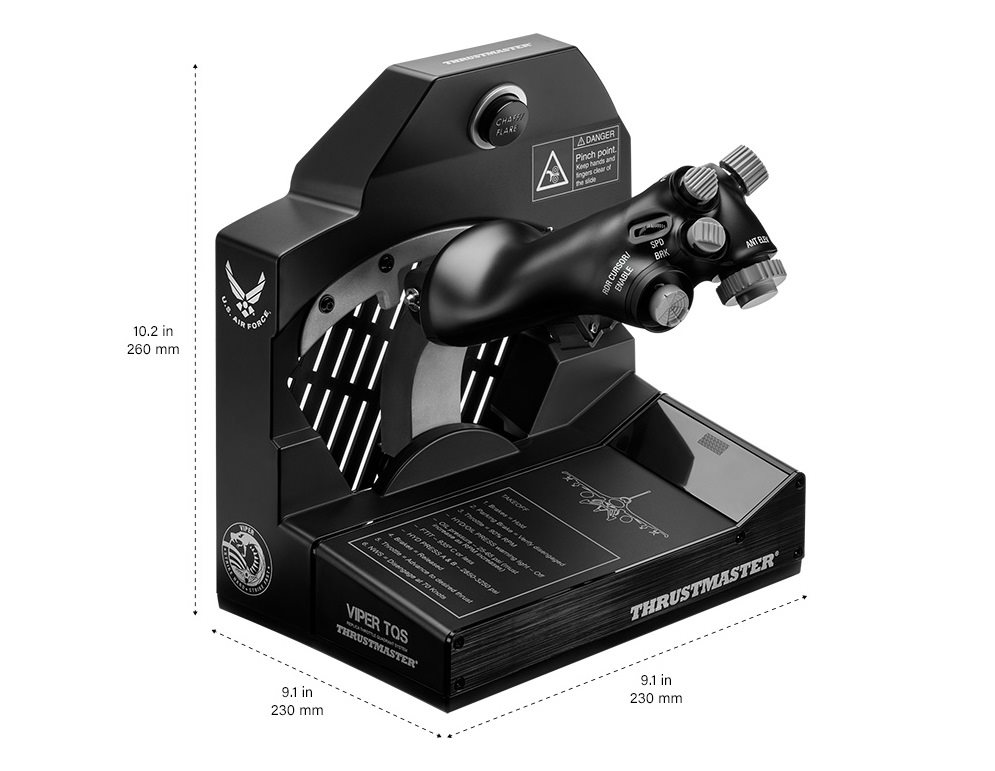
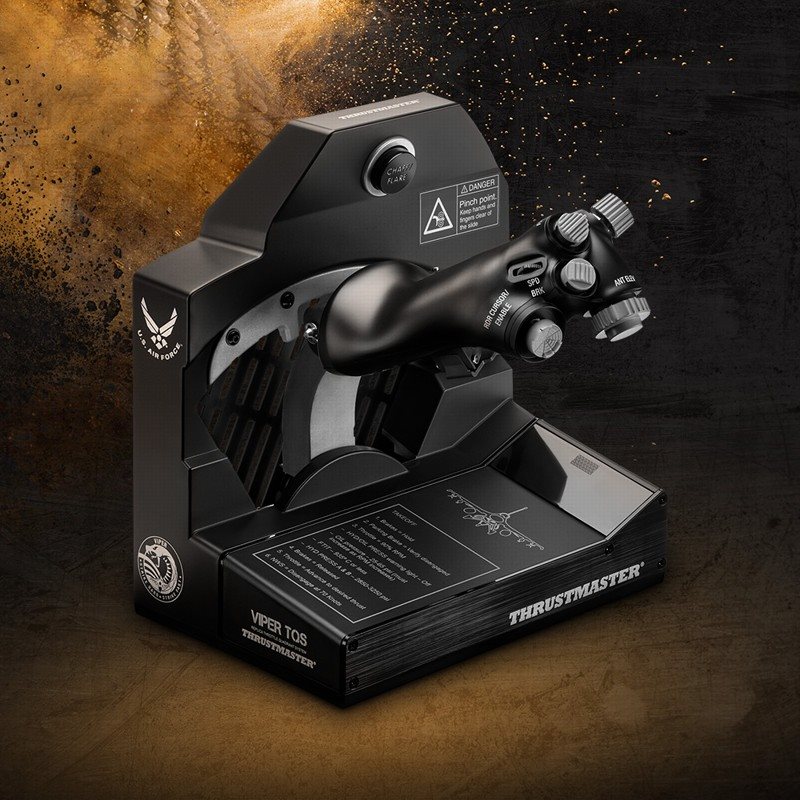
Create a realistic cockpit with the Viper TQS, the official US Air Force replica for PC. The entire system is a faithful 1:1 replica with metal handle cover and buttons from the legendary Viper. This gives you unparalleled ergonomics and feel.
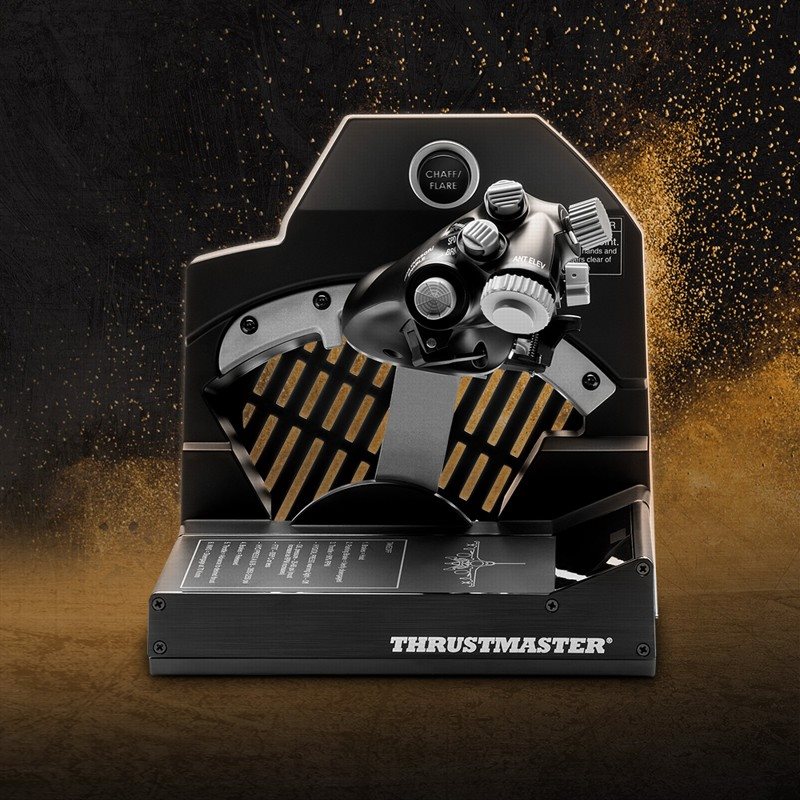
Precise flight kinematics
The Thrustmaster Viper TQS faithfully simulates the mechanical movement of the throttle along its axis with smooth operation using high quality metal bearings. The Thrustmaster Viper TQS gaming controller reproduces the real feel with a bar that accesses the Idle/Cutoff and Afterburn detentors with mechanical levers and lever rotation. You can simply switch to 100% linear axis.
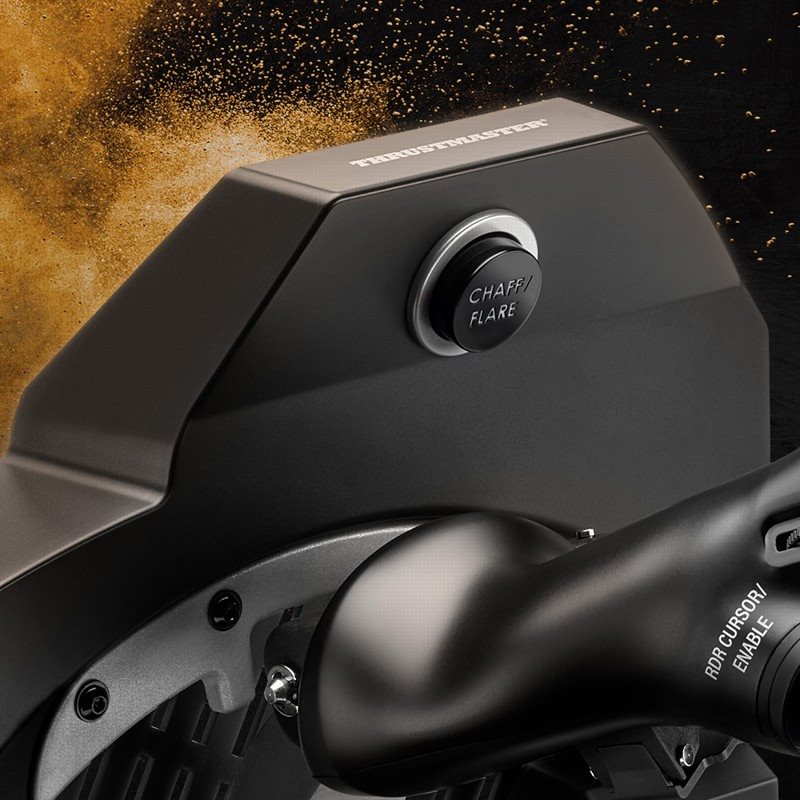
Features to fully experience the battles
The Thrustmaster Viper TQS offers desirable features that immerse you in aerial combat. These include the metal control knobs and the Chaff/Flare switch, used for deploying countermeasures in aerial combat. Use the blackout switch to get even more involved in the battles.
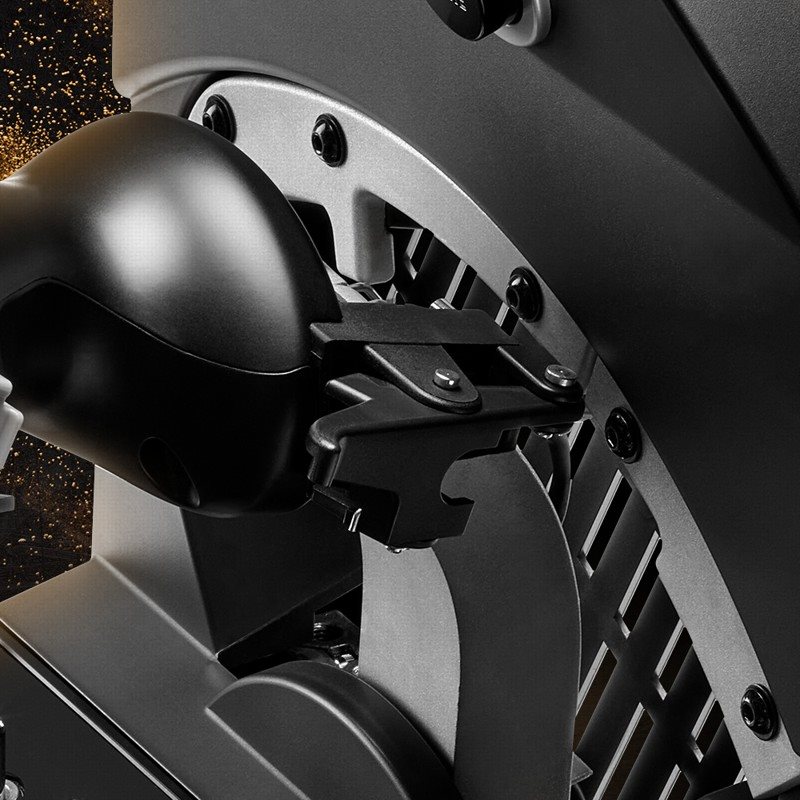
The game controller has customisable friction
Adjust your friction to get a solid, linear run with no dead zones in the throttle. The Thrustmaster Viper TQS controller boasts a solid die-cast metal construction that provides constant friction to withstand the ravages of time. Absolute accuracy is ensured by the magnetic H sensor. E. A. R. T (HallEffect AccuRate Technology).
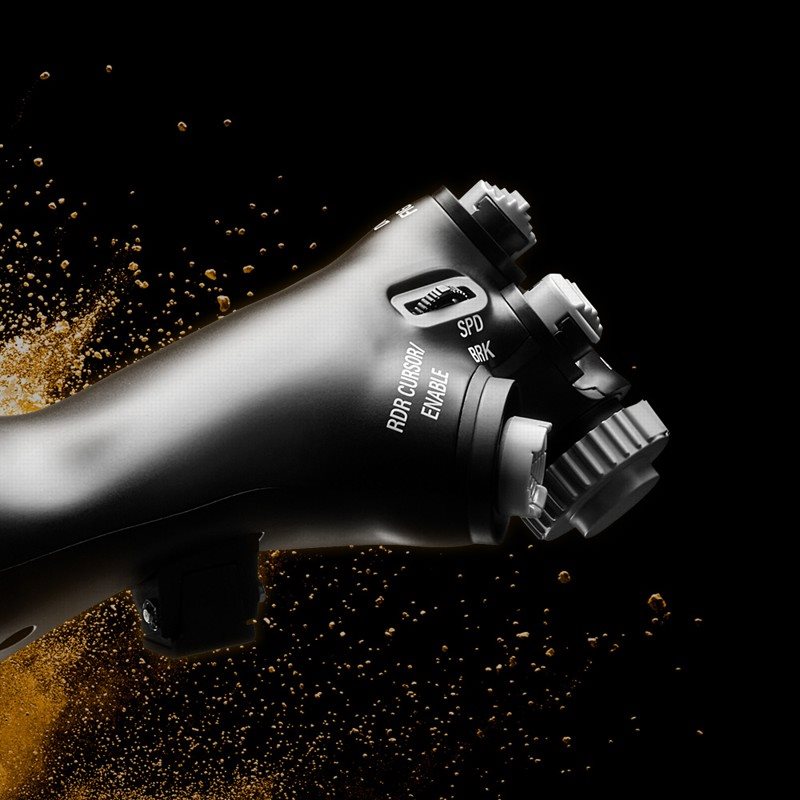
Thrustmaster Viper TQS is ready for VR
Keep your enemies in sight at all times. The Thrustmaster Viper TQS gaming controller has a total of 21 easy-to-access buttons that you can find immediately with the VR headset on. Use the VR switch to zoom in on the point of view so you don't miss any action.
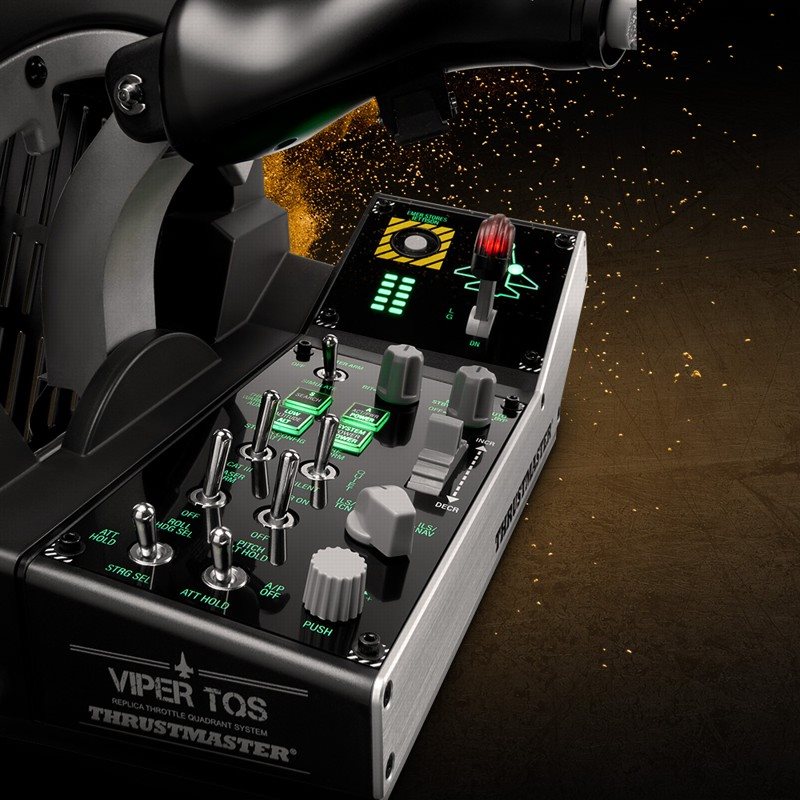
The Thrustmaster controller is easily expandable
Expand the potential of the Thrustmaster Viper TQS game controller with the backlit Viper Panel (sold separately). It stands out for its quality design certified by the US Air Force. The add-on module features 43 buttons, including 11 virtual buttons, a chassis lever, a trim wheel and an emergency drop function.
Specifications
Platform
Inputs and outputs
Connections
Dimensions
Weight
Appearance
Functions
Controller type

Guillemot Corporation S.A., 2 Rue du Chene Héleuc, 56910 Carentoir, FR, [email protected]
Specifications can be changed without notice. Images are for illustrative purposes only.
