



Dobry,ktory Usb napajaci kabel je potrebne zakupit k tejto tlaciarni? Nie je v baleni pri tlaciarni,ze?Dakujem za info
HP Deskjet Ink Advantage 2135 All-in-One
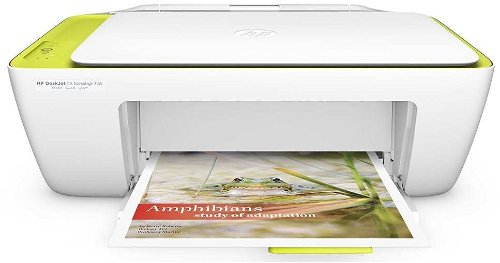
Inkjet Printer - multifunction A4 printer/scanner/copier, 20ppm black, 16ppm colour, 4800x1200dpi, USB 2.0
Show full description
Code:
PA006d91e
Producer's Website:
Don't like the alternatives? Choose from the full product list
- Help and manuals 19
- Specifications
- Photos & Videos 4
- Alternatives 8
- Accessories and suggested products

HP Deskjet Ink Advantage 2135 All-in-One
Discontinued
HP Deskjet Ink Advantage 2135 All-in-One
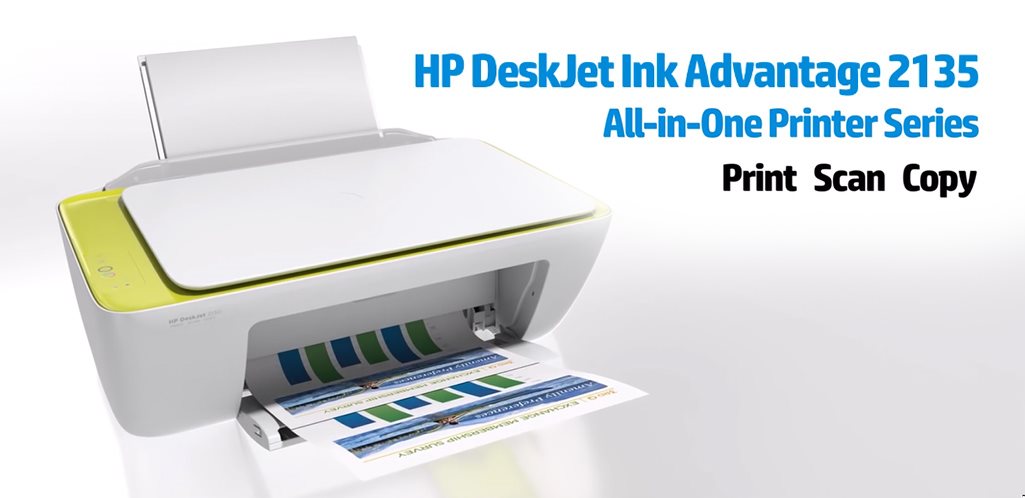
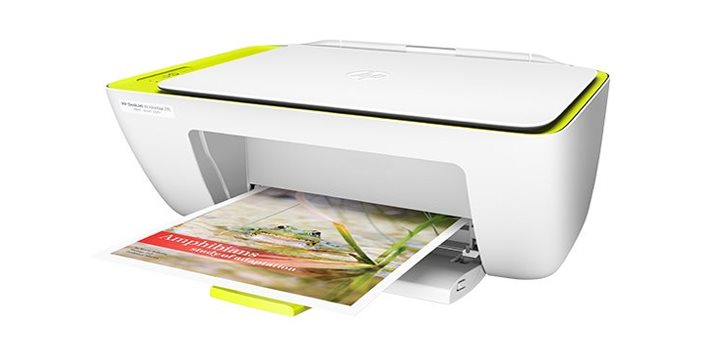
The HP DeskJet 2135 All-in-One Inkjet Printer offers cost-effective printing without compromise and above-average quality. Affordable inks in HP cartridges will print all your photos and documents in high sharpness and optimal colouring. In addition to classic printing, the printer is also equipped with a copier and scanner.
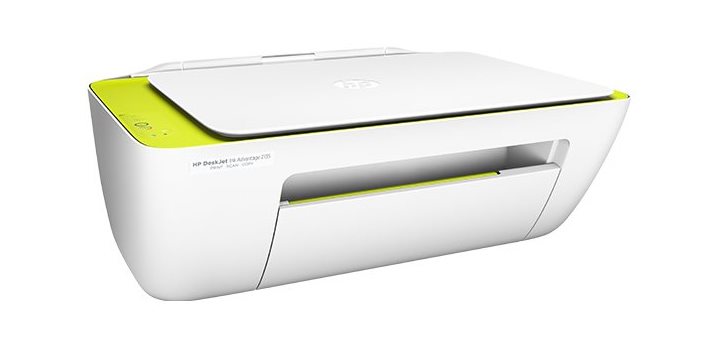
More Work in Less Space
Controlling the printer is very easy. To control all settings, including scanning and copying, simply use the buttons. With its compact design, the printer does not take up much space on the work desk, so you can place it almost anywhere, or take it with you on the go.
Fast and Quality Printing
With a high print speed of 20ppm black and 16ppm colour, your documents will be ready in minutes. Of course, you can print photos on photo paper with a 60-sheet input tray.
Immediately Ready for Use
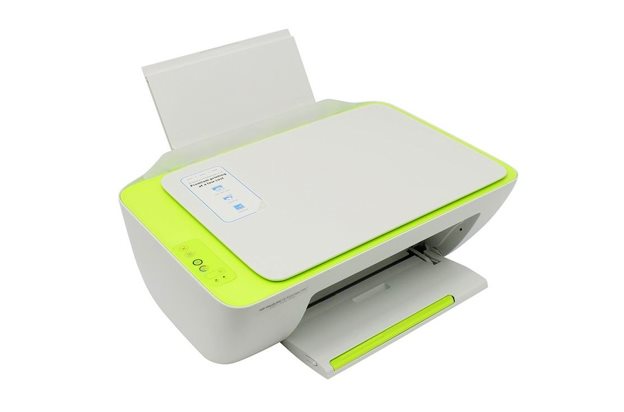
No tedious installation! Simply plug in the HP Deskjet 2135 and get started right away. During operation, the printer consumes very little energy, making it ENERGY STAR certified.
Package Contents
- HP DeskJet Ink Advantage 2135 Printer
- HP 652 Black Ink Cartridge (approx. 360 pages)
- HP 652 Tri-colour Ink Cartridge (approx. 200 pages) Software CD
- Installation Leaflet
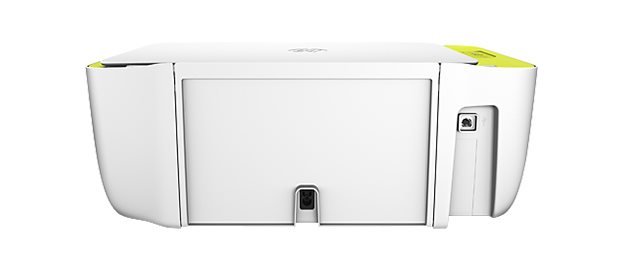
- Power cable
Specifications
Features
Connection
Standard Paper Sizes
Print speed in black and white - maximum
Type
Function
Features
Connection
Connection
Supported Paper Sizes
Standard Paper Sizes
Printing parameters
Print speed in black and white - maximum
Print speed in colour - maximum
Input trays
200 pages/month
25 sheets
Dimensions
Height
Depth
Width
Equipment
Without Display
Colour
Colour
More Specifications

HP Inc Czech Republic s.r.o Za Brumlovkou 5/1559 140 00 Praha 4 VAT ID: CZ 03208427 Radek Mattas, [email protected]"
GO Europe GmbH, Zum Kraftwerk 1, Hattingen 45527, Germany, +49232468010, [email protected]
Hewlett-Packard was founded in the difficult times of the Great Depression. The founders were a pair of friends whose name the company still proudly bears. They started their business in an unobtrusive garage near the city of Palo Alto. It is now a national monument. HP’s success lay not in copying existing products, but in the ability and courage to come up with something new.
The first commercial triumph was an oscillator that surpassed all competition in quality, yet sold at a quarter of the price. In 1968, HP released their first desktop computer - a desktop calculator. The company currently manufactures products primarily related to computer technology - computers and laptops, printers, scanners, digital cameras, servers, and last but not least, calculators.
Note:
If there is no "package contains" box in the product parameters and the data or USB cable is not specifically mentioned in there, the package does not contain it and must be purchased separately.
Specifications can be changed without notice. Images are for illustrative purposes only.
