


Dobrý den, potřebuji poradit v této věci: Mám doma soukromý Probook HP470G5 Core i7, pracovní Lenovo ThinkPad L14 Core i7 a ještě žena pracvoní notebook Dell. Všechny mají USB-C. Připojeny budou dva monitory HP HP Z24q G3 QHD. Hledám nejvhodnější dokovací stanici, která "utáhne" všechny zmíněné PC + monitory. Je tato stanice vhodná? Nebo Vás napadá jiná - lepší? Děkuji za pomoc - radu.
i-tec USB 3.0/USB-C/Thunderbolt 3 Dual Display Docking Station + Power Delivery 85W

Docking Station - connection using USB-C USB 3.2 Gen 1 (3.0), power delivery 85 W
Show full description
Code:
JP909o2
Producer's Website:
Don't like the alternatives? Choose from the full product list
- Reviews 2
- Help and manuals 37
- Specifications
- Photos & Videos 5
- Alternatives 8
- Accessories and suggested products

i-tec USB 3.0/USB-C/Thunderbolt 3 Dual Display Docking Station + Power Delivery 85W
Discontinued
i-tec USB 3.0/USB-C/Thunderbolt 3 Dual Display Docking Station + Power Delivery 85W
No alternative text for the photo!
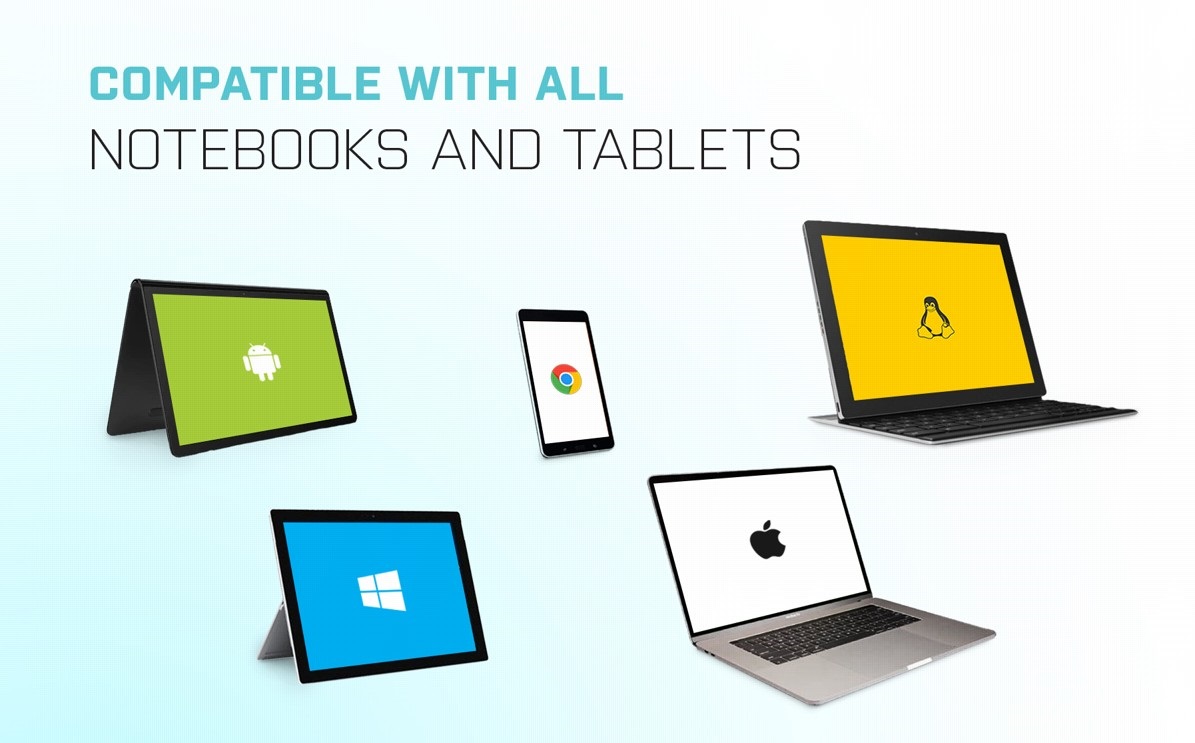
i-tec USB 3.0/USB-C/Thunderbolt 3 Dual Display Docking Station—Compatible with All Laptops and Tablets
You can use the i-tec USB 3.0/USB-C/Thunderbolt 3 Dual Display Docking Station with any laptop, tablet or smartphone—regardless of type, brand or operating system. Just make sure your laptop/tablet/phone has a free Thunderbolt 3 or any USB port (we recommend at least USB 3.0).
No alternative text for the photo!
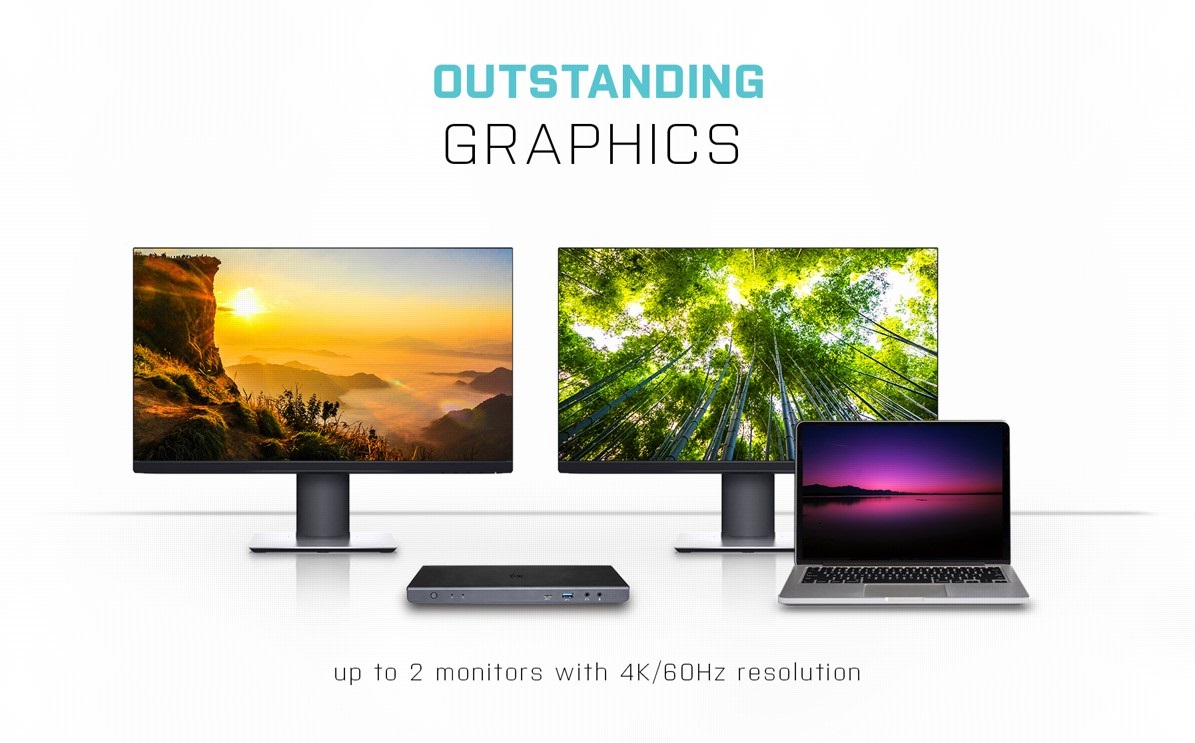
Connect to Up to 2 monitors with 4K Resolution at 60Hz
If you appreciate fine, high-resolution graphics, you will love using the i-tec USB 3.0/USB-C/Thunderbolt 3 Dual Display Docking Station to connect to an external monitor or TV in up to 4K resolution. The high 60Hz refresh rate guarantees a beautifully smooth picture.
No alternative text for the photo!
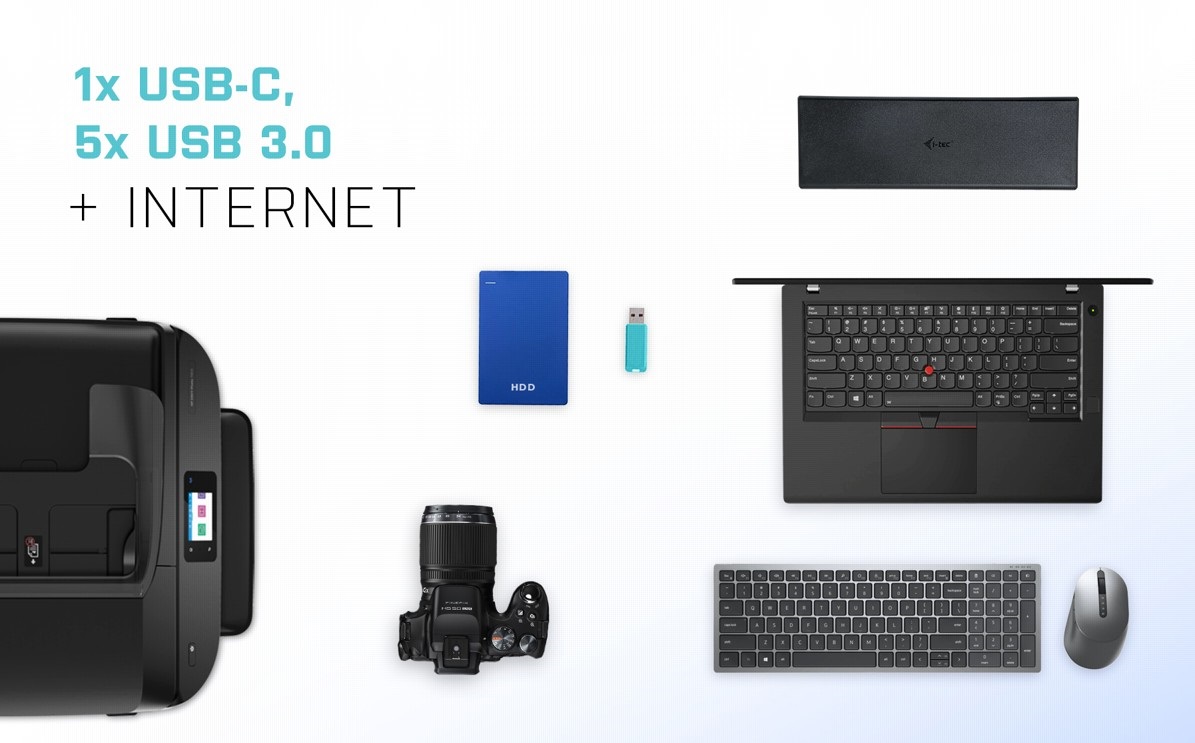
Plenty of Ports on the i-tec USB 3.0/USB-C/Thunderbolt 3 Dual Display Docking Station
Printer? Keyboard? Mouse? External drive or flash drive? A charging cable for your phone? You can connect all your devices quickly and easily with the i-tec USB 3.0/USB-C/Thunderbolt 3 Dual Display Docking Station. You can also connect to the internet via the LAN port and remove any worries about the variable quality and speed of WiFi networks.
No alternative text for the photo!
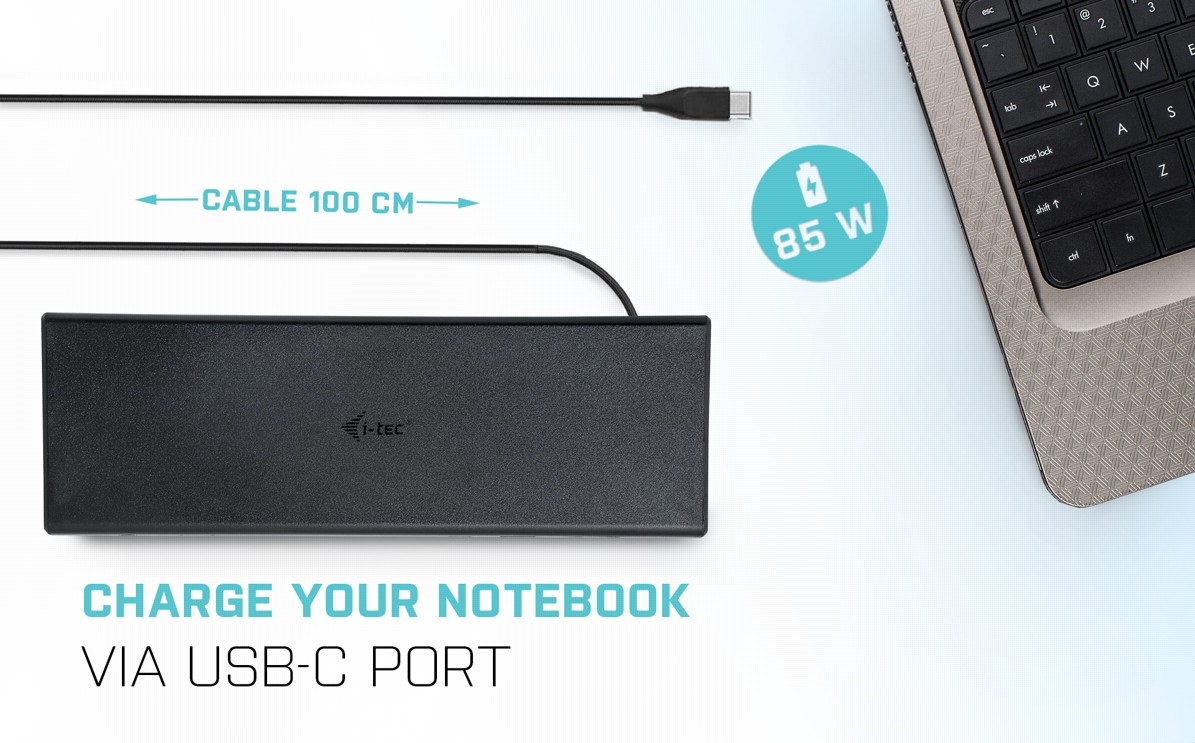
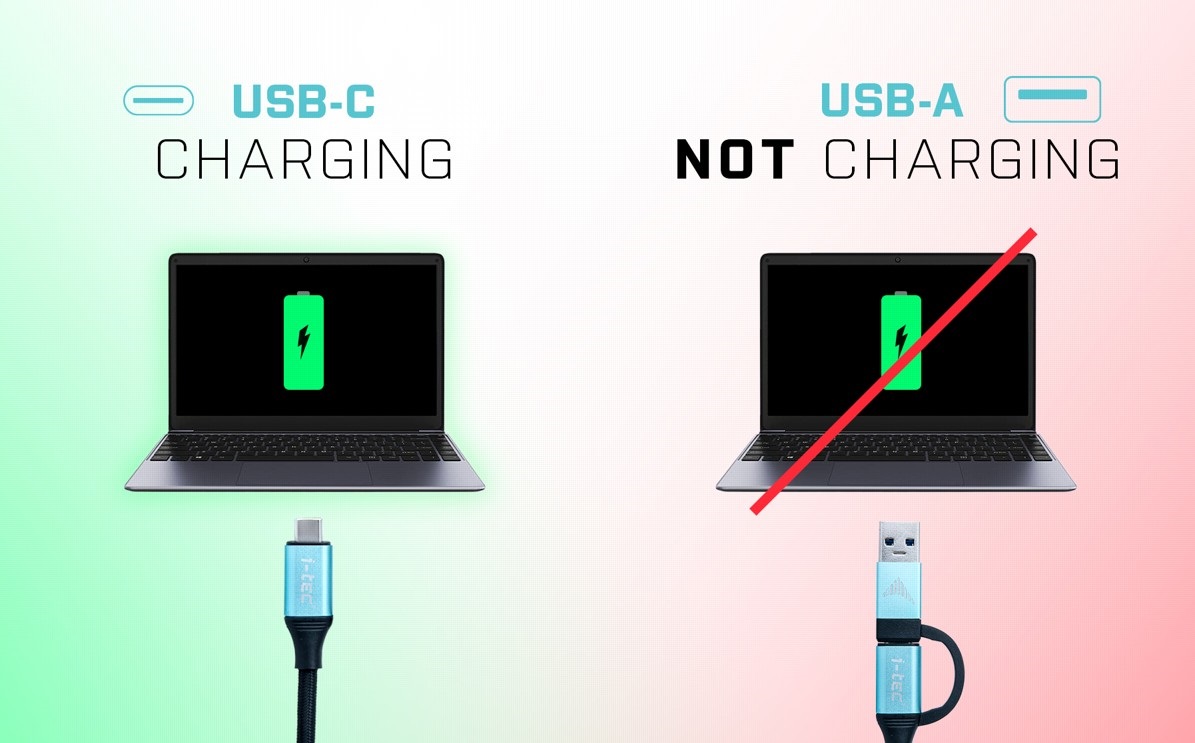
Easily Charge Your Laptop with Power Delivery up to 85W
The i-tec USB 3.0/USB-C/Thunderbolt 3 Dual Display Docking Station offers a modern USB-C connector that does many things! If your laptop or tablet supports power through this port, you can connect everything you need (data, internet, video and power supply) through a single cable.
No alternative text for the photo!
No alternative text for the photo!
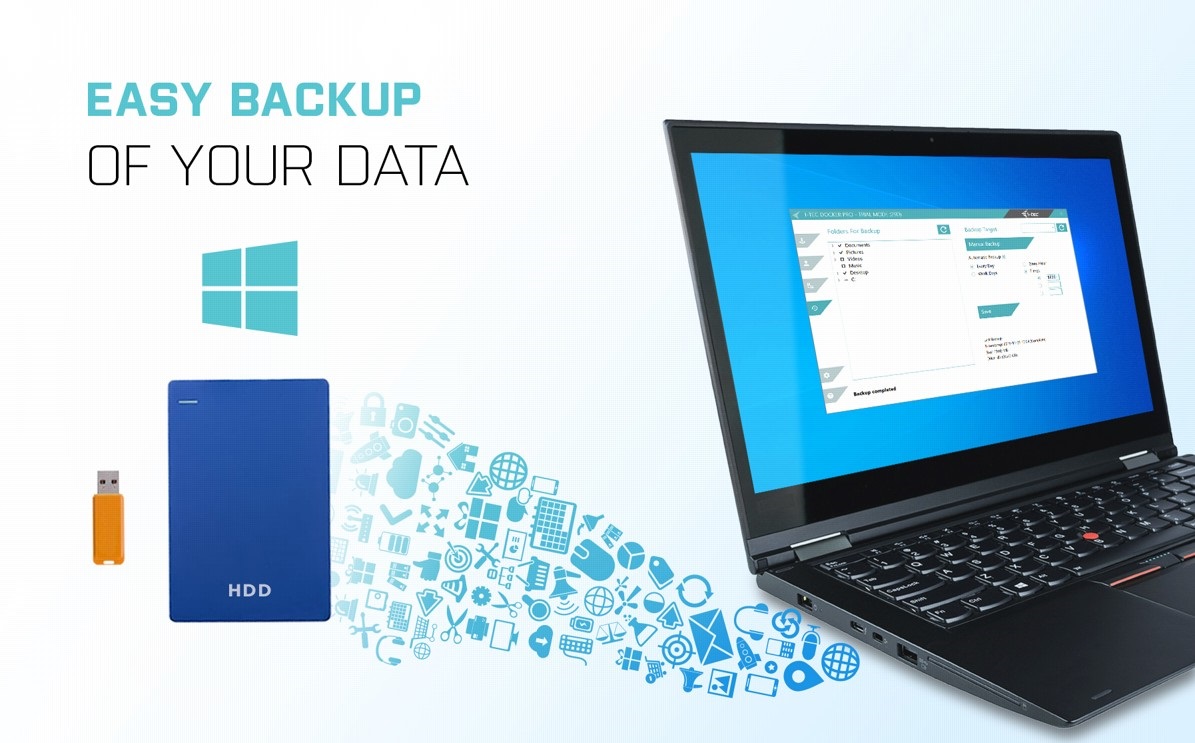
Easy Data Backup
If you use the Windows operating system and need to regularly backup important files, you'd be well-advised to install the free i-tec Docker Pro add-on (i-tec.cz/dockerpro). Just connect any hard drive or flash drive to the i-tec USB 3.0/USB-C/Thunderbolt 3 Dual Display Docking Station, and the rest is just a few mouse clicks away.
Key Features—i-tec USB 3.0/USB-C/Thunderbolt 3 Dual Display Docking Station
- Station for connecting peripherals to your device
- HDMI graphics and audio port with Ultra HD 4K support
- Connects with a USB-C cable that is also compatible with Thunderbolt 3
- Compact dimensions
- USB-C Power Delivery charging with up to 85W of power
- Five handy USB 3.0 connectors
- Docking station with a LAN port

SPECIFICATIONS
1× USB-C port for connection to USB-C or USB-A devices (USB-C cable and USB-C to USB 3.0 adapter included)
Power Delivery: up to 85W
Video ports:
2 × DisplayPort
2 × HDMI
Resolution:
1 monitor - 1× Display Port up to 4K/60Hz
1 monitor - 1× HDMI up to 4K/60Hz
1 monitor - 2× Display Port up to 5K/60Hz
2 monitors - 1× Display Port + 1× Display Port up to 2× 4K/60Hz
2 monitors - 1× Display Port + 1× HDMI up to 2× 4K/60Hz
2 monitors - 1×HDMI + 1×HDMI up to 2×4K/60Hz
1× USB-C port gen. 1 (data only)
4 × USB 3.0 port
1× USB 3.0 port with fast charging support (BC 1.2)
1× Ethernet GLAN RJ-45 port (DisplayLink DL-6950)
1× 3.5mm Audio output 1 × 3.5mm Microphone input
1× power input (DC 20V/5A)
ON/OFF switch to turn the docking station on and off
LED indication
Support for Kensington lock
USB-C to USB-C/USB-A cable (100 cm)
OS: Windows 7/8 / 8.1/10. macOS X, Linux Ubuntu 14.04 16.04. 17.04 17.10 18.04 19.04, Android 5 and higher, Chrome OS R51 and higher
Easy driver installation (Windows, MacOS, Ubuntu, Android)
Hardware requirements:
Devices with free USB-A, USB-C or Thunderbolt 3
Requirements for Power Delivery:
Devices with a free USB-C or Thunderbolt 3 port with Power Delivery support
Specifications
Width
Height
Depth
Weight
Power supply (cable)
Dimensions and weight
Width
Height
Depth
Weight
Laptop power port
Power supply (cable)
Laptop power port
Standard male connector
Max. Power Delivery value
Most common ports
Common data ports
Common graphics ports
Data ports - Number and standards
USB-A standards
USB-C standards
USB-C 3.2 Gen 1 (3.0)
USB-C power supply (PD)
USB-A 3.2 Gen 1 (3.0)
Power ports for electrical devices
USB-A
USB-C
Graphics ports - Number and standards
DisplayPort standards
HDMI standards
HDMI 2.0
DisplayPort 1.2
Network ports
Maximum LAN speed
Audio ports
Audio ports
Features
Features
Support
Colour
Cable length
Material
Maximum number of monitors
Packaging
Package contents
Compatibility
Type
More Specifications
Note:
Specifications can be changed without notice. Images are for illustrative purposes only.
