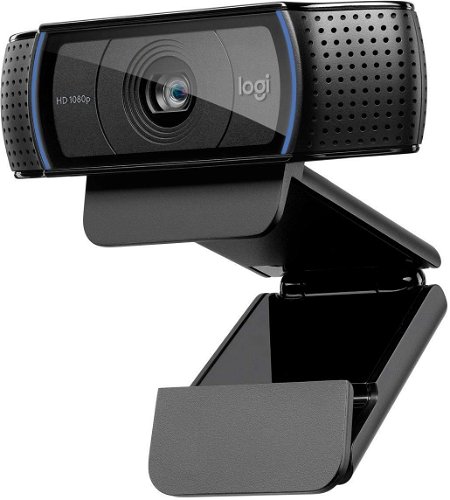
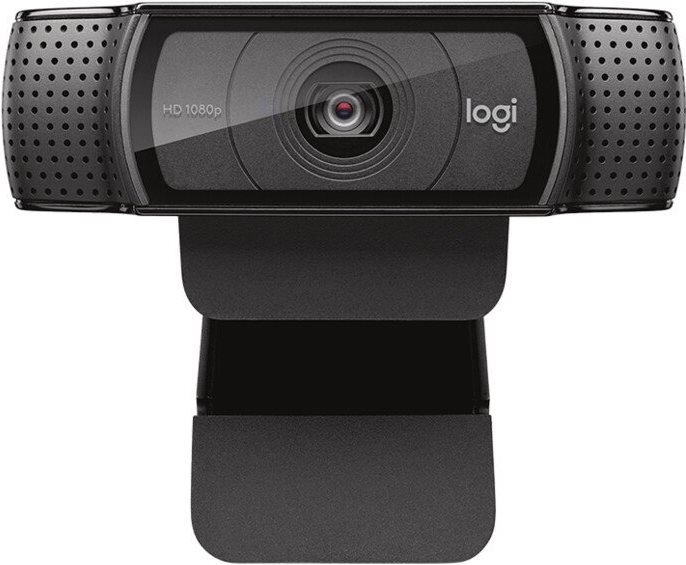
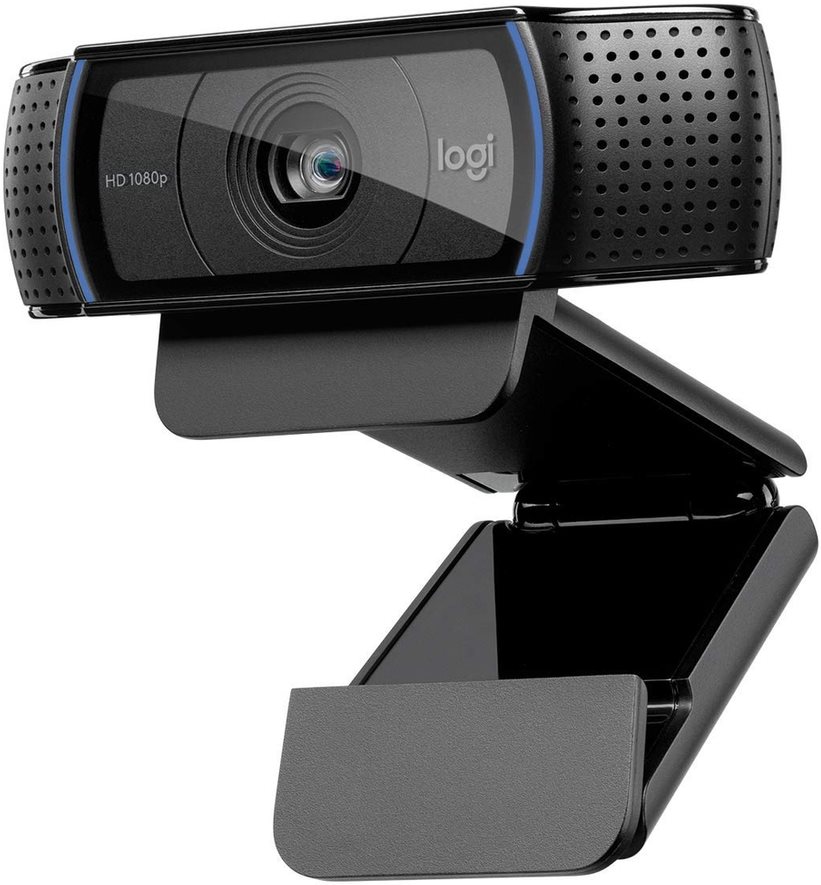
Webcam - with Full HD (1920 × 1080 px) resolution, photo resolution up to 15 Mpx, angle of view of 78°, built-in stereo microphone, autofocus, background noise reduction, low light correction
Logitech HD Pro Webcam C920 1,999,- In stock > 5 pcs
Buy
Logitech HD Pro Webcam C920
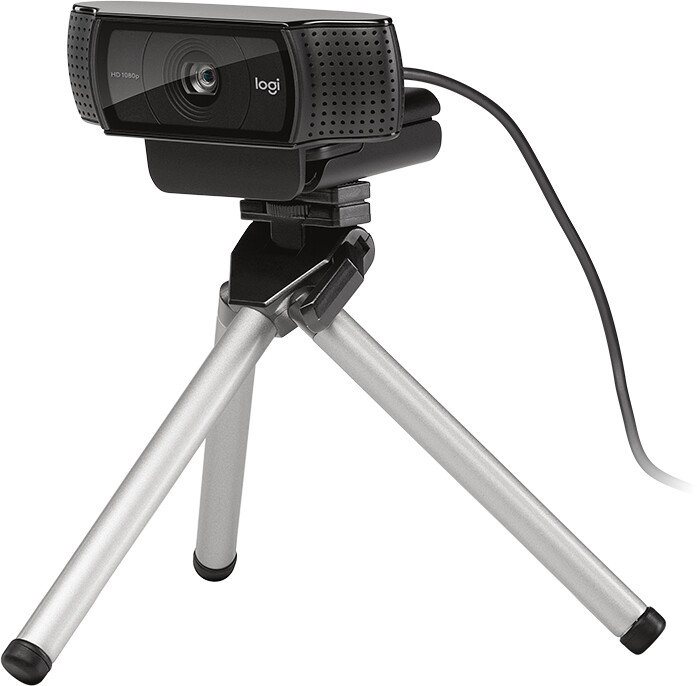
You will see and be seen in high definition. Logitech has partnered with Skype to enable 1080p high-definition streaming on the C920 webcam. The C920 uses the same type of autofocus motor as smartphone cameras. Our autofocus, optimized for webcams, provides the sharpest possible image even at a distance of 10 cm. Rubberized stops on the mount help to secure the C920 to your monitor or laptop. It also allows attachment to a tripod.
Full HD 1080p video calling with Skype
You will see and be seen in high definition. Logitech has partnered with Skype to make the C920 webcam enable 1080p high-definition streaming.
Auto focus
The C920 uses the same type of autofocus motor as smartphone cameras. Our autofocus, optimized for webcams, provides the sharpest possible image even at a distance of 10 cm.
Full HD 1080p recording
Record videos in Full HD 1080p widescreen resolution at 30 frames per second. The same encrypted H.264 compression that allows you to make high-definition video calls.
Stable grip
Rubberized stops on the mount help to secure the C920 to your monitor or laptop. Also allows attachment to a tripod.
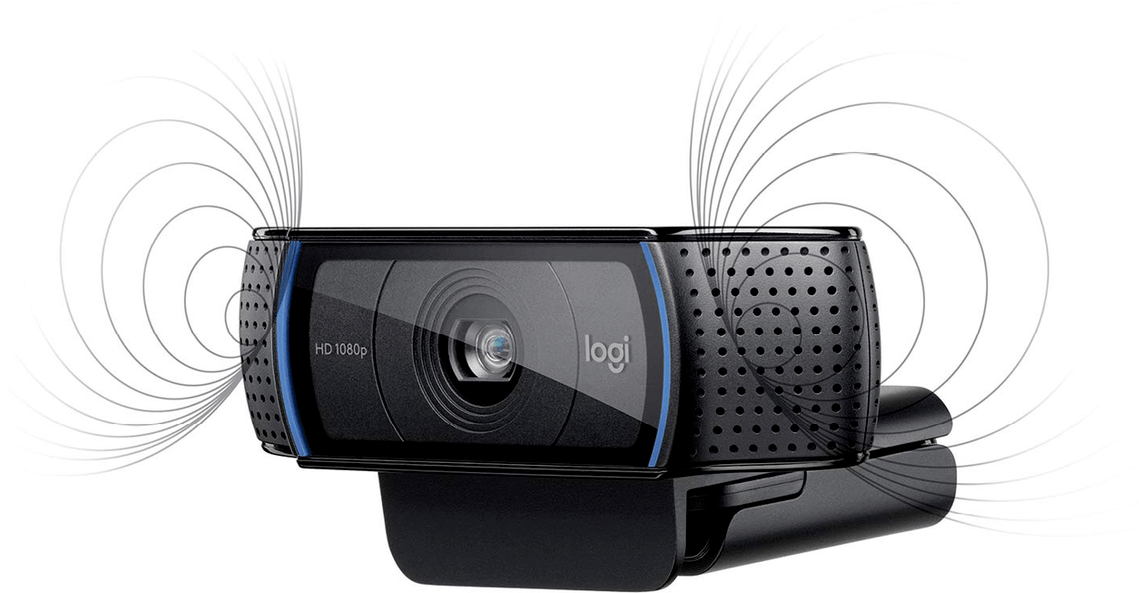
Stereo sound
Stereo recording or reproduction contributes to the feeling of spatiality - thus completing the listening environment. Record videos or make video calls knowing that others can hear you clearly and naturally.
Web camera’s supported operating system. Before you buy a webcam, make sure it’s compatible with your operating system.
Mac OS, Windows 10, Windows 11, Windows 7, Windows 8
Location
Mounting
Clip
Parameter Logitech icon
Logitech icon
Logitech icon multibuy
More Specifications
With an annual turnover of $1.8 billion, Logitech is the world's largest manufacturer of computer peripherals and accessories. Its products include computer mice, keyboards, wireless communication devices - virtually anything. The company has over 7,200 employees and is based in Palo Alto.
Note:
Specifications can be changed without notice. Images are for illustrative purposes only.
Dobrý den, mám dotaz jestli je tato webkamera kompatibilní s Windows 10?
Dobrý den, mám dotaz jestli je tato webkamera kompatibilní s Windows 10?
Dobrý den,
chtěl jsem se zeptat na optiku této kamery. Na stránkách píšete, že je od Carls Zeiss. v nakoupeném zboží jsem žádnou zmínku o tom nenašel, ani není vyražena na čelním skle jak je na stránkách. Píše se pouze Full HD glass lence. Můžete mi prosím potvrdit, zda všechny c920 jsou obsazeny optikou od Carl Zeiss? děkuji za odpověď
Dobrý den,
chtěl jsem se zeptat na optiku této kamery. Na stránkách píšete, že je od Carls Zeiss. v nakoupeném zboží jsem žádnou zmínku o tom nenašel, ani není vyražena na čelním skle jak je na stránkách. Píše se pouze Full HD glass lence. Můžete mi prosím potvrdit, zda všechny c920 jsou obsazeny optikou od Carl Zeiss? děkuji za odpověď
Ahoj mám dotaz koupil sem si tu webku mam windows 11 používám na Stream Streamlabs, chvilku webka jde ale pak se mi odpojí musím něco stahnout nějaký program ?
Ahoj mám dotaz koupil sem si tu webku mam windows 11 používám na Stream Streamlabs, chvilku webka jde ale pak se mi odpojí musím něco stahnout nějaký program ?
Dobrý deň, myslím, že pre celú radu kamier C920 uvádzate v parametroch nesprávne rozlíšenie 15Mpx, ale výrobca píše len o 3Mpx (External Link Žiaľ, zistil som to až po zakúpení.
Dobrý deň, myslím, že pre celú radu kamier C920 uvádzate v parametroch nesprávne rozlíšenie 15Mpx, ale výrobca píše len o 3Mpx (External Link Žiaľ, zistil som to až po zakúpení.
Dobrý den,chtěl bych se zeptat na jednu věc.Koupil jsem si tuto kameru a instalace proběhla naprosto v pořádku s nejnovějšími ovladači (Windows 10).Po spuštění nabízí kamera možnost : Kamera nebo Foto nebo Dokument aTabule.Když spustím Kamera,vše jede jak má to stejné u Foto s tím,že se objeví modrý rámeček .(Předpokládám,že je to proto,abych si mohl udělat nějaký "výřez"a pod.takže ok.A teď můj dotaz - je normální,když přepnu na Dokument nebo Tabule,tak se mi na obrazovce zobrazují takové průsvitné modré čtverce.Když udělám nějaký pohyb před kamerou,tak se to tam objevuje.Můžete mi prosím poradit jestli dělám já něco špatně a nebo je to chybou kamery a na co se vlastně "režim" Dokument a Tabule" používají?A ještě jeden dotaz,můžu tuto kameru "teoreticky" vrátit ve stanovené 14 denní lhůtě v nepoškozeném obalu,ale již byly odebrány ochranné fólie,které mám,ale po opětovném nalepení už to nebude 100%.Děkuji za vaši odpověď s pozdravem J.S.
Dobrý den,chtěl bych se zeptat na jednu věc.Koupil jsem si tuto kameru a instalace proběhla naprosto v pořádku s nejnovějšími ovladači (Windows 10).Po spuštění nabízí kamera možnost : Kamera nebo Foto nebo Dokument aTabule.Když spustím Kamera,vše jede jak má to stejné u Foto s tím,že se objeví modrý rámeček .(Předpokládám,že je to proto,abych si mohl udělat nějaký "výřez"a pod.takže ok.A teď můj dotaz - je normální,když přepnu na Dokument nebo Tabule,tak se mi na obrazovce zobrazují takové průsvitné modré čtverce.Když udělám nějaký pohyb před kamerou,tak se to tam objevuje.Můžete mi prosím poradit jestli dělám já něco špatně a nebo je to chybou kamery a na co se vlastně "režim" Dokument a Tabule" používají?A ještě jeden dotaz,můžu tuto kameru "teoreticky" vrátit ve stanovené 14 denní lhůtě v nepoškozeném obalu,ale již byly odebrány ochranné fólie,které mám,ale po opětovném nalepení už to nebude 100%.Děkuji za vaši odpověď s pozdravem J.S.
Try our cookiesAlza.cz a. s., Company identification number 27082440, use cookies and other data to ensure the proper functioning of the website and, with your consent, also, among other things, to personalize advertising and the content of our websites. By clicking on the “I understand“ button, you agree to the use of cookies and the transfer of data regarding the behavior on the website for displaying targeted advertising on social networks and advertising networks on other websites.
We use 8 categories of cookies on our website:
Technical cookies
These are strictly necessary for the functioning of the website and the features you choose to use. Without them, our website would not work; you wouldn't be able to log in to your user account, for example.
Functionality cookies
These cookies allow us to remember your basic choices and improve the user experience. These include remembering your preferred language or allowing you to stay logged in permanently.
Social media cookies
These cookies allow us to easily link you to your social media profile and, for example, allow you to share products and services with your friends and family.
Content personalisation
These cookies allow us to show you content and ads according to the information we have about you to best meet your needs. This includes what content you have viewed, or on what device you are accessing our website.
Non-personalised advertising
These cookies allow us to show you general ads for products and services.
Personalised advertising
Thanks to these cookies, we and our partners can offer you relevant products and services based on your purchases, your shopping behaviour and your preferences.
Audience metrics
These cookies allow us to optimise our site for your convenience based on how you use it. The aim is to remember or anticipate your choices. This includes, for example, the use of features, their location, or the behaviour on the page.
By giving your consent to the processing of cookies, functionality and analytical cookies will be installed on the device you use to browse the website (click on the "I understand" button for both categories, or you can select only one of the categories by clicking on the "Settings" button). We always install technical cookies on your device, even without your explicit consent, because without them our website would simply not work.
You can revoke your consent to the processing of cookies. In connection with our company's cookie processing, you also have the following rights: the right to access cookies, delete, modify, supplement and correct them, restrict processing and the right to lodge a complaint with the Office for Personal Data Protection. Read more about your rights.