


Logitech MX Keypad, Pale Grey
 Installment calculator
from
631,-
monthly
Installment calculator
from
631,-
monthly
- Help and manuals
- Specifications
- Photos & Videos 12
- Alternatives 8
- Accessories and suggested products

Logitech MX Keypad, Pale Grey
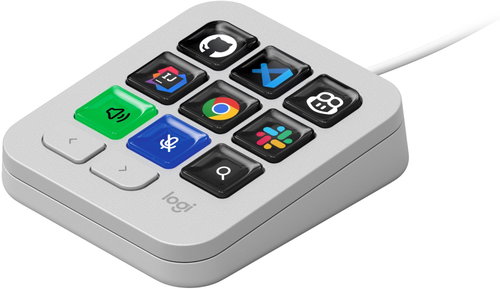
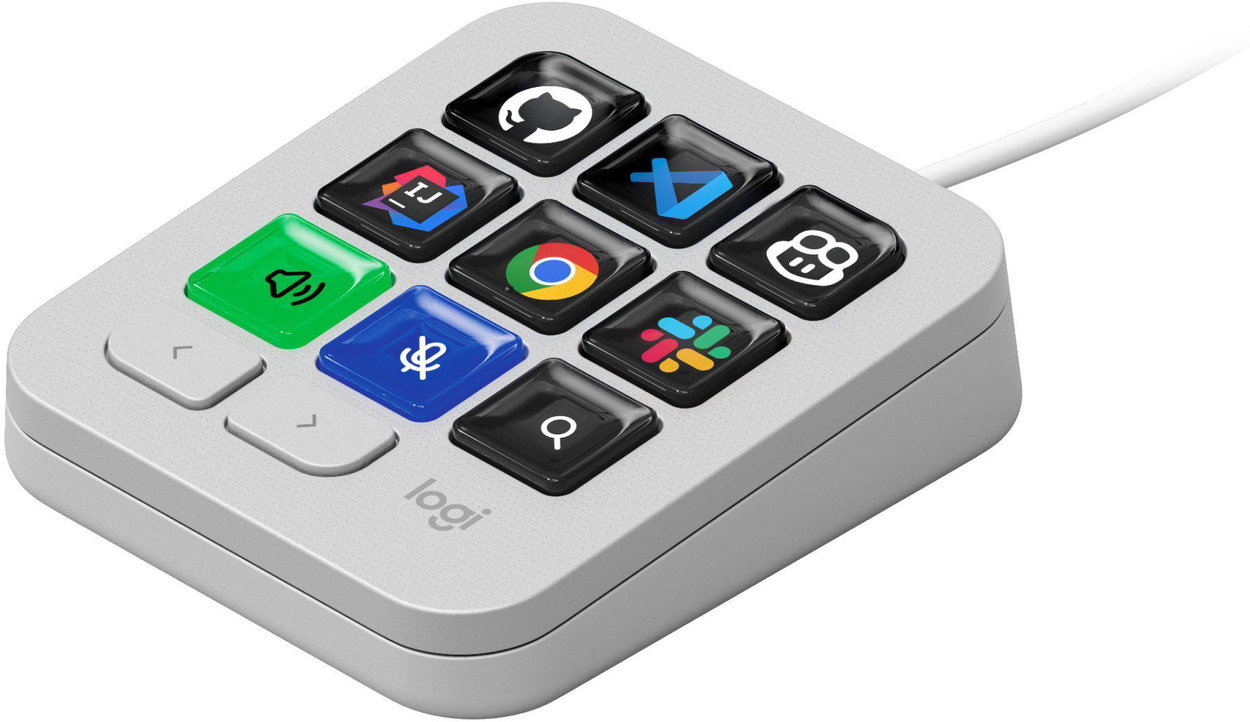
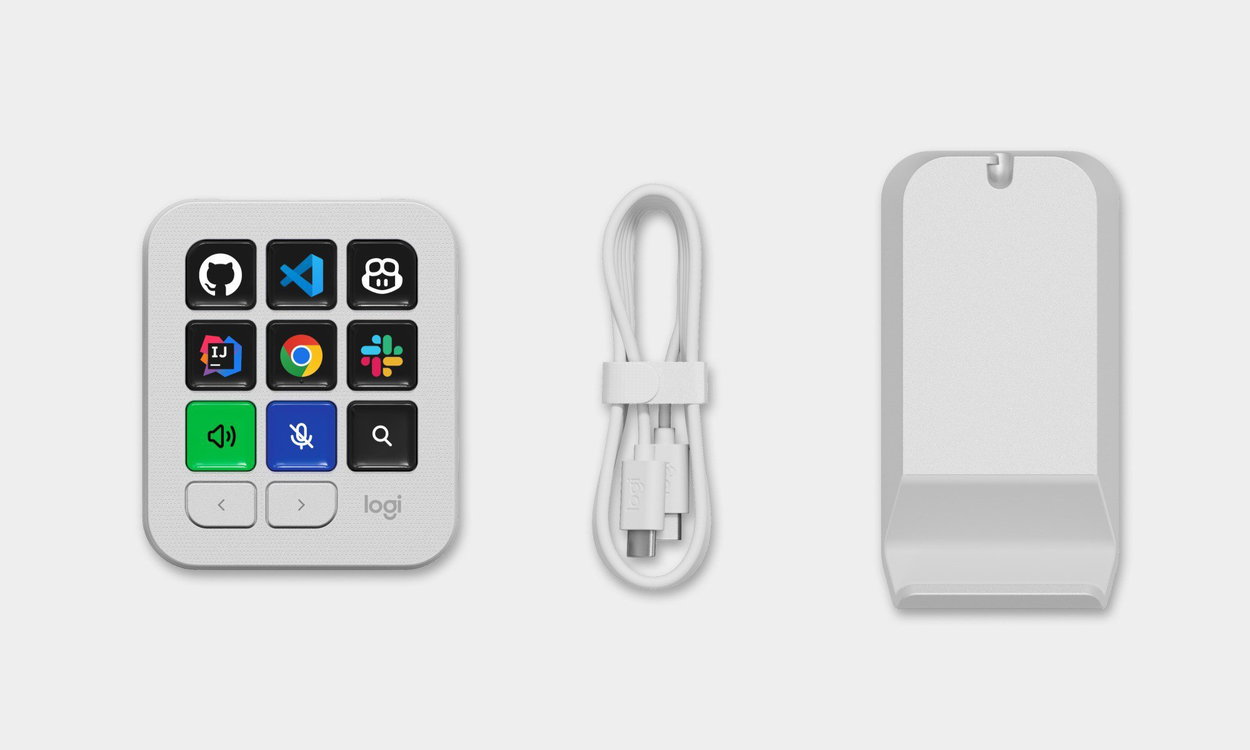
The Logitech MX Keypad stream deck lets you control your favourite applications, run automations and use your most common work commands with a single press. You have 9 customisable keys with a display that instantly show you the assigned functions, while two separate buttons allow you to switch between additional pages to access more actions. You can customise the control panel for specific applications and create your own layout for work, communication, programming or using AI tools. Through the Logi Marketplace, you can further expand its capabilities with plugins, profiles and icons, while support for native actions and macros helps you automate repetitive workflows. The Logitech MX Creative Keypad can also be used for video calls, where you can control the microphone and other meeting functions directly from the keys and monitor their current status using visual indicators. The control panel is Zoom Certified and, thanks to the Logi Actions SDK, it also offers further expansion options for developers. The Logitech MX Creative Keypad connects to your computer via USB-C, is compatible with current versions of Windows and macOS, and thanks to the stand, you can adjust its position on your desk.
Key Features of the Logitech MX Keypad Stream Deck, Pale Grey
- Thanks to 9 customisable keys with a display, the Logitech MX Keypad stream deck makes your favourite functions accessible with a single press
- Use the 2 navigation buttons to switch between pages with additional actions
- The keys can be customised for specific applications
- The Logitech MX Keypad stream deck lets you speed up repetitive tasks using native actions and macros
- The Logitech MX Keypad stream deck allows for expansion with additional plugins, profiles and icons
- Visual indicators clearly display the current status of assigned functions
- Thanks to its Zoom Certified status, the Logitech MX Keypad stream deck can be conveniently used for online meetings
- The Logitech MX Keypad stream deck supports Windows / macOS
- The included stand allows you to adjust its position on your desk
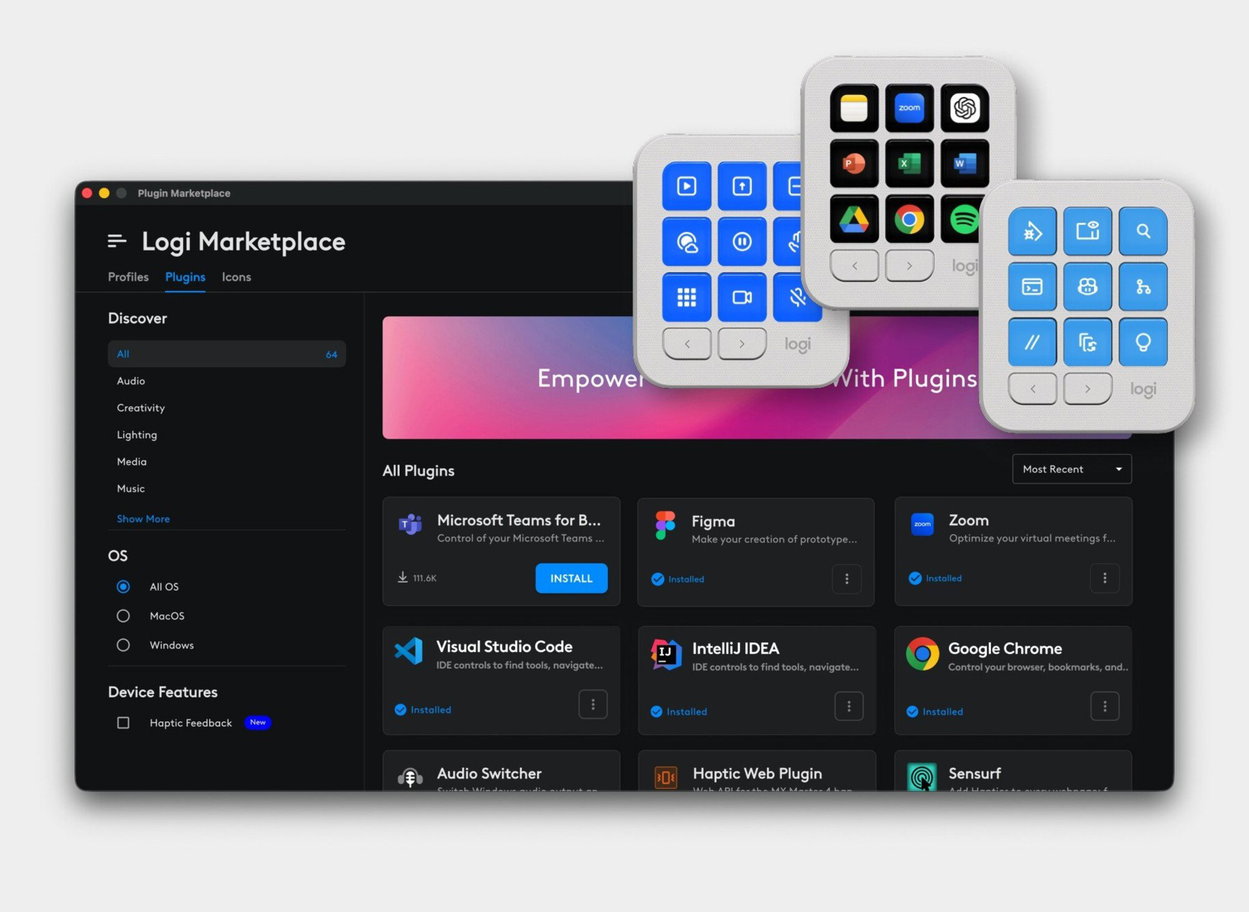
Customise Keys with the Logi Marketplace
Through the Logi Marketplace, you can customise the Logitech MX Keypad according to the applications and tools you use most often at work. There are plugins, profiles and icons available to assign new functions to the keys and create your own way of control. You can use the control panel with applications like Microsoft Teams, Figma, Zoom, Visual Studio Code, IntelliJ IDEA or Google Chrome and have important actions always at your fingertips.
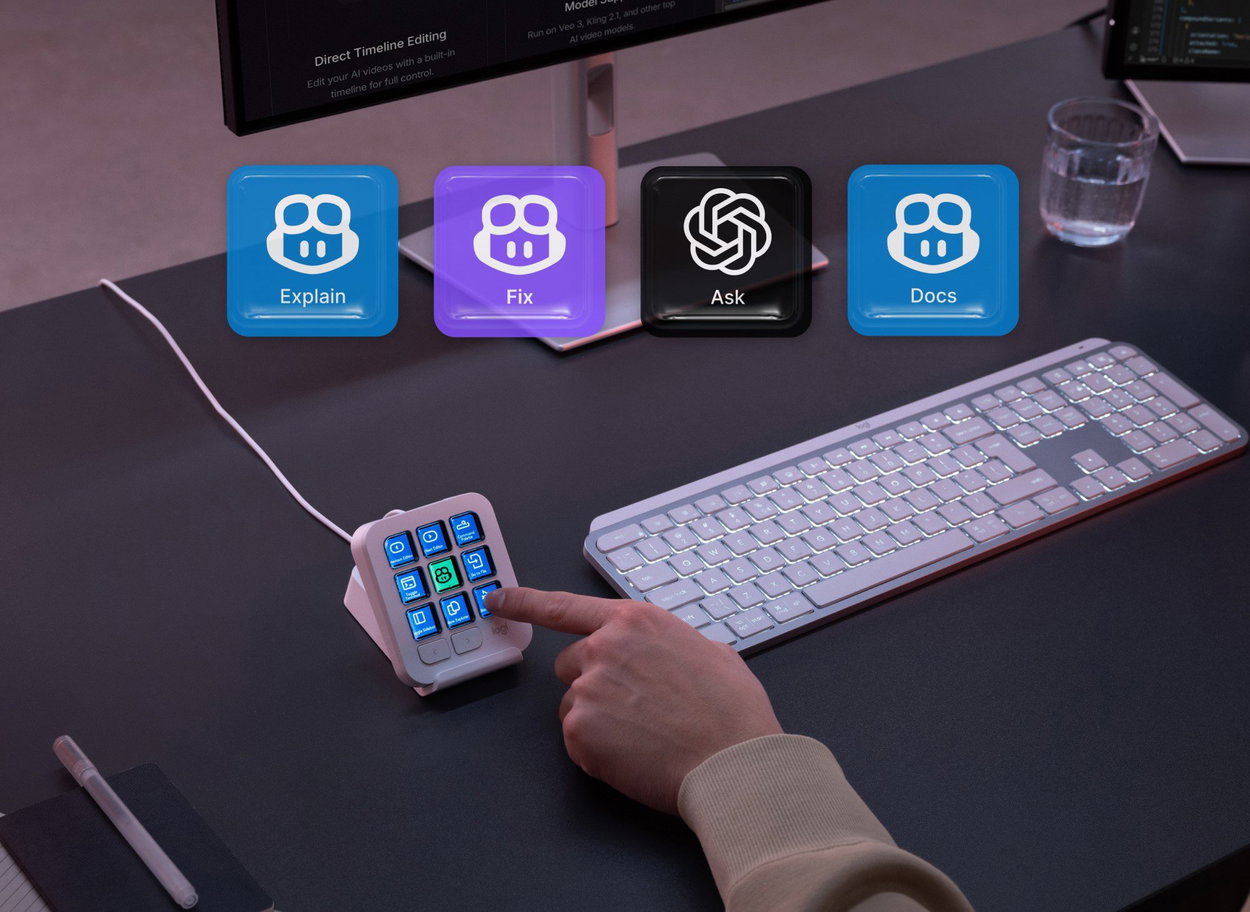
Your Favourite AI Functions Always at Hand
With the Logitech MX Keypad control panel, you can have your favourite AI tools and their functions available right at your fingertips. You can assign actions for AI assistants to individual keys, allowing you to quickly ask a question, have content explained, work with documents, or get help with problem-solving. This reduces unnecessary switching between applications, letting you use AI faster directly within your workflow.
The Ideal Control Panel for Online Meetings
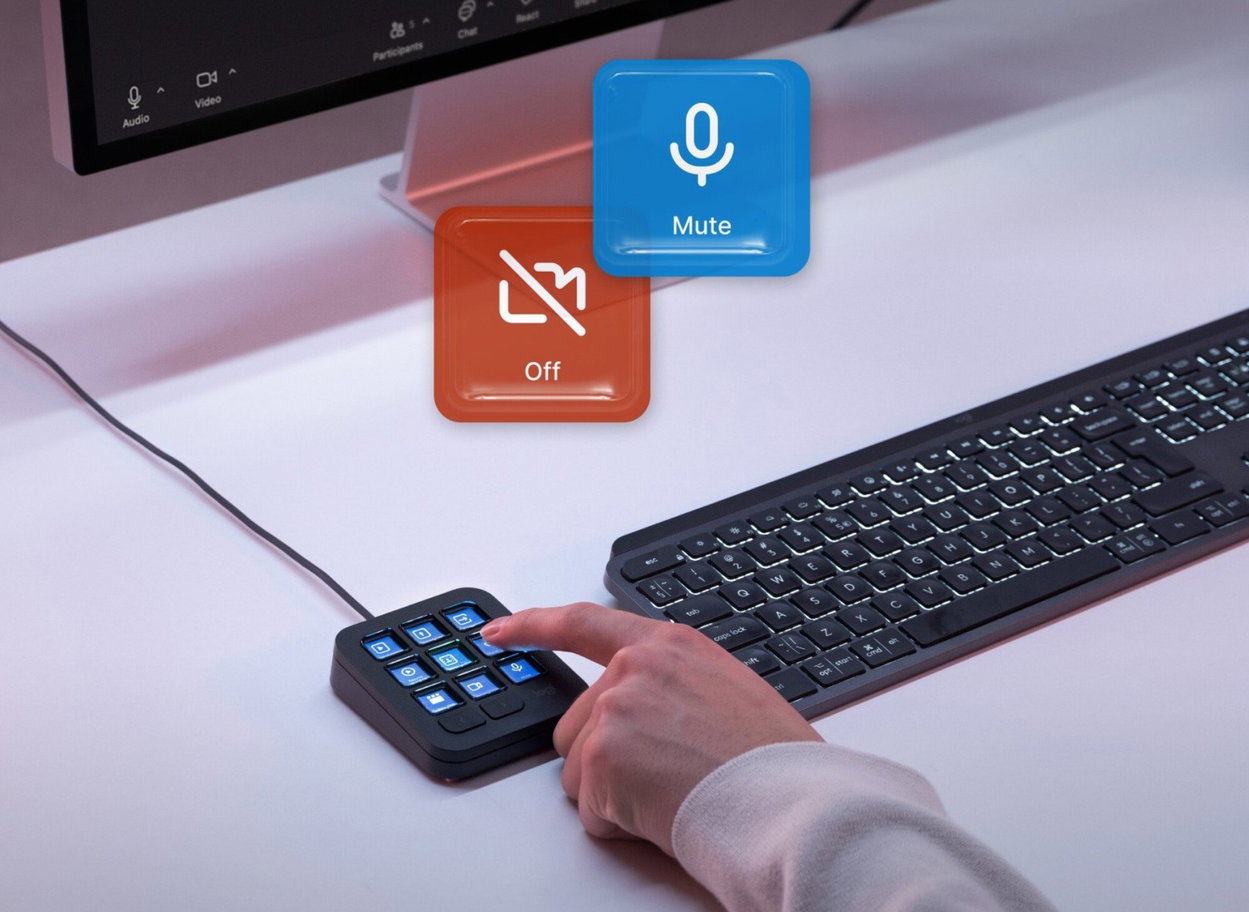
With the Logitech MX Keypad, you get quick access to the most important functions during online meetings without the tedious search for on-screen controls. With a single press, you can, for example, mute your microphone or turn off your camera, while visual indicators directly on the keys clearly show you their current status. What's more, the control panel is Zoom Certified, making it perfect for daily video calls and work meetings.
The Logitech MX Keypad Allows One-Press Control of Developer Tools
The Logitech MX Keypad stream deck gives you one-press access to frequently used tools, commands, and AI functions while programming. Support for developer tools allows you to use tools like GitHub Copilot directly from the control panel. It also includes 3 months of free access to GitHub Copilot Pro, which expands your AI capabilities when writing and editing code.

Expanded Customisation Options with the Logi Actions SDK
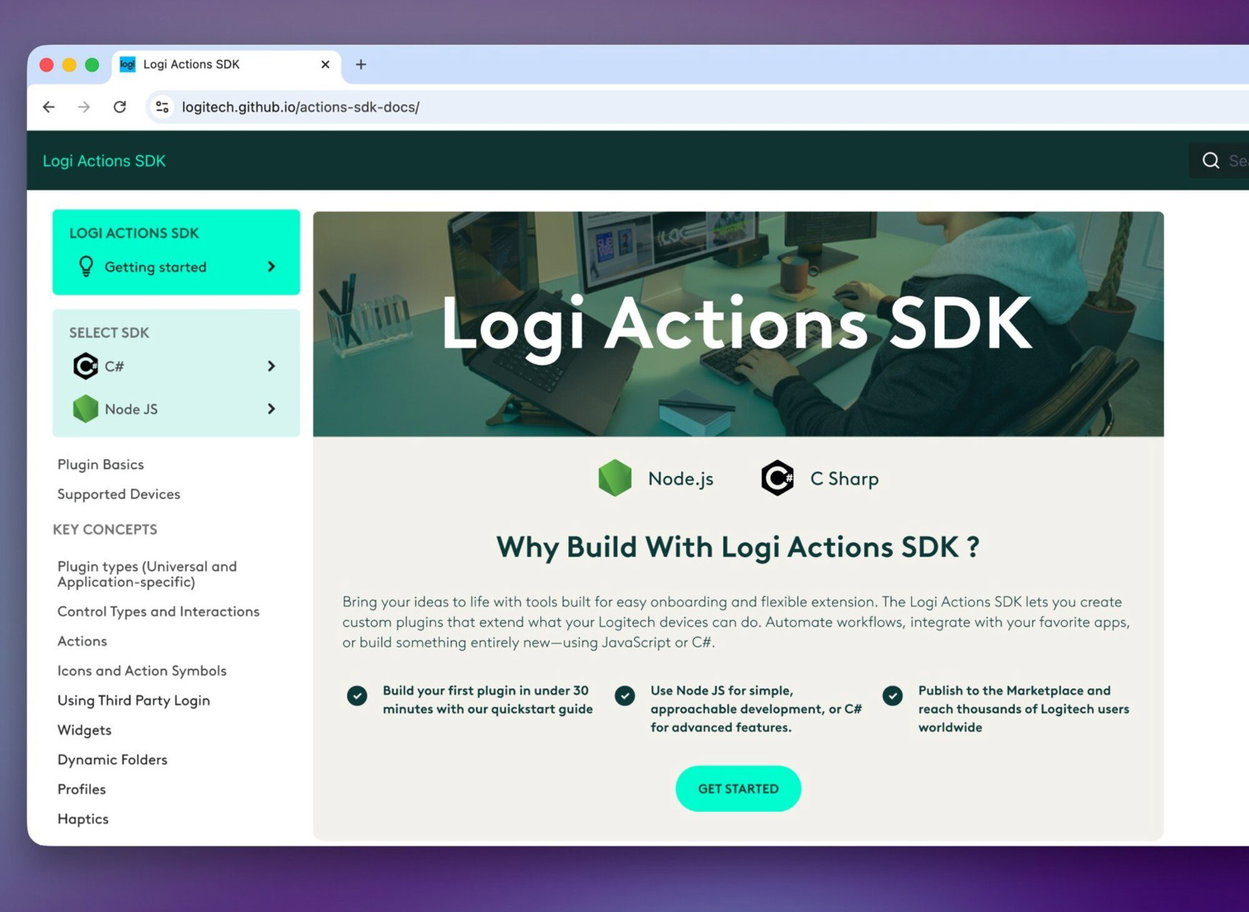
With the Logi Actions SDK, you can expand the capabilities of the Logitech MX Keypad with your own plugins and customise its functions for specific applications or workflows. Developers can use JavaScript with Node.js or C# to create custom actions and automations and then publish their plugins on the Logi Marketplace. This allows you to tailor the control panel to your exact needs.
Inspiration from the Logitech MX Community
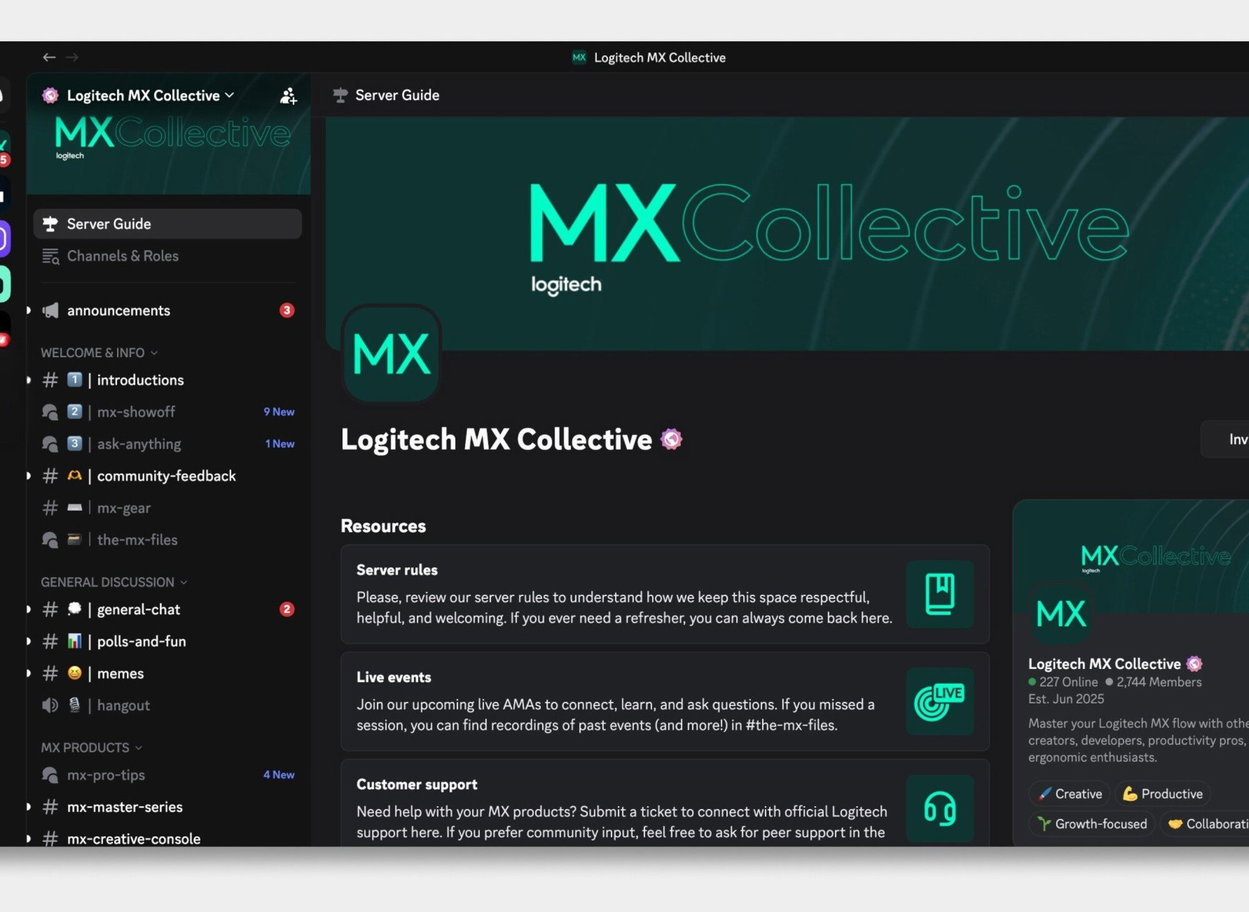
With the Logitech MX Keypad, you get access to the Logitech MX Collective community, where you can share your experiences, get inspiration, and find solutions when working with MX series products. The community brings together users, creators, and developers, offering a space for mutual help, sharing tips, or discovering new ways to use the control panel in your daily work.
A More Sustainable Design Made from Recycled Materials
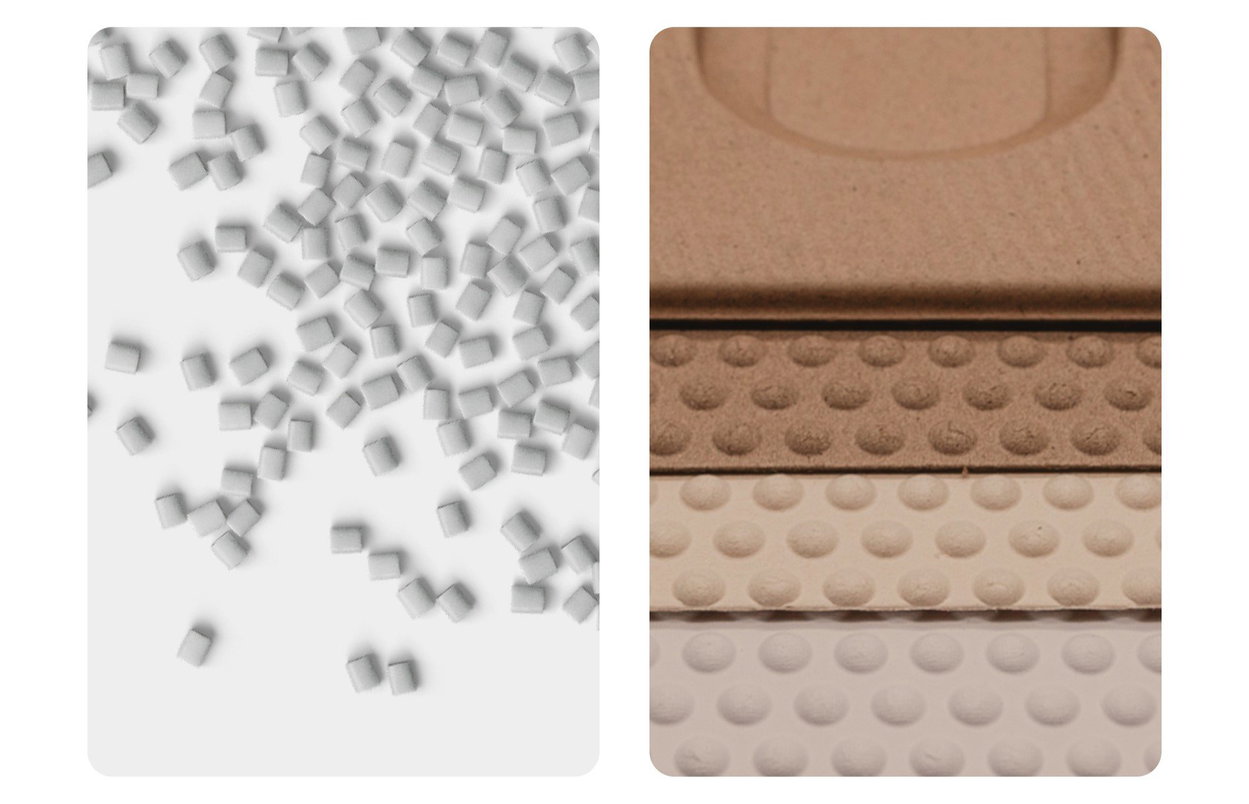
The Logitech MX Keypad is manufactured using recycled plastics, which helps to reduce the amount of new materials used. The plastic parts of the device contain 64% recycled plastic, and the emphasis on a more sustainable approach also extends to the packaging.
Specifications
Supported software
User controls
Connection
Features

With an annual turnover of $1.8 billion, Logitech is the world's largest manufacturer of computer peripherals and accessories. Its products include computer mice, keyboards, wireless communication devices - virtually anything. The company has over 7,200 employees and is based in Palo Alto.
Specifications can be changed without notice. Images are for illustrative purposes only.
