Hápu



Genuine MS product (not a secondary license).

Microsoft Copilot for Microsoft 365 is an innovative service that helps you streamline your work across Microsoft 365 apps and services.It uses artificial intelligence and machine learning to provide recommendations, autofill, and more to make your job easier. For example, Copilot can analyse your emails, documents and calendar events to help you stay better organised, or offer to auto-complete text or correct errors in your documents. This service is designed to help you be more productive and efficient in your daily work with Microsoft 365.

Stay organized and focused on the essentials with the Teams Report features that allow you to select key topics and create a structured, bulleted report. Expand your knowledge by having a beginner or expert explain your chosen topic. With faster communication with your team, you can efficiently draft a summary of the last meeting and write an email with key points for your team. Let new ideas grow by asking Copilot to design a compelling slogan based on your marketing materials and have a concept developed. Prioritise your emails and organise your inbox with Copilot. Search through the selected documents and find common themes to better organise your work and get new inspiration.
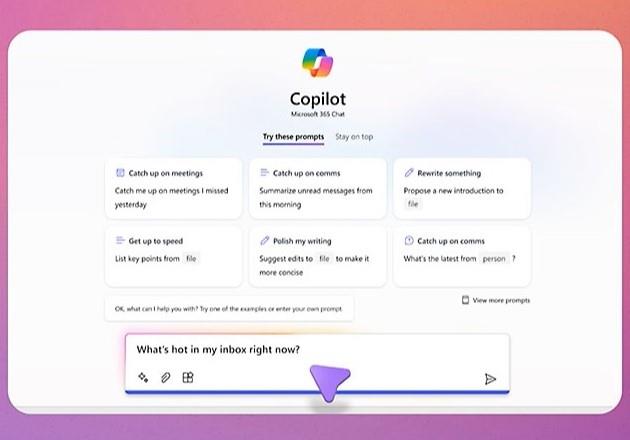
Effectively differentiate between different views by summarising the opinions from a given meeting, chat or negotiation to better understand the diverse perspectives and communicate effectively. Create action item summaries from meetings and quickly get to the heart of the matter. Evaluate new ideas with Copilot and weigh the pros and cons to make better decisions. Let Copilot catch up quickly on what you may have missed and ask simple, open-ended questions to get the information you need. You can also create a list of insightful questions to ask in different situations to improve your communication skills and understanding.
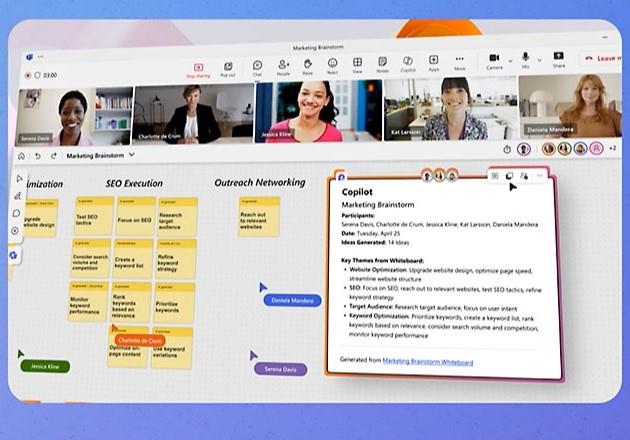
Streamline your email communication by preparing short and informal email replies to quickly inform your team of important information. Translate emails for customer support specialists in other countries to ensure effective communication across global teams. Manage your inbox by summarizing long email conversations to easily identify key points. Keep track of the meetings you can't attend and get a notification when a summary is available in Copilot.
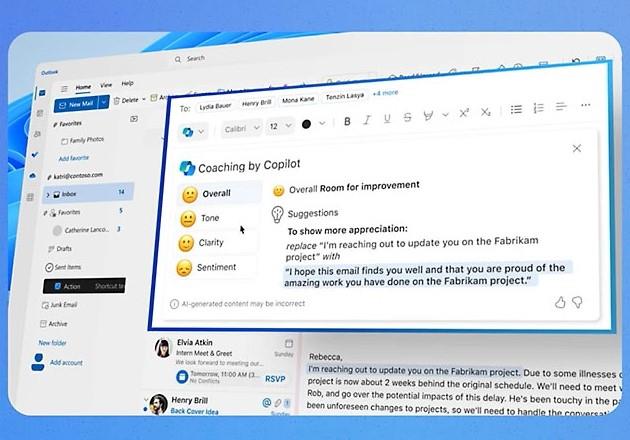
Scan the document, focusing on important details such as project challenges and opportunities, for key information and actionable insights. Transform an existing file in an original way according to new requirements and approaches. Request personalised edits to your document to ensure maximum clarity and accuracy. Get time to focus by summarizing the content of the document and extracting key insights that will allow you to better focus on other priorities. Be prepared for everything upfront by creating a simple campaign request and then completely reworking it to meet your needs and goals with another request.
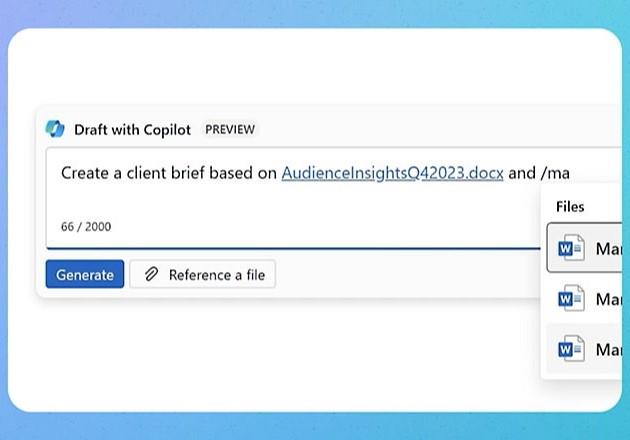
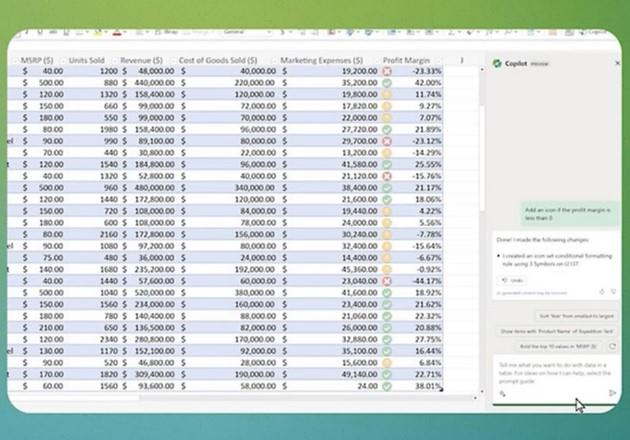
Take an analytical approach to data editing with simple instructions that allow you to instantly view, filter, format, sort and edit data as needed. Implement large-scale changes to your data, for example using conditional formatting, and update the entire sheet with a single instruction. Identify key insights in the data and visualize them with charts and tables that clearly present relevant information. Create eye-catching charts that instantly showcase sales data or other important aspects of the business in your existing file.
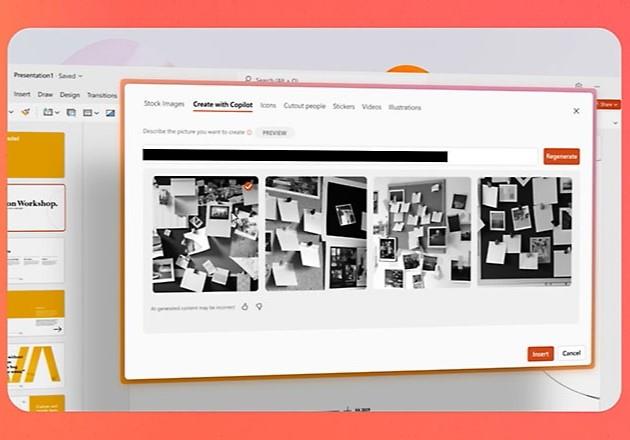
Summarize the key takeaways from your presentation and identify the main points you want to emphasize so you can better focus your attention on the next steps. Organize your presentation into logical sections that allow you to tell your story effectively and achieve maximum impact. With a quick and easy process for creating a new presentation, you can instantly bring new ideas and concepts based on your data and inputs. Maintain consistency in your presentation by unifying fonts or adding relevant images to the entire set in just seconds.
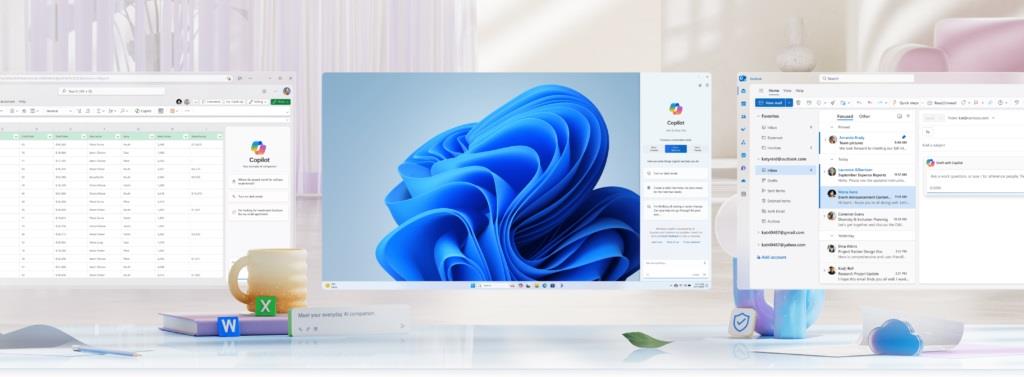
Keep your overview and focus on the essentials with the Teams Report features that allow you to select key topics and create a structured, bulleted report. Expand your knowledge by having a beginner or expert explain your chosen topic. With faster communication with your team, you can efficiently draft a summary of the last meeting and write an email with key points for your team. Let new ideas grow by asking Copilot to design a compelling slogan based on your marketing materials and have a concept developed. Prioritise your emails and organise your inbox with Copilot. Search through the selected documents and find common themes to better organise your work and get new inspiration.

Microsoft is a multinational corporation based in the United States. Microsoft products have had an indelible influence on our perception of virtual worlds since 1975, when Bill Gates and Paul Allen founded the company. The company is best known for its peerless software, including Windows OS and the universally used Microsoft Office suite. The company is gradually becoming more active in hardware as well - for example, with Xbox gaming consoles and Lumia mobile phones.