


Microsoft Excel LTSC 2024, EDU - schools only (electronic license)


Microsoft Excel LTSC 2024, EDU - schools only (electronic license)
Genuine MS product (not a secondary license).
Office software Microsoft Excel LTSC 2024, EDU - schools only (electronic licence)
Microsoft Excel LTSC 2024 gives you powerful tools for analyzing, understanding and visualizing your data, and with Microsoft Copilot integration, you get even more control over your spreadsheets. With the latest AI features, you can easily create clear spreadsheets, automate complex calculations and gain deeper insights into your data. Copilot will help you generate formulas based on your requirements, suggest optimal formatting for better clarity, and automatically create visualizations to help you interpret the numbers. Whether you work on financial analysis, reports or business forecasts, Excel LTSC 2024 with Copilot allows you to manage and analyze data more efficiently without having to manually set up complex functions. With intelligent designs and automated processes, you can focus on key information and achieve your goals faster.
This license is intended for use at school. To activate the licenses, you need to supply an IZO (school identifier). If you are not the director of the institution, you need to provide a letter of authorization for the purchase. If you are unsure of your choice, please contact our sales team: [email protected]
Key benefits of Microsoft Excel LTSC 2024, EDU - Schools only (electronic licence)
- Microsoft Excel LTSC 2024 is a reliable powerful tool with long-term support and no subscription required
- Provides a permanent license
- Find automated adjustments for more efficient work
- Provides powerful tools for analyzing, understanding and visualizing data
- With the latest AI features, you can easily create clear spreadsheets, automate complex calculations
- Easily prepare financial analyses, reports or business forecasts
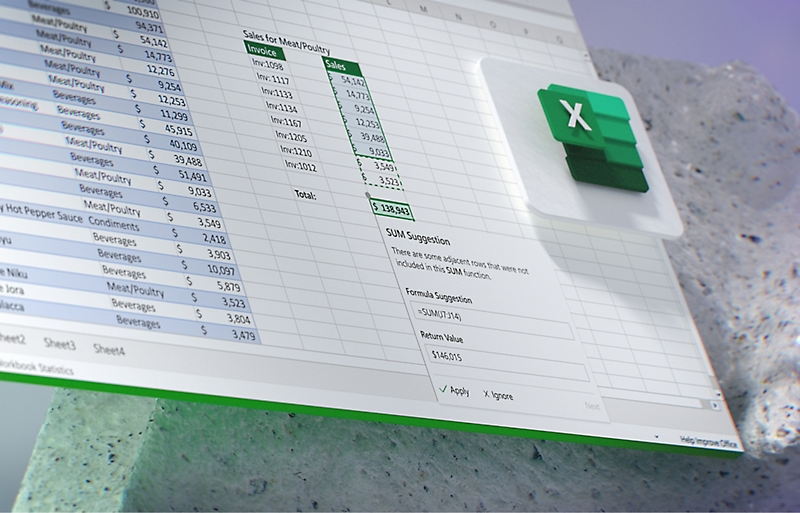
Microsoft Copilot in Excel
Make working with numbers easier and let Copilot in Excel do the complex calculations for you and find the perfect formulas for your data. Instead of tediously trying out different functions, simply enter a question or describe the desired result and Copilot will instantly suggest the correct formula. that fits your needs. Do you need to sum values, calculate an average, create advanced statistical analyses or filter data according to specified criteria? Artificial intelligence will offer you a solution in an instant. Plus, it gives you an easy-to-understand explanation of how the formula works, so you can not only rely on its accuracy, but also better understand how Excel processes your data.
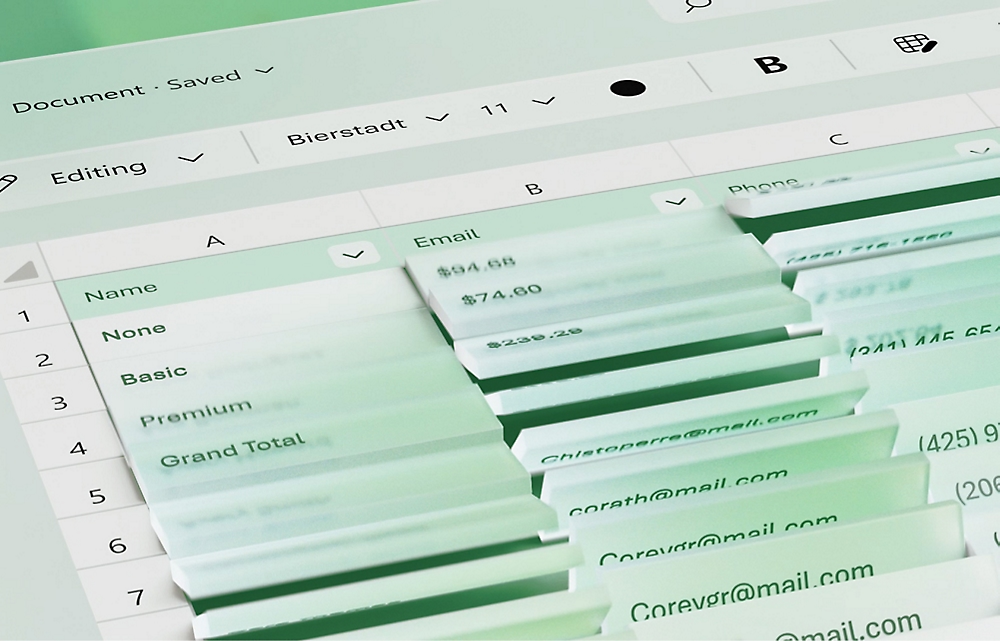
Format like the pros
Copilot in Microsoft Excel will provide valuable assistance in formatting your spreadsheets and allow you to focus on the content instead of wasting time on layout edits. Adding new columns, adjusting cell widths and much more is handled by Copilot for you. This intelligent assistant also helps you highlight key information such as calculation outputs, trends or important data, ensuring your spreadsheets are clearly structured and easy to read. In addition to basic formatting, Copilot will suggest optimal ways to display your data, for example, using colour coding, charts or conditional formatting.
Use Microsoft Excel reports
Thanks to advanced artificial intelligence, you can easily search for trends, outliers or patterns that might otherwise go unnoticed. Copilot helps you identify key information, increasing or decreasing trends, outliers or other important anomalies, that may affect your analysis. In addition, it allows you to automatically generate summaries and visualizations such as graphs, charts or pivot tables to help you better understand the context and structure of your data. It makes your job easier, but also allows you to quickly focus on the most important parts of the analysis without having to go through large data sets manually.



Data analysis
Contingency tables help you group and summarize data, which is ideal for analyzing trends, patterns and other connections, while charts allow you to visualize these connections in a clear and easy-to-interpret format. If you're looking for even more advanced analytical tools, Copilot with Python lets you perform complex analysis, modeling, and calculations directly in Excel. As one of the most powerful programming languages for data science, Python provides you with unlimited possibilities for creating advanced analytical models, automating processes, and processing large volumes of data.
Collaborate with colleagues
Sharing sheets in Microsoft Excel is the ideal tool for effective collaboration with colleagues and team members, especially when you need to work together on data, reports and reports. With real-time document sharing, you can easily send updated versions and give others access to important information without having to deal with versioning issues or complex exports. Everyone, who has access, can make edits to the document, add comments or suggest changes, which simplifies teamwork and ensures that all edits are automatically synchronized.
Office software Microsoft Excel LTSC 2024, EDU - schools only (electronic licence)
It is a classic desktop office application for one computer.
- For one person
- Real-time sharing and collaboration
- Excel for mobile and PC
- Electronic licence
- Works on macOS, iOS and Android


Microsoft is a multinational corporation based in the United States. Microsoft products have had an indelible influence on our perception of virtual worlds since 1975, when Bill Gates and Paul Allen founded the company. The company is best known for its peerless software, including Windows OS and the universally used Microsoft Office suite. The company is gradually becoming more active in hardware as well - for example, with Xbox gaming consoles and Lumia mobile phones.
