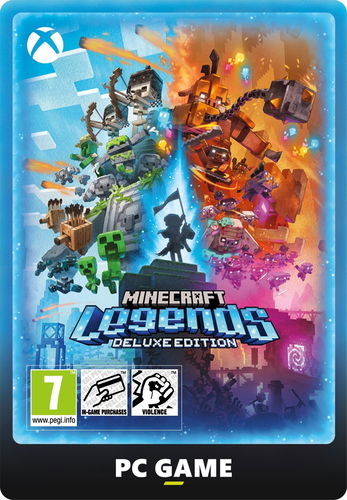
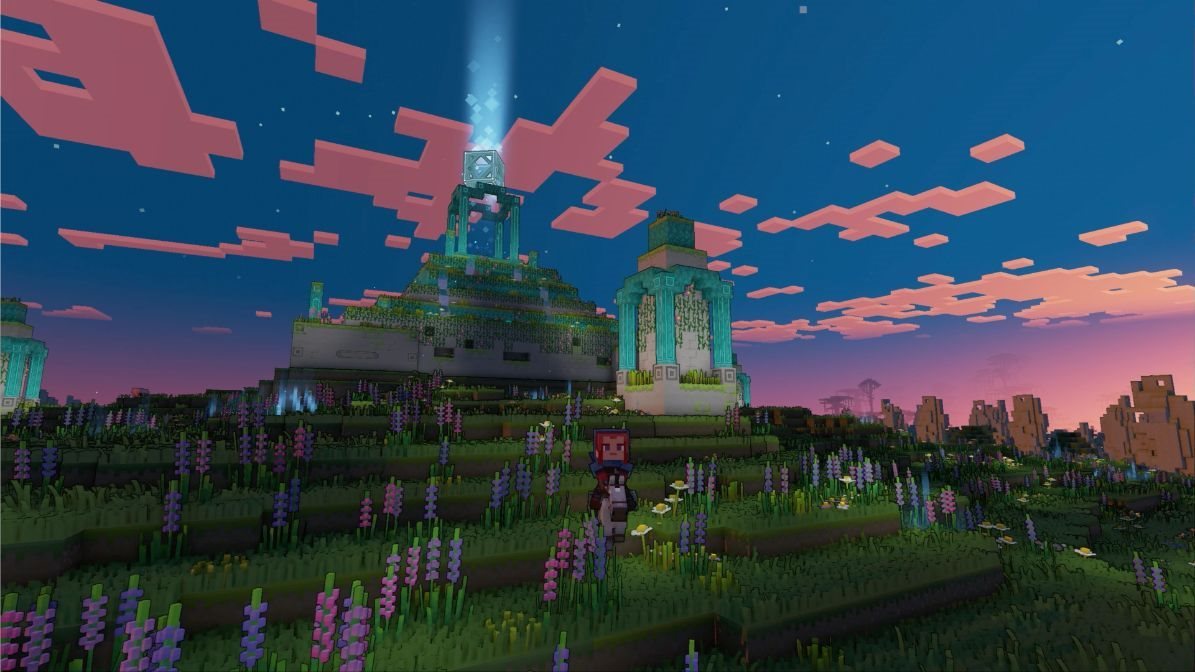
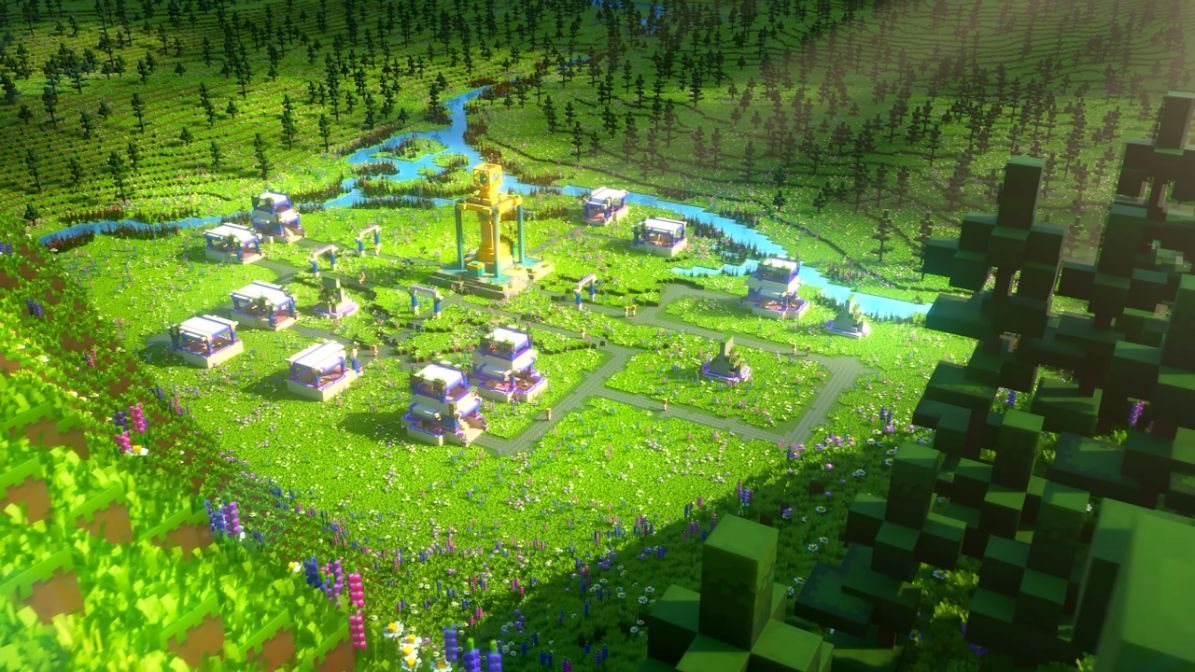
Minecraft Legends: Deluxe Edition Windows Digital presents the first strategy game from the world-famous sandbox game Minecraft, which has won millions of fans over the years. The setting of the entire narrative is the Overworld, which you will travel to.
The world of Minecraft Legends: Deluxe Edition Windows Digital is in jeopardy
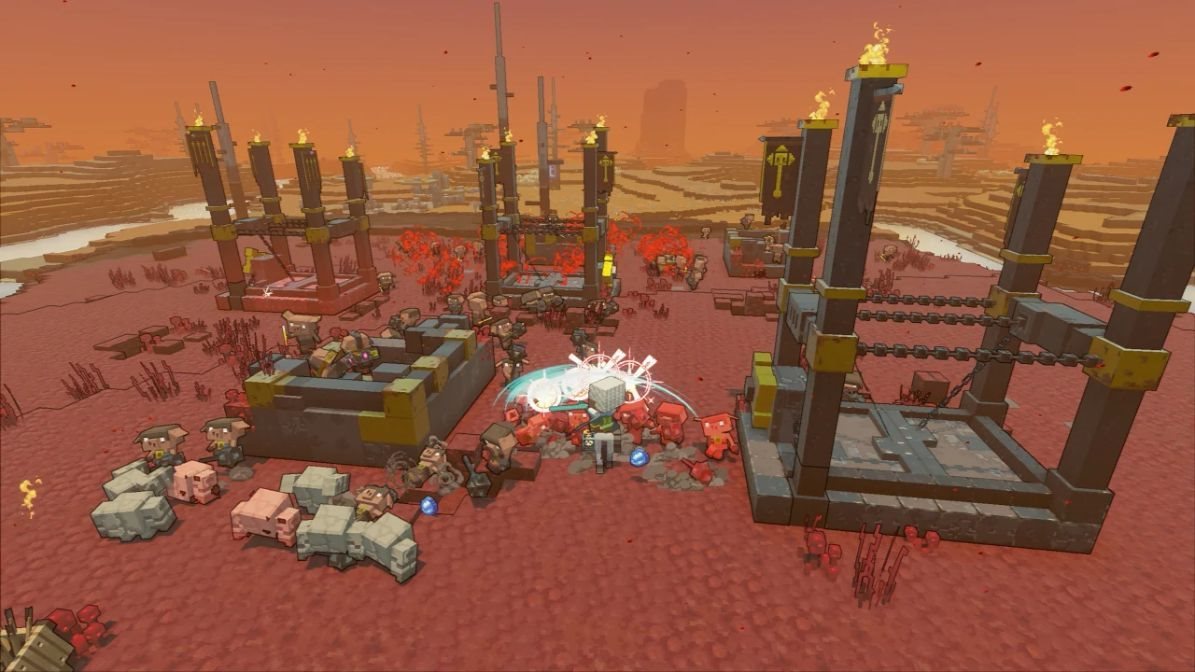
Overworld's existence is threatened. Evil pigs are infiltrating the world and want to take over it and then dominate everyone. The only one who can stop their dark plan is you. Rally the defenders and drive the attackers back behind the portal.
Head into the whirlwind of action
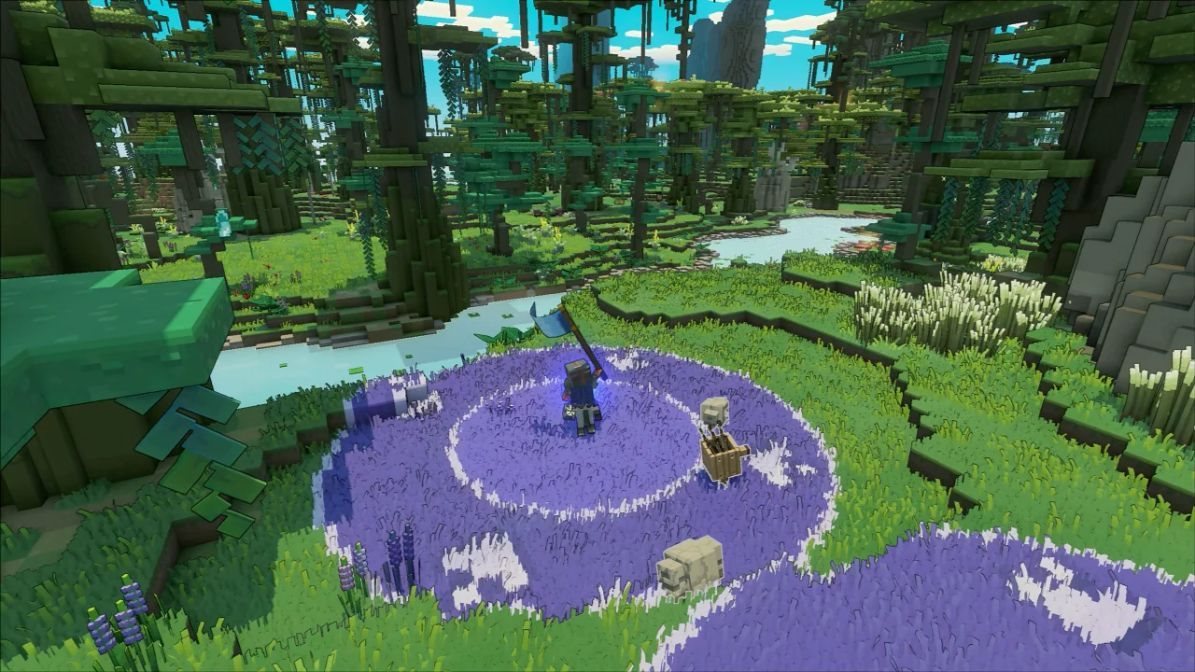
Minecraft Legends: Deluxe Edition Windows Digital is a unique strategy game that combines familiar strategy elements with aspects of action-adventure games. You control the main character from a third-person perspective, and he's the one around whom all the tactics will revolve.
In Minecraft Legends: Deluxe Edition Windows Digital looks beyond your dimension
Drive through the game world. Work with its population. Get it under your control and head into the pig-dominated sphere with its help. Fight outside your home dimension and finally avert the danger that threatens the Overworld.
No alternative text for the photo!
Minecraft Legends: Deluxe Edition Windows Digital includes:
Play Minecraft Legends
6 cosmetic treatments
Recommended HW requirements
Operating system
Windows 10, 8 or 7
Processor
Core i5 2.8GHz or similar
Graphic
NVIDIA GeForce GTX 660 / AMD Radeon HD 7870
DirectX
version 11
FRAME
8GB
HDD
8GB
Minimum HW requirements
Operating system
Windows 10, 8 or 7
Processor
Core i5 2.8GHz or similar
Graphic
NVIDIA GeForce GTX 660 / AMD Radeon HD 7870
DirectX
Version 11
FRAME
8GB
HDD
8GB
Are you really ready for this game?
choose from our offer of gaming computers and laptops
Microsoft is a multinational corporation based in the United States. Microsoft products have had an indelible influence on our perception of virtual worlds since 1975, when Bill Gates and Paul Allen founded the company. The company is best known for its peerless software, including Windows OS and the universally used Microsoft Office suite. The company is gradually becoming more active in hardware as well - for example, with Xbox gaming consoles and Lumia mobile phones.
Note:
Note that some games may require:
a digital store account with a particular service - MS Store, Origin, Steam, Uplay etc. (you can find out more in our article on how to apply your electronic licences)
broadband internet connection for online gaming, initial setup, updates, and more
a monthly subscription fee for online multiplayer gaming (Xbox Live, PlayStation Plus, etc.)
Dobrý den, zakoupil jsem hru na PC Minecraft Legends: Deluxe Edition - Windows Digital. Po učinění dalších kroků jsem se dostal k návodu na instalaci a vložení licence do aplikace služby STEAM, kde tuto hru chci přidal. Po zadání klíče mi aplikace Steam uvádí, že klíč je neplatný, ač dělám vše dle Vašeho manuálu. Kde je problem ?
Dobrý den, zakoupil jsem hru na PC Minecraft Legends: Deluxe Edition - Windows Digital. Po učinění dalších kroků jsem se dostal k návodu na instalaci a vložení licence do aplikace služby STEAM, kde tuto hru chci přidal. Po zadání klíče mi aplikace Steam uvádí, že klíč je neplatný, ač dělám vše dle Vašeho manuálu. Kde je problem ?
Try our cookiesAlza.cz a. s., Company identification number 27082440, use cookies and other data to ensure the proper functioning of the website and, with your consent, also, among other things, to personalize advertising and the content of our websites. By clicking on the “I understand“ button, you agree to the use of cookies and the transfer of data regarding the behavior on the website for displaying targeted advertising on social networks and advertising networks on other websites.
We use 8 categories of cookies on our website:
Technical cookies
These are strictly necessary for the functioning of the website and the features you choose to use. Without them, our website would not work; you wouldn't be able to log in to your user account, for example.
Functionality cookies
These cookies allow us to remember your basic choices and improve the user experience. These include remembering your preferred language or allowing you to stay logged in permanently.
Social media cookies
These cookies allow us to easily link you to your social media profile and, for example, allow you to share products and services with your friends and family.
Content personalisation
These cookies allow us to show you content and ads according to the information we have about you to best meet your needs. This includes what content you have viewed, or on what device you are accessing our website.
Non-personalised advertising
These cookies allow us to show you general ads for products and services.
Personalised advertising
Thanks to these cookies, we and our partners can offer you relevant products and services based on your purchases, your shopping behaviour and your preferences.
Audience metrics
These cookies allow us to optimise our site for your convenience based on how you use it. The aim is to remember or anticipate your choices. This includes, for example, the use of features, their location, or the behaviour on the page.
By giving your consent to the processing of cookies, functionality and analytical cookies will be installed on the device you use to browse the website (click on the "I understand" button for both categories, or you can select only one of the categories by clicking on the "Settings" button). We always install technical cookies on your device, even without your explicit consent, because without them our website would simply not work.
You can revoke your consent to the processing of cookies. In connection with our company's cookie processing, you also have the following rights: the right to access cookies, delete, modify, supplement and correct them, restrict processing and the right to lodge a complaint with the Office for Personal Data Protection. Read more about your rights.