Service - Microsoft Windows Software Installation (At Customer's Address)
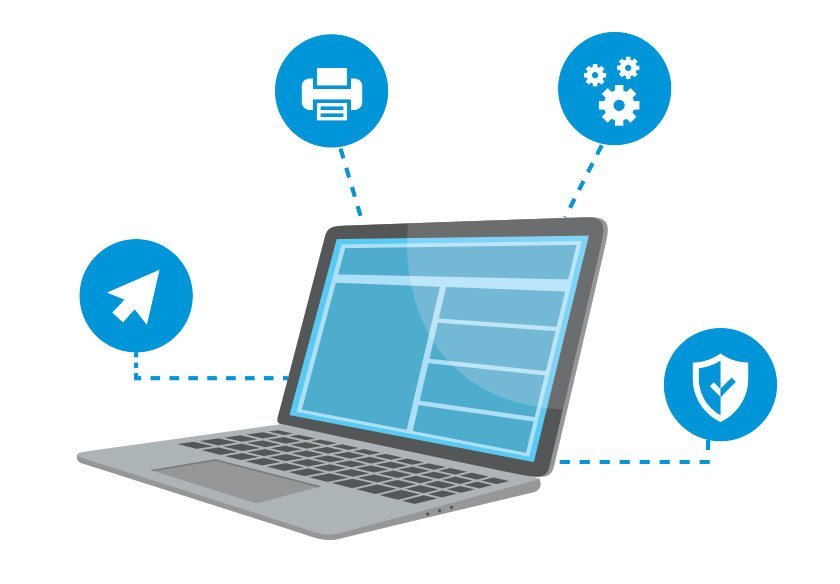
Installation on Customer's Address - On-site installation service, installation, activation, account registration in case of O365 or login to an existing account, updates, functional verification
Service - Microsoft Windows Software Installation (At Customer's Address)Discontinued
Service - Microsoft Windows Software Installation (At Customer's Address)
The product requires an up-to-date operating system.
Help with installing Microsoft Windows
Do you need to install the Windows operating system on a newly purchased computer, or is your OS obsolete and you do not know how to reinstall it? You can solve this problem easily and quickly with the unique Alza service . Trained technicians will reinstall and ensure its trouble-free operation directly at your place of residence or workplace.
What does the service contain?
Install the purchased Microsoft Windows operating system license
Product activation
Install the latest updates
Functionality verification
in the case of an upgrade to a higher version of Windows, it is necessary to verify that the correct version (license) of the OS has been purchased.
Fast service
Convenient setting in your home or office
Trained technicians
Functionality guarantee
To activate the installation it is necessary:
After paying for the order, it is necessary to agree to the license conditions: “My Alza - My Library - License“ (only after this step will the service be registered automatically).
To verify your request, you will be contacted by phone (on weekdays Mon-Fri 9am-5pm. ) and you will receive a registration confirmation by e-mail accepting the request for the implementation of the service.
If you have a cash on delivery order, you will find the key to display this service in the cash on delivery box.
No later than 1 working day, you will be contacted by a technician who will arrange with you the exact time of implementation (Mon-Fri 8 am-6pm).
In case of problems, it is possible to register on tel. C. +420 226 254 952 (on working days Mon-Fri 9-17 hrs. )
Conditions for the proper functioning of the service
Before installing a clean Windows operating system, it is necessary for the customer to:
PC / NTB compatibility check on Windows 10
Peripheral compatibility check on Windows 10 (eg printer, scanner)
Data backup before installation
Backup other software licenses
In case of discrepancies with the license key, contact us [email protected] / +420 225 340 610 (Mon-Fri 7:00 - 17:00), where we will resolve the situation.
Activate the service only when you have the device to be installed ready for operation and unpacked from the box.
Execution of the order will be realized only in one locality. For special requirements / installations of a larger scale, please contact us for a price offer: https: //www. alza.cz/kontakt
The service is available Mon - Fri 7:00 - 19:00
Pro aktivaci instalace je nutné:
Po uhrazení objednávky je nutné odsouhlasit licenční podmínky: „Moje Alza - Moje knihovna – licence“ (až po tomto kroku bude registrace služby automaticky provedena)
Pro ověření Vašeho požadavku budete telefonicky kontaktováni (v pracovní dny Po-Pá 9-17 hod.) a na váš e-mail obdržíte registrační potvrzení s přijetím požadavku na realizaci služby
Pokud máte objednávku na dobírku, tak klíč pro zobrazení této služby najdete v krabici s dobírkou
Nejpozději do 1 pracovního dne vás kontaktuje technik, který s vámi domluví přesný čas realizace (Po-Pá 8-18h)
V případě problémů je možné registraci provést na tel. č. +420 226 254 952
Try our cookiesAlza.cz a. s., Company identification number 27082440, use cookies and other data to ensure the proper functioning of the website and, with your consent, also, among other things, to personalize advertising and the content of our websites. By clicking on the “I understand“ button, you agree to the use of cookies and the transfer of data regarding the behavior on the website for displaying targeted advertising on social networks and advertising networks on other websites.
We use 8 categories of cookies on our website:
Technical cookies
These are strictly necessary for the functioning of the website and the features you choose to use. Without them, our website would not work; you wouldn't be able to log in to your user account, for example.
Functionality cookies
These cookies allow us to remember your basic choices and improve the user experience. These include remembering your preferred language or allowing you to stay logged in permanently.
Social media cookies
These cookies allow us to easily link you to your social media profile and, for example, allow you to share products and services with your friends and family.
Content personalisation
These cookies allow us to show you content and ads according to the information we have about you to best meet your needs. This includes what content you have viewed, or on what device you are accessing our website.
Non-personalised advertising
These cookies allow us to show you general ads for products and services.
Personalised advertising
Thanks to these cookies, we and our partners can offer you relevant products and services based on your purchases, your shopping behaviour and your preferences.
Audience metrics
These cookies allow us to optimise our site for your convenience based on how you use it. The aim is to remember or anticipate your choices. This includes, for example, the use of features, their location, or the behaviour on the page.
By giving your consent to the processing of cookies, functionality and analytical cookies will be installed on the device you use to browse the website (click on the "I understand" button for both categories, or you can select only one of the categories by clicking on the "Settings" button). We always install technical cookies on your device, even without your explicit consent, because without them our website would simply not work.
You can revoke your consent to the processing of cookies. In connection with our company's cookie processing, you also have the following rights: the right to access cookies, delete, modify, supplement and correct them, restrict processing and the right to lodge a complaint with the Office for Personal Data Protection. Read more about your rights.