


Dobry den, znamena "prenositelna" licence, ze si ji muzu pak prehodit na novy pocitac? Dekuji, AM
- Pro správnou instalaci doporučujeme dodržet návod: https://www.alza.cz/jak-nainstalovat-windows-11

 Installment calculator
4,9%
interest
from 138,- monthly
Installment calculator
4,9%
interest
from 138,- monthly

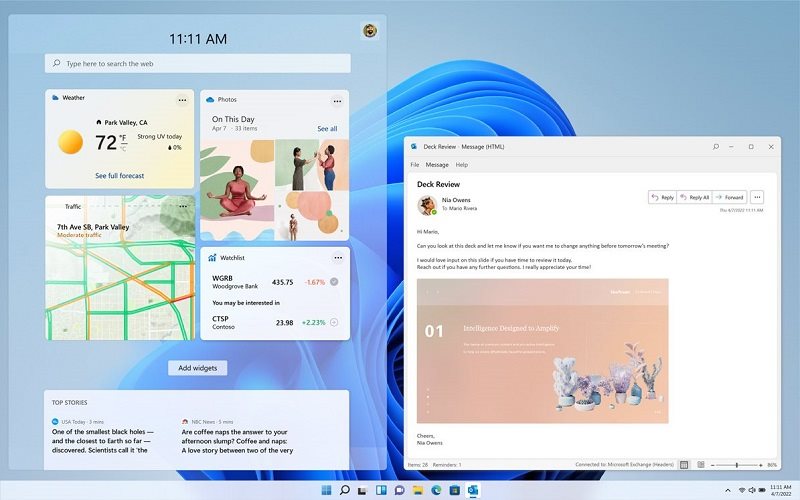
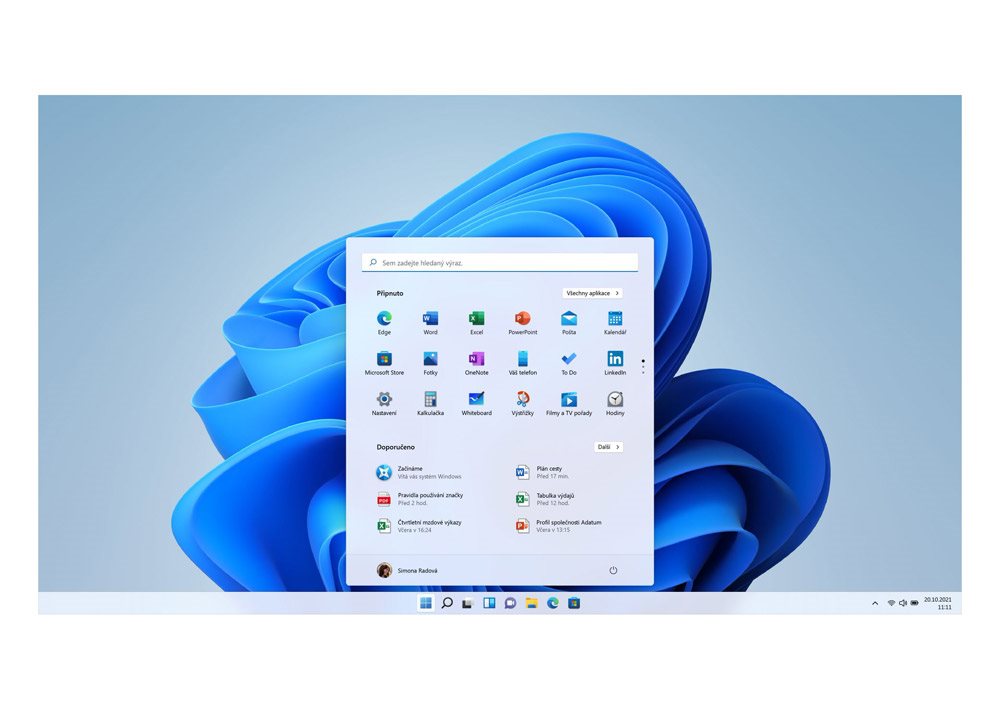
We're excited to introduce Windows 11, which takes the best of the popular Windows 10 operating system and adds a host of new features for everyday use. Windows 11 provides a calm and creative space where you can pursue your passions through a refreshing experience. From a redesigned Start menu to new ways to connect with your favourite people, news, games and content, Windows 11 is where you can think, express and create naturally.
The iconic Start button has moved to the middle of the taskbar (you can change it in the settings), where it is accompanied by other new features - the search icon, virtual desktop switcher and widgets. These, by the way, cannot be added to the desktop, but are hidden on the left side of the display. It's basically an improved Live Tile from the Start menu in Windows 10 that you'll enjoy using.
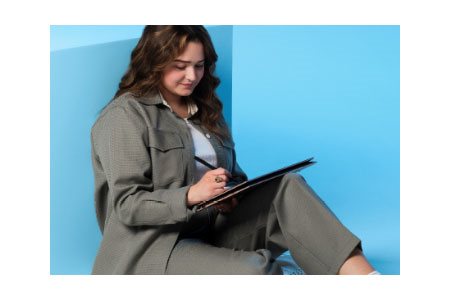
Pursue your hobbies or complete your work with brand new features. Discover new tools designed to support your multitasking, thinking, connecting and creating in Windows 11.
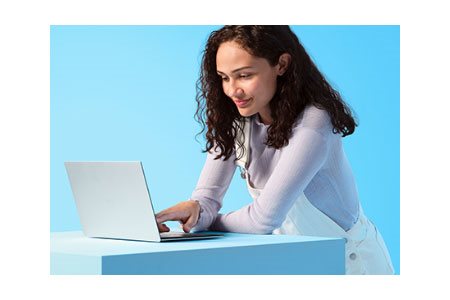
New features and functions are designed to support your ideas. With a redesigned Start menu and new ways to connect with your favourite people, games and content, the new Windows 11 is the place to think, express and create.
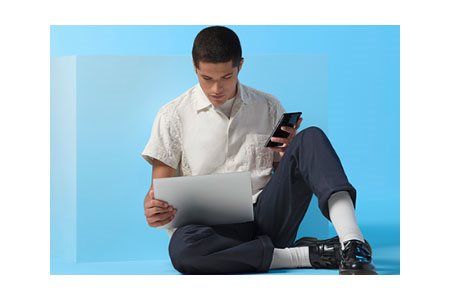
Friends and family, News, Games and popular content - Windows 11 is the place to be, where you can find everything, what you need, and it's simple and intuitive.
The new Windows 11 is available on the widest range of devices, from partners who bring the latest innovations in touch, pen and voice control and make it easy to find the best and most affordable devices for you.
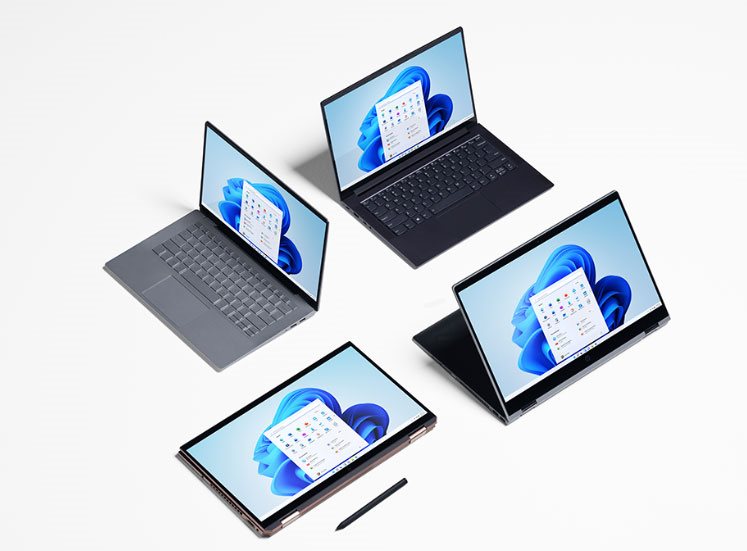
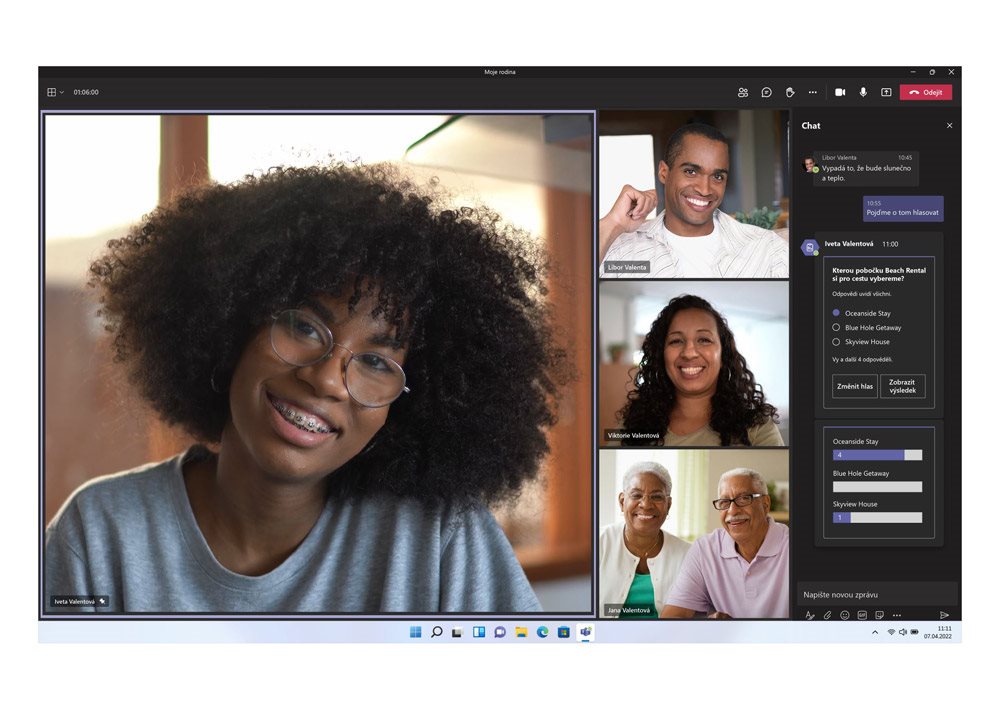
A friendly user interface designed to let you pursue your hobbies as you please. With new ways to connect and tools to help you multitask, Windows 11 is the place to think, create and express yourself naturally. This is demonstrated by the system integration of the Microsoft Teams communication platform.
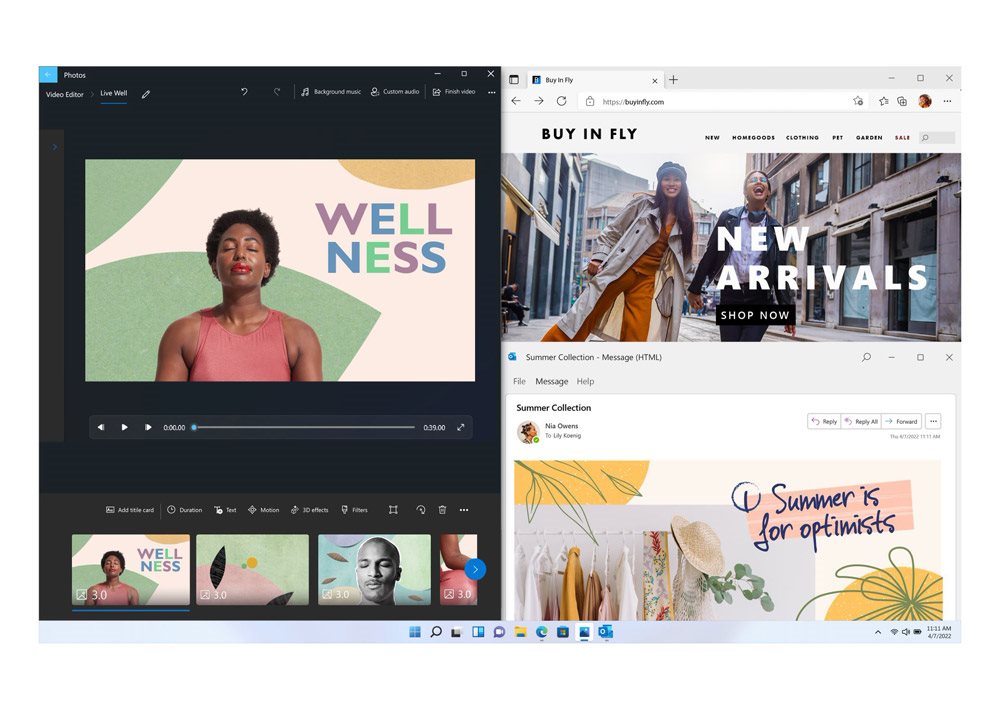
Working with multiple applications at the same time? In that case, you'll appreciate a new feature of Microsoft Windows 11 that lets you anchor windows as needed. Just hover over the button to maximize the window. Alternatively, you can use virtual desktops and work on each of them in a way that suits you at the time. And it's easy to switch between surfaces.
Specifications can be changed without notice. Images are for illustrative purposes only.
