


dobry den, podporuje tento vysavac viac podlazi alebo si ulozi mapu len jedneho? dakujem
Miele Scout RX3 Runner

Robot Vacuum for all floor types, battery type: Li-ion, operating time: 120 min, charging time: 3,95 hr(s), automatic charging, shock sensor, continue cleaning after recharging, stairs detection sensor, postponed cleaning feature and cleaning schedule, number of side brushes: 4, can climb over obstacles up to 1,7 cm, navigation type: camera, filter, waste container for vacuuming and magnetic strip, AirClean plus filter, colour: bronze
Show full description
Code:
MIERV906
Producer's Website:
Don't like the alternatives? Choose from the full product list
- Reviews 2
- Help and manuals 1
- Specifications
- Photos & Videos 12
- Alternatives 8
- Accessories and suggested products

Miele Scout RX3 Runner
Discontinued
Miele Scout RX3 Runner
The Miele Scout RX3 Runner robot vacuum will be your trusted helper, making certain you keep your domicile clean easily. It operates for 120 min at a full charge, thanks to its lithium-ion batteries. Also, it autonomously decides when to charge, and it takes itself once more to the charging dock all on its own. The charging takes 3,95 h. Air is filtered through the airclean plus filter. It's sure to keep dust from getting free. This model is suitable for all types of floorings. Another advantage of the robot vacuum cleaner is its scheduling function, which will allow you to easily set its cleaning hours.
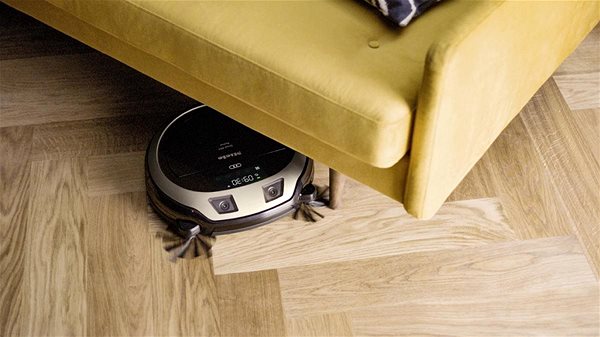
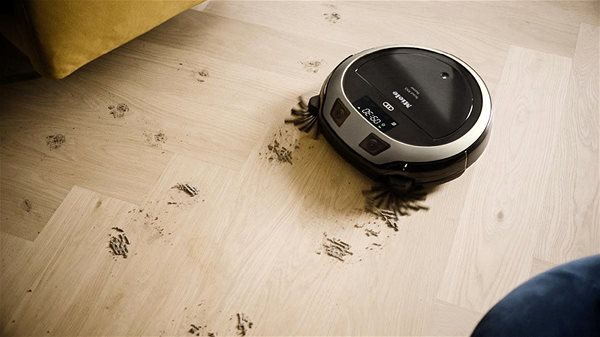
Miele Scout RX3 Runner Vacuum Robot Key Features
- Suitable for all types of floorings
- Robot vacuum cleaner will save you a lot of time
- One charge lasts 120 min
- Charge time: 3,95 h
- Detects low charge and automatically goes to charging port
- Collisions and falls prevented with sensors
- Miele robot vacuum filter type: AirClean plus filter
- Overcomes obstacles with heights of 1,7cm
- Weighs 3 kg
Snazzy Features of the Miele Scout RX3 Runner Robotic Vacuum Cleaner
If your home contains thresholds, rest assured that the robot can go over 1,7 cm. What's more, the Miele Scout RX3 Runner is equipped with sensors that will keep it from falling off edges like stairs. The remote controls are mostly just meant for fun, but they will also be useful if you want to bring the robot vacuum to another mess you managed to make.
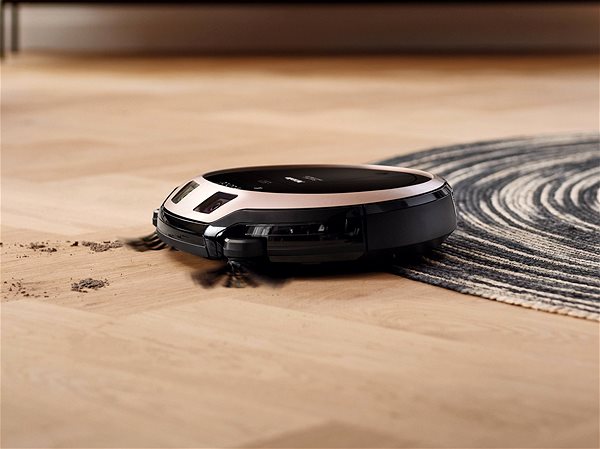
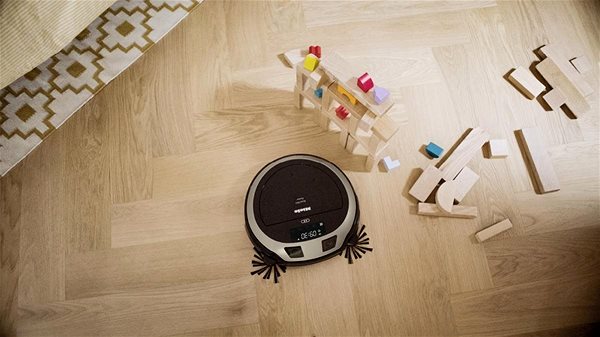
Other Accessories and Functions of this Robotic Vacuum Cleaner by Miele
The packaging contains its charging dock. The side brush will make sure your corners are clean. You can program a cleaning schedule, so that it does not bother you while you are home.
Specifications
3D/AR
Cleaning type
Number of side brushes
Overcome obstacle to height
3D/AR
3D/AR
Usage
Cleaning type
Specific Features
Number of side brushes
Overcome obstacle to height
Function
Features
Control type
Features
Surface type
Surface type
Power Supply
Power / Charging
Battery type
Charging time
Operating time
Battery capacity
Vacuum cleaner type
Vacuum cleaner type
Equipment & accessories
Charging accessories
Brushes
Additional Accessories
Dimensions and weight
Width
Depth
More Specifications

MIELE, spol. s r.o., Holandská 879/4, 639 00 Brno – Štýřice, [email protected], +420 543 553 149
Note:
Specifications can be changed without notice. Images are for illustrative purposes only.
