


Dobrý den, podporuje VESA uchycení na monitor? Případně nějaké jiné? Dle filtru ve vyhledávání by totiž tuto vlastnost měla mít, ale na stránkách výrobce jsem to nenašel. Děkuji za odpověď.
i-tec Thunderbolt 3 3x Display Docking Station, Power Delivery 96W + Charging Adapter

Docking Station - connection using USB-C Thunderbolt 3, power delivery 96 W
Show full description
Code:
JP909o22
Producer's Website:
Don't like the alternatives? Choose from the full product list
- Reviews 1
- Help and manuals 12
- Specifications
- Photos & Videos 6
- Alternatives 5
- Accessories and suggested products

i-tec Thunderbolt 3 3x Display Docking Station, Power Delivery 96W + Charging Adapter
Discontinued
i-tec Thunderbolt 3 3x Display Docking Station, Power Delivery 96W + Charging Adapter
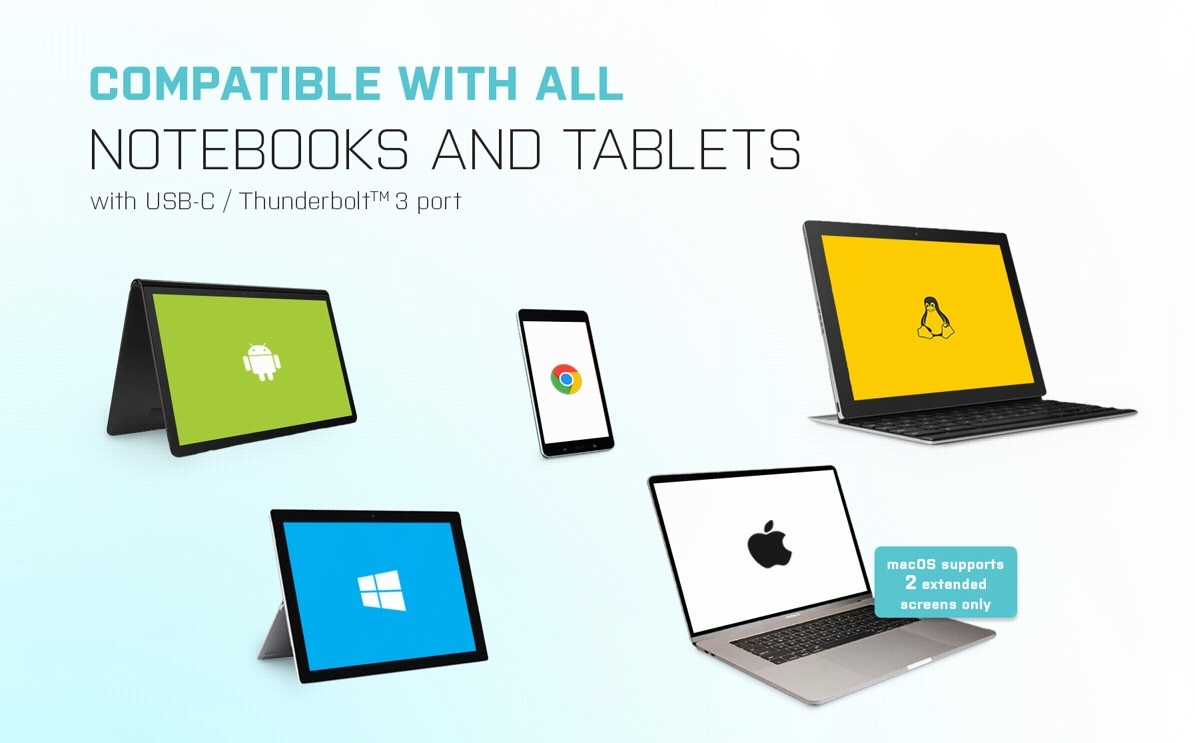
Universal i-tec Thunderbolt 3 3× Display Docking Station
You can use the i-tec Thunderbolt 3 3× Display Docking Station with any laptop, tablet or smartphone—regardless of type, brand or operating system. All you need is a laptop, tablet or phone with a free Thunderbolt 3 or USB-C port that can transfer video signals.
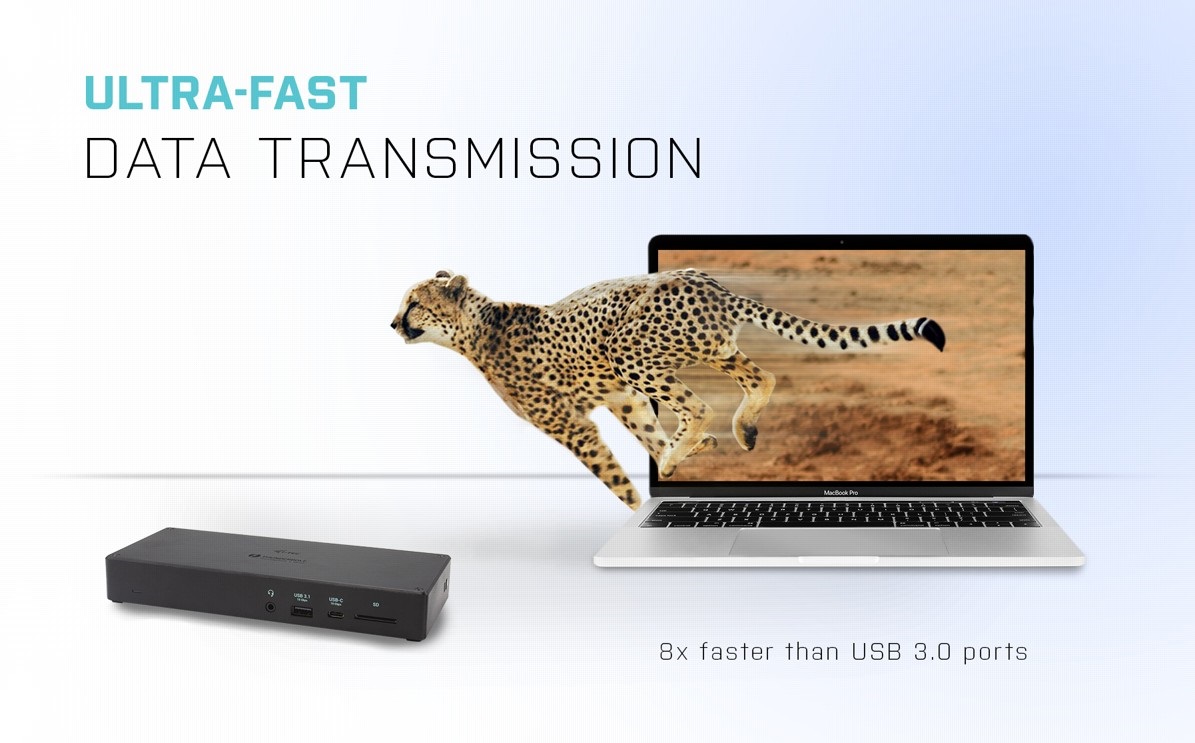
Thunderbolt 3 Unlocks Blistering Transfer Speeds
Just connect the i-tec Thunderbolt 3 3× Display Docking Station via a Thunderbolt 3 interface to instantly get today's fastest possible data transfer speed. As the Thunderbolt 3 interface is up to 8x faster than a regular USB port, it is possible to back up 250GB of data in less than a minute—or copy a Blu-ray quality movie in less than two seconds!
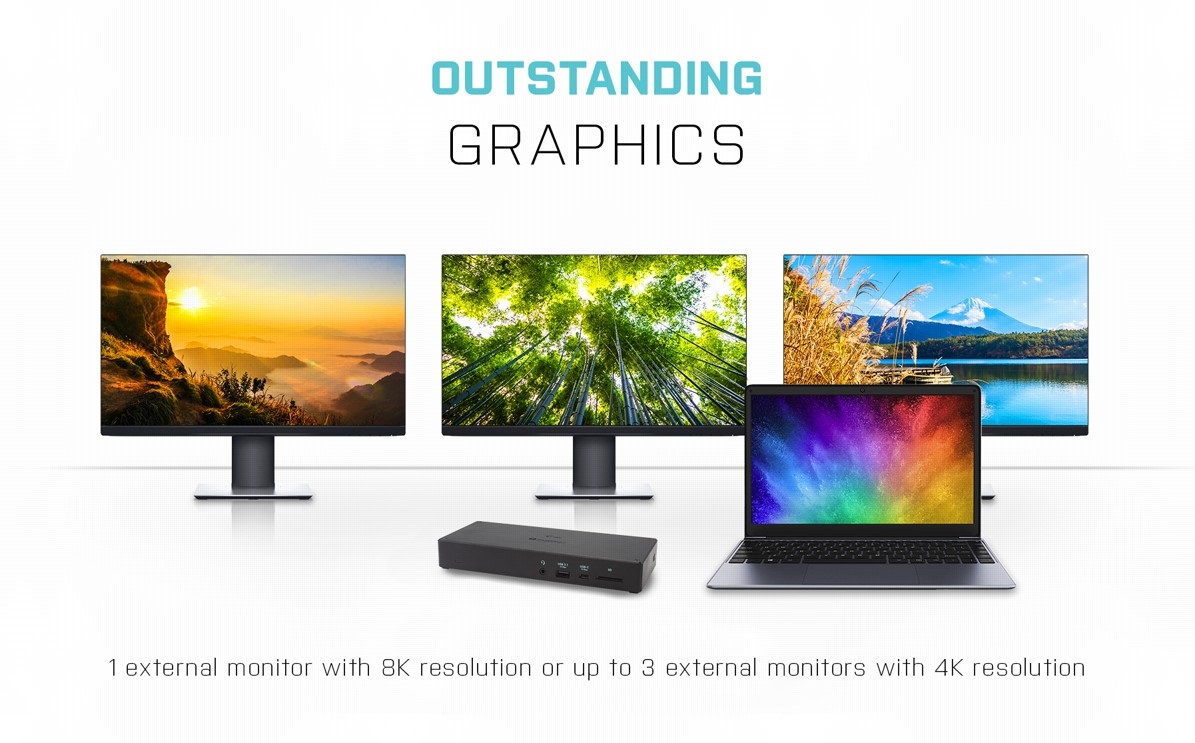
Easily Connect up to Three 4K Monitors with i-tec Thunderbolt 3 3× Display
If you appreciate fine, high-resolution graphics, you will love using the i-tec Thunderbolt 3 3× Display Docking Station to connect to up to three external monitors with DisplayPort or USB-C connectors. DP 1.4 HBR3 DSC supports up to 4K resolution at 60Hz (when using two monitors simultaneously). However, if you are working with macOS, you can only use a maximum of two external monitors (if connected to three monitors, two of the monitors display the same image)
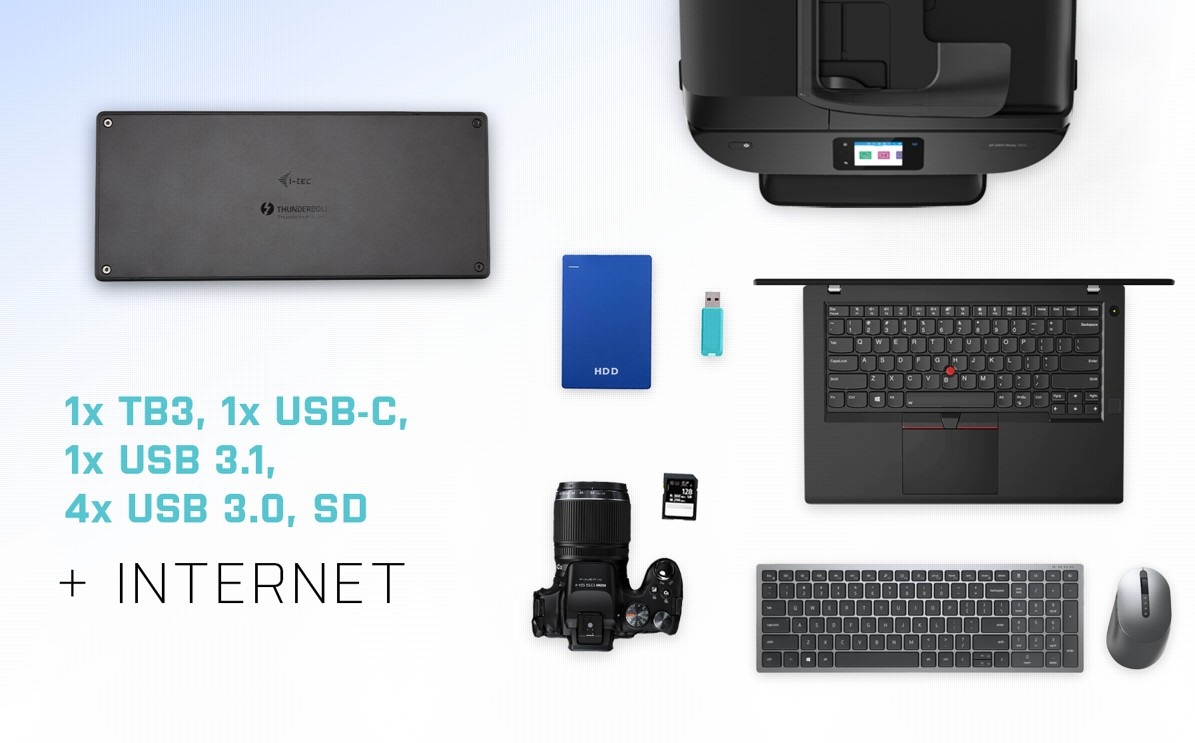
i-tec Thunderbolt 3 3× Display Docking Station Offers Plenty of Traditional Ports
Printer? Keyboard? Mouse? External drive or flash drive? A charging cable for your phone? You can connect all your devices quickly and easily with the i-tec Thunderbolt 3 3× Display Docking Station. Of course, you can also connect to the internet via the LAN port and remove any worries about the variable quality and speed of WiFi networks.
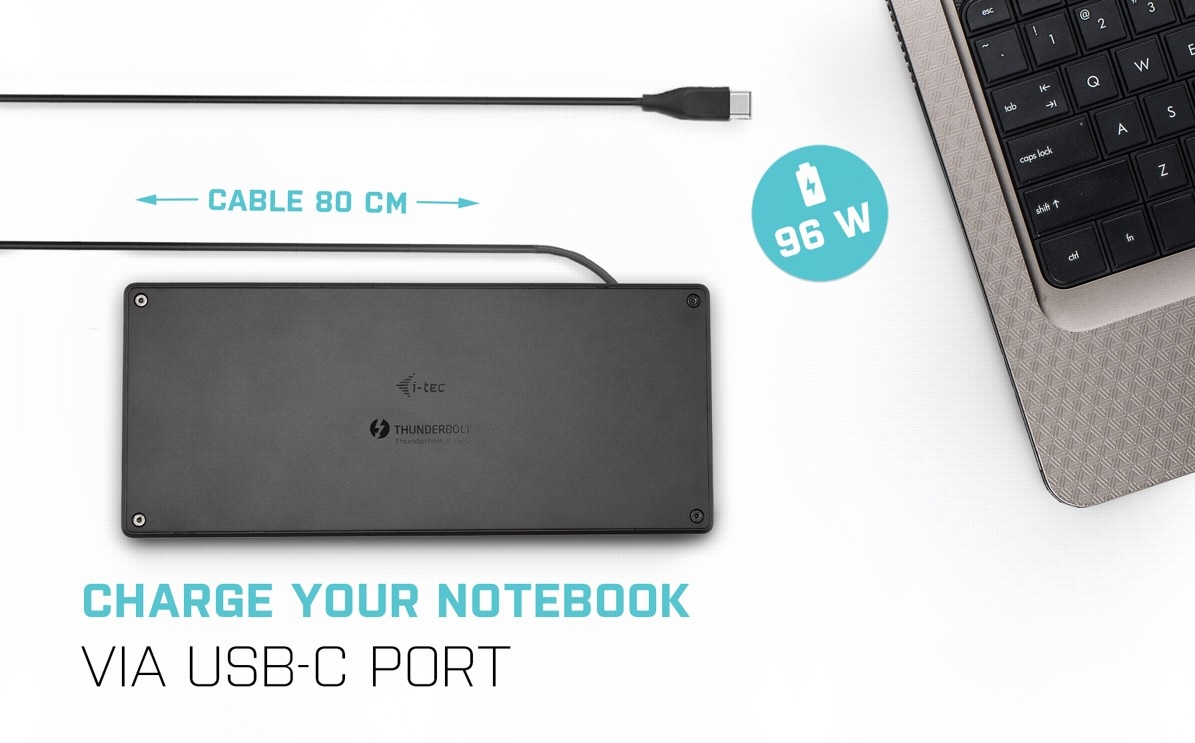
One Cable Provides Charging, Video and Data Transfer with the i-tec Thunderbolt 3 3× Display Docking Station
The new USB-C connector has many uses! Thanks to Power Delivery technology, the i-tec Thunderbolt 3 3× Display Docking Station can power your connected laptop with up to 96W.
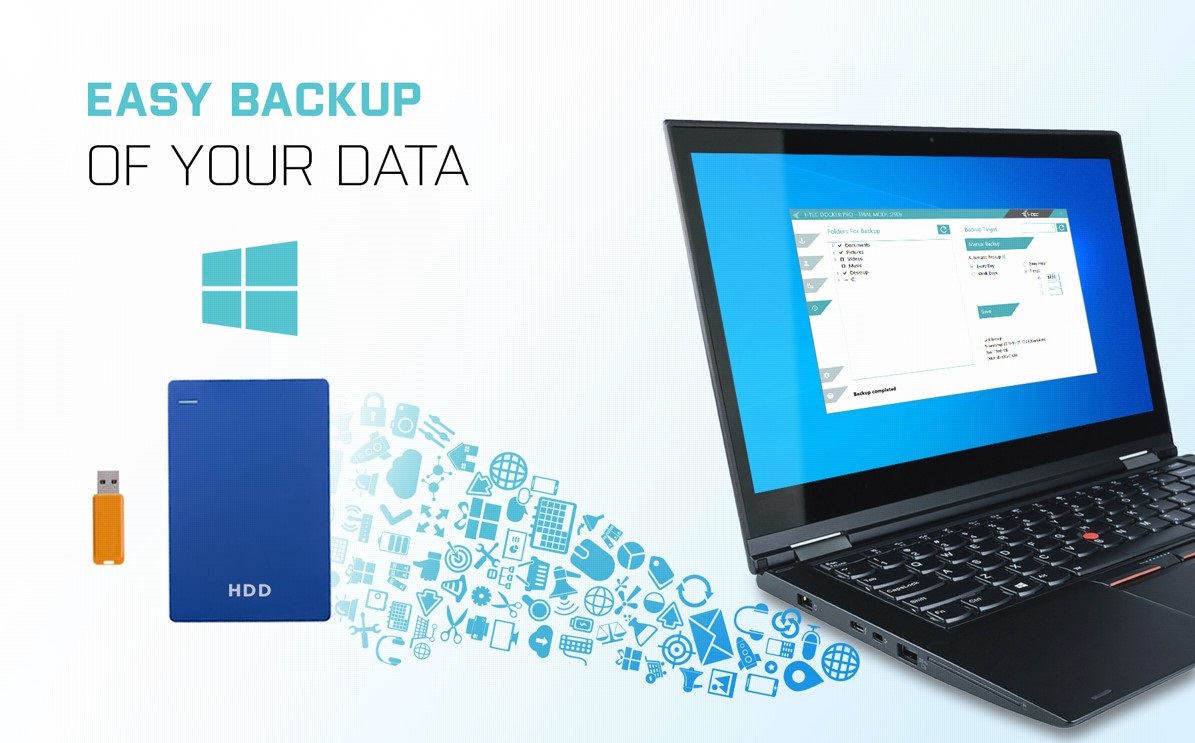
Backup Data More Easily with i-tec Thunderbolt 3 3× Display Docking Station
If you use the Windows operating system and need to regularly back up important files, you'd be well-advised to install the free i-tec Docker Pro add-on. Just connect any hard drive or flash drive to the i-tec Thunderbolt 3 3×Display Docking Station, and the rest is just a few mouse clicks away.
Key Features —i-tec Thunderbolt 3 3× Display Docking Station
- Docking station with support for up to 3 external monitors
- Connect the docking station with a single cable (80cm) to a USB-C or Thunderbolt 3 port
- Power Delivery up to 96W
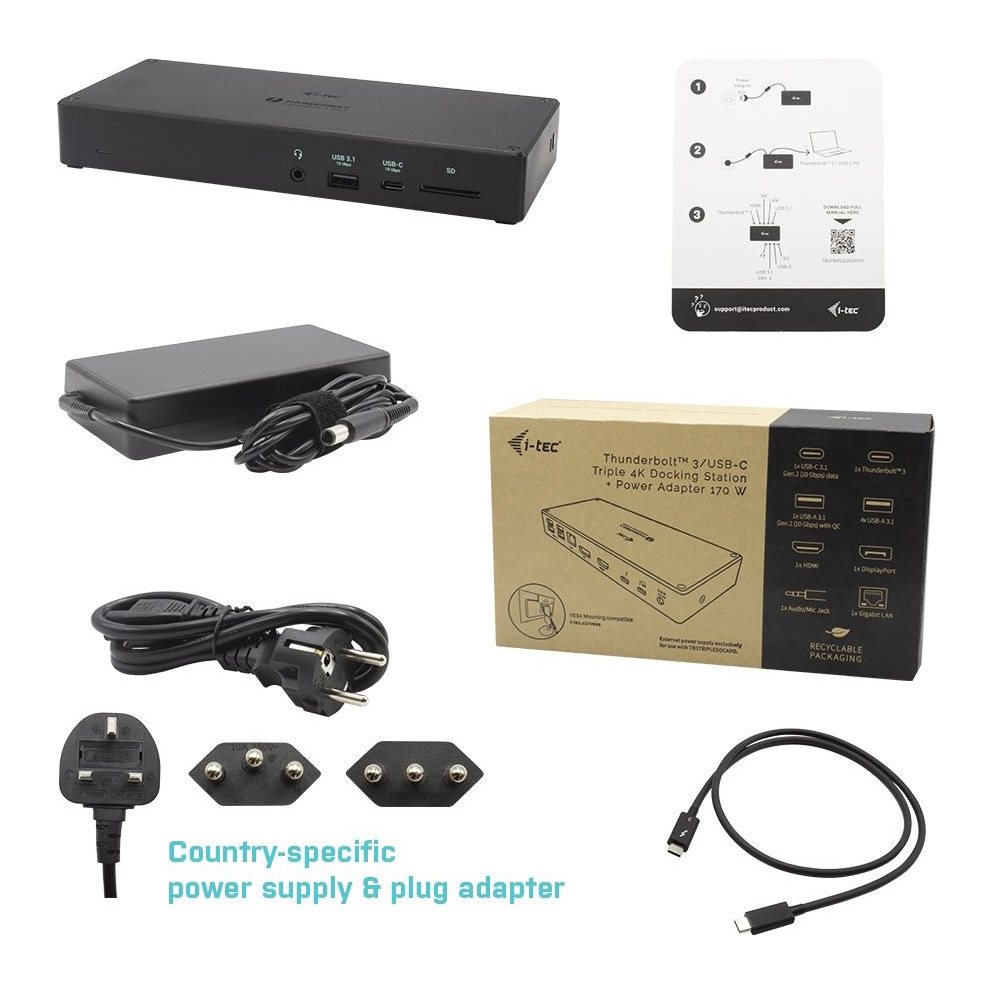
- 170W (20V, 8.5A) professional adapter included
- 4× USB 3.1, 1× USB 3.1 Gen 2 with fast power support and 2× USB-C Gen 2 ports (10Gbps) allow you to easily connect your USB devices and peripherals
SPECIFICATIONS
1× Thunderbolt 3 port for connecting to a device
Docking station technology: Thunderbolt 3 + USB-C (MST)
Power Delivery: 96W
1× Thunderbolt 3 port
Data transfer
Video port
Video ports:
1× HDMI
1×DisplayPort (supporting DP++)
Resolution:
Thunderbolt 3 host:
DP 1.2 HBR2 - 1× 4K/60Hz or 2× 4K/60Hz or 3x 4K/30Hz
DP 1.4 HBR3 - 1×8K/30Hzor 2×4K/60Hz or 3x 4K/30Hz
USB-C host:
DP 1.2 HBR2 - 1× 4K/30Hz or 2× FHD/60Hz or 3x HD+/60Hz
DP 1.4 HBR3 - 1×4K/60Hz or 2×QHD/60Hz or 3x FHD/60Hz
DP 1.4 HBR3 DSC - 1x 4K/60Hz or 2x 4K/60Hz or 3x 4K/30Hz
1× USB-C 3.1 Gen.2 (10 Gbps, data only)
1× USB-A3.1 Gen2 (10 Gbps) with Quick Charge BC 1.2
4× USB-A 3.0
1×Ethernet GLAN RJ-45 port (RTL 8153B)
1× 3.5mm combined audio and microphone input
1×SD slot
1× power input (DC 20V/8.5A)
ON/OFF switch to turn the docking station on and off
LED indication
Support forKensington lock
1x Thunderbolt 3 cable (80cm)
OS: Windows 10, macOS X (Sierra and above), Linux with the latest updates
Product dimensions: 210× 90 × 31mm
Product weight: 421g
Package dimensions: 270× 150×90mm
Package weight: 1370g
Specifications
Width
Depth
Weight
Laptop power port
Standard male connector
Dimensions and weight
Width
Depth
Weight
Laptop power port
Laptop power port
Standard male connector
Max. Power Delivery value
Most common ports
Common data ports
Common graphics ports
Data ports - Number and standards
USB-A standards
USB-C standards
USB-C Thunderbolt 3
USB-C 3.2 Gen 2 (3.1)
USB-A 3.2 Gen 2 (3.1)
USB-A 3.2 Gen 1 (3.0)
SD
Power ports for electrical devices
USB-A
USB-C
Additional power outputs
Graphics ports - Number and standards
DisplayPort standards
HDMI standards
HDMI 2.0
DisplayPort 1.4
Network ports
Maximum LAN speed
Bandwidth
Audio ports
Audio ports
Features
Features
Support
Colour
Cable length
Material
Packaging
Package contents
Compatibility
Type
More Specifications
Note:
Specifications can be changed without notice. Images are for illustrative purposes only.
