


Dá sa použiť na ovládanie zásuvky napr. Tapo P110M?

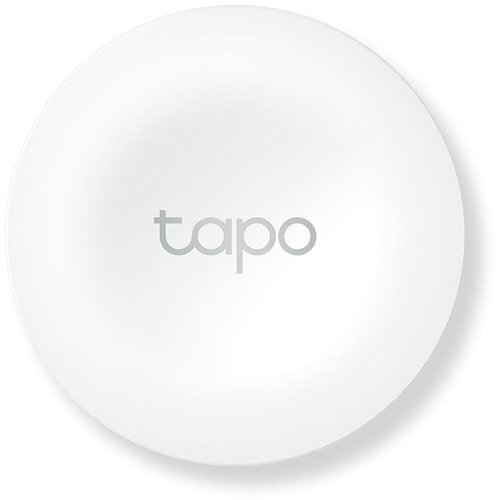



Smart Button
Tapo S200B
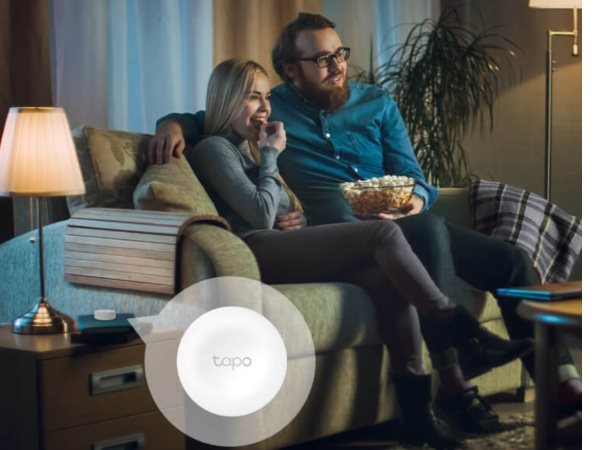
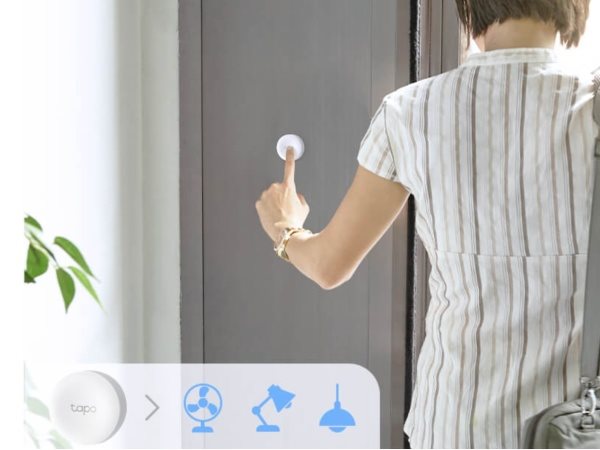
You no longer have to pick up your phone and launch an app or say voice instructions. Introducing a quicker and easier way to control more than just smart lighting, with the TP-Link Tapo S200B button you just click once and the lights do exactly what you want. Plus, you can have several buttons in different places, so the controls are always within easy reach.
You can connect several devices to the TP-Link Tapo S200B smart button. Pair lights and other appliances in your home and control them with a single click.
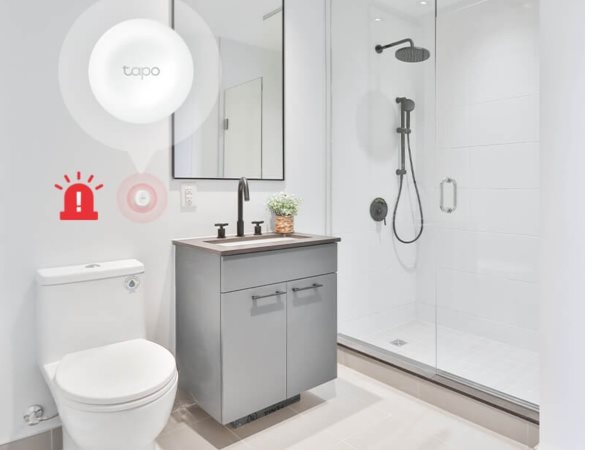
This smart button doesn't just need to control your smart home, but can be installed near your bath, toilet or bed and connected to the Tapo Hub. This makes it easy to create an SOS button for emergencies.
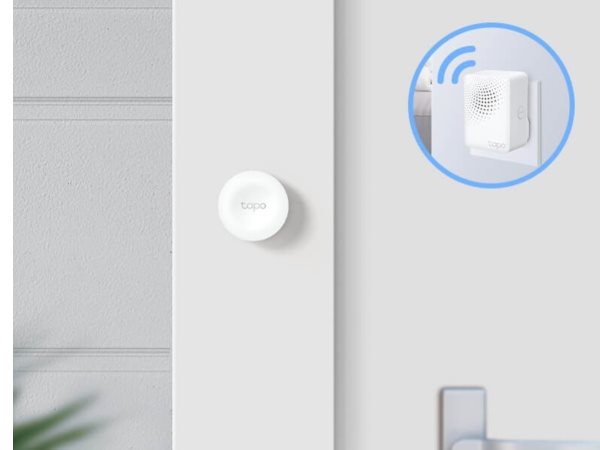
Pair with the Tapo hub to turn the TP-Link Tapo S200B button into a smart doorbell. There is an option to mute and turn on notifications by pressing a button on the hub. The uses of this smart button are simply limitless.
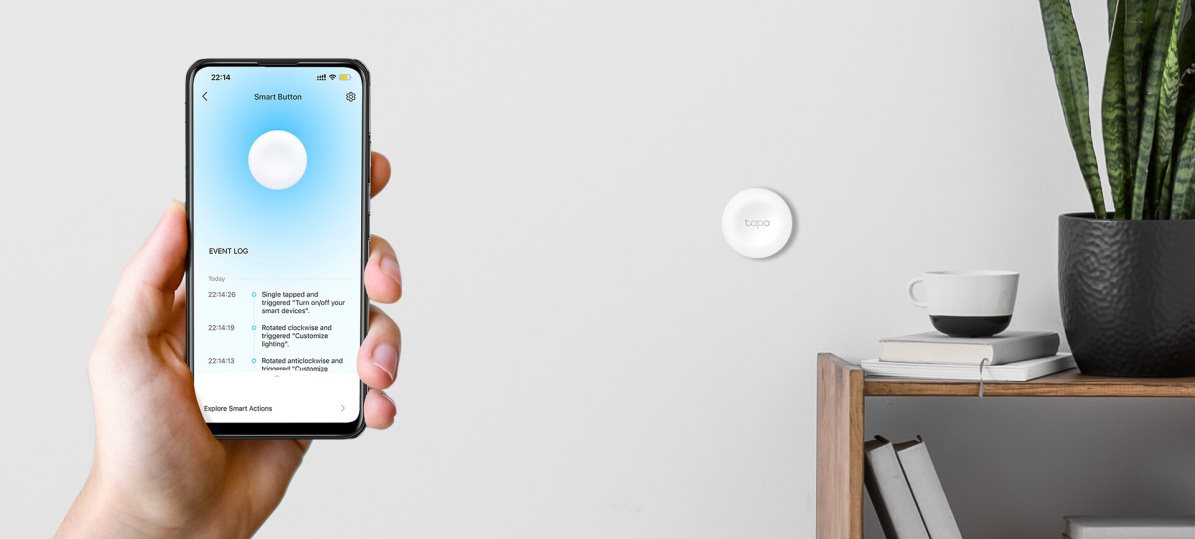
The TP-Link Tapo S200B smart button can be programmed to trigger four different actions.

Turns the light on or off

Changes the lighting effect

Changes the brightness or temperature of the light
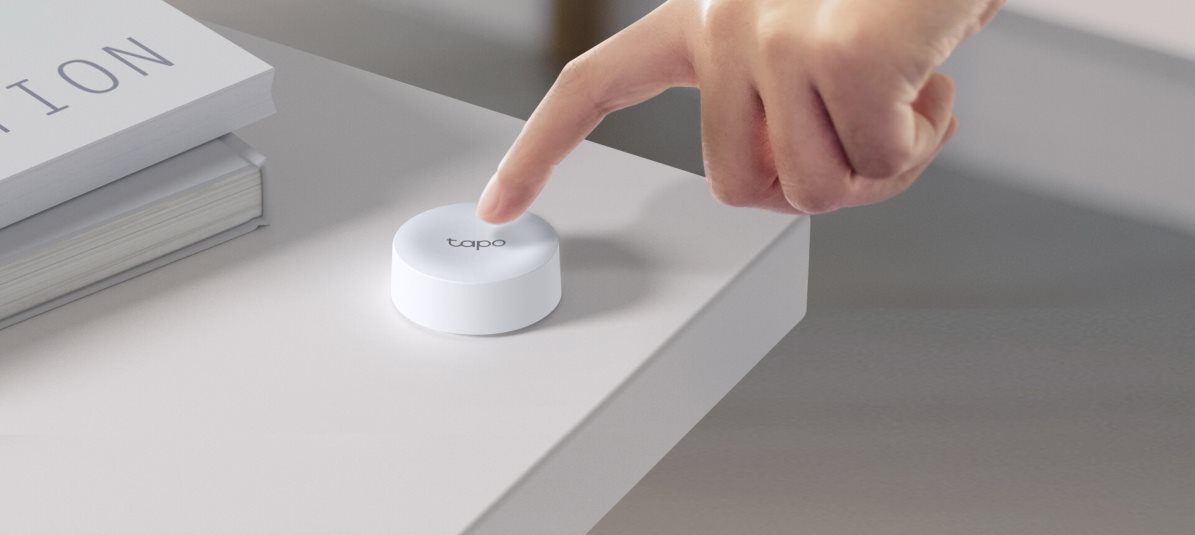
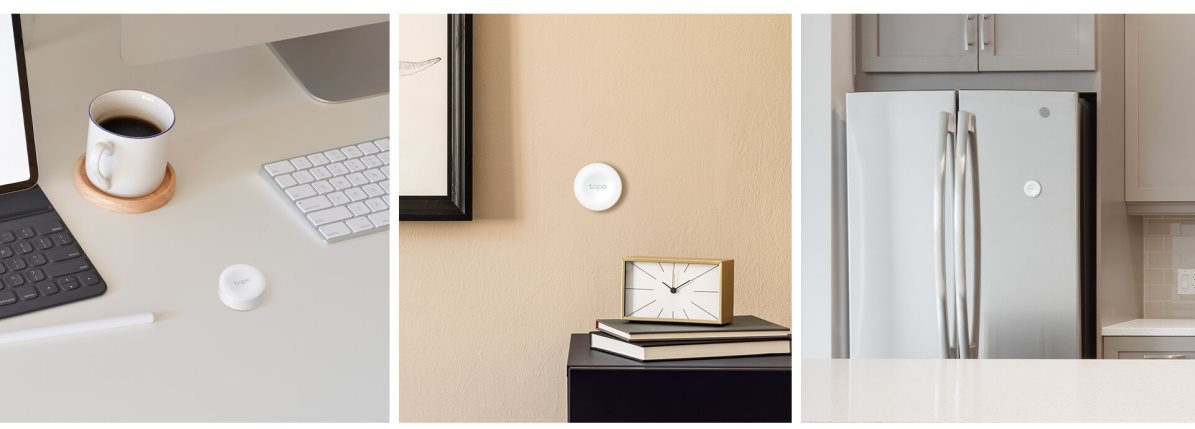
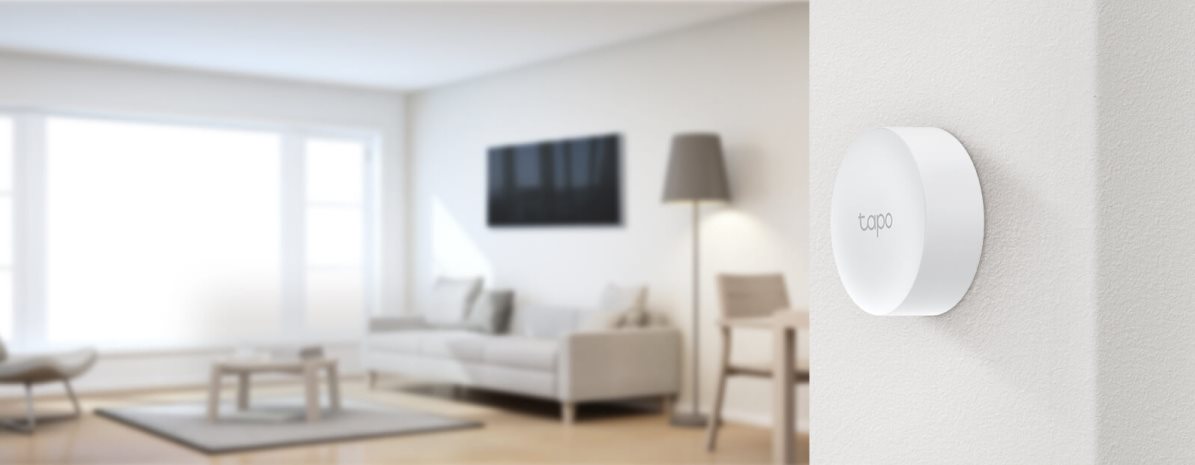
You can easily place the button wherever you need it - quickly and easily. Place it on a shelf, bedside table or mount it on the wall with the included accessories. TP-Link Tapo S200B can also be placed on any magnetic surface.
The TP-Link Tapo S200B uses an extremely low-power wireless protocol for communication. One replaceable CR2032 battery is sufficient to power it.
Install the Tapo app on your mobile phone and create a safe and comfortable living space.

TP-LINK Czech s.r.o., Pekařská 10a, 15500 Praha 5, Česko, [email protected], www.tp-link.com
TP-LINK Czech, s. r. o., Pekařská 695/10, Jinonice, 155 00 Praha 5, CZ +420 212 812 622 / SK +421 233 006 532, [email protected]
Specifications can be changed without notice. Images are for illustrative purposes only.
