


dobry den je mozne tymto nabijat a pripojit notebook MSI katana 17 B13VGK, co citam ma adapter 200w ci mi toto utiahne a dobije notebook ak poznate inu stanicu kt mozem na usb c pripojit dajte mi vediet vdaka
i-tec USB 3.0/USB-C/Thunderbolt Dual Display Docking Station, PD 100W


Docking Station - connection using USB-C USB 3.2 Gen 2 (3.1), power delivery 100 W
Show full description
-19 % off new
4,199,-
New 5,190,-
 Installment calculator
4,9%
interest
from 97,- monthly
Installment calculator
4,9%
interest
from 97,- monthly
Shop faster with pickup at AlzaBox or in-store.
Warranty 21 months
Code:
JP960d13
Producer's Website:

i-tec USB 3.0/USB-C/Thunderbolt Dual Display Docking Station, PD 100W
4,199,-
As good as new - in stock 1 pcs
Buy
i-tec USB 3.0/USB-C/Thunderbolt Dual Display Docking Station, PD 100W

i-tec USB 3.0/USB-C/Thunderbolt Dual Display Docking Station, PD 100W is a fully functional product in very good condition. The product shows minor signs of use. Almost always supplied with all accessories. The packaging may be opened, damaged, replaced or missing. 21-month warranty. Detailed information here.
No alternative text for the photo has been provided!
Universal i-tec USB-C Dual Display Docking Station for up to Two Monitors
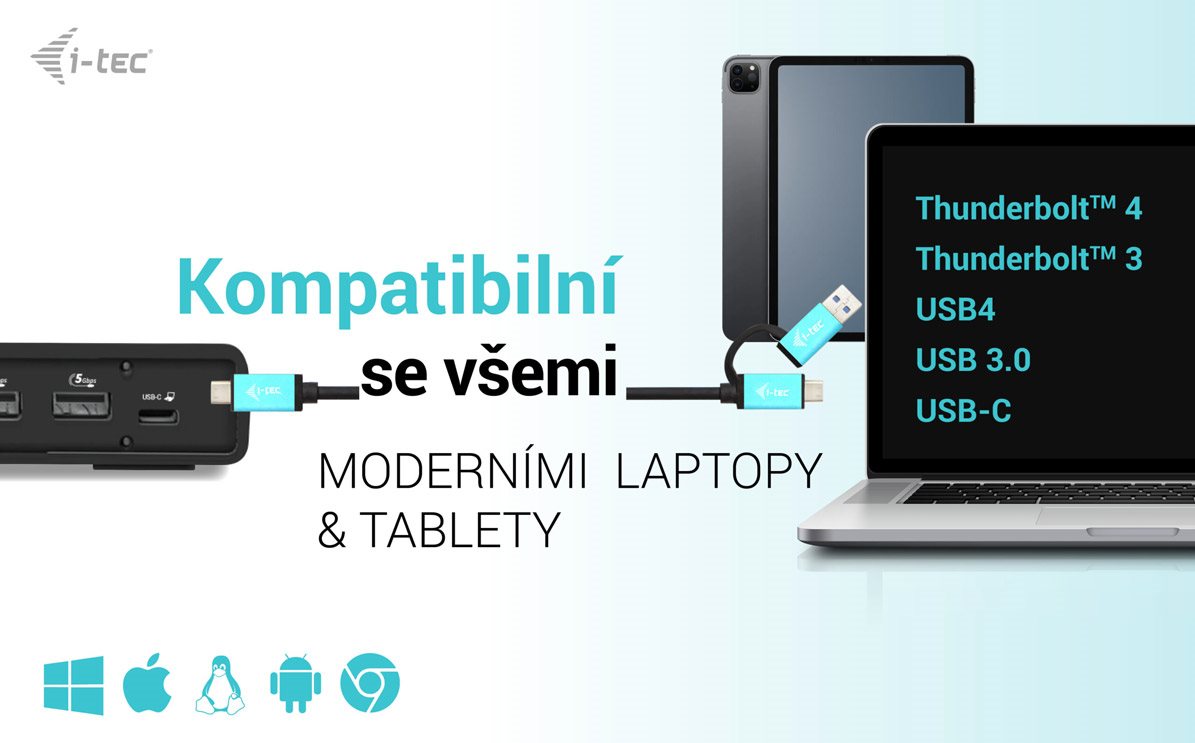
The universal i-tec USB-C Dual Display Docking Station. Its key advantage is the ability to provide up to two video outputs from a single USB-C connector. All you need is a laptop/tablet/phone with a free Thunderbolt 3 or USB-C port that can transmit a video signal. The package also includes an adapter for connecting to older USB-A ports.
No alternative text for the photo has been provided!
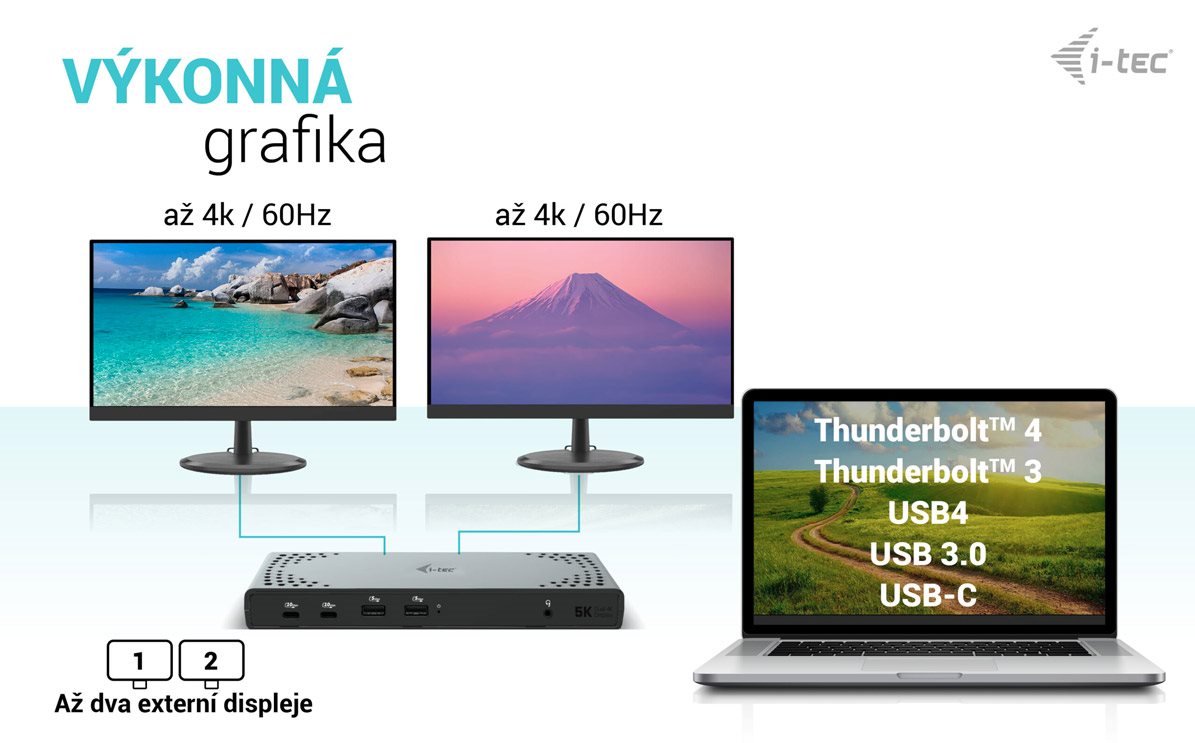
Easily connect up to two monitors with the i-tec USB-C Dual Display
For serious work, you need enough workspace. The i-tec USB-C Dual Display docking station supports the simultaneous connection of two displays via DisplayPort or HDMI. The maximum available resolution when using two screens is 4K resolution at 60Hz.
No alternative text for the photo has been provided!
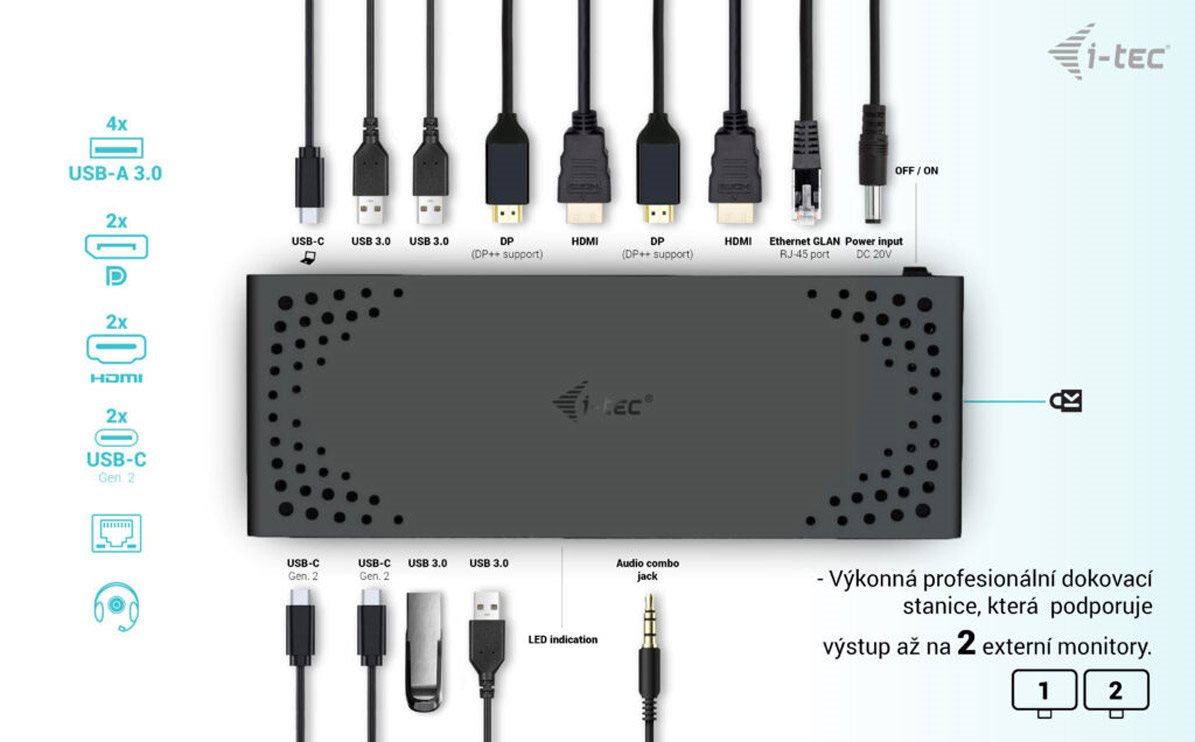
The i-tec USB-C Dual Display offers plenty of traditional ports
Do you have a range of accessories like a USB printer, keyboard, mouse or external drive? This is another ideal situation for instantly connecting the i-tec USB-C Dual Display docking station. You get 4× USB-A 3.2 Gen 1 and 2× USB-C 3.2 Gen 2. A standard LAN connector for a wired connection to your data network is also included.
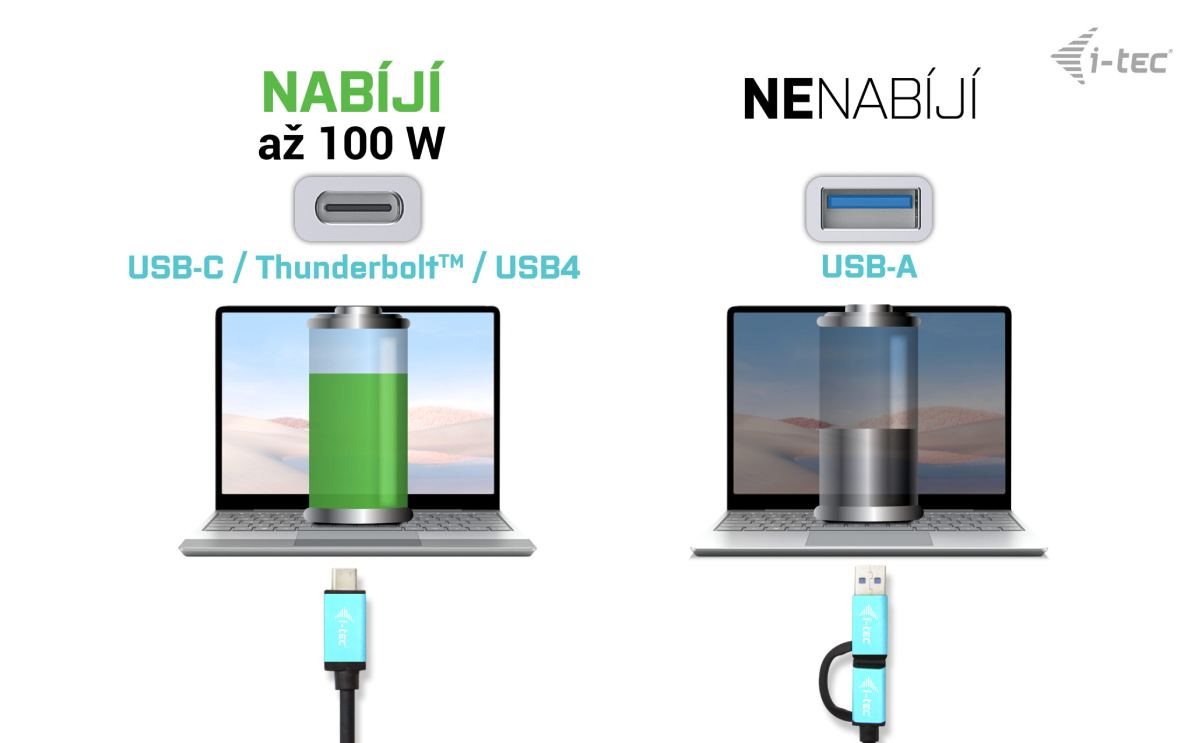
Charging, video and data transfer are all handled by a single cable with the i-tec USB-C Dual 4K Display docking station
Thanks to the Thunderbolt 3 interface, you only need to connect your laptop to the i-tec USB-C Dual 4K Display docking station with a single cable. It will carry the video to your monitors, quickly copy files from a USB drive, and also provide 100W of power for the laptop itself. You can leave your charger safely stored away.

No alternative text for the photo has been provided!
The i-tec USB-C Dual Display can be cleverly mounted directly on the monitor
A clean desk is the foundation of a modern workspace. For this reason, it is possible to mount the i-tec USB-C Dual Display docking station directly into a VESA position using a separately sold mount. Cables and other devices lying on the desk will become a thing of the past.
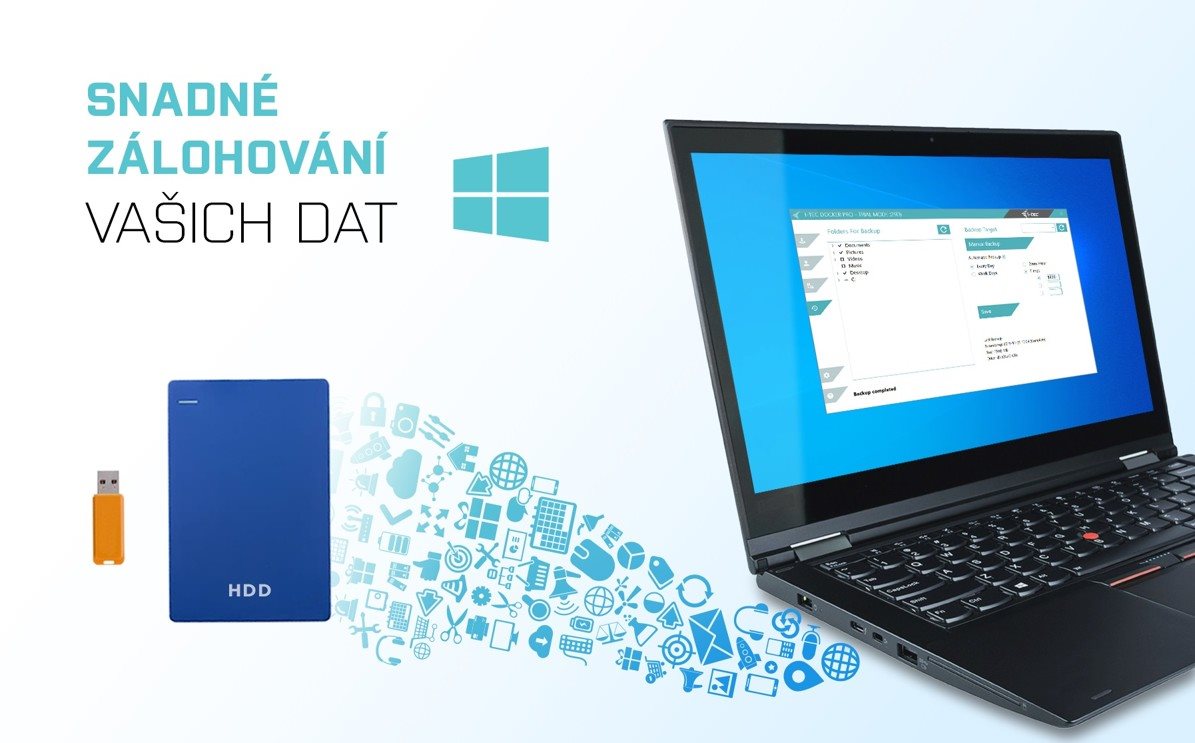
Back up your data more easily with the i-tec USB-C Dual Display docking station
Do you use the Windows operating system? And are you looking for a way to back up key files on your PC? In that case, install the free supplementary app i-tec Docker Pro. Then, simply connect a sufficiently large external drive via the i-tec USB-C Dual Display docking station. The rest is just a matter of a few mouse clicks.
Key Features of the i-tec USB-C Dual Display Docking Station
- Universal docking station
- Compatible with laptops and tablets with USB-C, USB-A and Thunderbolt interfaces
- 2× DisplayPort and 2× HDMI supporting up to two 4K/60Hz displays
- 6× USB ports including 2× USB-C Gen 2 (1× with 20W PD charging support and one with BC 1.2 fast charging support) and 4× USB-A 3.2
- Up to 100W Power Delivery for compatible laptops and tablets with USB-C and Thunderbolt interfaces
- GLAN Ethernet supports 10/100/1000 Mb/s network speeds
- Combined high-quality 32bit/192kHz 3.5mm audio input
- Output jack for easy connection of a headset or speakers
- VESA mount available for flexible installation options
- Kensington lock slot for greater security
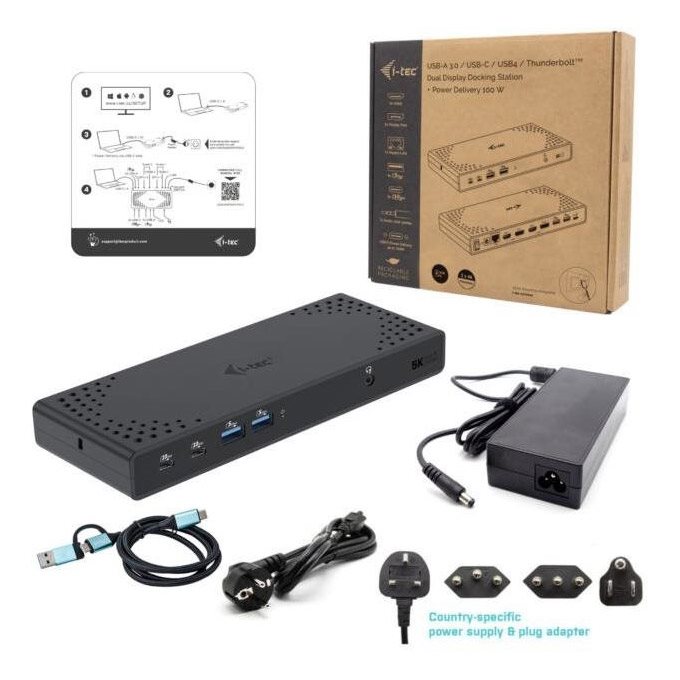
Package contents: i-tec USB-C Dual Display, USB-C cable (100cm), 150W charging adapter, manual
No alternative text for the photo has been provided!
SPECIFICATIONS
1× USB-C port for connecting to a device
Power Delivery: 100W
Video Ports:
2× Display Port
2× HDMI
Resolution:
1 monitor – 1× DP/HDMI up to 4K/60Hz
1 monitor – 2× DP up to 5K/60Hz*
2 monitors – 1× DP/HDMI + 1× DP/HDMI → up to 2× 4K/60Hz
Connectors:
2× USB-C 3.2 Gen.2 port with fast charging support (BC 1.2)
4× USB 3.2 Gen.1 port with fast charging support (BC 1.2)
1× Ethernet GLAN RJ-45 port (DisplayLink DL-6950)
1× 3.5mm Audio combo jack
1× power input (DC 20V/6.5A)
ON/OFF switch to turn the docking station on and off
LED indicator
Kensington lock support
USB-C to USB-C/USB-A cable (100cm)
OS: Windows 10, macOS, Android and Linux with the latest updates
Product dimensions: 224 × 88 × 27mm
Product weight: 330g
Specifications
Laptop power port
Standard male connector
Max. Power Delivery value
USB-C 3.2 Gen 2 (3.1)
Additional power outputs
Laptop power port
Laptop power port
Standard male connector
Max. Power Delivery value
Most common ports
Common data ports
Common graphics ports
Data ports - Number and standards
USB-A standards
USB-C standards
USB-C 3.2 Gen 2 (3.1)
Power ports for electrical devices
USB-C
Additional power outputs
Graphics ports - Number and standards
DisplayPort standards
HDMI standards
HDMI 2.0
DisplayPort 1.2
Network ports
Maximum LAN speed
Bandwidth
Audio ports
Audio ports
Features
Features
Support
Colour
Cable length
Material
Packaging
Package contents
Compatibility
Type
Dimensions and weight
Width
Depth
Weight
More Specifications
Note:
Specifications can be changed without notice. Images are for illustrative purposes only.
