i-tec USB 3.0/USB-C/Thunderbolt 3 Dual Display Docking Station + Power Delivery 65WDiscontinued
i-tec USB 3.0/USB-C/Thunderbolt 3 Dual Display Docking Station + Power Delivery 65W
No alternative text for the photo!
Universal i-tec USB 3.0/USB-C/Thunderbolt 3 Dual Display Docking Station
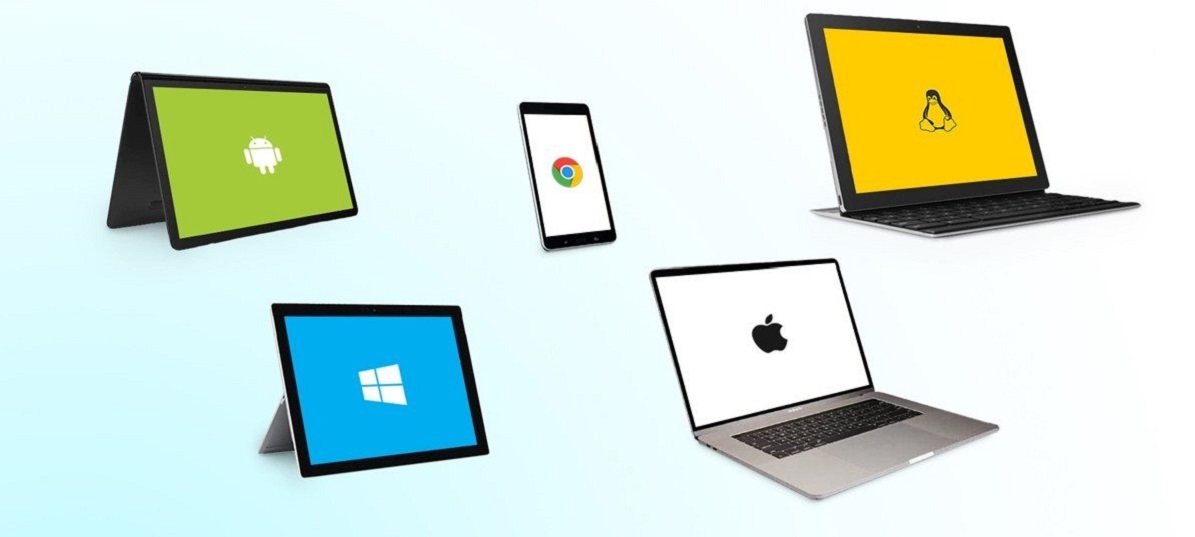
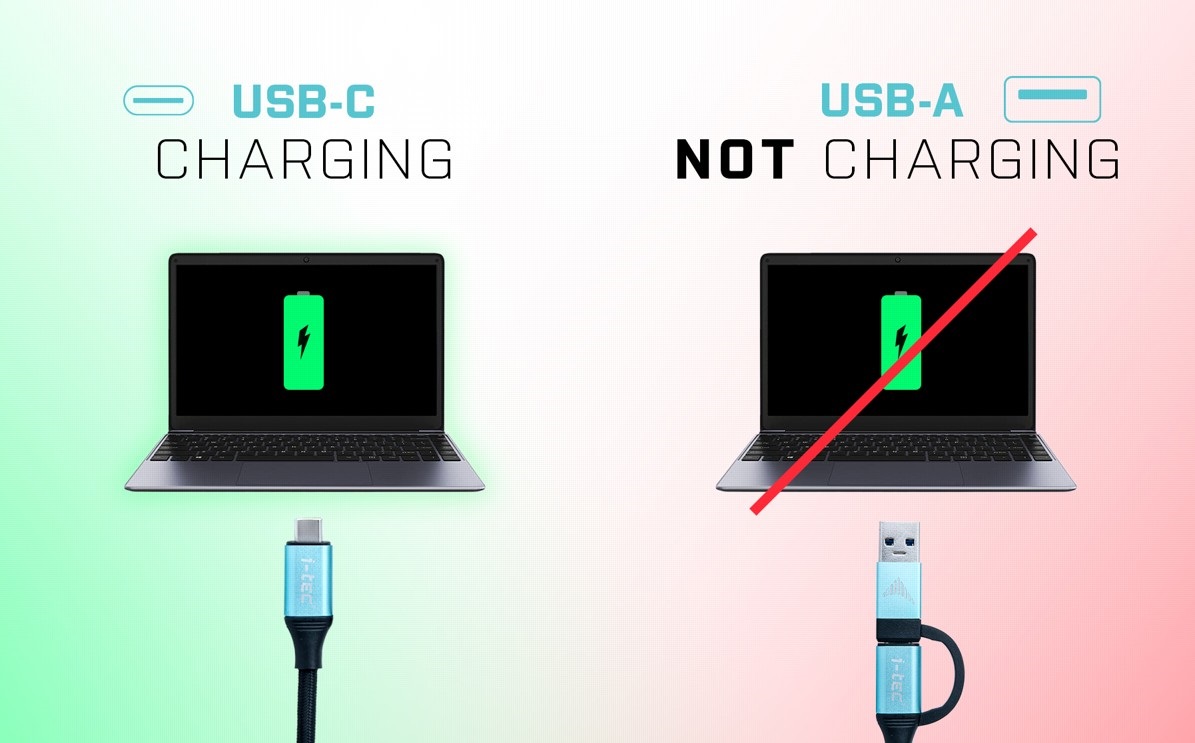
If you are looking to increase the number of connectors on your laptop, we recommend using the universal i-tec USB 3.0/USB-C/Thunderbolt 3 Dual Display Docking Station. With the ability to connect to any laptop—even if it is only equipped with a USB 3.0 connector—you can connect the dock with a single cable and start using it immediately. The package includes a USB-C to C and USB-C to A connection cable.
No alternative text for the photo!
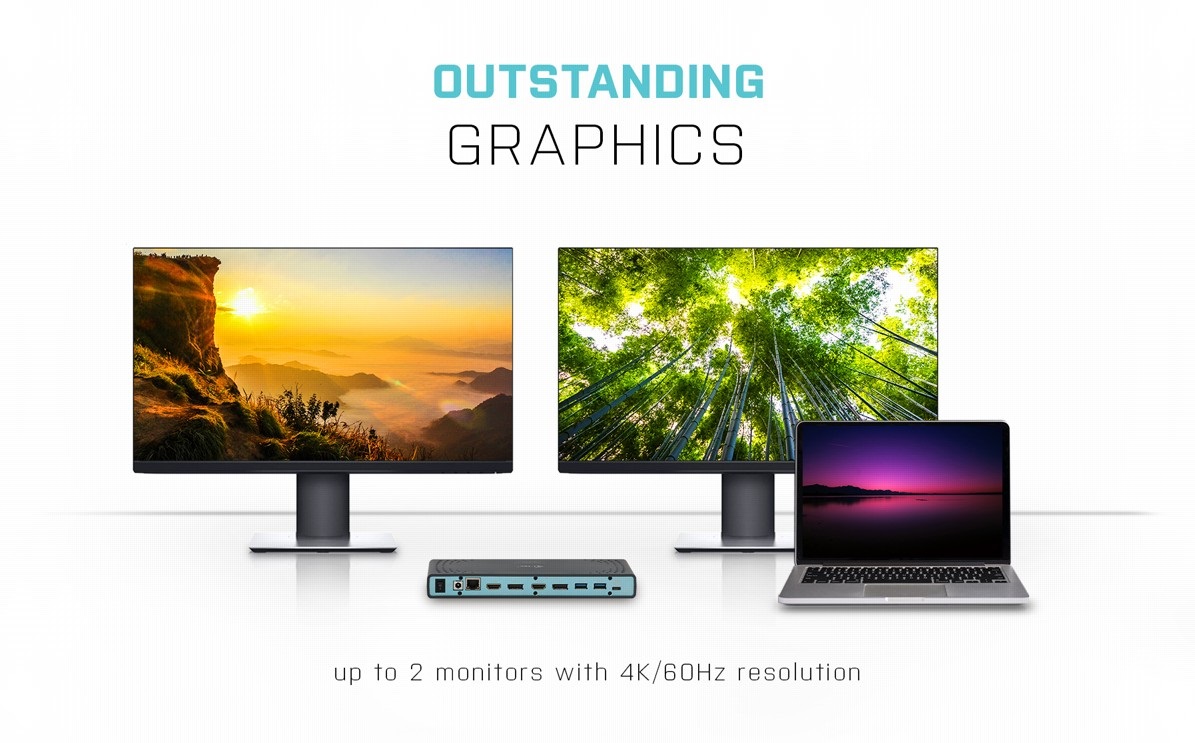
Easily Connect Two 4K Monitors
As serious work area requires an expanded work area, you'll welcome using i-tec USB 3.0/USB-C/Thunderbolt 3 Dual Display Docking Station to connect to a pair of 4K monitors with a fast 60Hz refresh rate that delivers a silky-smooth picture.
No alternative text for the photo!
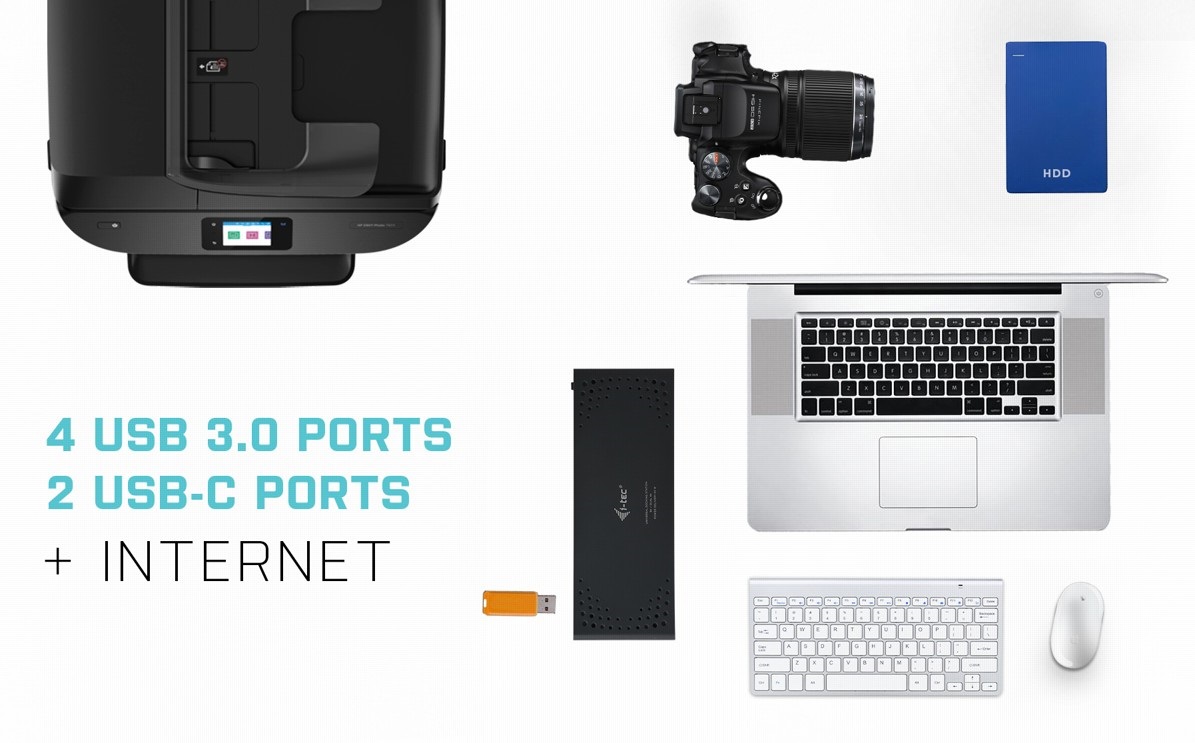
i-tec USB 3.0/USB-C/Thunderbolt 3 Dual Display Docking Station Offers Plenty of Traditional Ports
Do you have various accessories, such as a USB printer, keyboard, mouse and external drive? Once again, the lightning-fast i-tec Thunderbolt3/USB-C Dual DisplayPort 4K Docking Station has got you covered. It comes with 3× USB 3.0, 1× USB 3.0 with fast charging support, 2× USB-C 3.1 and an SD memory card slot. There is also a classic LAN connector for a wired connection to the data network. Remember to connect the supplied external adapter when in USB hub mode.
No alternative text for the photo!
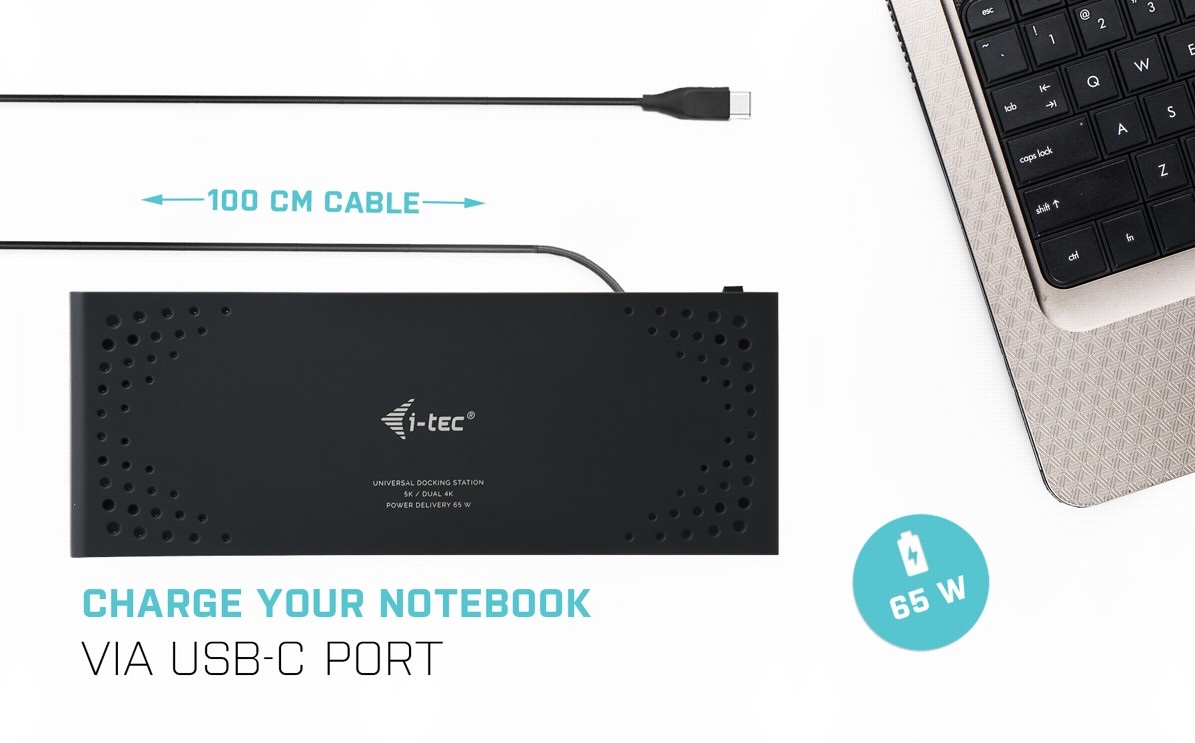
One Cable Provides Charging, Video and Data Transfer
Thanks to the Thunderbolt 3 interface, you only need to connect your laptop to the i-tec USB 3.0/USB-C/Thunderbolt 3 Dual Display Docking Station with a single cable for it to deliver images to monitors, fast USB data transfer plus a power supply to your laptop. That's gonna clear up a whole load of cables and leave your workspace clutter-free.
No alternative text for the photo!
No alternative text for the photo!
Fix the i-tec USB 3.0/USB-C/Thunderbolt 3 Dual Display Docking Station to Your Monitor
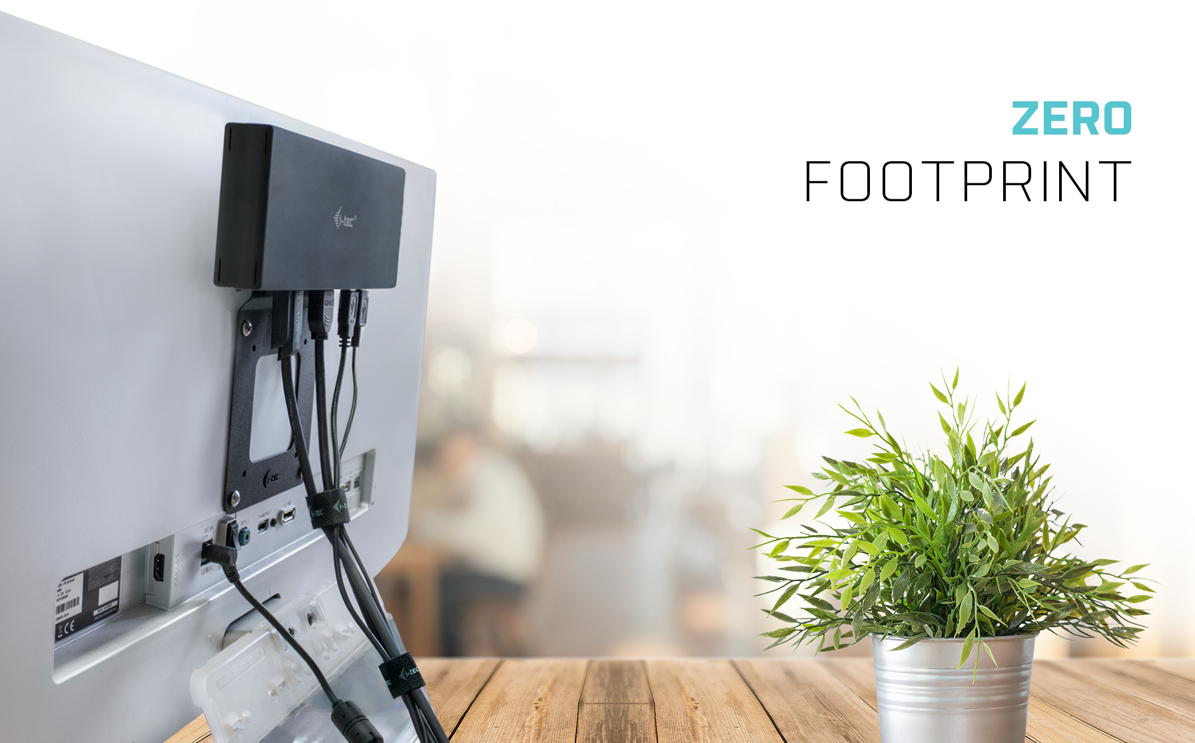
As a tidy desk makes for a tidy mind, you will be delighted that you can easily mount the i-tec USB 3.0/USB-C/Thunderbolt 3 Dual Display Docking Station behind a VESA-compliant monitor. Cables and other equipment getting in your way will soon become a thing of the past.
No alternative text for the photo!
Free Data Backup
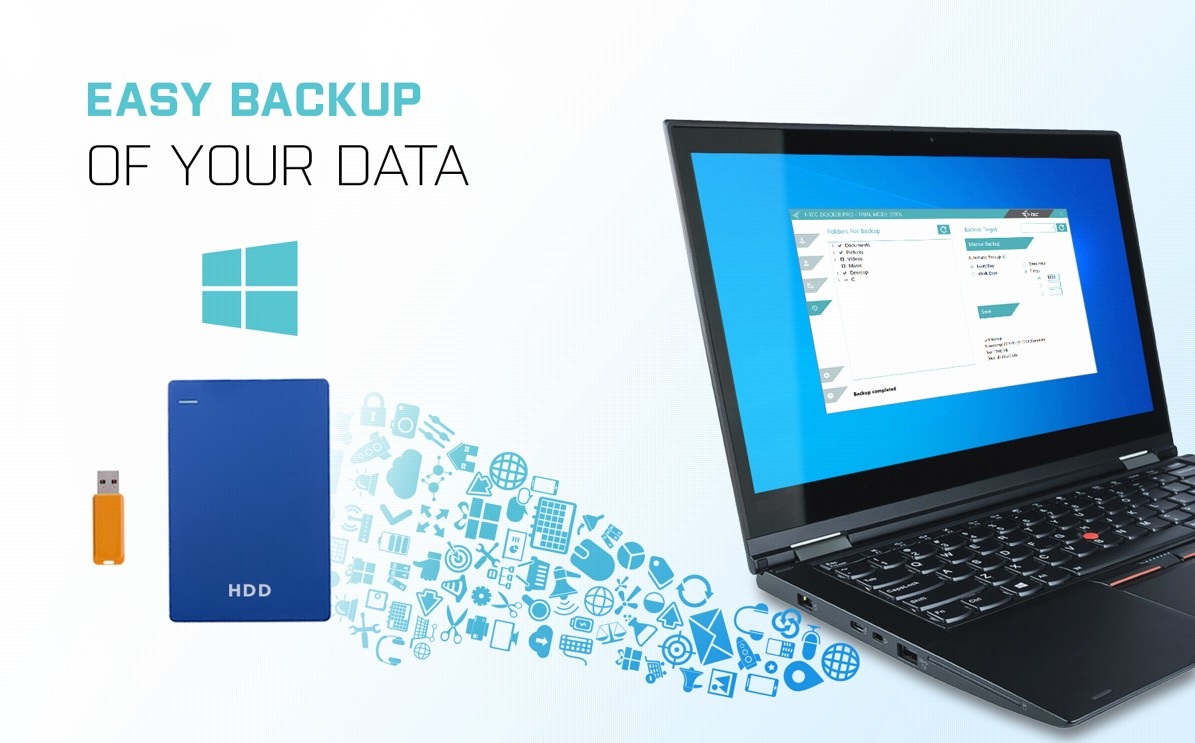
If you use the Windows operating system and need to regularly backup important files, you'd be well-advised to install the free i-tec Docker Pro add-on. Just connect any hard drive or flash drive to the i-tec USB-C Quattro Display Docking Station, and the rest is just a matter of a few mouse clicks.
SPECIFICATIONS 1x USB-C port for connection to a USB-C or USB-A device (USB-C connection cable and USB-C to USB 3.0 adapter included) Power Delivery: 65W Video Ports: 2x Display Port 2x HDMI Resolution: 1 monitor - 1x Display Port up to 4K/60Hz 1 monitor - 1x HDMI up to 4K/60Hz 1 monitor - 2x Display Port up to 5K/60Hz* 2 monitors - 1x Display Port + 1x Display Port up to 2x 4K/60Hz 2 monitors - 1x Display Port + 1x HDMI up to2x4K/60Hz 2 monitors - 1x HDMI + 1x HDMI up to 2x 4K/60Hz 2x USB-C 3.1port 3x USB 3.0 port 1x USB 3.0 port with fast charging support (BC 1.2) 1x Ethernet GLAN RJ-45 port (DisplayLink DL-6950) 1x 3.5mm Audio output, 1x 3.5mm Microphone input 1x power input (DC 20V/5A) ON/OFF switch to turn the docking station on and off LED indication Support for Kensington lock USB-C to USB-C/USB-A cable (100 cm) OS: Windows 7/8/8.1/10, macOS X, Linux Ubuntu 14.04,16.04, 17.04, 17.10 18.04, 19.04, Android 5 and higher, Chrome OS R51 and higher Easy driver installation (Windows, MacOS, Ubuntu, Android(external link)) Product dimensions: 223 x 88 x 27mm Product weight: 338g Package dimensions: 314 x 144 x 60mm Packageweight: 1380g * 5K resolution only supports Windows Hardware requirements: Devices with a free USB-A, USB-C or Thunderbolt™3 port Requirements for the Power Delivery function: Devices with free USB-CorThunderbolt™3 port with "Power Delivery" support Operating system: Windows 7/8/8.1/10, macOS X, Linux Ubuntu 14.04, 16.04, 17.04, 17.10 18.04, 19.04, Android 5 and higher, Chrome OS R51 and higher
Dobrý den, chtěl bych tuto dock. stanici používat se zavřeným notebookem a externím monitorem. Když však zaklapnu notebook, ten přechází do spánku a vypíná externí monitor. Je možné nějak nastavit aby se monitor nezhasínal? Díky za každou radu. P.
Dobrý den, chtěl bych tuto dock. stanici používat se zavřeným notebookem a externím monitorem. Když však zaklapnu notebook, ten přechází do spánku a vypíná externí monitor. Je možné nějak nastavit aby se monitor nezhasínal? Díky za každou radu. P.
Try our cookiesAlza.cz a. s., Company identification number 27082440, use cookies and other data to ensure the proper functioning of the website and, with your consent, also, among other things, to personalize advertising and the content of our websites. By clicking on the “I understand“ button, you agree to the use of cookies and the transfer of data regarding the behavior on the website for displaying targeted advertising on social networks and advertising networks on other websites.
We use 8 categories of cookies on our website:
Technical cookies
These are strictly necessary for the functioning of the website and the features you choose to use. Without them, our website would not work; you wouldn't be able to log in to your user account, for example.
Functionality cookies
These cookies allow us to remember your basic choices and improve the user experience. These include remembering your preferred language or allowing you to stay logged in permanently.
Social media cookies
These cookies allow us to easily link you to your social media profile and, for example, allow you to share products and services with your friends and family.
Content personalisation
These cookies allow us to show you content and ads according to the information we have about you to best meet your needs. This includes what content you have viewed, or on what device you are accessing our website.
Non-personalised advertising
These cookies allow us to show you general ads for products and services.
Personalised advertising
Thanks to these cookies, we and our partners can offer you relevant products and services based on your purchases, your shopping behaviour and your preferences.
Audience metrics
These cookies allow us to optimise our site for your convenience based on how you use it. The aim is to remember or anticipate your choices. This includes, for example, the use of features, their location, or the behaviour on the page.
By giving your consent to the processing of cookies, functionality and analytical cookies will be installed on the device you use to browse the website (click on the "I understand" button for both categories, or you can select only one of the categories by clicking on the "Settings" button). We always install technical cookies on your device, even without your explicit consent, because without them our website would simply not work.
You can revoke your consent to the processing of cookies. In connection with our company's cookie processing, you also have the following rights: the right to access cookies, delete, modify, supplement and correct them, restrict processing and the right to lodge a complaint with the Office for Personal Data Protection. Read more about your rights.