RAPTURE PYTHON GAMING MOUSEUncompromising in Battle!
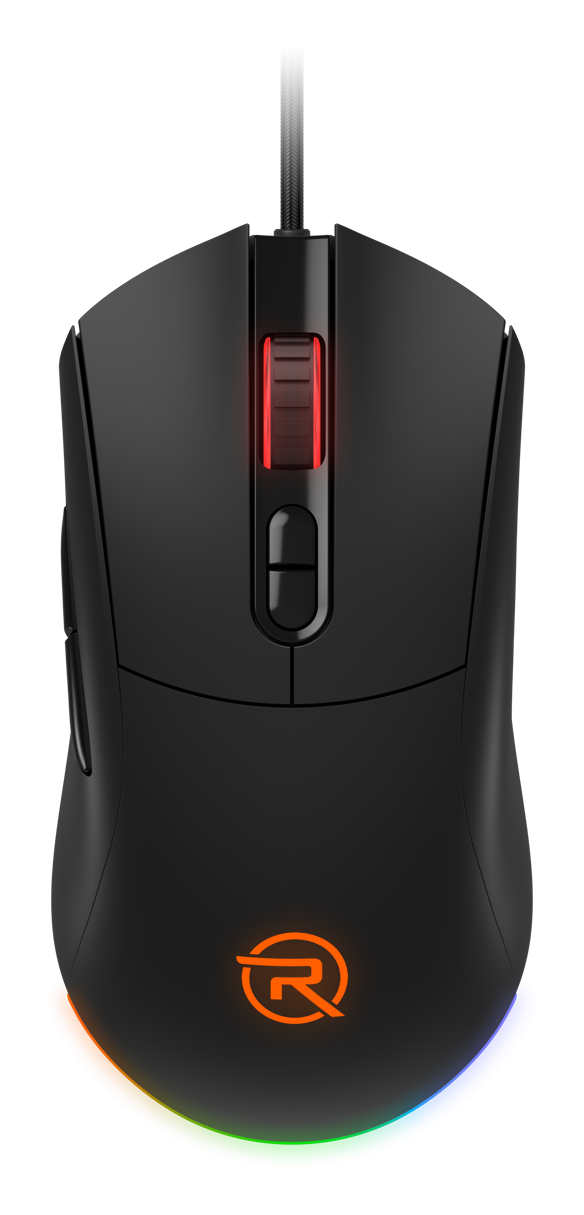
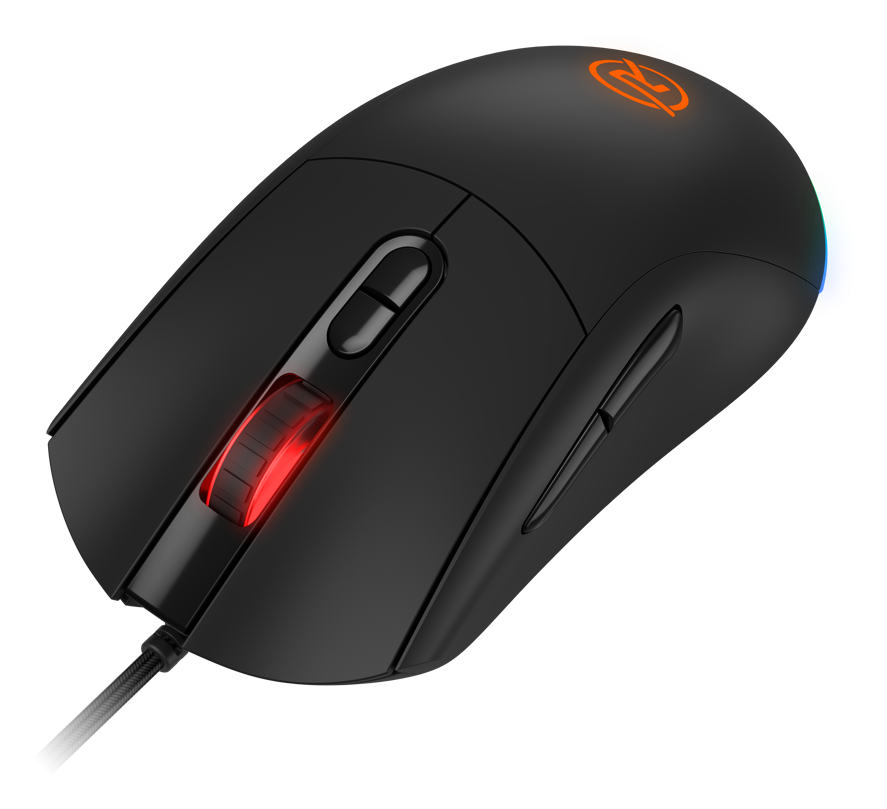
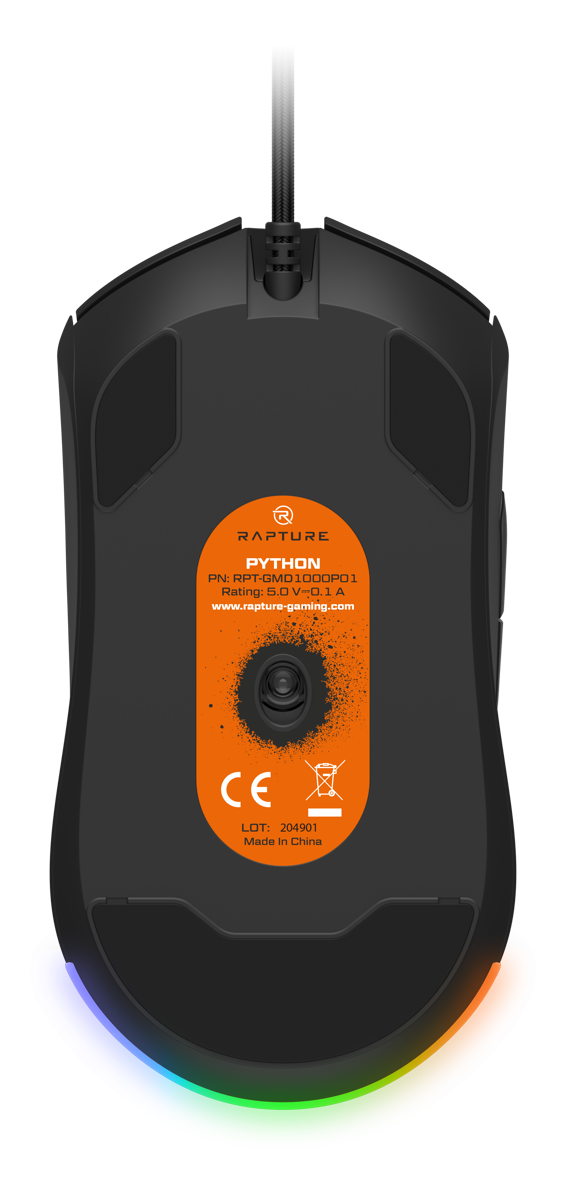
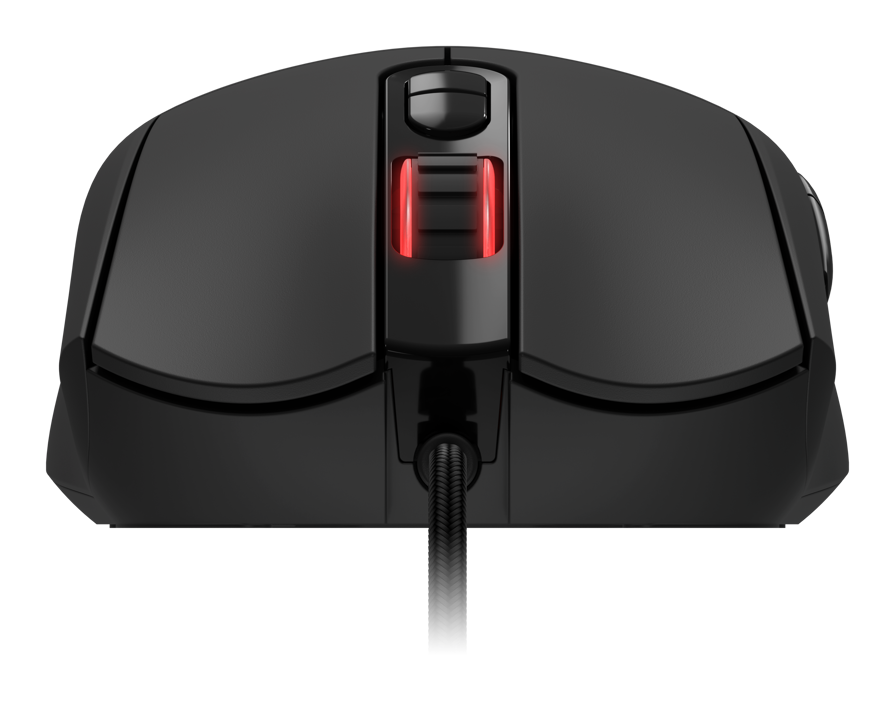
Don't give your opponents a chance and go hard for the win with Rapture PYTHON. When you have this lightweight and highly-responsive gaming mouse in your hand, nothing will stand in your way, so it's down to you and your ability. As Rapture PYTHON boasts an uncompromising PixArt PMW3327 optical sensor with sensitivity up to 6200 DPI, 30G acceleration and very fast response, it easily meets the requirements of even the most battle-hardened gamer. The seven programmable buttons feature Omron switches that excel with their perfect response and extremely long life, while stylish colour backlighting and custom software, which you can download here, underline the great features of this awesome gaming mouse.
No alternative text for the photo!
TECHNICAL SPECIFICATIONS
Rapture PYTHON
PixArt PMW3327
optical sensor
600-6200
DPI
1ms
response
1000MHz
Polling rate
30G
ACCELERATION
220 IPS
tracking speed
6200fps
FRAME RATE
Omron
SwitcheS
7
PRINT
RGB (5 modes)
SHADOWING
WHAT WILL SURPRISE YOU ABOUT THE RAPTURE PYTHON GAMING MOUSE?
WHAT CAN YOU LOOK FORWARD TO?
No alternative text for the photo!
PIXART PMW3327Lightning-Fast Optical Sensor
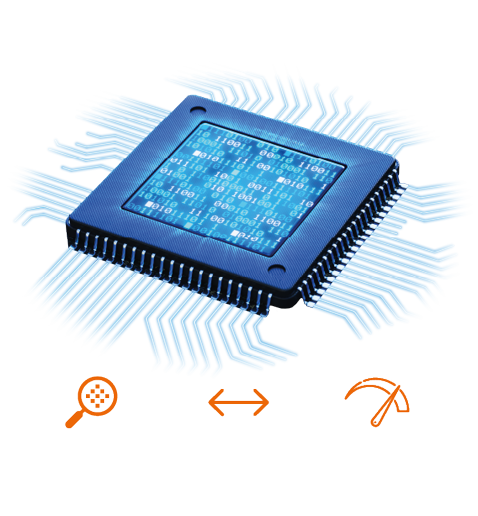
The Rapture PYTHON gaming mouse is equipped with a high-speed and extremely accurate PixArt PMW3327 optical sensor with adjustable sensitivity. It gives you ultimate control over mouse movement, and you can adjust the DPI value to suit your requirements. What's more, each DPI value is accompanied by a different LED backlight colour—600 (red), 800 (green), 1200 (blue), 1600 (yellow), 2400 (turquoise), 3600 (purple), 6200 (white). Simply make the change using the button or the included intuitive software.
SUPER-FAST MOUSEVictory Is Within Your Grasp
The PixArt PMW3327 optical sensor accurately detects acceleration up to 30G and can handle even the most frantic movements without any problems. The Rapture PYTHON gaming mouse also impresses with its tracking speed—up to 220 IPS (inches per second). This means that the sensor reliably registers a distance of up to 558cm per second without missing a thing.
No alternative text for the photo!
No alternative text for the photo!
OMRON SWITCHESIdeal for Heavy-Duty Gaming
The Rapture PYTHON gaming mouse features high-quality and reliable Omron switches that are tested to last up to ten million clicks, while other buttons and the scroll wheel can handle up to three million clicks. With an actuation force of 60 grams (+/- 15g), this gaming mouse is ready for serious business—nothing will catch you off guard with the Rapture PYTHON.
EASILY CUSTOMISABLE7 Programmable Buttons
You can download the software here to not only customise the DPI value but also assign macros for the seven programmable buttons or set the RGB backlight to one of five modes to match the mouse to your gaming setup. Plug & Play installation ensures that you only need to plug the mouse into a free USB connector on your computer, and it's ready for action. There's no need for a lengthy setup or driver installation, Rapture PYTHON is ready in seconds.
No alternative text for the photo!
No alternative text for the photo!
COMFORTABLE AND ERGONOMICFits Perfectly in Your Hand
We designed the mouse for you to enjoy maximum comfort even during marathon gaming sessions. Rapture PYTHON has a natural ergonomic shape and fits perfectly in your hand. The buttons are placed in their natural positions, so you'll find them exactly where you are used to. A non-slip pleasant-to-the-touch surface allows a firm and secure grip, while the superior design is complemented by a highly flexible and durable 1.8-metre braided cable.
Identifies field of usage of the mouse. Gaming mice are characterized by precise ergonomics, programmable buttons, adjustable weight using a weight or perhaps unusual lighting effects. Large selection...
Mouse response time refers to the time that elapses between the physical movement or click of the mouse and the response on the screen. For gamers and professionals working in graphics, it can be crucial to have a mouse with a fast response time to maximize accuracy and response time.
The length of the cable determines how far the mouse can be placed from the computer or laptop. Long cables can be advantageous for greater placement flexibility, while shorter cables can minimize desk clutter.
A 36-month / 3-year or 48-month / 4-year warranty refers to the total duration of the warranty from the date of receiving the goods. Compared to standard statutory rights, this gives you an additional 12 months / 1 year or 24 months / 2 years, respectively, to file a claim.
Note:
Specifications can be changed without notice. Images are for illustrative purposes only.
Podporuje jen přiřazení dvou různých maker současně nebo je chyba v SW?
Podporuje jen přiřazení dvou různých maker současně nebo je chyba v SW?
Dobrý den, mám menší problém s myškou, nemyslím si že je to přímo problém s myší, ale spíše se softwarem, když hraju nějakou hru, například. CSGO, tak mám na myši nastavené macro abych mluvil na discord atd. mám to nastavené na alt+V problém je ten, že když to tlačítko držím a pak pustím, tak se mi zároveň pustí i levé tlačítko na myši. Chci se zeptat, dá se to nějak nastavit aby se mi levé tlačítko nepouštělo?
Dobrý den, mám menší problém s myškou, nemyslím si že je to přímo problém s myší, ale spíše se softwarem, když hraju nějakou hru, například. CSGO, tak mám na myši nastavené macro abych mluvil na discord atd. mám to nastavené na alt+V problém je ten, že když to tlačítko držím a pak pustím, tak se mi zároveň pustí i levé tlačítko na myši. Chci se zeptat, dá se to nějak nastavit aby se mi levé tlačítko nepouštělo?
Dobrý den, chtěl bych se zeptat, všiml jsem si že se u myši dá na tlačítko nastavit ''Sniper Key'' kterej lkdyž podržím tak se mi sníží dpi, chtěl bych nastavit vyšší dpi, ale bohužel nikde nemohu najít nastavení
Takže otázka je, kde nastavím DPI u Sniper modu
Dobrý den, chtěl bych se zeptat, všiml jsem si že se u myši dá na tlačítko nastavit ''Sniper Key'' kterej lkdyž podržím tak se mi sníží dpi, chtěl bych nastavit vyšší dpi, ale bohužel nikde nemohu najít nastavení
Takže otázka je, kde nastavím DPI u Sniper modu
Dobrý den,
koupil jsem si herní myš a po zapojení do usb se myš ani nehne na žadném povrchu. Svítí i tlačítka fungují, ale kurzor se vůbec nehne.
Prosím o radu
Dobrý den,
koupil jsem si herní myš a po zapojení do usb se myš ani nehne na žadném povrchu. Svítí i tlačítka fungují, ale kurzor se vůbec nehne.
Prosím o radu
Dobrý den, chtěl bych se prosím zeptat ohledně podsvícení myši.
Chtěl bych, aby mi myš svítila stabilně jednou barvou, aby barvu neměnila a aby neprobíhal breathing effect.
V softwaru k myši jsem tuto možnost neviděl, ale chtěl bych se zeptat, jestli by toho nešlo docílit nějakým jiným způsobem.
Předem děkuji za odpověď
Dobrý den, chtěl bych se prosím zeptat ohledně podsvícení myši.
Chtěl bych, aby mi myš svítila stabilně jednou barvou, aby barvu neměnila a aby neprobíhal breathing effect.
V softwaru k myši jsem tuto možnost neviděl, ale chtěl bych se zeptat, jestli by toho nešlo docílit nějakým jiným způsobem.
Předem děkuji za odpověď
Magyarországra történő kiszállításért tekintse meg ezt a termékoldalt: Rapture PYTHON fekete
Try our cookiesAlza.cz a. s., Company identification number 27082440, use cookies and other data to ensure the proper functioning of the website and, with your consent, also, among other things, to personalize advertising and the content of our websites. By clicking on the “I understand“ button, you agree to the use of cookies and the transfer of data regarding the behavior on the website for displaying targeted advertising on social networks and advertising networks on other websites.
We use 8 categories of cookies on our website:
Technical cookies
These are strictly necessary for the functioning of the website and the features you choose to use. Without them, our website would not work; you wouldn't be able to log in to your user account, for example.
Functionality cookies
These cookies allow us to remember your basic choices and improve the user experience. These include remembering your preferred language or allowing you to stay logged in permanently.
Social media cookies
These cookies allow us to easily link you to your social media profile and, for example, allow you to share products and services with your friends and family.
Content personalisation
These cookies allow us to show you content and ads according to the information we have about you to best meet your needs. This includes what content you have viewed, or on what device you are accessing our website.
Non-personalised advertising
These cookies allow us to show you general ads for products and services.
Personalised advertising
Thanks to these cookies, we and our partners can offer you relevant products and services based on your purchases, your shopping behaviour and your preferences.
Audience metrics
These cookies allow us to optimise our site for your convenience based on how you use it. The aim is to remember or anticipate your choices. This includes, for example, the use of features, their location, or the behaviour on the page.
By giving your consent to the processing of cookies, functionality and analytical cookies will be installed on the device you use to browse the website (click on the "I understand" button for both categories, or you can select only one of the categories by clicking on the "Settings" button). We always install technical cookies on your device, even without your explicit consent, because without them our website would simply not work.
You can revoke your consent to the processing of cookies. In connection with our company's cookie processing, you also have the following rights: the right to access cookies, delete, modify, supplement and correct them, restrict processing and the right to lodge a complaint with the Office for Personal Data Protection. Read more about your rights.