


Dobrý den, zajímá mě, jestli jde u této tiskárny jednoduše přepínat mezi univerzálním a hlavním podavačem - často potřebuji střídat formát papíru z A4 na A5 nebo A6, které bych dávala do univerzálního podavače, a nepotřebuji aby se to dlouho nastavovalo. A ještě - pokud vložím papír formátu A5 do univerzálního podavače, vyleze z tiskárny tím samým odkladačem jako papír z hlavního podavače? Aby nelezl zezadu, jako to mají jiné tiskárny. Děkuji za vaše odpovědi.
Xerox B315DNI

Laser Printer - multifunctional, black and white, A4, copier and scanner, fax, black-and-white print speed of 40 PPM, print resolution: 600 x 600 DPI, duplex, AirPrint, USB, LAN and Wi-Fi
Show full description
8,290,-
Shop faster with pickup at AlzaBox or in-store.
Add to list
Warranty 24 months
Code:
PX620c6
Producer's Website:

Xerox B315DNI
8,290,-
Currently Unavailable
Xerox B315DNI
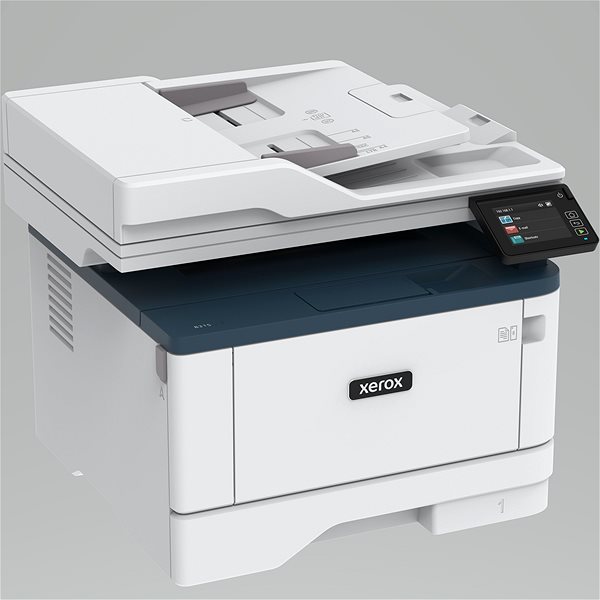
A laser printer is a good helper to have in the office. Thanks to this laser printer, you can print various texts in sharp quality. This printer can print in black and white colours. This Xerox B315DNI reaches a resolution of 600 x 600 DPI. Its print speed reaches 40 PPM and it can print in A4 formats. This model can print on both sides of one paper, which saves you time. You can quickly connect to your computer through the USB, LAN and Wi-Fi interface. With laser printers, thanks to economical printing technology, you can print more quantities of black-and-white papers at a lower price than with inkjet printers. This Xerox laser printer is a multifunctional 3-in-1 model that can also scan and copy.
Xerox B315DNI Laser Printer Key Features
- Xerox laser printer features double-sided printing
- Printing speed reaches 40 PPM
- Max. print resolution: 600 x 600 DPI
- Can print the format A4
- Xerox laser printer features fax function
- Xerox B315DNI can fit up to 250 sheets in its input tray
- Connects via USB, LAN and Wi-Fi interface
- Print right from your smartphone through AirPrint
- Black-and-white laser printer suitable for the office
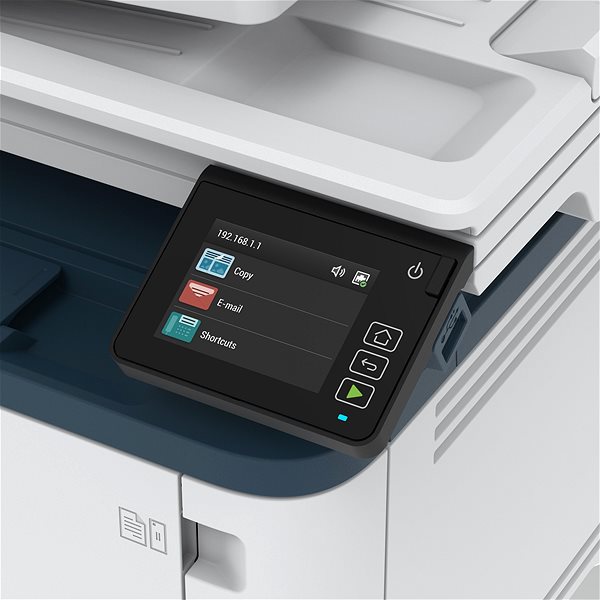
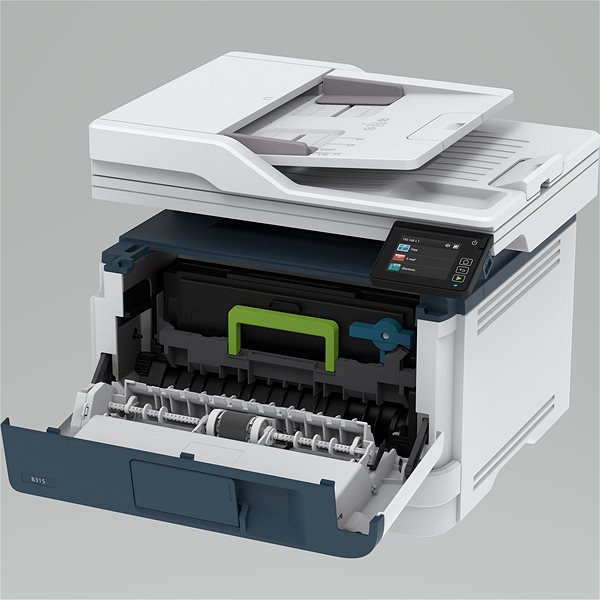
Xerox B315DNI Laser Printer Copy and Scanning Functions
Since this Xerox laser printer is a practical, multifunctional device, it can replace a scanner and copy machine. This saves you plenty of desk space and costs, since you don't have to invest in new devices. It can scan papers at a resolution of 600 x 600 DPI.
- Printers are usually supplied with a starter toner and/or cartridges with an approximate 60% capacity of regular cartridges which are available to purchase separately.
Specifications
Print colour
Usage
Features
Connection
Type
Function
Connection
Connection
Supported Paper Sizes
Standard Paper Sizes
Scanning
600 x 600 DPI
Printing parameters
600 x 600 DPI
Print speed in black and white - maximum
Input trays
8,000 pages/month
550 sheets
Available alternative refill
Dimensions
Height
Depth
Width
Weight
More Specifications
Note:
If there is no "package contains" box in the product parameters and the data or USB cable is not specifically mentioned in there, the package does not contain it and must be purchased separately.
Specifications can be changed without notice. Images are for illustrative purposes only.
