


Je možné na tomto tablete priblizovat dvomi prstami ako na touchpade? Kúpila som si ho a mám problem so zoomovanim, neviem či to treba nejak aktivovať alebo to nie je možné..
XP-PEN Artist 12 (2nd gen) with X3 pen


Graphics Tablet - 11,9" IPS display with Full HD resolution, active surface dimensions 148 × 263 mm (H×W), scanning layer resolution 5080 lpi, 8192 pressure levels, 94 % Adobe RGB colour range, wired connectivity, mains-powered, stylus pen with replacement nibs included
Show full description
BLACK FRIDAY -28 %
4,990,-
6,990,-
Price Guarantee
 Installment calculator
4,9%
interest
from 115,- monthly
Installment calculator
4,9%
interest
from 115,- monthly
Shop faster with pickup at AlzaBox or in-store.
Warranty 24 months
Code:
XPP2b5
Producer's Website:

XP-PEN Artist 12 (2nd gen) with X3 pen
6,990,-
4,990,-
In stock
Buy
XP-PEN Artist 12 (2nd gen) with X3 pen
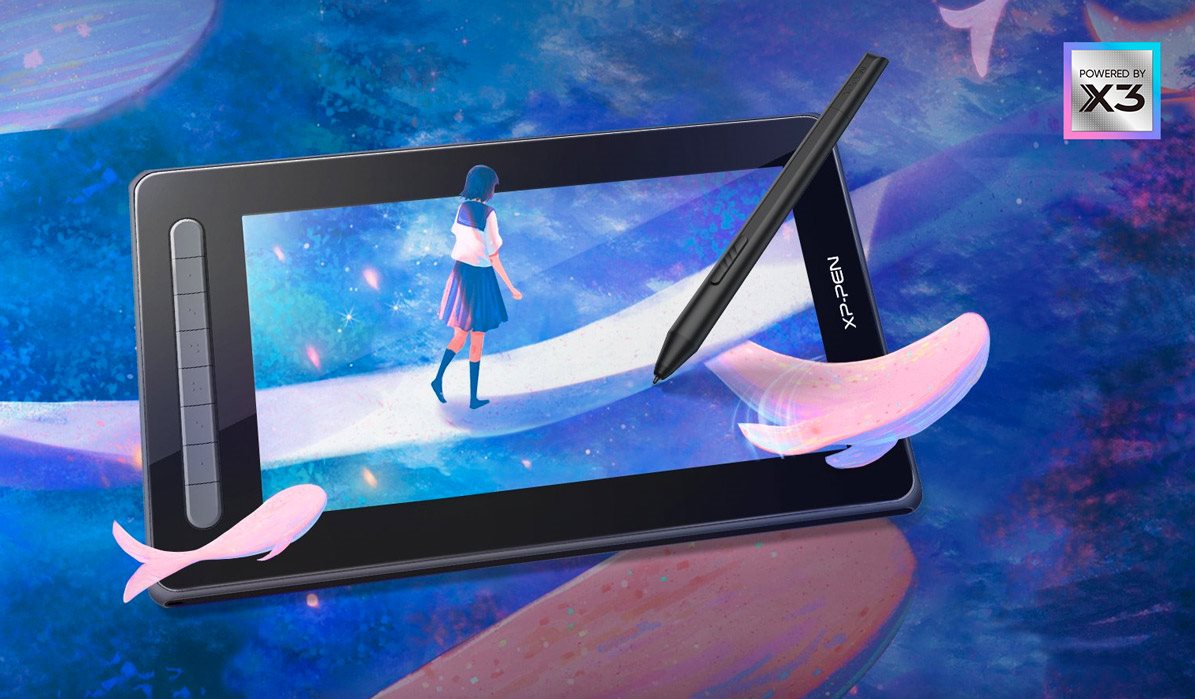
XPPen Artist 12 (2nd Gen) graphic tablet with touch pen and X3 chip
Graphic tablet XPPen The second-generation Artist 12 uses the new X3 Smart Chip touch pen technology to further expand your creative potential. Pen now newly requires only 3 grams of initial activation force and has a 10-fold sensitivity. At the same time, the retraction distance was halved to 0.6 mm. All this with twice the lifetime, no spring and fully digital signal transmission. The result is a feeling that is very close to drawing with a traditional brush. Not forgetting the 60-degree tilt function, which further contributes to intuitive operation.
Electromagnetic resonance
8192 pressure levels
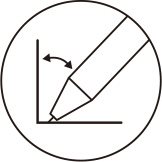
60° tilt
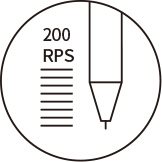
200 RPS
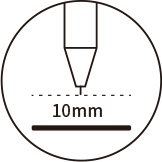
10mm reading height
Resolution 5 080 LPI
Key Features of the XPPen Artist 12 (2nd Gen) Graphics Tablet
- Brand new pen with digital technology and increased accuracy and durability
- Color gamut covers 90% NTSC, 127% sRGB and 94% Adobe RGB
- Anti-reflective surface minimizes glare
- The 263.2 × 148 mm display can also be used to mirror the screen from smaller devices
- Display lamination eliminates inaccuracies between the stylus and cursor
- The 3-in-1 cable supports HDMI signal transmission and connection to a computer
- Full-featured USB-C port supports connectivity to computers, Android phones and Switch console
- XPPen Artist 12 (2nd Gen) is compatible with Windows 7 (or later), Mac OS X 10.10 (or later), Android (USB3.1 DP1.2), Chrome OS 88 (or later) and Linux
- Key set for user-defined keyboard shortcuts from selected software
- Supports popular digital art software, like Adobe Photoshop, Illustrator, SAI, CDR, GIMP, Krita, MediBang, FireAlpaca and Blender3D and more...
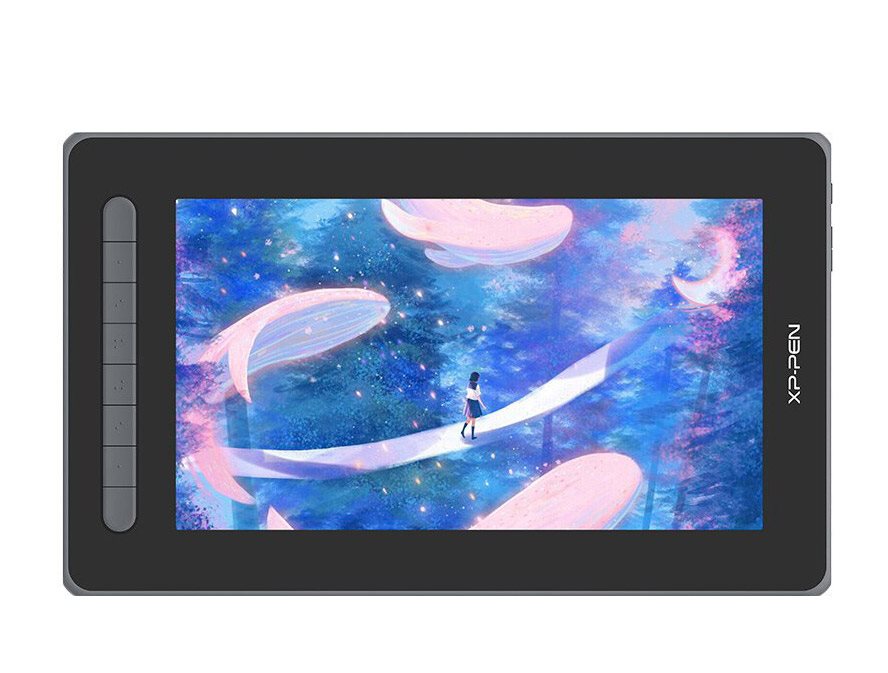
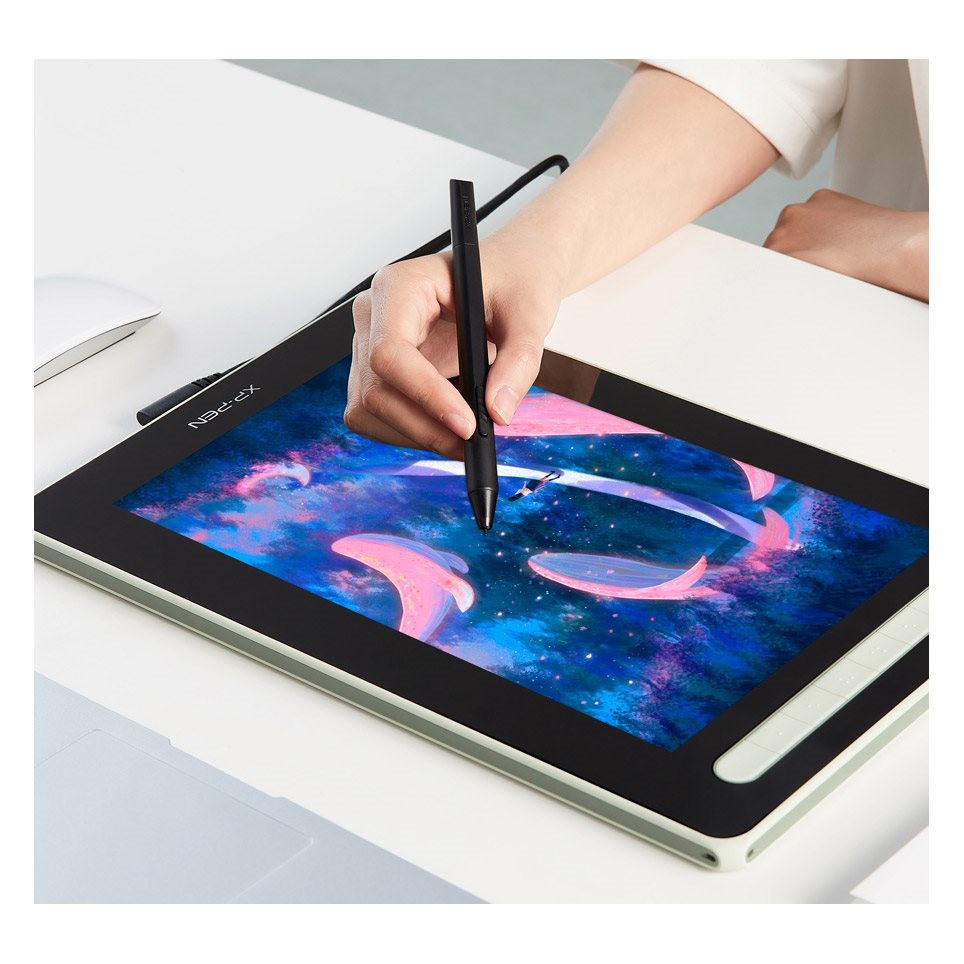
High-quality display with realistic colour reproduction
The XPPen Artist 12 (2nd Gen) graphics tablet features a high-quality IPS display that covers a wide colour gamut of 90% NTSC, 127% sRGB and 94% Adobe RGB. This makes the colours really come alive and beautifully true to life when you create. The screen itself has an anti-reflective surface, which minimises ambient light reflections. Full lamination technology eliminates inaccuracies between the cursor and pen tip. This ensures that your moves are always in place. In addition, the texture of the display is similar to paper, providing a natural feel like drawing.
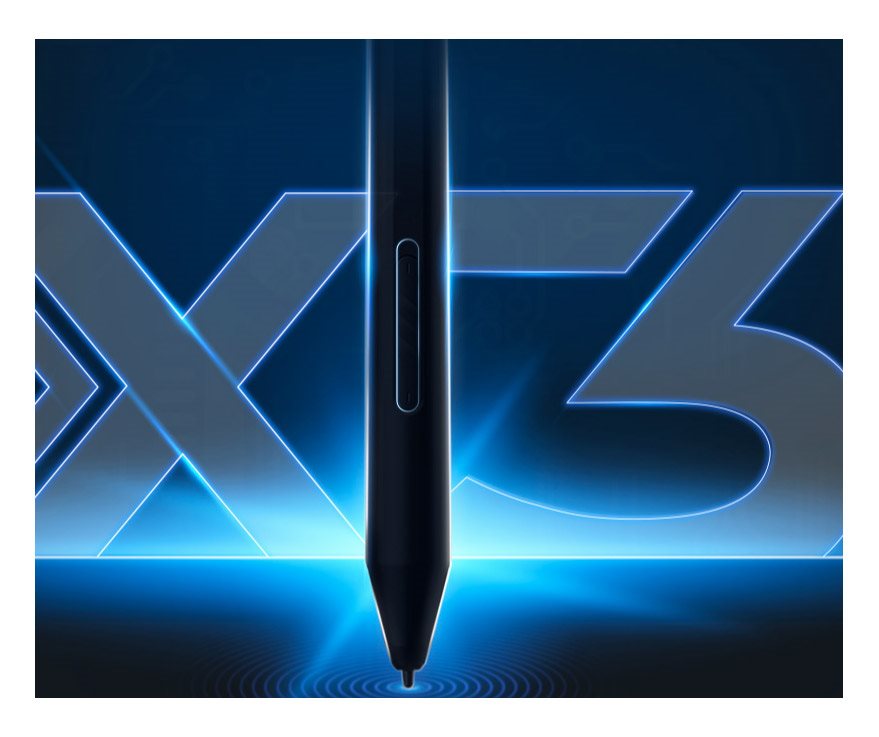
New X3 smart chip
The new X3 intelligent chip accurately processes electromagnetic signals by encoding them into digital data. This modification increases the sensitivity of the initial activation force tenfold, so your artwork can be created with a light stroke. The result is a touch pen that feels almost the same as using a traditional brush.
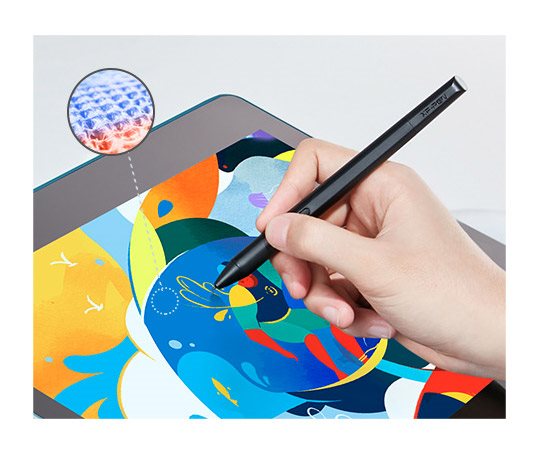
XPPen Artist 12 (2nd Gen) tablet has a much more responsive pen
The previous touch pen design detected pressure using an internal spring mechanism. The tip moved up and down during the work, making it difficult to control the brush strokes. The intelligent X3 chip with powerful computing capabilities provides the touch pen with an improved sensor structure. This change shortens the tip insertion distance to 0.6 mm, resulting in a stable brush stroke without chatter.
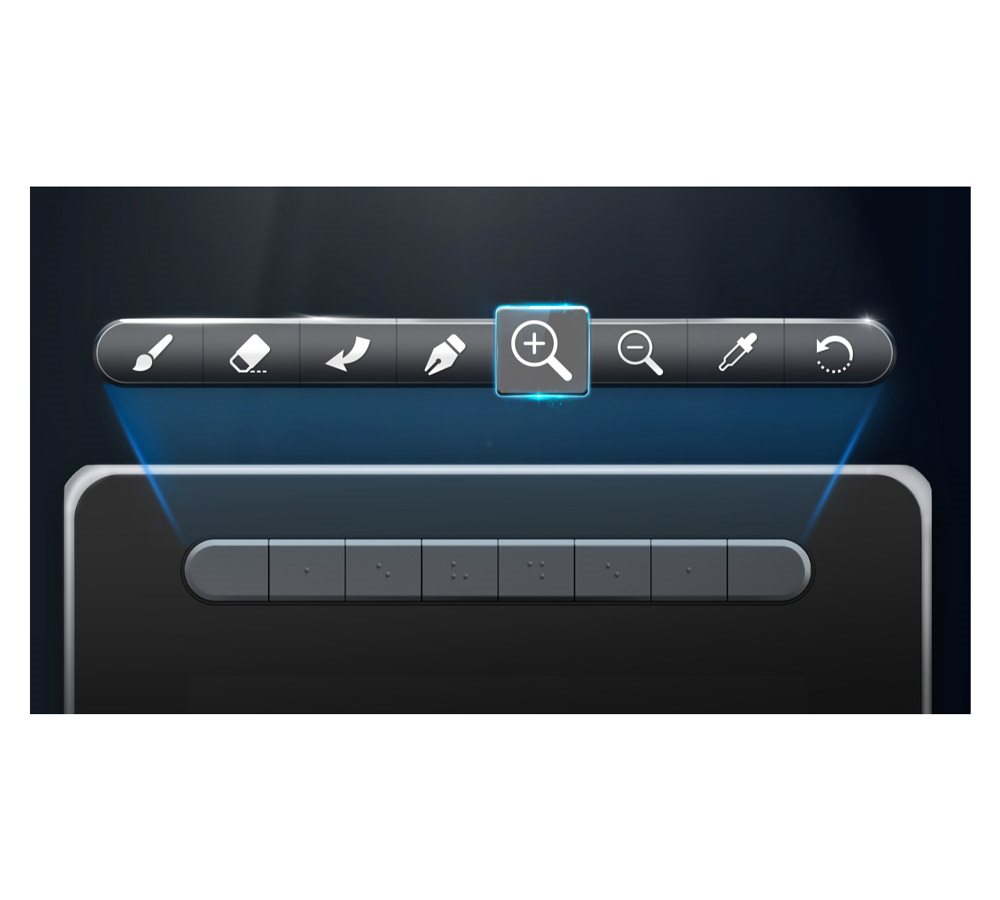
Graphical tablet offers keyboard shortcuts
The new Tablet XPPen Artist 12 (2nd Gen) is equipped with several customizable express buttons. Customise the express buttons in your program to simplify your work and increase productivity.
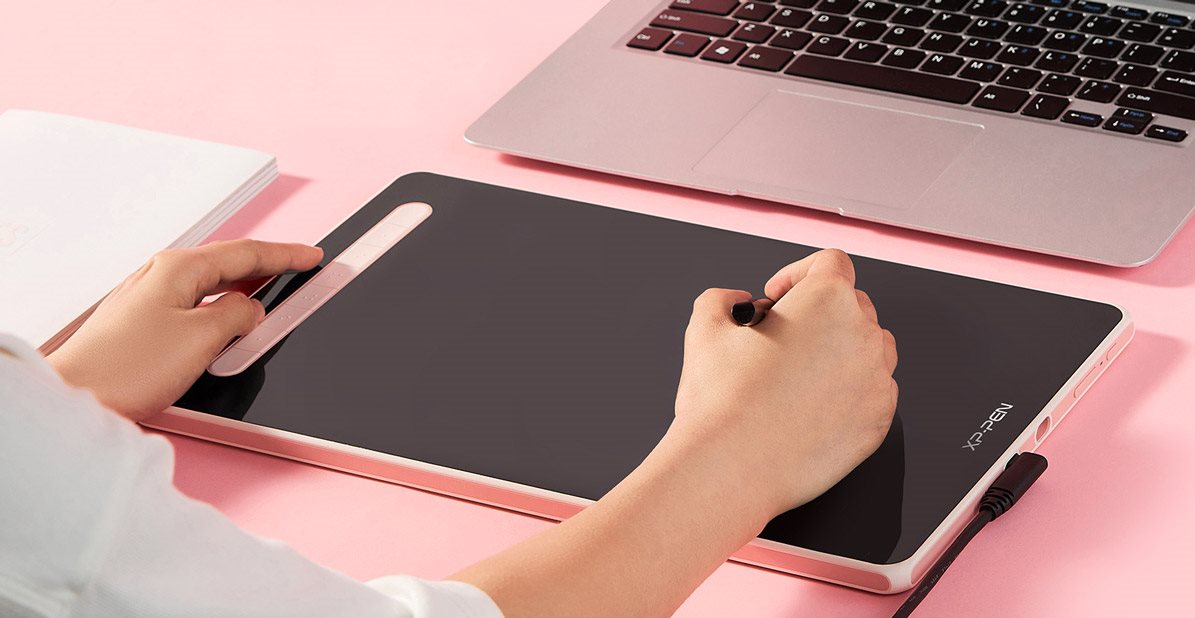
XPPen Artist 12 (2nd Gen) multifunctional display brings a variety of uses
You don't have to use the display just to draw. You can play games, watch movies or play videos on the screen. It's great for mirroring content from smaller devices, for example. Not forgetting drawing support with the display off, which is activated simply by holding the power button for 3 seconds.
Package contents:
Artist 12 (2. generations)
Stylus X3 Elite
3in1 USB cable
USB Extension Cable
10× stylus tip
Spike extractor
Rag
Drawing gloves, black
Instructions
Specifications
Type
Display technology
11.9" (30.23 cm)
Active surface width
Active surface height
Display/Scanning surface
Type
Display technology
11.9" (30.23 cm)
Active surface width
Active surface height
display resolution
5080 lpi
Pressure levels
Connection and battery life
Connection
Power
Connectivity
Package contents
Package contents
Brand/models
Tablet brand
Tablet model
More Specifications

HANVON UGEE FRANCE, Zella Zhang, 6 rue d’Armaillé, 75017 Paris, France, [email protected]
Note:
Specifications can be changed without notice. Images are for illustrative purposes only.
