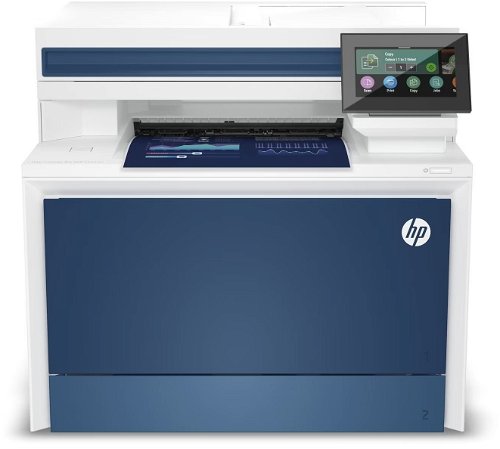
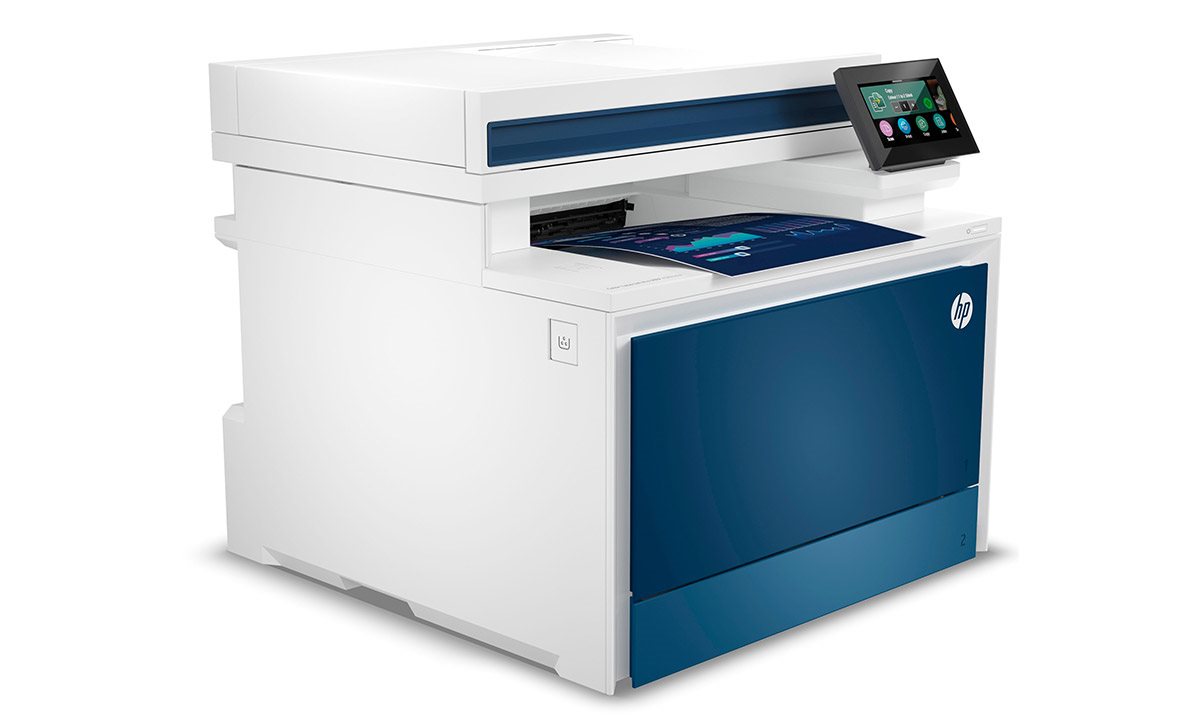
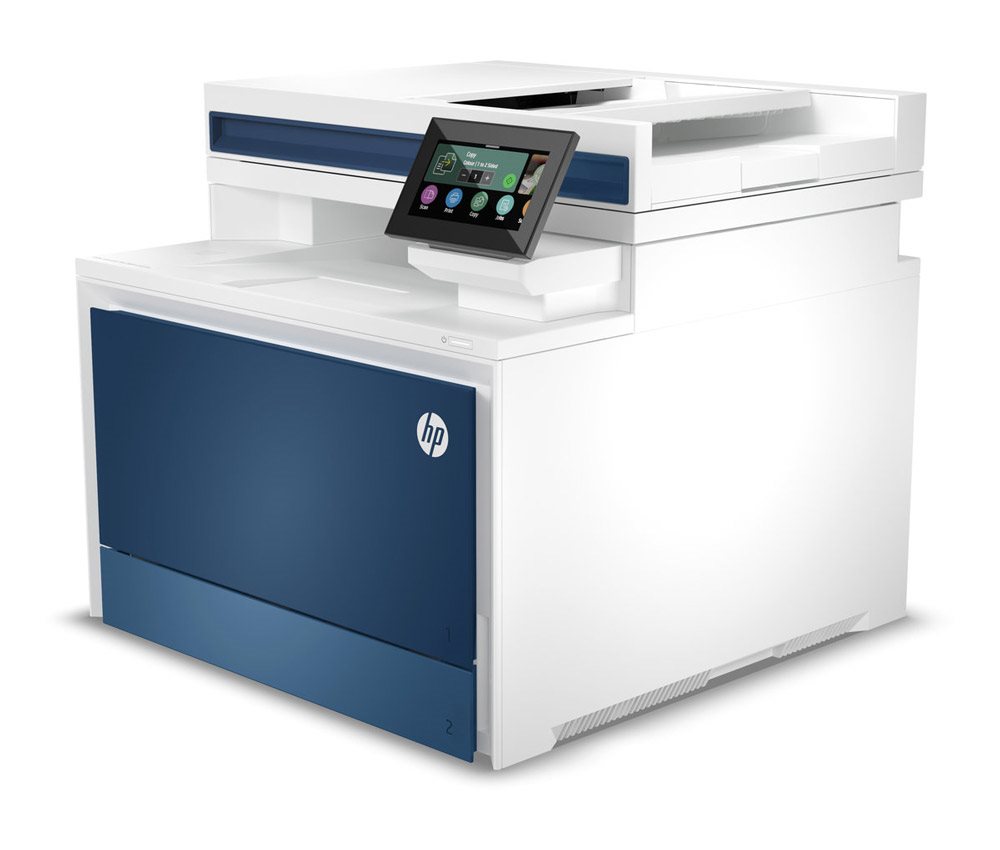
Laser Printer - multifunctional, colour, A4, copier and scanner, fax, (ISO) black-and-white print speed of 33 PPM, (ISO) colour print speed of 33 PPM, print resolution: 600 x 600 DPI, duplex, DADF scanner, touchscreen, AirPrint, USB and LAN
Show full description
Price with CashbackCashback presents the option to get back money from your purchase online, usually requires a registration
Akce platí do 31. 10. 2026
HP Color LaserJet Pro MFP 4302fdn 11,990,- Unsealed - in stock 1 pcs
Buy
HP Color LaserJet Pro MFP 4302fdn
HP Color LaserJet Pro MFP 4302fdn is an almost new item, in perfect condition, and comes with a full warranty. However, someone opened the original packaging before you. Why? It could have been an unwanted gift. For detailed information, click here.
.
A fast, multifunction colour printer for your business.
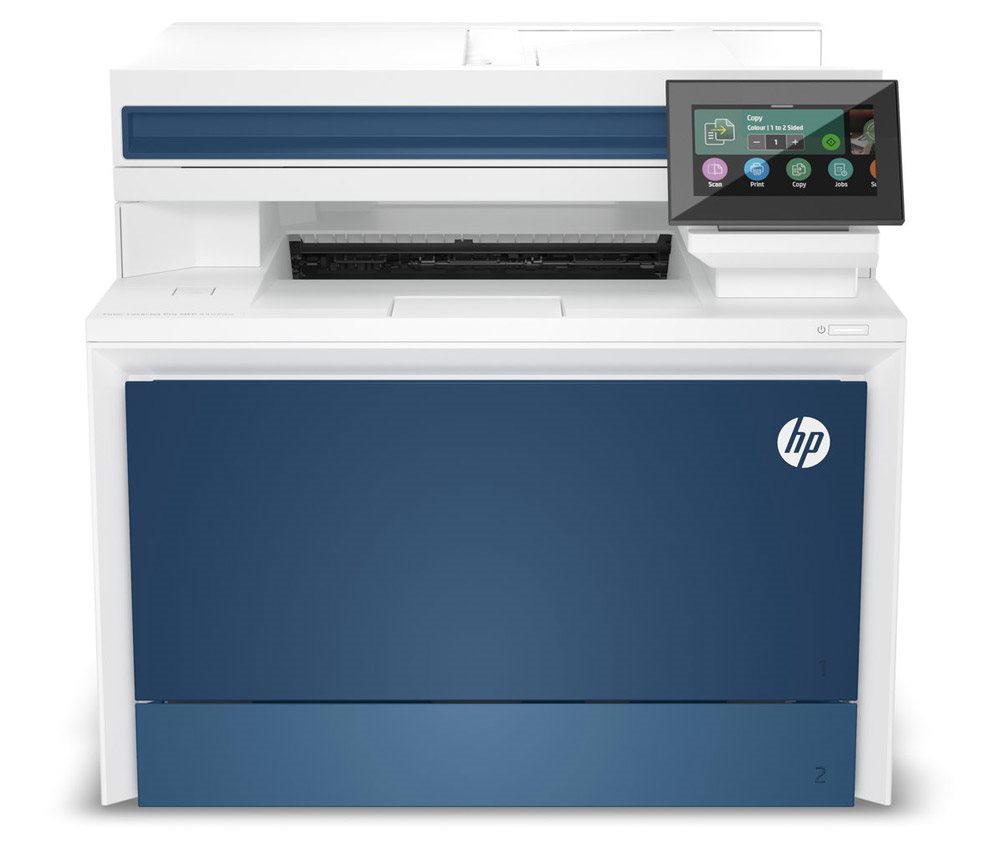
HP colour LaserJet Pro MFP 4302fdn printer
Do you need reliable, fast, double-sided colour printing in your office? And without any unnecessary delays? The HP colour LaserJet Pro MFP 4302fdn multifunction printer is the right solution, used by countless users all over the world. You'll appreciate its large paper tray, easy operation, convenient copying and scanning, and support for printing directly from smart devices. What's more, the HP colour LaserJet Pro MFP 4302fdn supports direct printing from mobile devices using Apple AirPrint or the HP app.
Up to 33 ppm
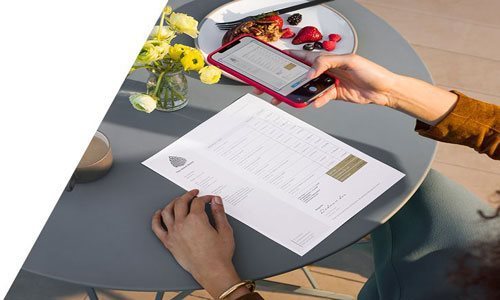
Print from your phone or tablet
Duplex mode
Affordable colour printing
Print speed of 33 ppm
Fast copying, scanning and faxing
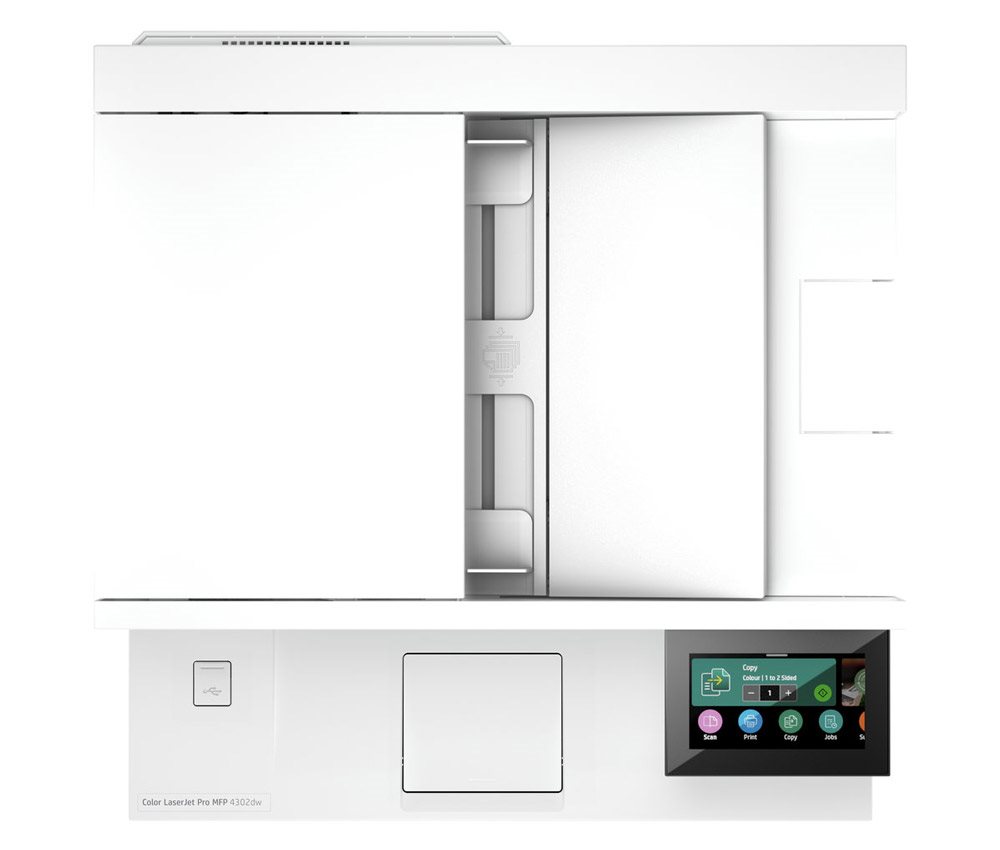
Automatic document feeder (ADF) with double-sided scanning
250-sheet input tray + 50-sheet multipurpose tray
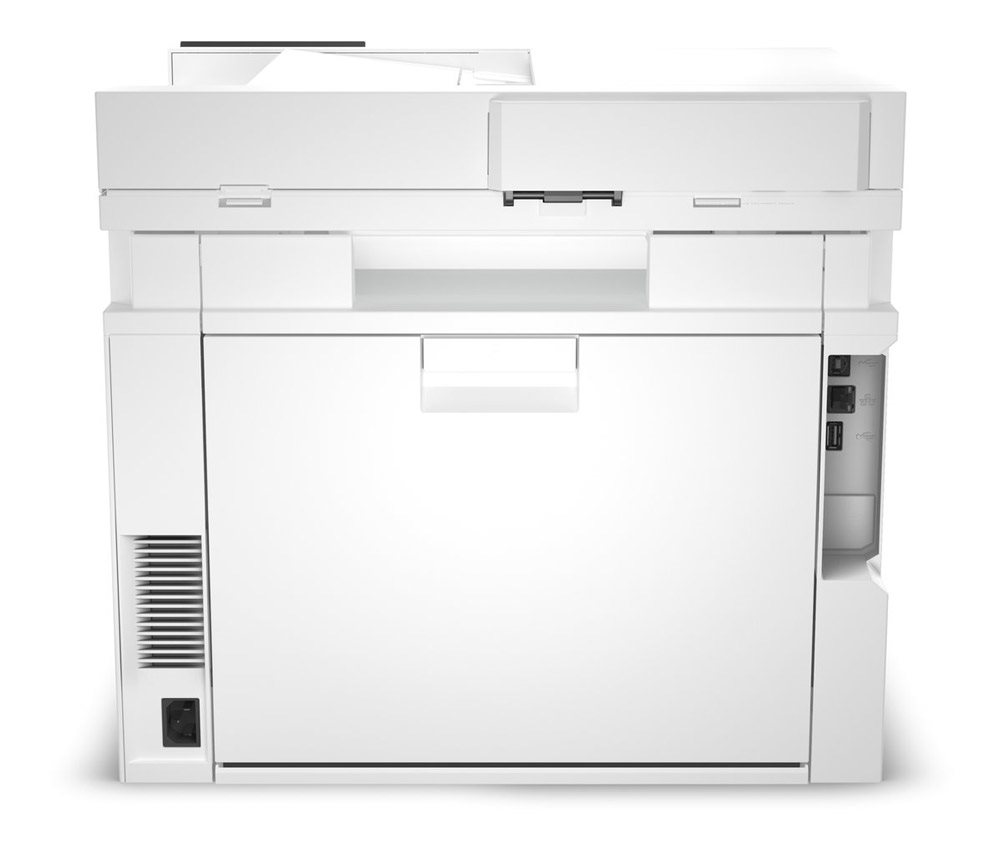
Connect via LAN or USB
Recommended monthly volume of up to 4000 pages
Wireless printing via the HP app and Apple AirPrint
Cost-effective, high-capacity X-series cartridges available
Controls
HP colour LaserJet Pro MFP 4302fdn is easy to operate
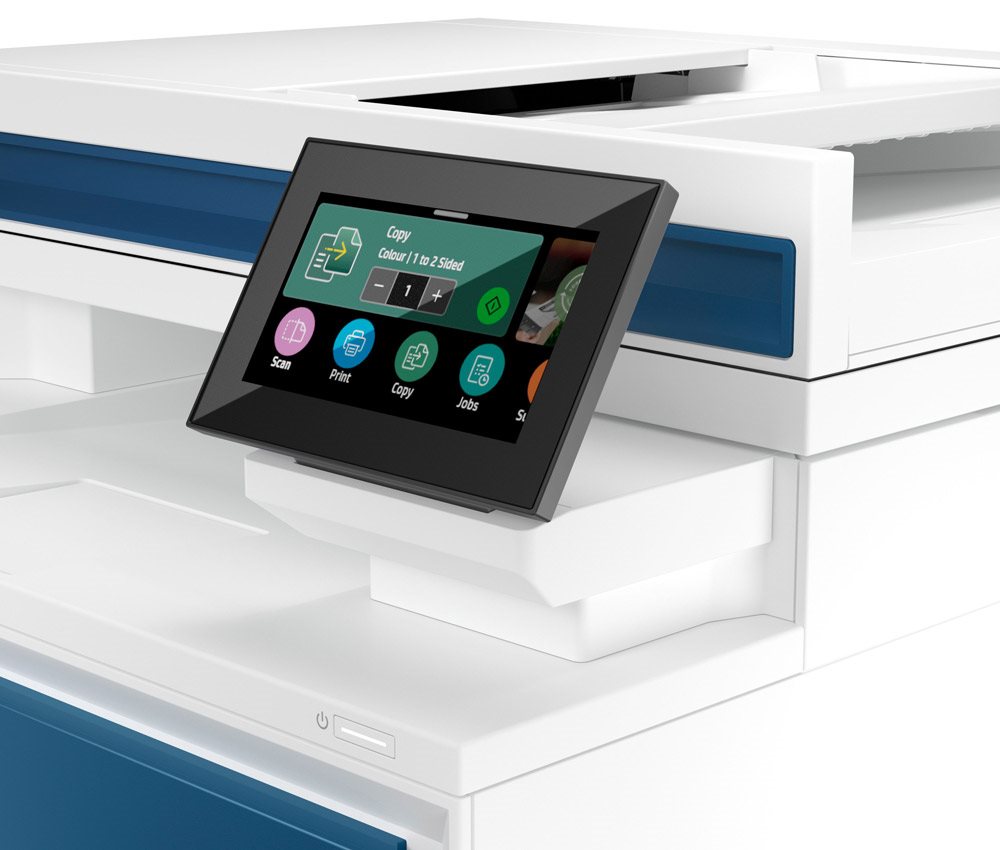
The HP colour LaserJet Pro MFP 4302fdn offers easy control of key functions, even for complete beginners. It is equipped with a large colour touchscreen, which makes operating key functions simple.
Print speed
Work smart with the HP colour LaserJet Pro MFP 4302fdn printer
Ensure high productivity by using the HP colour LaserJet Pro MFP 4302fdn printer. For its price range, it offers a fast print speed of 33 pages per minute, which reduces delays and the time needed to prepare various documents.
Copying and scanning
HP colour LaserJet Pro MFP 4302fdn has plenty of features
The modern HP colour LaserJet Pro MFP 4302fdn multifunction printer not only offers colour or monochrome copying, but also scanning to email, the cloud or directly to USB. A whole range of preset modes makes it easy to copy documents, for example.
Connectivity
Connect to the HP colour LaserJet Pro MFP 4302fdn printer via LAN and USB
To easily integrate the HP colour LaserJet Pro MFP 4302fdn into your IT infrastructure, you typically use the LAN connector. This lets you print from many other computers on the network. If needed, a standard USB connection is also available.
Cartridges and yield
Original toner cartridges
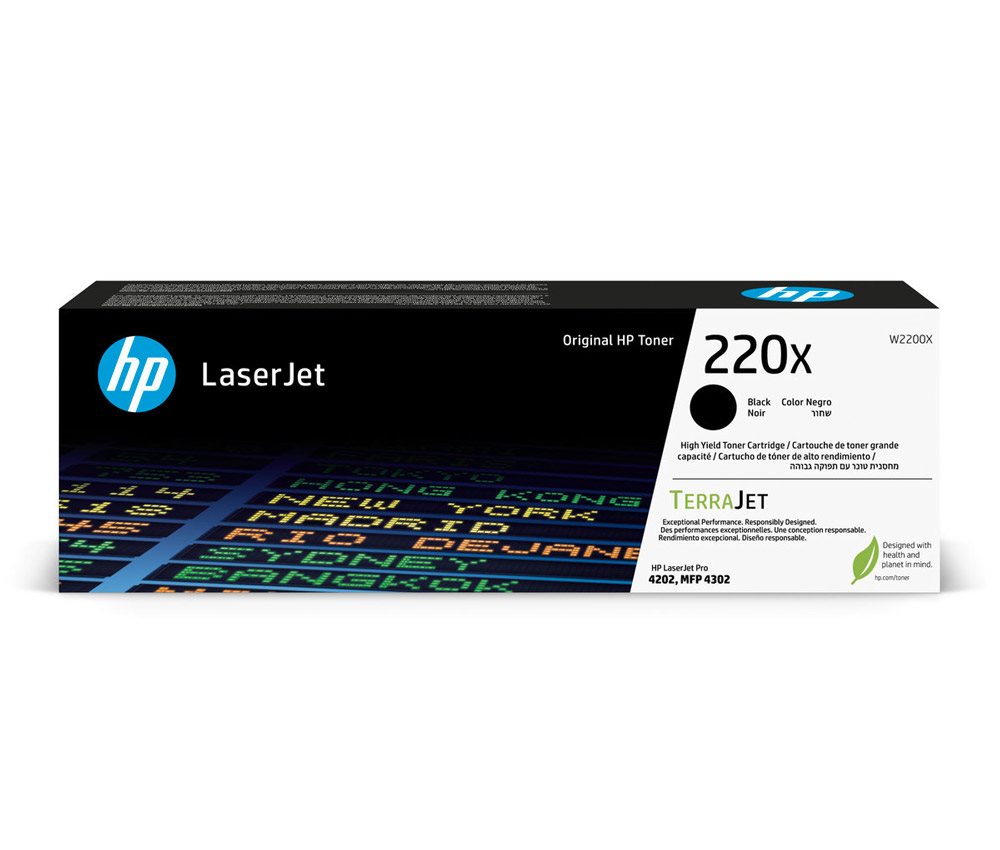
Consumables are available for the printer in the form of original toner cartridges. Specifically, these are the HP 220A blackwith a capacity of 2000 pages and the colour cartridges (yellow, magenta and cyan) with a yield of 1800 pages. For more demanding users,HP 220X series toners are available, capable of printing up to 7500 monochrome pages and 5500 colour pages.
HP app
With the HP app, your phone becomes a printing hub: edit photos and print anything directly from your phone. Find out more.
Printers are usually supplied with a starter toner and/or cartridges with an approximate 60% capacity of regular cartridges which are available to purchase separately.
Printing technology determines how data is transferred to paper, affecting quality, speed and cost, and varies by type of application - from home to professional.
Printing technology determines how data is transferred to paper, affecting quality, speed and cost, and varies by type of application - from home to professional.
The resolution of a flatbed scanner is a parameter that determines the quality of the scan, measured in DPI (dots per inch) and the higher the resolution, the more detailed the scan.
The print resolution determines how detailed and sharp the output from the printer will be, measured in DPI, the higher the value the better the print quality, ideal for high quality photos and documents.
Black and White Print Speed - ISO measures the number of pages the printer prints per minute in a standard ISO test, determining the printer's efficiency for black and white documents.
Color Print Speed - ISO measures the speed of printing color documents according to the ISO standard, usually lower than black and white printing due to more complex technology.
The time between the computer receiving the print job command to the printing of the first page of the document, during which the initial preparation of the printer takes place (control, warming up, etc.).
The number of printer colours determines the amount of ink used, with more than four colours ensuring higher print quality, especially for professional graphics and photos.
Zobrazovací jednotka tiskárny sloužící k informaci o stavu či nastavení tiskárny. V případě dotykového displeje slouží i k přímému nastavení a ovládání tiskárny.
Touch
Colour
Colour
Blue, Grey
Package includes
Package Includes
Documentation, Power cable, Starter Toner, Toner cartridges
More Specifications
HP Inc Czech Republic s.r.o
Za Brumlovkou 5/1559
140 00 Praha 4
VAT ID: CZ 03208427
Radek Mattas, [email protected]"
GO Europe GmbH, Zum Kraftwerk 1, Hattingen 45527, Germany, +49232468010, [email protected]
Hewlett-Packard was founded in the difficult times of the Great Depression. The founders were a pair of friends whose name the company still proudly bears. They started their business in an unobtrusive garage near the city of Palo Alto. It is now a national monument. HP’s success lay not in copying existing products, but in the ability and courage to come up with something new.
The first commercial triumph was an oscillator that surpassed all competition in quality, yet sold at a quarter of the price. In 1968, HP released their first desktop computer - a desktop calculator. The company currently manufactures products primarily related to computer technology - computers and laptops, printers, scanners, digital cameras, servers, and last but not least, calculators.
Note:
If there is no "package contains" box in the product parameters and the data or USB cable is not specifically mentioned in there, the package does not contain it and must be purchased separately.
Specifications can be changed without notice. Images are for illustrative purposes only.
Mám podobný problém ako sa uvádza v jednej z recenzií (16. 2. 2024).
"Tlačiareň po zapnutí vytlačí prvú stranu a potom si pýta papier do zásobníka, napriek tomu, že používate jediný zásobník, z ktorého prvú stranu vytlačila...".
Tlačiareň má najnovší firmvér, ovládače boli preinštalované priamo z HP webstránky (Win11). Na tlačiarni je správne nastavený papier pre Zásobník2 (A4, obyčajný). Ak dávam tlačiť viac strán po zapnutí (vyslovene nastavím zdroj papiera na Zásobník2), tak druhú stranu si pýta zo Zásobníka1. Ako sa tento problém rieši? Či mám produkt reklamovať?
Mám podobný problém ako sa uvádza v jednej z recenzií (16. 2. 2024).
"Tlačiareň po zapnutí vytlačí prvú stranu a potom si pýta papier do zásobníka, napriek tomu, že používate jediný zásobník, z ktorého prvú stranu vytlačila...".
Tlačiareň má najnovší firmvér, ovládače boli preinštalované priamo z HP webstránky (Win11). Na tlačiarni je správne nastavený papier pre Zásobník2 (A4, obyčajný). Ak dávam tlačiť viac strán po zapnutí (vyslovene nastavím zdroj papiera na Zásobník2), tak druhú stranu si pýta zo Zásobníka1. Ako sa tento problém rieši? Či mám produkt reklamovať?
Je možné se po síti připojit k tiskárně a scanovat za pomocí systémového scaneru ve Windows 11? Tedy bez toho balastního software, co mne nutíte instalovat (mimo čistých driverů)?
Je možné se po síti připojit k tiskárně a scanovat za pomocí systémového scaneru ve Windows 11? Tedy bez toho balastního software, co mne nutíte instalovat (mimo čistých driverů)?
Dobrý den , do tiskárny jsem zakoupil alternativní tonery Alza.
Pří barevném tisku jsou čáry od vrchu až dolu přes tisknutou oblast. Je to tím tonerem nebo chyba tiskárny?
Děkuji
Dobrý den , do tiskárny jsem zakoupil alternativní tonery Alza.
Pří barevném tisku jsou čáry od vrchu až dolu přes tisknutou oblast. Je to tím tonerem nebo chyba tiskárny?
Děkuji
Dobrý den,
tiskárna HP Color LaserJet Pro MFP 4302fdn po rozbalení a nainstalování nejnovějších ovladačů netiskne oboustranně ani z wordu 365 ani PDF dokument.
Používám Windows 10 Pro a tiskárna je připojená přes USB port.
Prosím o případnou radu co s tím. Děkuji :-)
Dobrý den,
tiskárna HP Color LaserJet Pro MFP 4302fdn po rozbalení a nainstalování nejnovějších ovladačů netiskne oboustranně ani z wordu 365 ani PDF dokument.
Používám Windows 10 Pro a tiskárna je připojená přes USB port.
Prosím o případnou radu co s tím. Děkuji :-)
Try our cookiesAlza.cz a. s., Company identification number 27082440, use cookies and other data to ensure the proper functioning of the website and, with your consent, also, among other things, to personalize advertising and the content of our websites. By clicking on the “I understand“ button, you agree to the use of cookies and the transfer of data regarding the behavior on the website for displaying targeted advertising on social networks and advertising networks on other websites.
We use 8 categories of cookies on our website:
Technical cookies
These are strictly necessary for the functioning of the website and the features you choose to use. Without them, our website would not work; you wouldn't be able to log in to your user account, for example.
Functionality cookies
These cookies allow us to remember your basic choices and improve the user experience. These include remembering your preferred language or allowing you to stay logged in permanently.
Social media cookies
These cookies allow us to easily link you to your social media profile and, for example, allow you to share products and services with your friends and family.
Content personalisation
These cookies allow us to show you content and ads according to the information we have about you to best meet your needs. This includes what content you have viewed, or on what device you are accessing our website.
Non-personalised advertising
These cookies allow us to show you general ads for products and services.
Personalised advertising
Thanks to these cookies, we and our partners can offer you relevant products and services based on your purchases, your shopping behaviour and your preferences.
Audience metrics
These cookies allow us to optimise our site for your convenience based on how you use it. The aim is to remember or anticipate your choices. This includes, for example, the use of features, their location, or the behaviour on the page.
By giving your consent to the processing of cookies, functionality and analytical cookies will be installed on the device you use to browse the website (click on the "I understand" button for both categories, or you can select only one of the categories by clicking on the "Settings" button). We always install technical cookies on your device, even without your explicit consent, because without them our website would simply not work.
You can revoke your consent to the processing of cookies. In connection with our company's cookie processing, you also have the following rights: the right to access cookies, delete, modify, supplement and correct them, restrict processing and the right to lodge a complaint with the Office for Personal Data Protection. Read more about your rights.