Dobrý den, v baráku mám roztahané kabely do všech zásuvek, ale problém je, že jeden router je ve sklepě a druhy v prvním patře. Routery na sebe pomalu nevidí. Otázka je zad je možné vytvořit mesh jen pomocí kabelu.
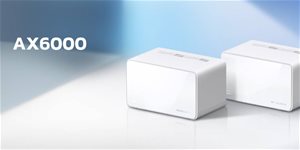
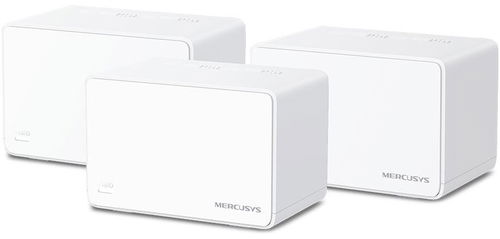

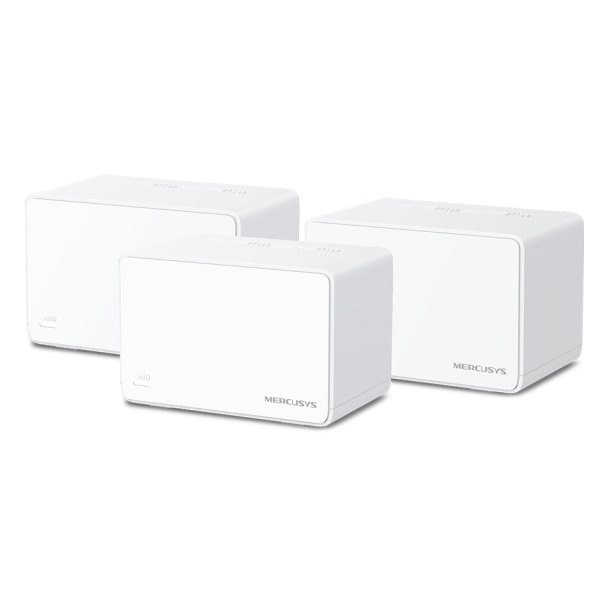
AX3000 Mesh System
Mercusys Halo H80X (3-pack)
Mercusys Halo H80X features modern WiFi 6 technology, so you can enjoy a top-notch connection in every respect – speed, efficiency and capacity.


4× longer OFDM symbol
Provides greater coverage and 11% faster speeds.

MU-MIMO
Connect multiple devices simultaneously.

OFDMA
Ensures greater network capacity and efficiency.

160MHz channels
Double the channel width for a faster connection.

BSS Colour
Marks signals from neighbouring networks to reduce network congestion.

1024-QAM
Increases base speeds by 25% compared to 256-QAM.
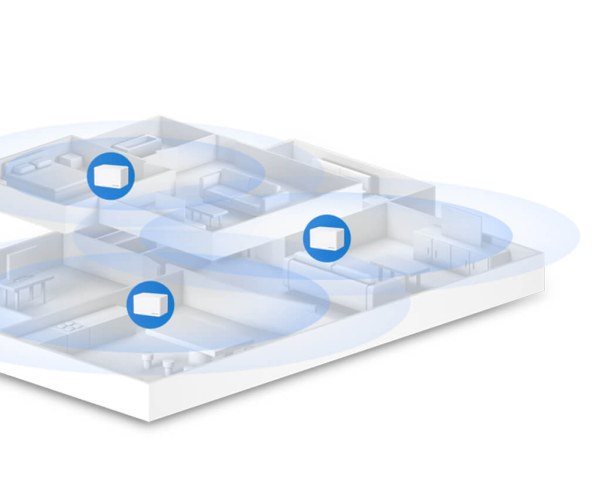
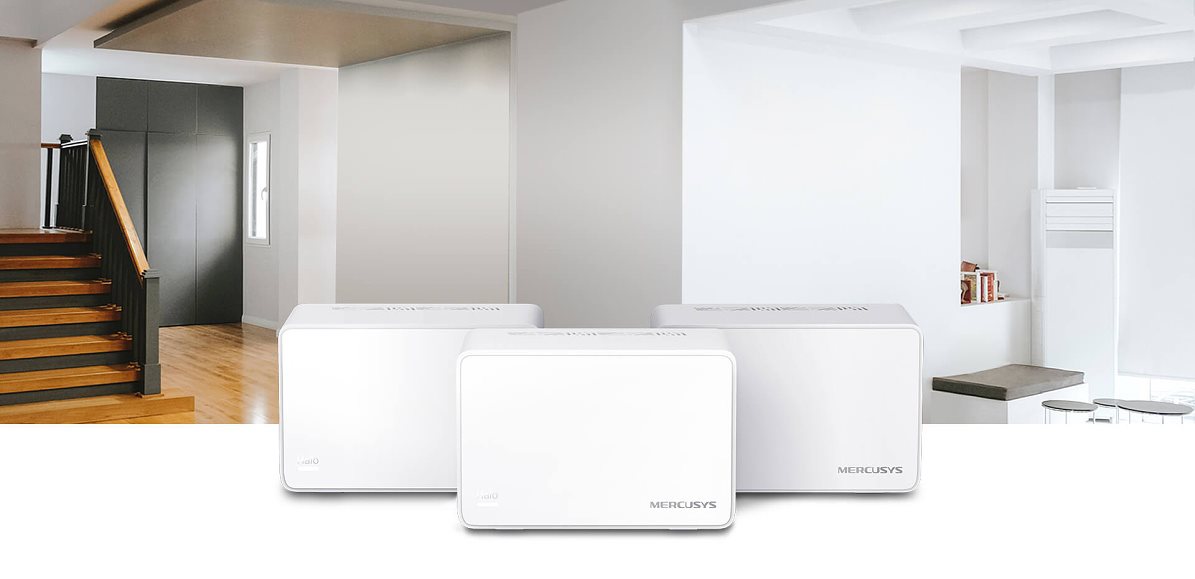
Say goodbye to unreliable dropouts, unstable speeds and buffering. With the Mercusys Halo H80X, you get a unified WiFi mesh system that guarantees a strong signal throughout your home, even in remote areas.
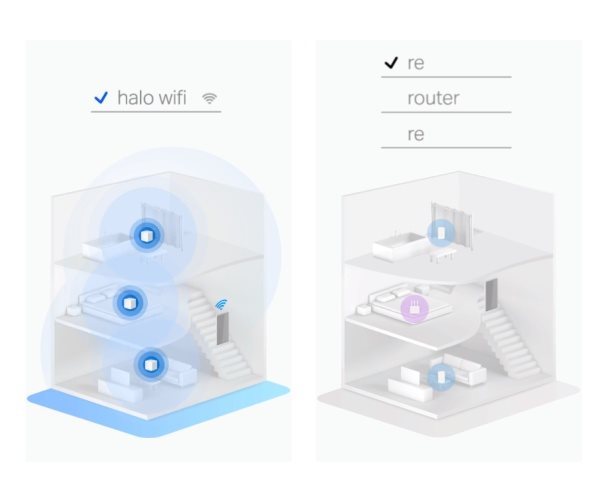
The Mercusys Halo H80X mesh system automatically connects your devices, such as phones, tablets or laptops, to the unit offering the most stable and fastest connection. This means you can move freely around the house and stay online at all times – with no signal dropouts or lag.
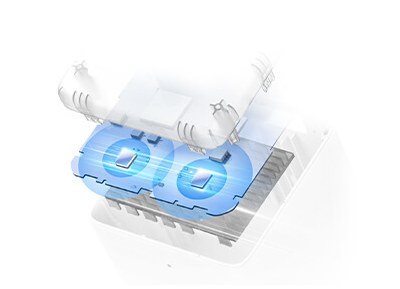
Powerful signal amplifiers
For a strong and stable WiFi signal.
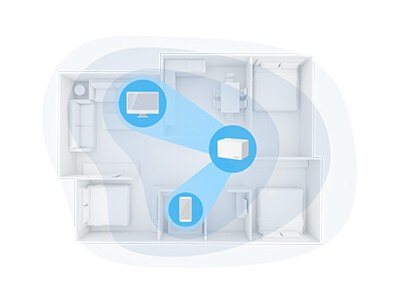
Beamforming
Focuses WiFi signal strength towards devices.
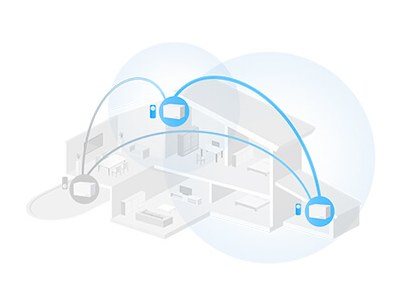
Self-healing
Automatically chooses the best connection path between Halo units based on network stability.
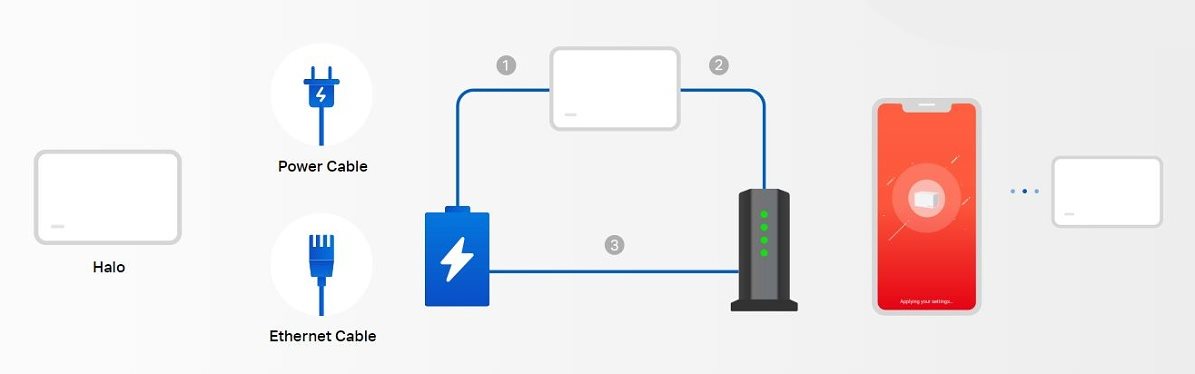
Simply plug the Halo H80X units into a power socket and connect to the internet. You can set up the mesh network itself using the intuitive Mercusys mobile app, which also offers advanced parental controls and many other features. It also lets you manage your WiFi network from anywhere, via any iOS or Android device.
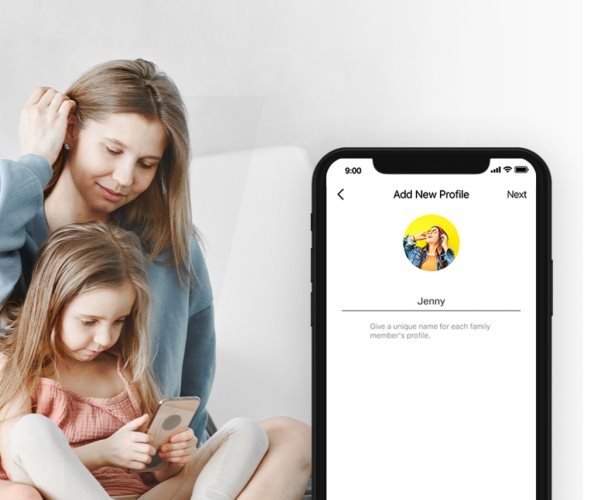
With the Mercusys Halo H80X WiFi mesh system, you can easily manage the time and content your children see online. Create a safe and healthy online environment. You can create a user profile for each family member and assign devices to it, set access controls, time limits, block certain websites, or pause the internet connection.
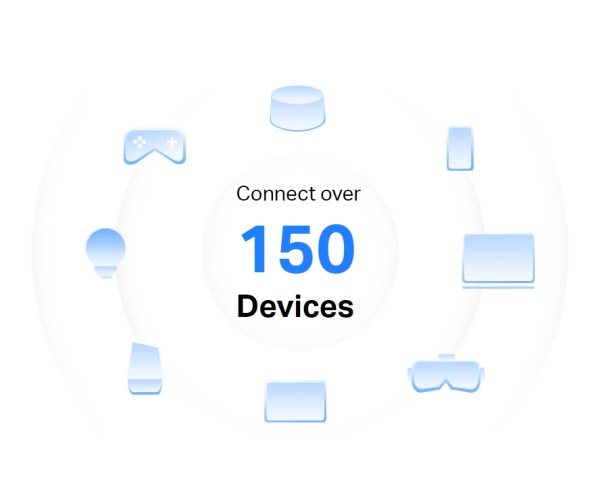
Thanks to technologies like WiFi 6, OFDMA and MU-MIMO, you can connect up to 150 devices to the Halo units simultaneously without slowing down the network or causing dropouts. Beamforming detects devices that are distant or have low power and focuses the signal strength primarily on those devices for better connection stability.
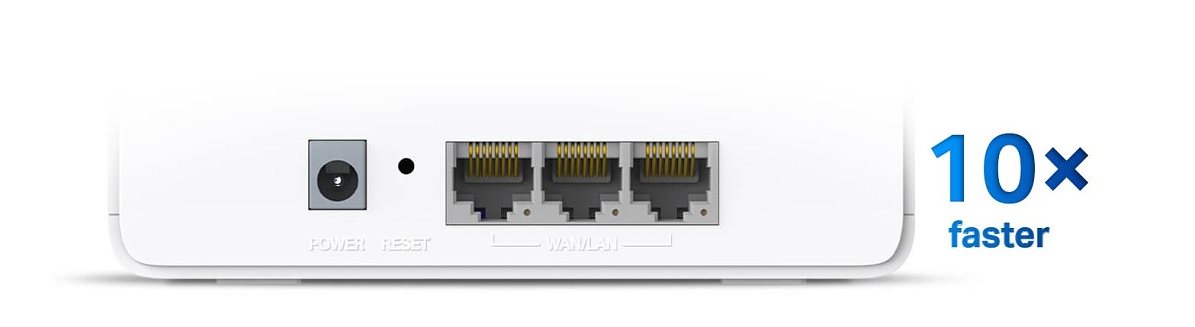
Each Halo H80X unit has three gigabit ports with automatic LAN/WAN network detection, which saves time and makes setup easier. Gigabit ports are up to 10× faster than standard Ethernet and let you take full advantage of your internet connection's capacity.
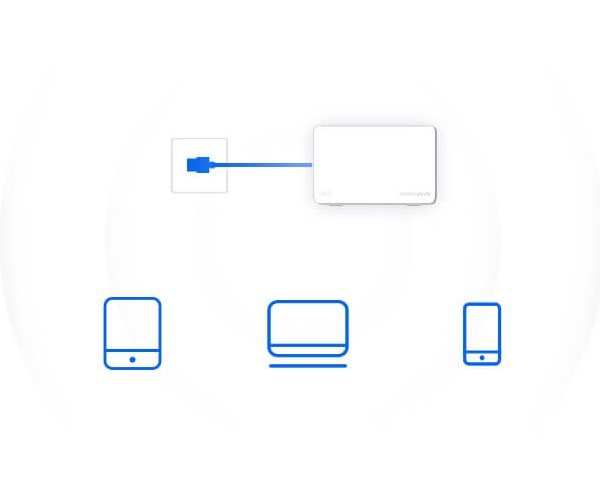
Router mode
Creates a wireless network for all your WiFi devices.
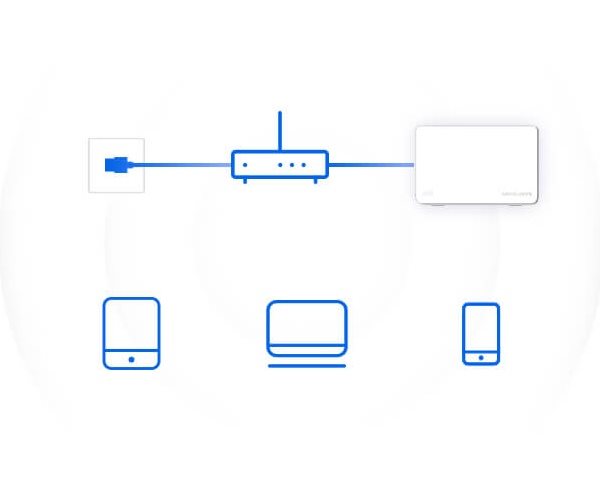
Access point mode
Extends a wired network to a wireless one.

TP-LINK Czech s.r.o., Pekařská 10a, 15500 Praha 5, Česko, [email protected], www.tp-link.com
TP-LINK Czech, s. r. o., Pekařská 695/10, Jinonice, 155 00 Praha 5, CZ +420 212 812 622 / SK +421 233 006 532, [email protected]
Specifications can be changed without notice. Images are for illustrative purposes only.