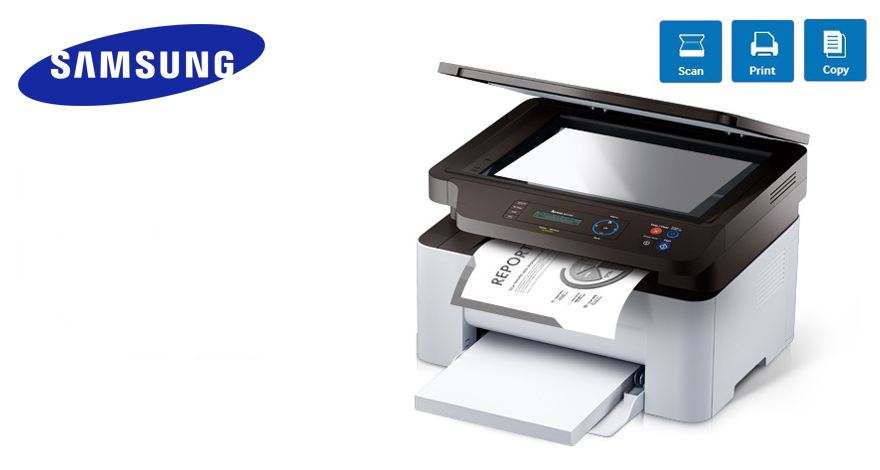
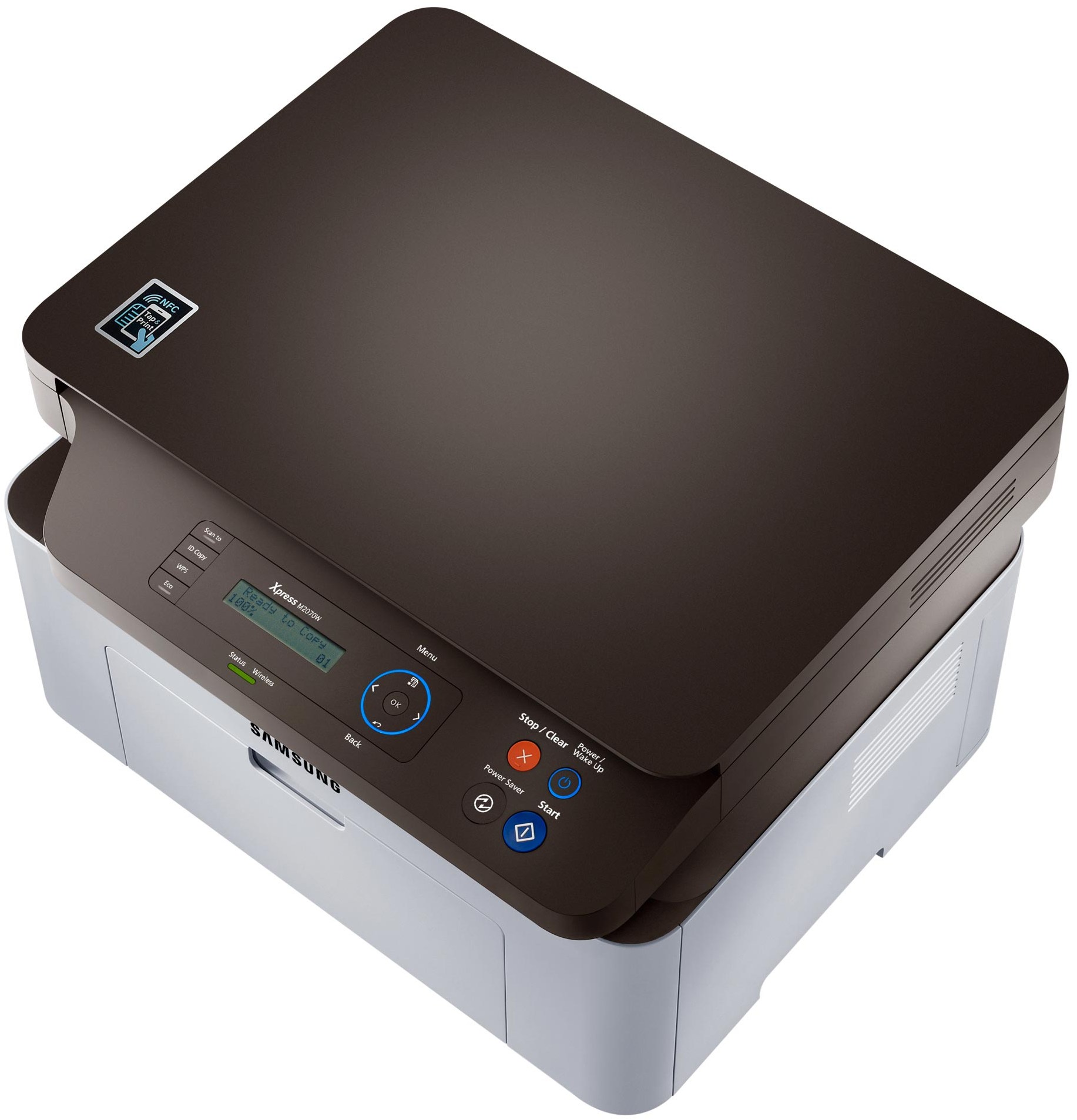
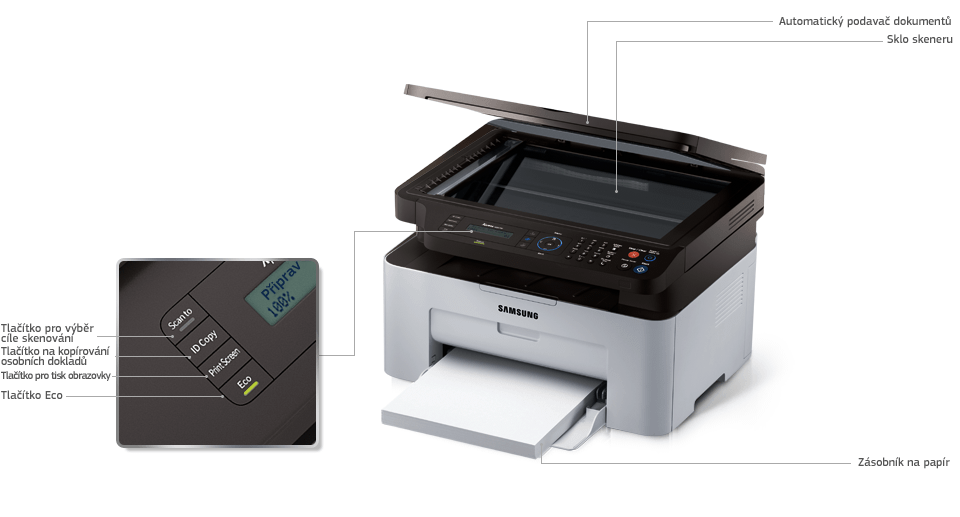
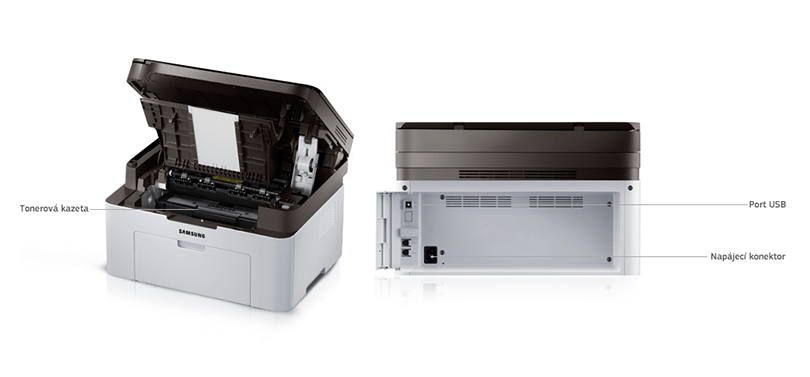
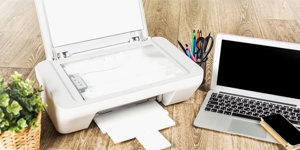
With the flexibility features 3-in-1 multifunction printer Samsung will M2070W helps streamline the workflow and ensures that print operations in your office will run as efficiently as possible. M2070W printer offers print, copy and scan, which brings the necessary flexibility and lets you work almost without limits?
This photo is off the lightbox and not in it so show.
This photo is off the lightbox and not in it so show.
Make Your Smartphone Even Smarter
Share your MFP Samsung Xpress M2070W via Google Cloud Print quickly and easily.
3-in-1 Multifunction
With 3-in-1 versatility, the Samsung M2070W MFP streamlines workflow and ensures that your office’s printing needs are running as efficiently as possible. With printing, copying, scanning functionality, the M2070W offers flexibility without barriers.
This photo is off the lightbox and not in it so show.
This photo is off the lightbox and not in it so show.
Fast Printing Speed
A faster printer means a faster workflow. Equipped with a 600MHz processor and 128MB memory to print 20 pages per minute.
This photo is off the lightbox and not in it so show.
Brilliant Text & Image Quality for Your Documents
Text, graphs or images - the M2070W helps you print anything in brilliant quality that meets even the highest expectations. It’s up to 1200 x 1200dpi effective by varying the dots size and the position of the dot itself. This means you can print more detail and have smoother and sharper images.
This photo is off the lightbox and not in it so show.
Easy to Use
Designed for simple and intuitive operation the M2070W saves you precious time and effort. Easy Printer Manager remotely controls the printer settings and easily monitors its status.
This photo is off the lightbox and not in it so show.
Additional Information:
Supported operating systems: Windows 8/7 / Vista / XP / 2000 / 2008R2 / 2008/2003, Mac OS X 10.5 to 10.8, Various Linux
Duplex print: Manual
Starter toner yield: 500 pages
Package contents: USB cable included
Printers are usually supplied with a starter toner and/or cartridges with an approximate 60% capacity of regular cartridges which are available to purchase separately.
Printing technology determines how data is transferred to paper, affecting quality, speed and cost, and varies by type of application - from home to professional.
Printing technology determines how data is transferred to paper, affecting quality, speed and cost, and varies by type of application - from home to professional.
The time between the computer receiving the print job command to the printing of the first page of the document, during which the initial preparation of the printer takes place (control, warming up, etc.).
Zobrazovací jednotka tiskárny sloužící k informaci o stavu či nastavení tiskárny. V případě dotykového displeje slouží i k přímému nastavení a ovládání tiskárny.
Samsung Electronics Czech and Slovak, s.r.o., V parku 2323/14, Chodov, 148 00 Praha 4, 800 726 786, [email protected]
Creating a better world – the immodest vision which has driven Samsung since its inception in 1938. The courage to invest in the development of new technologies is typical for the company, as evidenced by a series of visionary solutions. Currently, Samsung is the largest group of companies in South Korea and the third largest worldwide conglomerate by revenue.
Samsung consumers associate the brand with high-quality consumer electronics. It is known for its Galaxy series, one of the best and most sought after mobile phones in its class. One must also mention Samsung TVs, where the company has long been at the cutting edge in technology and quality. The competence of the company is much broader. It is active in machinery and heavy industry, chemicals, construction, retail, and financial services.
Note:
If there is no "package contains" box in the product parameters and the data or USB cable is not specifically mentioned in there, the package does not contain it and must be purchased separately.
Specifications can be changed without notice. Images are for illustrative purposes only.
Dobrý deň! (Samsung sl - m2070w)
1: Stand by režim má uvedenú hodnotu 1,5W. Za aký čas je tých 1,5w?
2: Zmenia sa nastavenia na tlačiarni, keď je bez elektriny? Ďakujem!
LM
Dobrý deň! (Samsung sl - m2070w)
1: Stand by režim má uvedenú hodnotu 1,5W. Za aký čas je tých 1,5w?
2: Zmenia sa nastavenia na tlačiarni, keď je bez elektriny? Ďakujem!
LM
Dobry den, nefunguje mi Airprint. Na tiskarne v network settings je zapnuty, IPP Protokol take a Bonjour (mDNS) take. V iphonu ale tiskarnu nevidim. Poradite? dik
Dobry den, nefunguje mi Airprint. Na tiskarne v network settings je zapnuty, IPP Protokol take a Bonjour (mDNS) take. V iphonu ale tiskarnu nevidim. Poradite? dik
Dobrý deň chcela by som sa spýtať ako je to s likvidáciou toneru od tejto tlačiarne, je mi jasné že by sa nemala hádzať medzi klasický odpad. Preto by ma zaujímalo kde a ako sa jej zbaviť.
Ďakujem vopred za odpoveď.
Dobrý deň chcela by som sa spýtať ako je to s likvidáciou toneru od tejto tlačiarne, je mi jasné že by sa nemala hádzať medzi klasický odpad. Preto by ma zaujímalo kde a ako sa jej zbaviť.
Ďakujem vopred za odpoveď.
Dobrý den, tiskárnu mám a jsem s ní spokojen. Ale u wi-fi se mi stává, že když třeba 2-3 dny netisknu, tiskárna se "odpojí od wi-wi" i když je ve stand-by. Pak netiskne a musím jí zapnout-vypnout-zapnout a poté naskočí wi-fi a začne tisknout. Nějaké rady?? Děkuji
Dobrý den, tiskárnu mám a jsem s ní spokojen. Ale u wi-fi se mi stává, že když třeba 2-3 dny netisknu, tiskárna se "odpojí od wi-wi" i když je ve stand-by. Pak netiskne a musím jí zapnout-vypnout-zapnout a poté naskočí wi-fi a začne tisknout. Nějaké rady?? Děkuji
Magyarországra történő kiszállításért tekintse meg ezt a termékoldalt: Samsung SL-M2070W
Try our cookiesAlza.cz a. s., Company identification number 27082440, use cookies and other data to ensure the proper functioning of the website and, with your consent, also, among other things, to personalize advertising and the content of our websites. By clicking on the “I understand“ button, you agree to the use of cookies and the transfer of data regarding the behavior on the website for displaying targeted advertising on social networks and advertising networks on other websites.
We use 8 categories of cookies on our website:
Technical cookies
These are strictly necessary for the functioning of the website and the features you choose to use. Without them, our website would not work; you wouldn't be able to log in to your user account, for example.
Functionality cookies
These cookies allow us to remember your basic choices and improve the user experience. These include remembering your preferred language or allowing you to stay logged in permanently.
Social media cookies
These cookies allow us to easily link you to your social media profile and, for example, allow you to share products and services with your friends and family.
Content personalisation
These cookies allow us to show you content and ads according to the information we have about you to best meet your needs. This includes what content you have viewed, or on what device you are accessing our website.
Non-personalised advertising
These cookies allow us to show you general ads for products and services.
Personalised advertising
Thanks to these cookies, we and our partners can offer you relevant products and services based on your purchases, your shopping behaviour and your preferences.
Audience metrics
These cookies allow us to optimise our site for your convenience based on how you use it. The aim is to remember or anticipate your choices. This includes, for example, the use of features, their location, or the behaviour on the page.
By giving your consent to the processing of cookies, functionality and analytical cookies will be installed on the device you use to browse the website (click on the "I understand" button for both categories, or you can select only one of the categories by clicking on the "Settings" button). We always install technical cookies on your device, even without your explicit consent, because without them our website would simply not work.
You can revoke your consent to the processing of cookies. In connection with our company's cookie processing, you also have the following rights: the right to access cookies, delete, modify, supplement and correct them, restrict processing and the right to lodge a complaint with the Office for Personal Data Protection. Read more about your rights.